Extreme Weather Edits

  • Thread starter Thread starter leeislee
  • 341 comments
  • 37,555 views
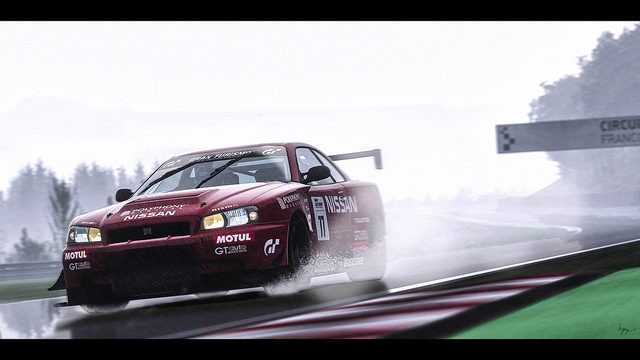
"Splash"
wetmiatawithlogo.jpg
 
King Of Skulls thats beautiful!!!!
 
The images posted in this thread are getting better and better. You guys are doing a great job. 👍
 
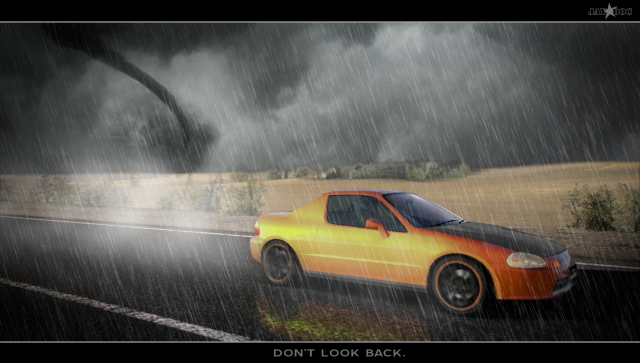
My first attempt at an extreme weather edit, I'm very happy with the outcome.

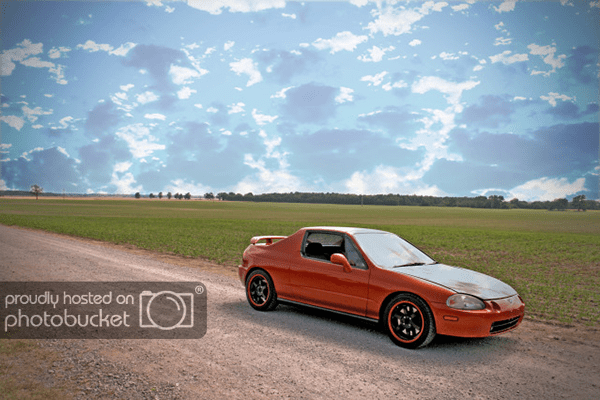
I started as an attempt to match this Real Photo of my Daily Driver:

ToscanaWeathereditinspoTN_zpsd353aed0.png


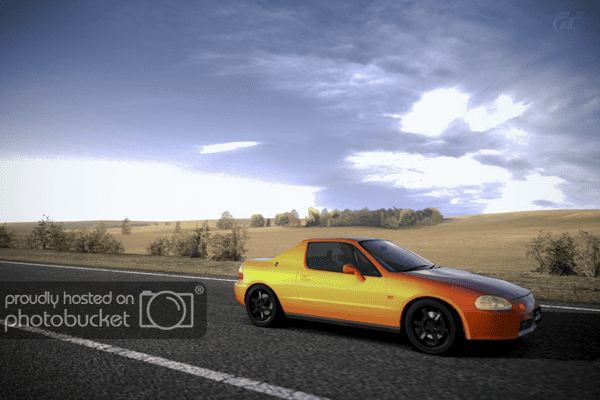
So I visited my personal RAWRscona Oklahoma track, and took this photo:

ToscanaTarmac_2originalTN_zps971fff1c.png


And somehow when I began to edit, this was my result:


Thanks to leeislee's reflection tutorial (my first attempt at that) and a few photoshop tutorials on making it rain.

Thanks!
 
Thanks Fazer! It was a fun edit.
 
Great pictures here! looking better and better everyday :sly:
 
Great edit Jay. Love the tornado!
 
Thanks lee, it comes with the Oklahoma turf, we are about to enter tornado season!
 
Thank you!
 
Good job on that pic GTracer 👍

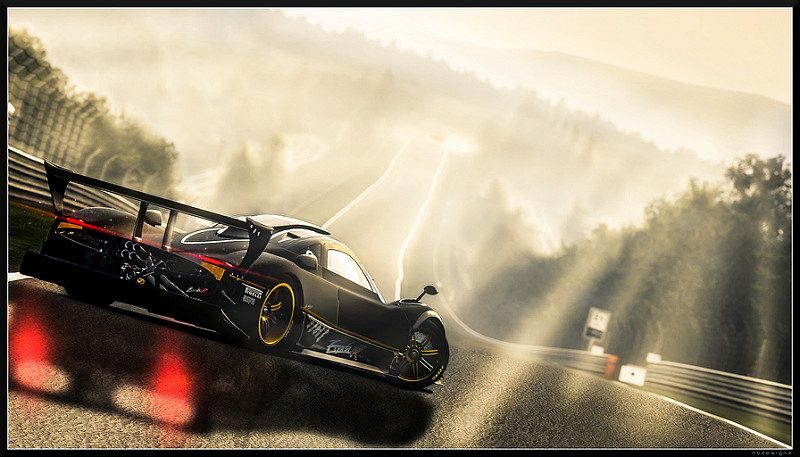
One from my latest set :dopey:
 
Love the lighting, shadowing and spray in that shot, hgrf93. 👍
 
I think this thread is my favorite of all the photo threads. Everything is just so interesting and left greatly up to the person's artistic view of where everything should go.
 
My first attempt with a little help from some internet tutorials:tup:

Before


After

 
Last edited:
My first attempt with a little help from some internet tutorials:tup:

Great edit Ryan. Really good for a first attempt. The reflection could do with a bit of work but overall you should be made up with that mate 👍
 
Great edit Ryan. Really good for a first attempt. The reflection could do with a bit of work but overall you should be made up with that mate 👍

Cheers:tup:
 
^Again, a really good effort mate.

May i ask what online tutorials you're using?!
 
May i ask what online tutorials you're using?!


For adding the rain 'effect' on the first one using photoshop:http://www.photoshopessentials.com/photo-effects/rain/

For the snow one, its the same but slightly increase the amount of noise and decrease the amount of blur to get the impression of snow flakes falling.
There may be other ways, but this is how I did it.👍

When it came to adding the snow to the road, I used the polygonal lasso tool to select the road itself. Once selected, right click and go on Layer via copy.
Select the new layer (Make sure its the top layer) and go to Filter/Filter Gallery. A new window appears showing the parts of the image that will change on the left (should be the tarmac) and various effects on the right. I went for Film Grain in the Artistic effects. Mess around with the different sliders until you get something that looks relatively like light snow on the floor.

Hope this helps 👍
 
Last edited:
Back