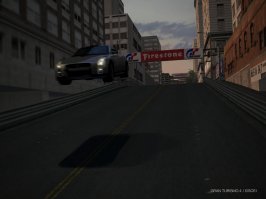
How do you get the blur effect in photo mode please?

  • Thread starter Thread starter strik3out
  • 10 comments
  • 3,431 views
Messages
298
Messages
sViggy
Messages
the sVig
I've been fiddling around with the shutter speed, and it's always the background that goes blur. How do you get it so that the background stays sharp, and the actual car goes blur, giving the impression that it's flying past the camera at a high speed?
 
focus on somthing behind the car, then set the shutter speed low, and set the apature all the way up
 
You have to find an angle where the camera is stationary and the car is moving past it.
 
MdnIte
You have to find an angle where the camera is stationary and the car is moving past it.

the problem is, as far as the game's concerned, the camera is always moving parallel to the car. You have to trick it to make high speed blur shots
 
rotary_freq
focus on somthing behind the car, then set the shutter speed low, and set the apature all the way up

Hey yeah it works. Thanks! 👍 👍
 
strik3out
Hey yeah it works. Thanks! 👍 👍

De nada man. Just remeber if anyone asks, share the wealth.
We racked our brains forever to figure it out.
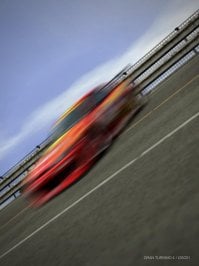
Looks good once it works though, eh?
 
I call it "Skylining"
 

Attachments

  • Skylining.JPG
    Skylining.JPG
    67.5 KB · Views: 89
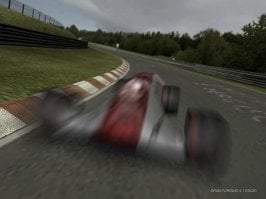
With this in mind, this seems like a good place to post this. I'm still not entirely sure how I did it, but I'm quite proud of it.
 

Attachments

  • 2.JPG
    2.JPG
    76.9 KB · Views: 43
The newset in blur technology.
 

Attachments

  • Blur.JPG
    Blur.JPG
    76.5 KB · Views: 30
um, if you focus on the background, the background will be clear and the car will be blury...

aim the camera at the car, focus, reduce shutter speed, snap away.
 
Back