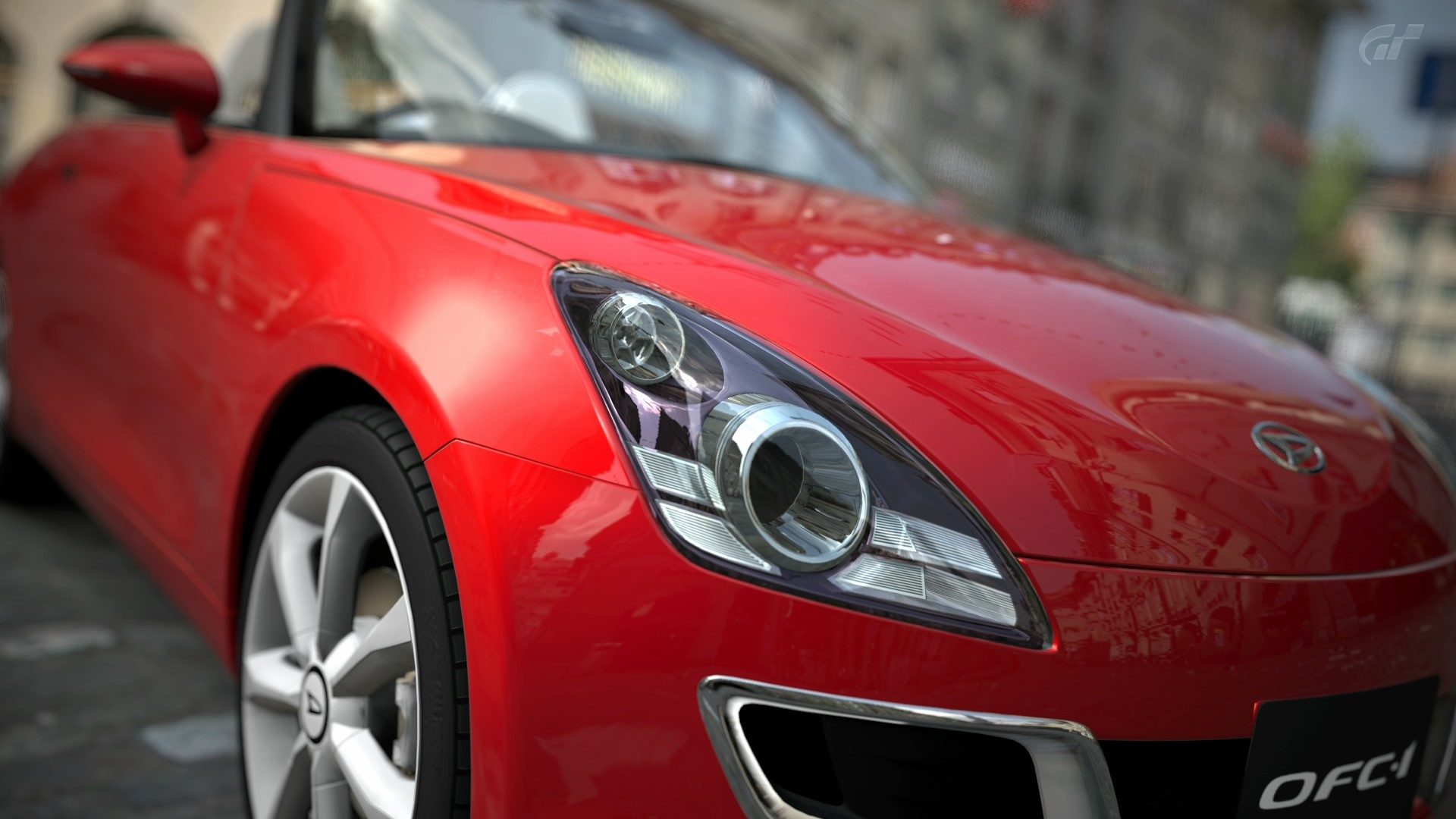
D Devedander Messages 4,323 Nov 26, 2010 #1 I thought I had read somewhere you could put your car anywhere and it wasn't just limited to a few spots anymore?
I thought I had read somewhere you could put your car anywhere and it wasn't just limited to a few spots anymore?
Micra_K11Squad Premium Messages 215 Messages GTP_JDMracer Nov 26, 2010 #3 Very nice mate, how did you get them off your ps3 to your computer?
D Devedander Messages 4,323 Nov 27, 2010 #4 Thanks both! Export them from the photo viewer portion of GT5 to XMB, then go to XMB and copy to USB Drive.
Thanks both! Export them from the photo viewer portion of GT5 to XMB, then go to XMB and copy to USB Drive.
Micra_K11Squad Premium Messages 215 Messages GTP_JDMracer Nov 27, 2010 #5 Devedander Thanks both! Export them from the photo viewer portion of GT5 to XMB, then go to XMB and copy to USB Drive. Click to expand... Yeah i do that too but when i try to attach them to my post its saying invalid as there format JPEG, So how do you attach them? Thanks
Devedander Thanks both! Export them from the photo viewer portion of GT5 to XMB, then go to XMB and copy to USB Drive. Click to expand... Yeah i do that too but when i try to attach them to my post its saying invalid as there format JPEG, So how do you attach them? Thanks
scope72 Premium Messages 1,255 Nashville Nov 27, 2010 #6 Devedander Pics I thought I had read somewhere you could put your car anywhere and it wasn't just limited to a few spots anymore? Click to expand... Just hit "select", then you can move it using the left and right analog sticks.
Devedander Pics I thought I had read somewhere you could put your car anywhere and it wasn't just limited to a few spots anymore? Click to expand... Just hit "select", then you can move it using the left and right analog sticks.
D Devedander Messages 4,323 Nov 27, 2010 #7 Micra_K11Squad Yeah i do that too but when i try to attach them to my post its saying invalid as there format JPEG, So how do you attach them? Thanks Click to expand... This site does not allow attachments of jpg, you must host elsewhere and link. scope72 Just hit "select", then you can move it using the left and right analog sticks. Click to expand... D'oh! Iuse the right stick to rotate, never touched the left!
Micra_K11Squad Yeah i do that too but when i try to attach them to my post its saying invalid as there format JPEG, So how do you attach them? Thanks Click to expand... This site does not allow attachments of jpg, you must host elsewhere and link. scope72 Just hit "select", then you can move it using the left and right analog sticks. Click to expand... D'oh! Iuse the right stick to rotate, never touched the left!
Micra_K11Squad Premium Messages 215 Messages GTP_JDMracer Nov 27, 2010 #8 Devedander This site does not allow attachments of jpg, you must host elsewhere and link. Click to expand... yeah, so what do use? Last edited: Nov 27, 2010
Devedander This site does not allow attachments of jpg, you must host elsewhere and link. Click to expand... yeah, so what do use?
D Devedander Messages 4,323 Nov 28, 2010 #9 Micra_K11Squad yeah, so what do use? Click to expand... imgur or photobucket...