For people playing on a console, I honestly just recommend putting the Master Mod on a USB drive and using Multiman to copy it to the PS3 instead of using FTP to do it because I found USB to be more reliable in this case. FTP is great, but I have had a number of times where I'd copy something to the console, namely save games, and it apparently would not copy correctly and then I would have issues because of this. It tends to be even worse when copying a large amount of files, like this Master Mod for instance.
While I do not know what everyone is using to copy it to the console, I will say when using FTP, everyone's mileage is going to vary, and I wouldn't be surprised if some of the issues mentioned here was because of this.
Hey, just wanted to necro this old message to say thank you, this helped me figure out why the mod wasn't working for me. The technical reason why usb appears to be more reliable is that your (and mine, I had this same problem) ftp-client is treating the files as ascii instead of binary. Why is that bad? Because it leads to line-endings being changed according to different file-system standards. To make your ftp-transfers more reliable in future, make sure that your client is set to not handle files without extension as ascii and that your default transfer type is set to binary. In Filezilla this setting is under Transfers -> FTP: File types. Hopefully this will increase everyones faith in FTP again.
Hey, just wanted to necro this old message to say thank you, this helped me figure out why the mod wasn't working for me. The technical reason why usb appears to be more reliable is that your (and mine, I had this same problem) ftp-client is treating the files as ascii instead of binary. Why is that bad? Because it leads to line-endings being changed according to different file-system standards. To make your ftp-transfers more reliable in future, make sure that your client is set to not handle files without extension as ascii and that your default transfer type is set to binary. In Filezilla this setting is under Transfers -> FTP: File types. Hopefully this will increase everyones faith in FTP again.
You're welcome! I also use Filezilla for my FTP transfers, and I'll be sure to do this the next time I use it. Thank you very much for the explanation! 👍
Hi. I can’t seem to play any of the online races or access the seasonal events when I play this on RPCS3. Keeps saying I have no connection “Unable to connect to the server. This function cannot be used.”
Bonjour : J'ai la version v1.9.0 de cet excellent MOD pour GT5 mais il m'est impossible de télécharger la version 1.9.2 (l'actuelle) sans passer par un paiement. J'ai 68 ans et j'ai beaucoup joué à TOUTE la série des GT1 à GT6.
Est-il possible d'avoir un autre lien qui est lui, totalement gratuit ?
Merci par avance à celles et ceux qui ont participé à l'avènement de ce MOD fantastique.
In English via Google-trad :
Hello: I have version v1.9.0 of this excellent mod for GT5, but I cannot download version 1.9.2 (the current one) without making a payment. I am 68 years old and have played the entire series extensively, from GT1 through GT6.
Is there any way to get a link that is completely free?
Many thanks in advance to everyone who contributed to the creation of this fantastic mod.
Bonjour : J'ai la version v1.9.0 de cet excellent MOD pour GT5 mais il m'est impossible de télécharger la version 1.9.2 (l'actuelle) sans passer par un paiement. J'ai 68 ans et j'ai beaucoup joué à TOUTE la série des GT1 à GT6.
Est-il possible d'avoir un autre lien qui est lui, totalement gratuit ?
Merci par avance à celles et ceux qui ont participé à l'avènement de ce MOD fantastique.
In English via Google-trad :
Hello: I have version v1.9.0 of this excellent mod for GT5, but I cannot download version 1.9.2 (the current one) without making a payment. I am 68 years old and have played the entire series extensively, from GT1 through GT6.
Is there any way to get a link that is completely free?
Many thanks in advance to everyone who contributed to the creation of this fantastic mod.
Ok, merci, là c'est le BON !!! Je vais pouvoir m'y remettre et donner mes impressions ici.
Aujourd'hui, je l'ai décompressé et je vais débuter son installation vers la version 2.11 mais avant tout j'ai une question pour vous tous mes amis, car il y en a certaines ici que je connais depuis longtemps et d'autres qui sont allés ailleurs.
Voici ma question :
-> Faut-il que je fasse faire la création des données (8Go dans le DD interne) comme le demande GT5 lorsque j'installe une MàJ (par exemple la v2.00 et plus) ?
J'attends vos réponses avant de continuer vers la v2.11 et installer le MOD.
Merci pour vos bons conseils et tuyaux, merci à vous tous.
In English via G-Trad :
Okay, thanks—this is the right one! Now I can get back to it and share my impressions here.
I’ve unzipped the files today and am about to start the update to version 2.11, but first I have a question for all you friends out there—some of whom I’ve known for a long time, while others have moved on elsewhere.
Here is my question:
-> Do I need to let it create the data (8GB on the internal HDD) as GT5 requests when installing an update (like v2.00 or later)?
I’ll wait for your answers before proceeding to v2.11 and installing the mod.
Thanks for the excellent advice and tips—thanks to everyone.
Not 100% sure what you mean. The mod itself are files you copy to your PC/PS3. Updating the game to v2.11 requires installing the updates to your HDD else they won't install.
Right, right. But when the game prompts me to install an update (for instance, I just launched the PKG and it installed), I start GT5, and then, after a short while, the game asks me to install the update (it shows 8GB at that point). Should I do it right away or not?
Oui, oui. Mais quand le jeu me demande de faire l'installation d'une Mise à jour (je viens de lancer le PKG par ex. et il s'est installé), je démarre GT5 et là, après un petit moment, le jeu me demande d'installer ma MàJ (il indique 8Go à ce moment là). Dois-je le faire immédiatement ou pas ?
Right, right. But when the game prompts me to install an update (for instance, I just launched the PKG and it installed), I start GT5, and then, after a short while, the game asks me to install the update (it shows 8GB at that point). Should I do it right away or not?
Here’s the situation: I’m starting up the PS3 and launching the game from the XMB.
The console is a CECH3004B running qCFW-4.93.1 (EvilNat). The game starts up and shows me the following screen:
"Recommendations: You can reduce loading times for tracks, cars, and so on..."
followed by "However, this may take some time and requires 8GB of free hard drive space. Install ?" At this point, I can choose Yes or No.
This is what I’m referring to. I’ve installed the updates from v1.05 through v1.13. I installed each PKG file individually and launched the game after every installation. I still have the PKGs for versions v2.00 through 2.11 left to install.
Should I continue up to v2.11 using the same method?
Here’s the situation: I’m starting up the PS3 and launching the game from the XMB.
The console is a CECH3004B running qCFW-4.93.1 (EvilNat). The game starts up and shows me the following screen:
"Recommendations: You can reduce loading times for tracks, cars, and so on..."
followed by "However, this may take some time and requires 8GB of free hard drive space. Install ?" At this point, I can choose Yes or No.
This is what I’m referring to. I’ve installed the updates from v1.05 through v1.13. I installed each PKG file individually and launched the game after every installation. I still have the PKGs for versions v2.00 through 2.11 left to install.
Should I continue up to v2.11 using the same method?
The way I did it was by installing each and every .pkg file from my usb up until 2.11. Then I boot up the game for the first time.
If you are doing the updates via internet, update to 2.11 and then cancel the next ones.
The game starts up and shows me the following screen:
"Recommendations: You can reduce loading times for tracks, cars, and so on..."
followed by "However, this may take some time and requires 8GB of free hard drive space. Install ?" At this point, I can choose Yes or No.
That's not part of the update process, you can safely choose No.
That option just copies files from the game disc to the hard drive in the PS3 in order to load them more quickly than the disc can handle. The files that are added or modified in updates (or by mods) are always on the hard drive.
J'ai finalement réussi aujourd'hui, après des heures de galère pour sortir de cet écran noir au lancement du jeu. Je pensais que c'était à cause du qCFW, mais finalement non.
Bientôt, je pourrai jouer en ligne avec n'importe qui qui voudra bien m'affronter, sans tricher. Mon beau-frère pourra peut-être se joindre à nous aussi, si c'est possible.
Tout le mérite vous revient — aux développeurs et à tous ceux qui consacrent leur temps à aider des personnes comme moi, qui n'y connaissent rien.
Un immense merci à vous tous.
Je reviendrai très bientôt pour jouer en ligne...
En Anglais via Google-trad :
It actually works!
I finally got it working today, after struggling for hours to get past that black screen when launching the game. I thought it was due to the qCFW, but it turned out not to be.
Soon, I'll be able to play online against anyone willing to face me—without cheating. My brother-in-law might be able to join us too, if that's possible.
All the credit goes to you—the developers and everyone who dedicates their time to helping people like me who don't know a thing about this.
@AlGollan84 that's great you've got this to work. Please may I ask that you just post in English on here as it's an English speaking forum and we can't verify foreign language posts for moderation. I know you're doing your own translation, but that doesn't stop the moderators from needing to edit the posts and translate them ourselves outside of particularly well known multi-language figures of speech.
Voila, c'est fait, c'est en FR puis traduit en English via Google-trad !
There, it's done—it's in French and then translated into English via Google Translate!
In English via G-Trad :
Now, could you advise or help me with setting up a network connection (via my Wi-Fi/Gigabit fiber)?
I would like a text-only guide (tutorial), as I do not understand English at all. I am 68 years old and did not learn English in school—only Italian and Latin—and I have largely forgotten those languages as well.
Once the tutorial is available, I can have it translated into French using Google's automatic translator.
Maintenant, pourriez-vous me conseiller (aider) pour que je puisse me connecter en réseau (via mon WiFi/GiGaBits Optique).
Je désire avoir une aide (un Tutoriel) uniquement en Texte car je ne comprends rien à l'Anglais. J'ai 68 ans et je n'ai pas appris l'Anglais à l'école, uniquement l'Italien et le Latin et, j'ai énormément oublié ces langues aussi.
Je pourrais faire traduire le Tutoriel en Français dès qu'il sera disponible par le traducteur automatique de Google.
Un très grand MERCI à vous tous ici, mes amis.
In English via G-Trad :
Now, could you advise or help me with setting up a network connection (via my Wi-Fi/Gigabit fiber)?
I would like a text-only guide (tutorial), as I do not understand English at all. I am 68 years old and did not learn English in school—only Italian and Latin—and I have largely forgotten those languages as well.
Once the tutorial is available, I can have it translated into French using Google's automatic translator.
The videos don't help me because I don't understand English and they aren't translated into French.
As I mentioned earlier, I need a text-based tutorial in English that I can translate into French using Google Translate.
That way, I'll be able to spend time with you—and with my family—playing online over the internet.
The videos don't help me because I don't understand English and they aren't translated into French.
As I mentioned earlier, I need a text-based tutorial in English that I can translate into French using Google Translate.
That way, I'll be able to spend time with you—and with my family—playing online over the internet.
I absolutely love the Mod!! Huge thank you to everyone who worked on it! Did the mod's development end in 2022? I see the year being written in the Main Title Screen. I wouldn't mind some new events but if the mod is finished then I have no problem.
You may have heard of me in a few threads here or in other places - I've created tools to view and edit the game. This mod is a result of all the research that has been made towards the game compiled into one.
This mod adds several features to the game - mainly hidden ones and trust me, there are a lot. A lot of these features were used by Polyphony Digital to help developing the game.
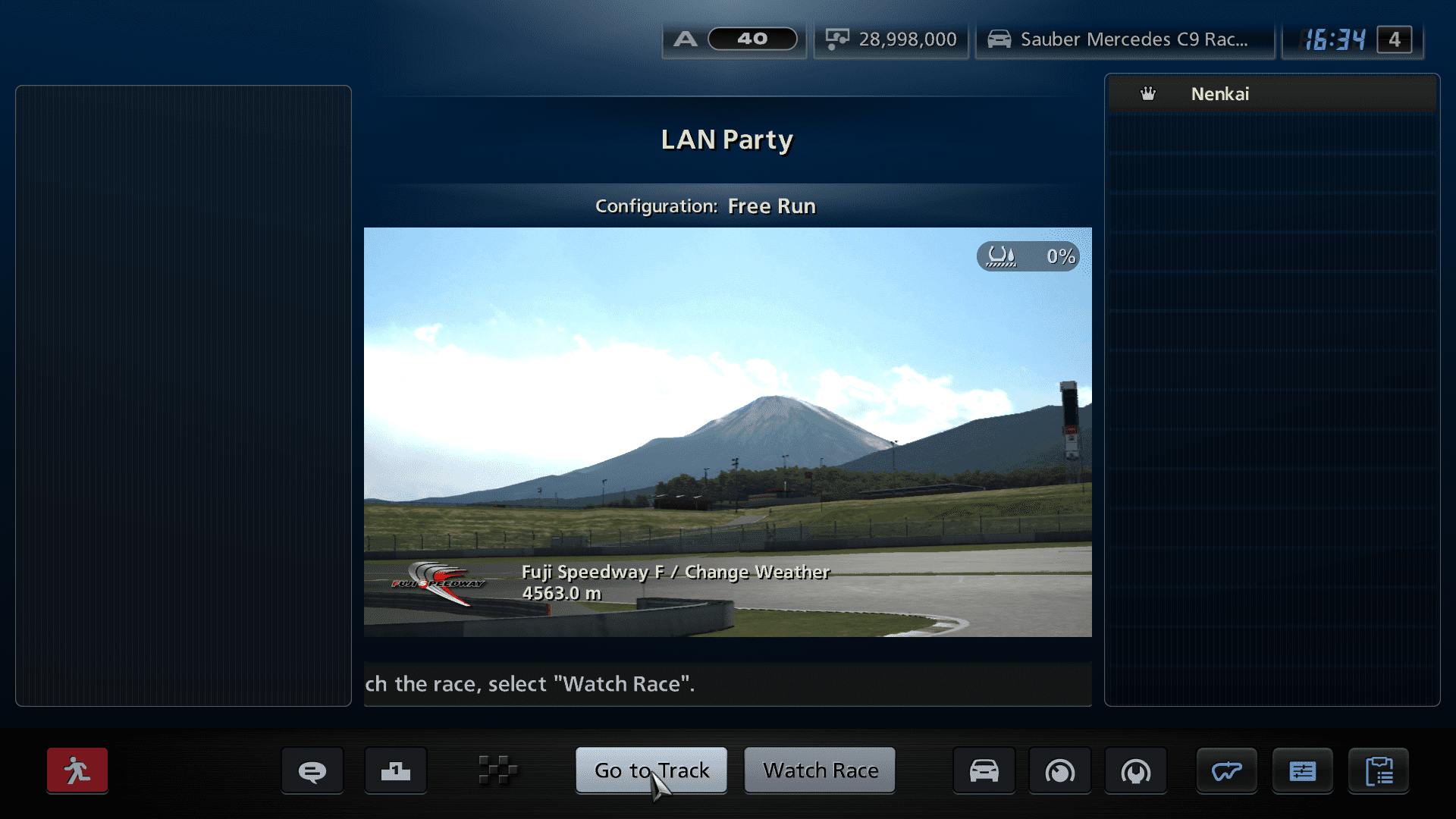
1. LAN Mod This is based off the original LAN Mod made by Razerman. A couple fixes and improvements were made:
Chat logs now display properly when activating "Online Lounge Demo" in Secret Settings (which allows names to appear properly to others).
3 new car set restrictions were added. (Could not add more, the game doesn't load them properly for some reason.)
The original LAN Mod broke the regular Rome track. This is fixed.
The original LAN Mod broke Course Maker and GT TV. These options are now accessible again.
More cars are available in the Arcade Section, which also appears in Recommended and people can use without owning them. Also means that you can do more specific One-Make races.
Shuffle now goes from 240 PP to 1000 instead of the original 300 to 500. The upper PP ranges car list was imported from GTPSP's Shuffle list.
Added three new car categories regulations - Tuned Car Class, Historic Cars (20 mil race cars), and Schwardzwald League B.
Time to finish minimum can now be changed down to 10 seconds instead of 20.
Now possible to use Karts and F1's without the one make restriction.
2. Added PS2 Tracks
The game has nearly all of the PS2 era tracks. 42 of them are included in this mod.
List:
3. Restored Cut A-Spec Events
Note: Removed for the time being - needs some polishing. Roughly 15 of them. Unfortunately game progress does not work for them (hardcoded).
Custom car rewards have been added for them (will require a fresh save).
<Picture Soon>
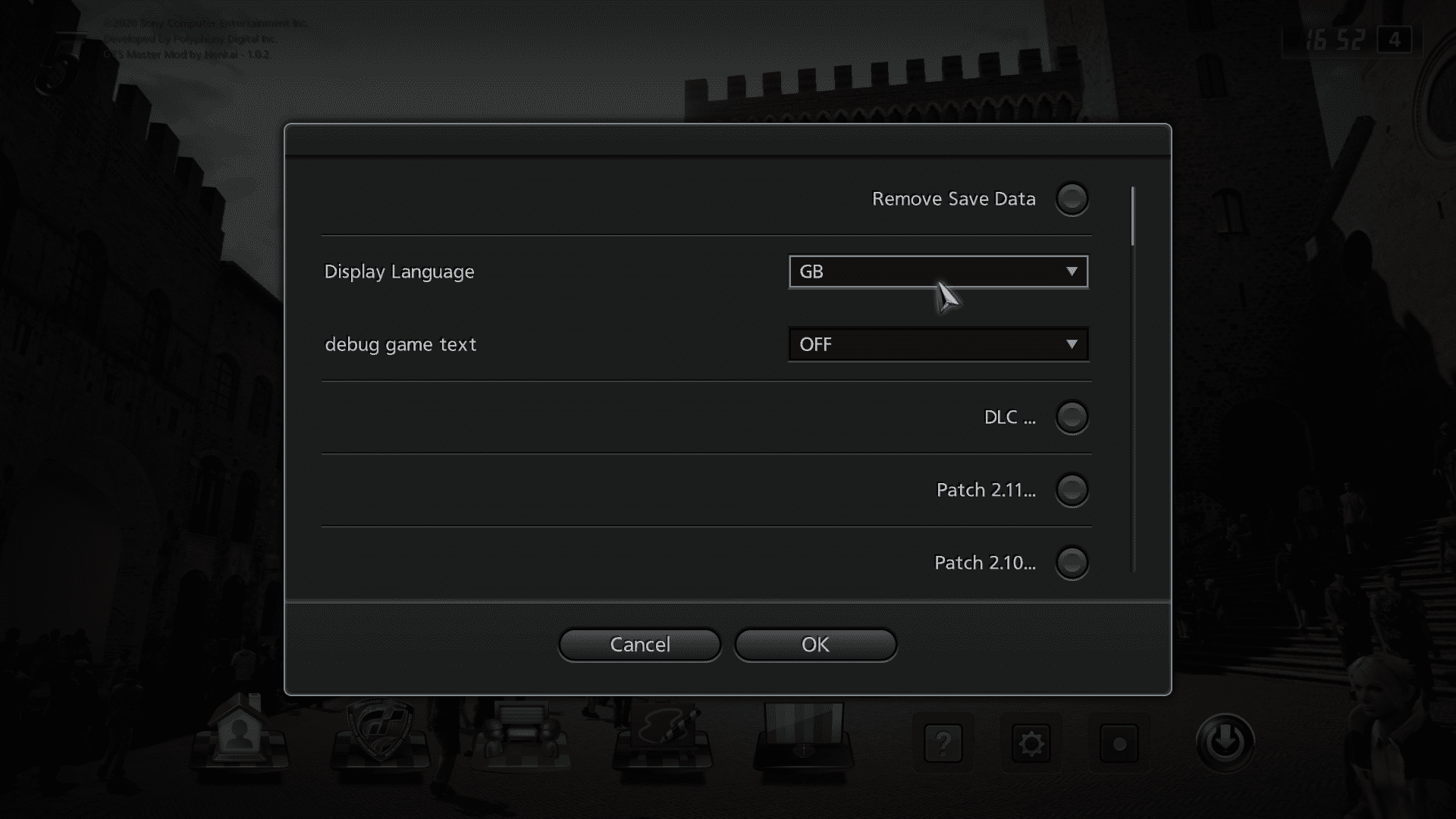
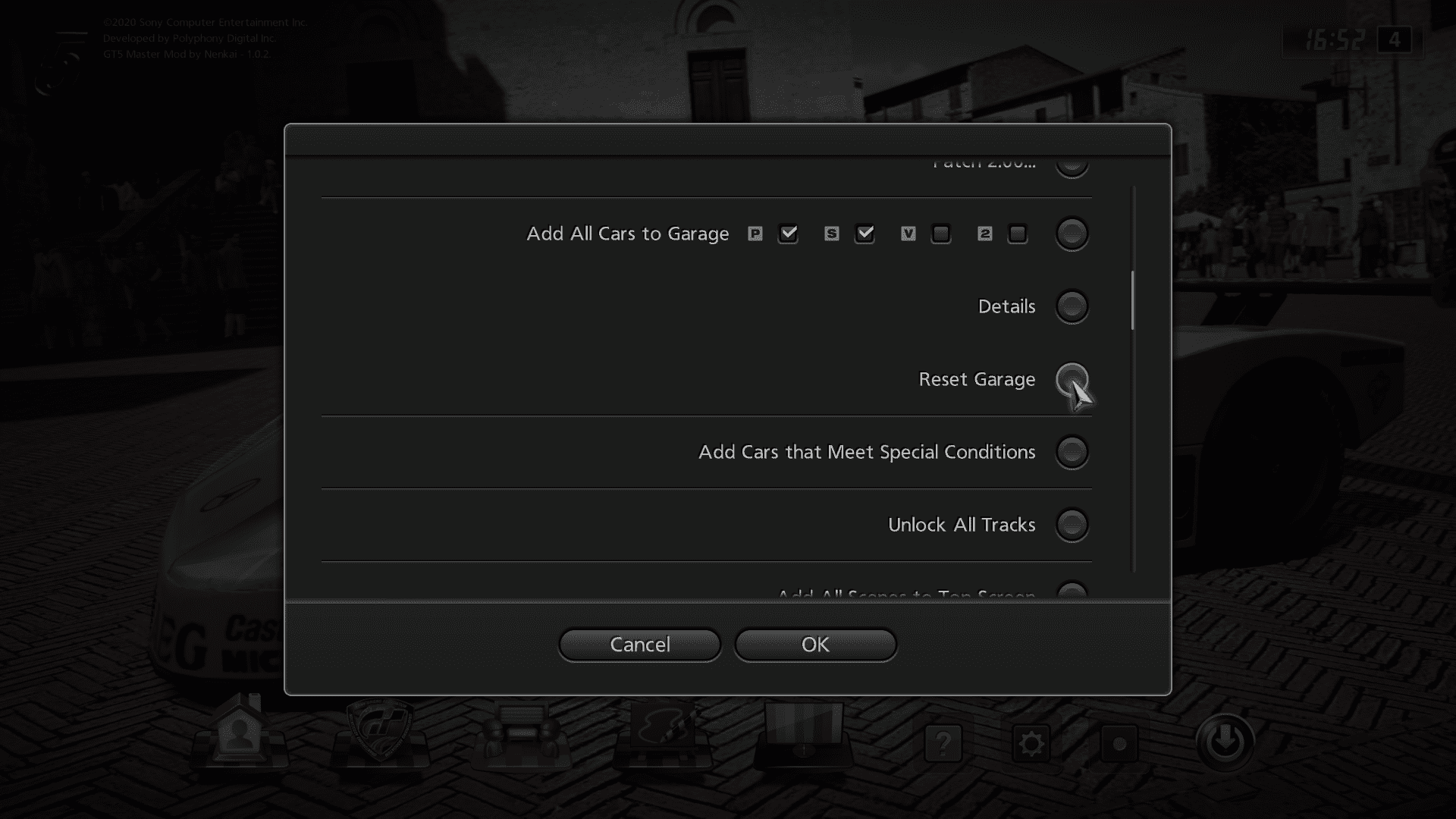
4. QA Menu Allows you to easily edit your save ingame, unlock DLCs directly, used by testers during development.
Pressing SELECT on the main menu.
4. Any Car in Photo Travel A bypass rather than hidden feature. You can use standard cars in Photo Travel.
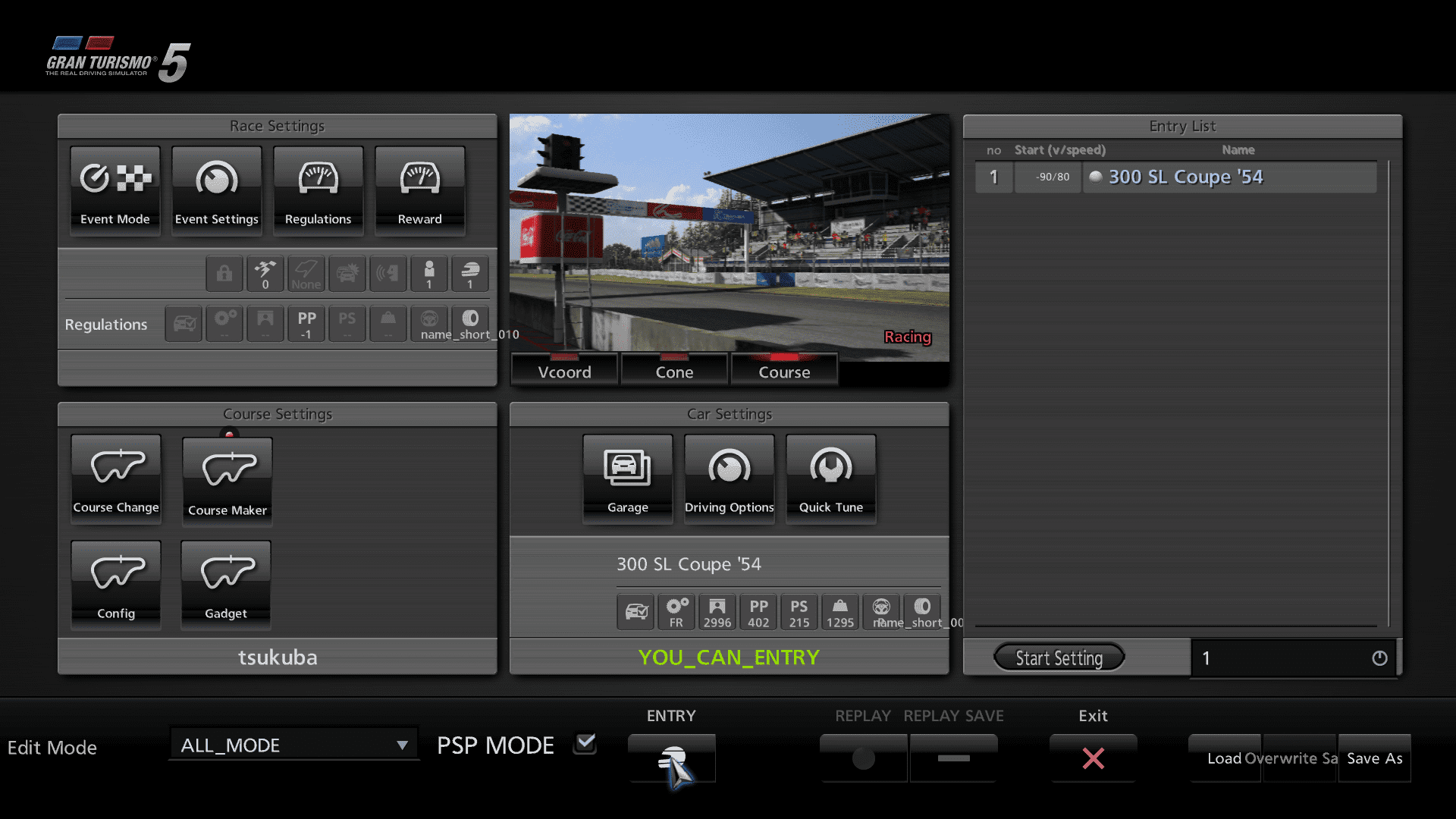
5. Race Editor Used by Polyphony Digital to create game events, most notably licenses. You can use it to save events as an XML file to either the hard drive or an USB.
(Events are located at textdata/gt5 if you want to make custom events.)
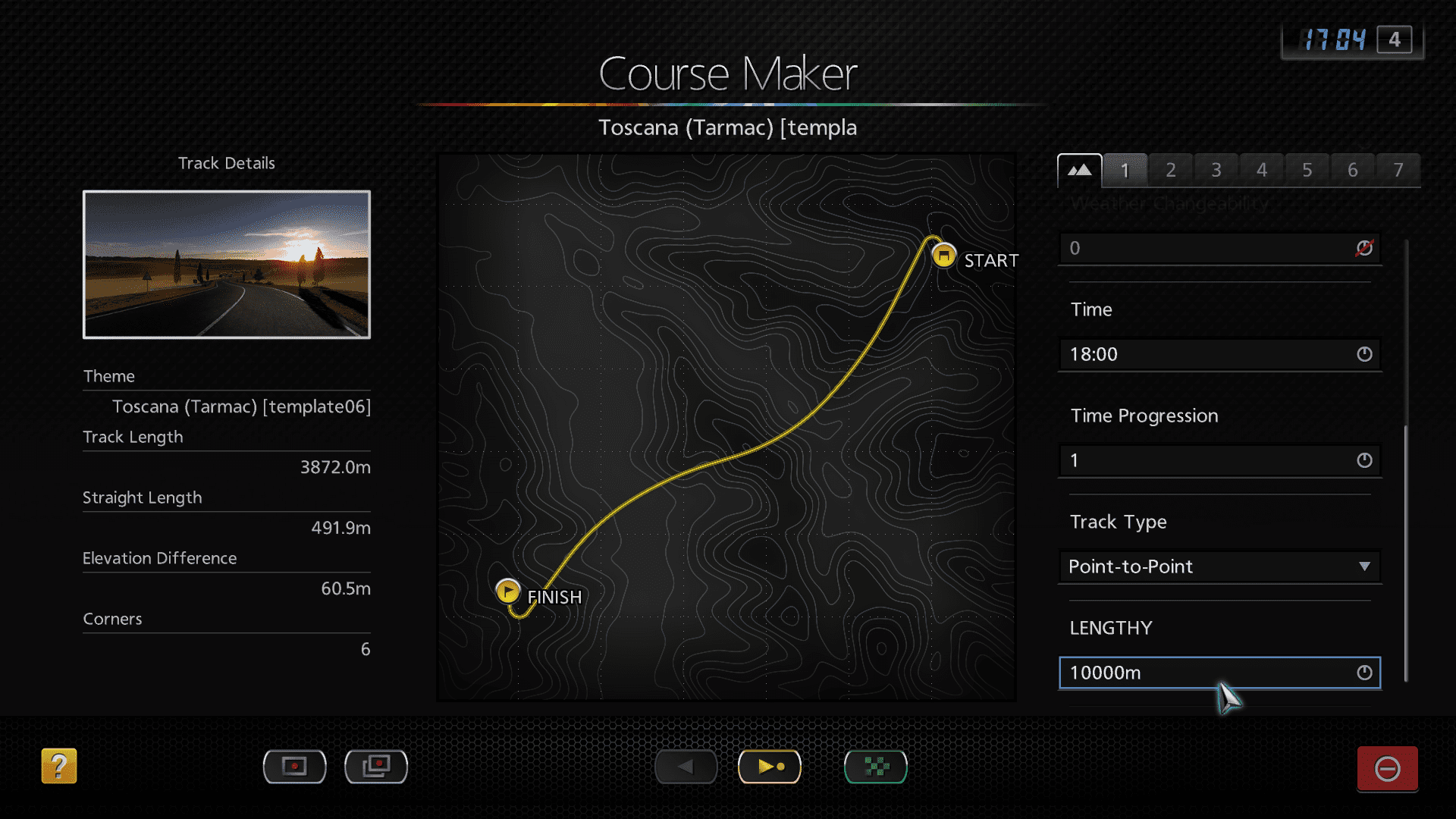
6. Extra Course Maker Settings Presumably used during development to make events for the GT Tour.
You can set the track length, and type of track. Yes you can now make Point-To-Point tracks. You can also drive your current GT Mode car during testing.
7. Painting Any Type of Car & Wheels Also a bypass. Does not apply the color on all cars, rather unpredictable.
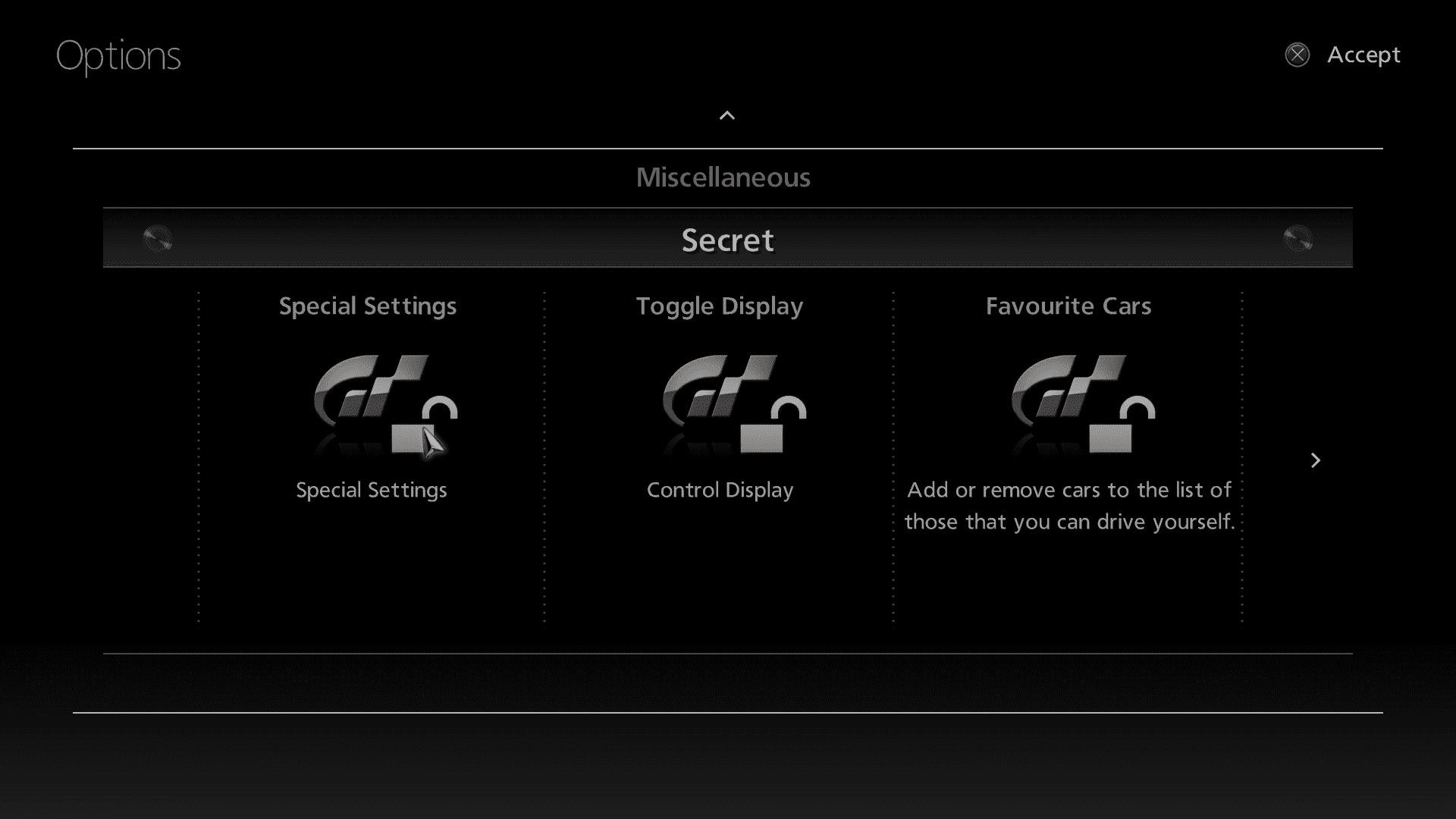
8. Special Settings Now without save editing required.
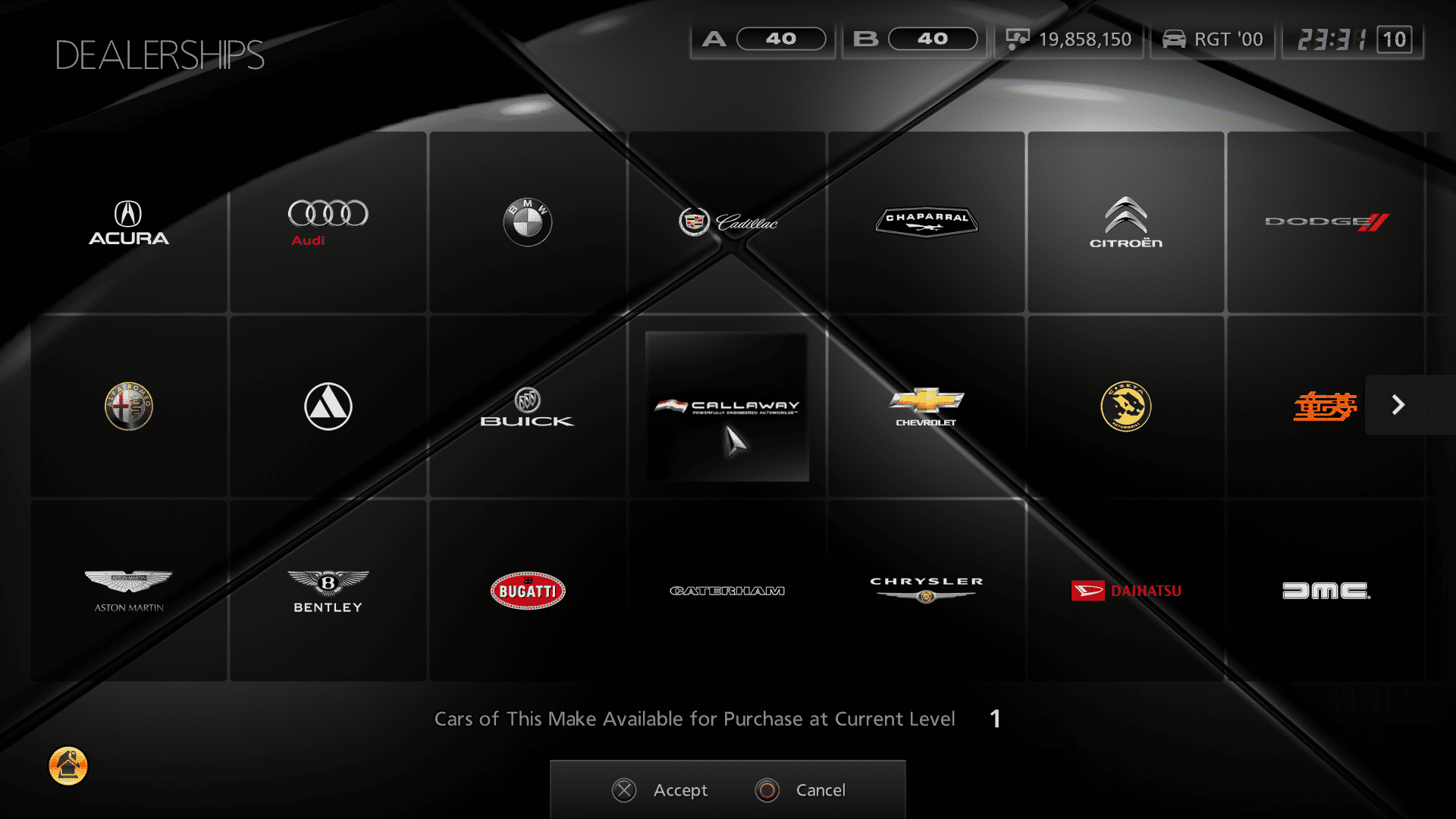
9. All Cars in Dealership Prices are balanced (aka more expensive), so the Used Car Dealership is still relevant.
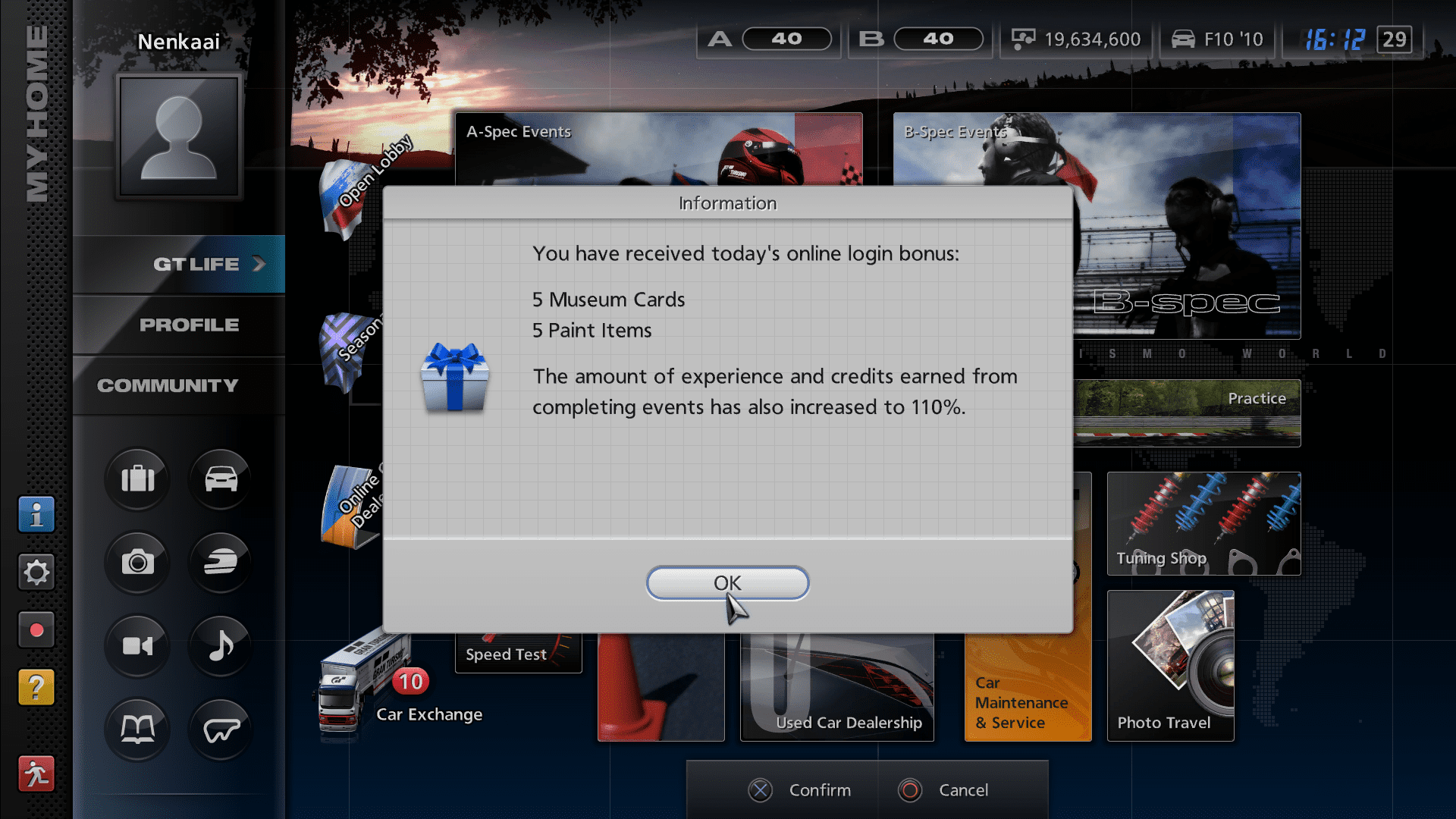
10. Offline Credit/XP/Presents Login Presents Reimplemented Should balance the game a bit more.
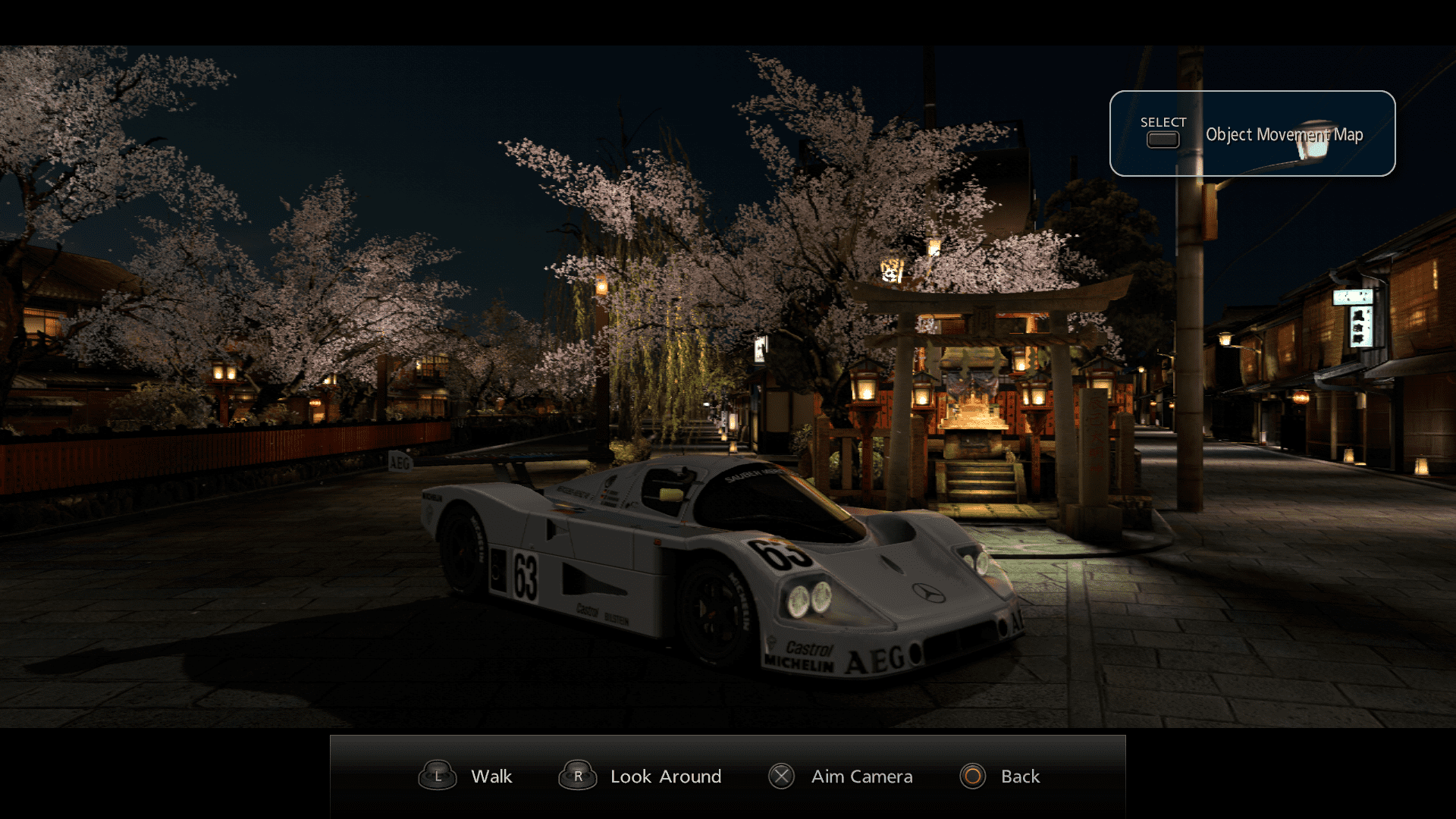
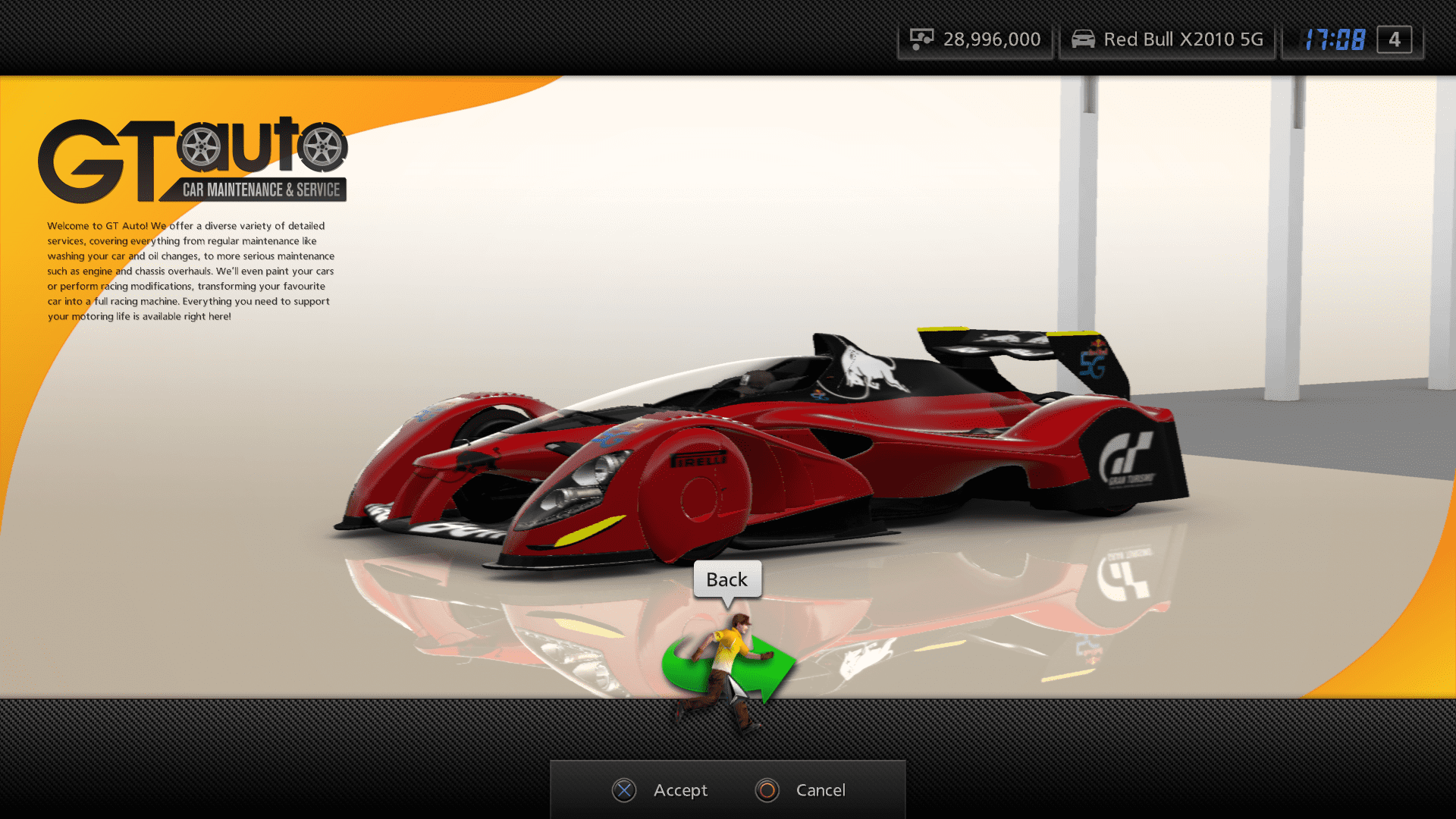
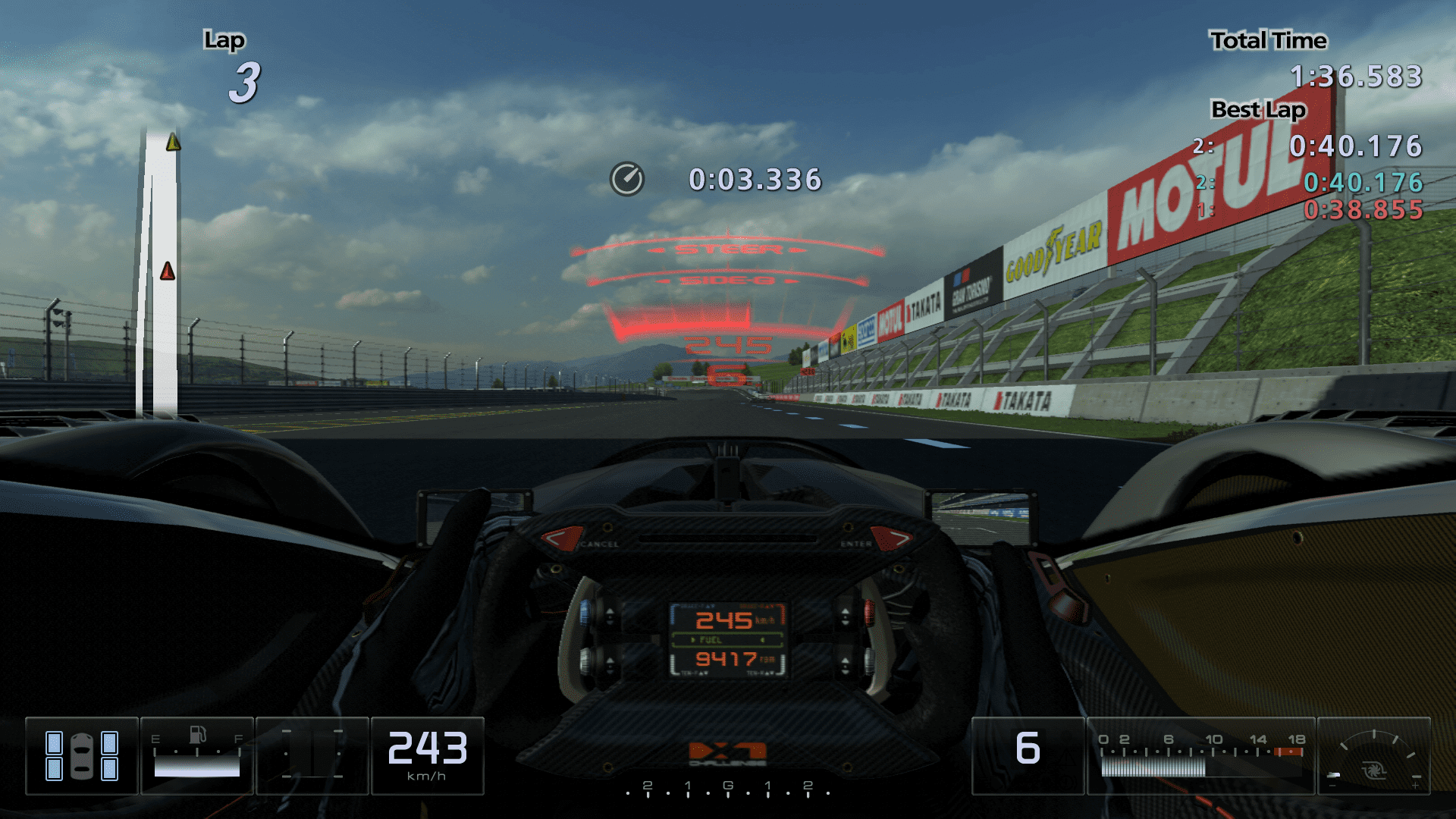
11. Added Scrapped Cars Entirely Cars that were easy to re-add from older GT5 versions/builds were added to the game. (Attached image: Polyphony Digital X1)
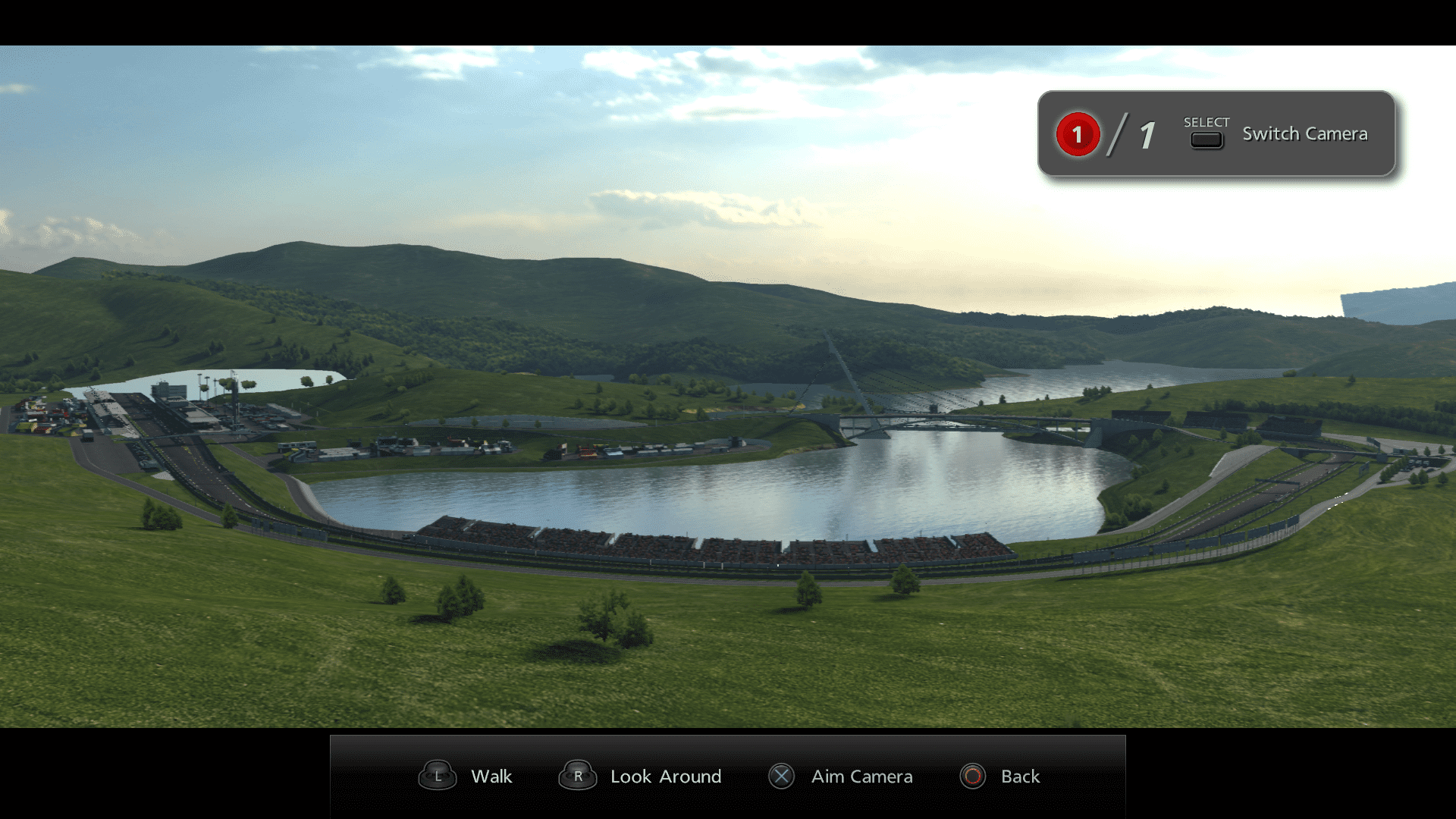
12. Debug Camera in Photo Walk Mode (Replays)
And a lot more:
Full Feature List
Changelog
[1.9.2] 01/09/2025
* Updated main screen links & information
* Added an info dialog regarding online use
[1.9.1] 15/06/2023
* Fixed a vanilla bug where going into GPS Replay/Data Visualization in the main menu causes the race screen to be resized.
[1.9.0] 13/06/2023
Wow it sure has been a hot while since I modded instead of doing research/reverse-engineering/writing tools.
This is the first release of the mod that incorporates recompiled game code (arcade & main menu). It will also
expand to gtmode in the future, this is just a small update to test the waters.
Recompiled game code may cause issues - make a mention if this is the case
--------------------------------------------------------------------------
Thanks to ddm for the following arcade mode improvements!
* Filters (manufacturer, drivetrain, special categories)
* All Cars tab in car selection
* Power, Torque, Weight shown are always data values instead of display values
* Standard (aka PS2) courses can be shown/hidden from course select by pressing Triangle
* Master arcade difficulty
* SELECT shows/hides filters for arcade car select
Main Menu:
* Update main menu notice & year.
* Added credits screen.
* Main menu target framerate has been raised to 60 (vanilla locked to 30 - RPCS3 users with decent enough hardware can reach this target framerate.).
* The DLC menu is now accessible offline and can be used to install paid DLCs without entitlement.
* Added cut Red Bull Charity DLC packs.
* All previously unavailable buttons (Online Lounge, GPS Replay) are now available as-is.
* The debug menu can now be used to set money to 0.
* Added prompts to certain debug menu options.
* Fixed a bug with the vanilla debug menu which would reset units.
* Fixed a bug with the vanilla debug menu where the cursor was invisible.
Misc:
* Fixed an oversight where the tuning shop had options that did not function.
[1.8.1] 24/12/2021
* Updated discord invite link.
* Updated main menu year to 2022.
* Made debug camera optional. Apply the Debug Cam Addon PDIPFS AFTER the Master Mod.
<<<< Merry christmas! >>>>
[1.8.0] 25/07/2021
* Fixed many issues with PS2 tracks (invisible roads, props, etc) by forcing them to appear at all times.
Major credits to ddm for figuring it out.
Fixed tracks:
- Ice Arena
- Chamonix
- Smokey Mountain (Partial)
- Complex String
- Costa di Amalfi
- Hong Kong
* Added Sabine-Schmitz-Kurve to Nurburgring corner list.
It's by crediting and acknowledging other individuals and effort that the modding community can advance!
If you have an interest in modding or would like to know more, feel free to join on the GT modding community discord!
-> https://nenkai.github.io/gt-modding-hub/
Credits list
- ddm - All Arcade Mode improvements
- Klitlika - Added cars to arcade and recommended, course list changes, UCD cars to dealership & restored & fixed cut events
- ddm - Work towards track vision files (VLS)
- Shy_Doge - Making the missing PS2 tracks maps and logos.
- Xenn - Additional fixes to certain ps2 tracks
- Jonny_0093 - PS2 tracks arcade previews, additional fixes to certain ps2 tracks
- Goongumps - Online Mode car category changes, shuffle list
- TheAdmiester - RM Suggestions
- Original creators of the LAN Mod.
- xFileFIN for the RT2 tool.
- Xenn for the Easter Egg, help with boost params.
- Paiky (GT Archive) & Dezent / Contributing and getting GT5 QA Build which allowed content to be ported over to GT5
- Content Creators / DoVe_7, DustinEden, Paiky/GT Archive, Gustingorriz, ThunderTHR, Grand Prix, R4BBIT G4MING, ...
- Gran Turismo Research Discord server.
- Gran Turismo Modding Community Discord server / https://discord.io/gtonline / https://nenkai.github.io/gt-modding-hub/
- You, for using this mod
This is absolutely fantastic and brilliant. Well done! I noticed one thing tough, when in splitscreen, you can't choose every car you want, it only shows the standard GT5 options. Apart from that, this mod is perfect!
This is absolutely fantastic and brilliant. Well done! I noticed one thing tough, when in splitscreen, you can't choose every car you want, it only shows the standard GT5 options. Apart from that, this mod is perfect!


 I also use Filezilla for my FTP transfers, and I'll be sure to do this the next time I use it. Thank you very much for the explanation! 👍