CLOSED: 2.0 Advanced Competition 75

  • Thread starter Thread starter SlipZtrEm
  • 103 comments
  • 6,137 views
Status
Not open for further replies.
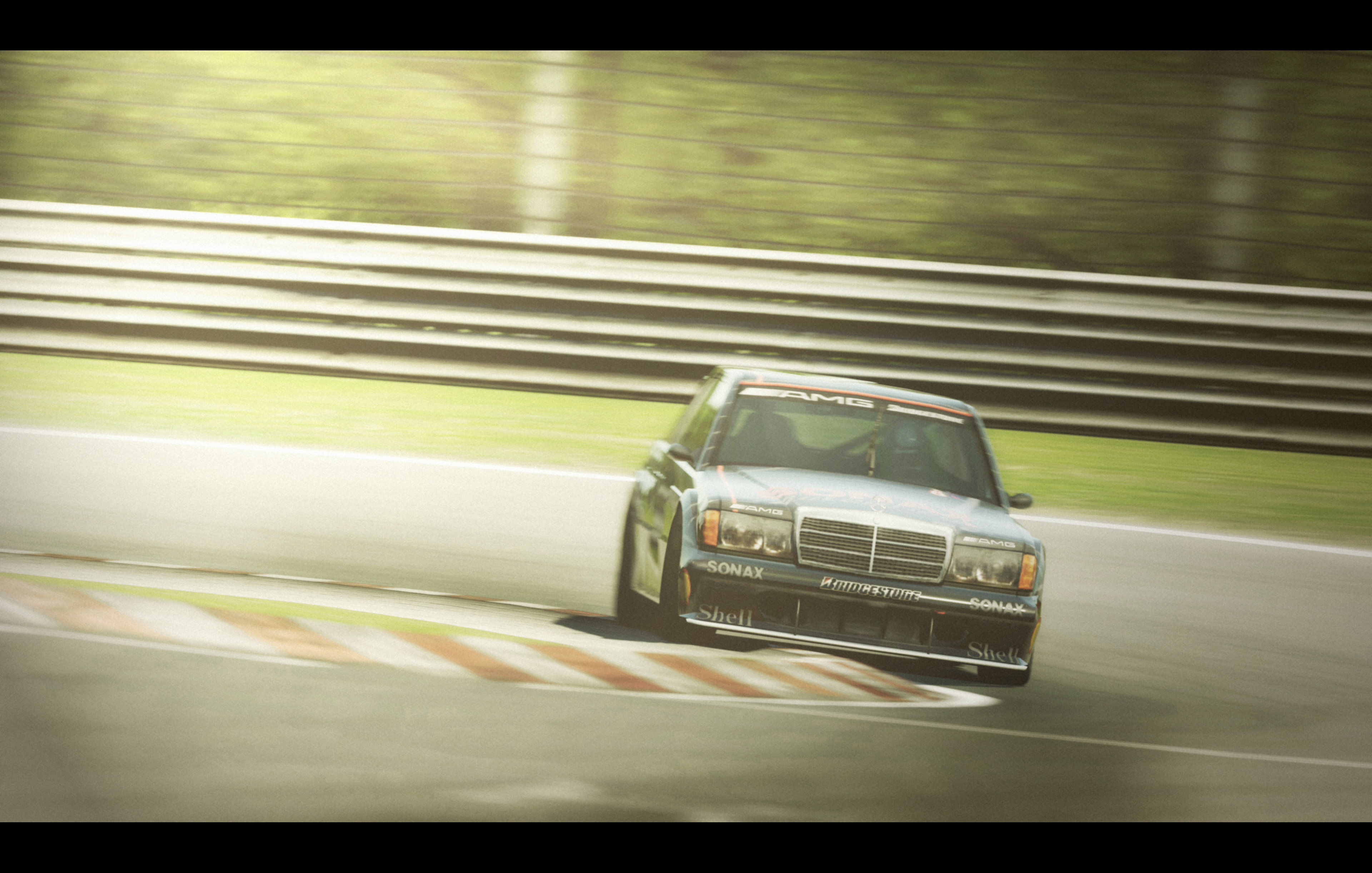
FINAL ENTRY​


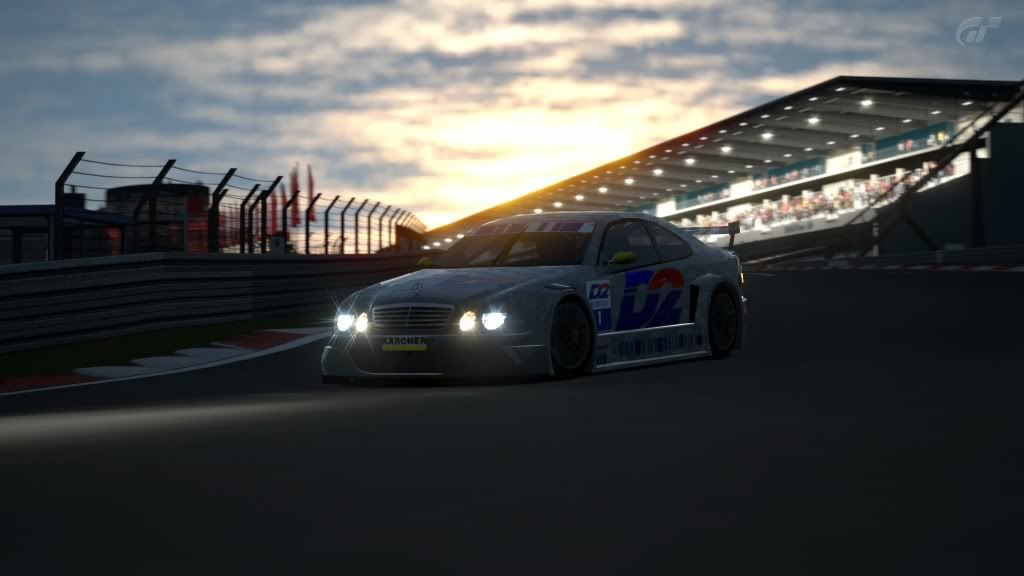
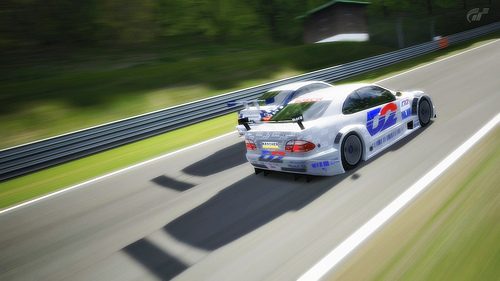
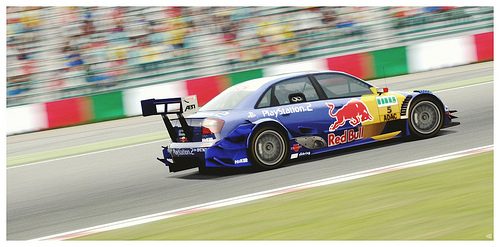
DTM by NT1138, on Flickr​
 
FINAL ENTRY (CHANGED)


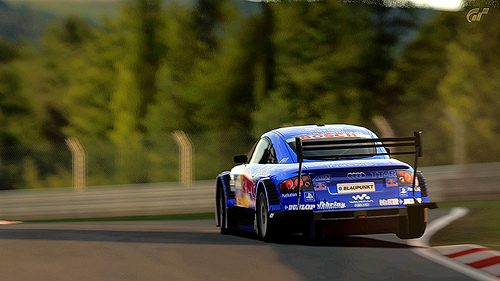
First for Audi side of things
 
Last edited:
FINAL ENTRY

(May look too bright)


Just did some glow and brightness/contrast, nothing really advanced.​

It does look to be one of the best I saw from you, unfortunately IMO the roof got sunburnt...
 
It does look to be one of the best I saw from you, unfortunately IMO the roof got sunburnt...

Blame the sun, it got in the wrong position :grumpy:
 
"FINAL ENTRY"​


Click image for a larger & better view
 
Last edited:
My clean-up brushes are aching! Time to see what's what...
 
Final entry

 
Changed Final Entry


Last edited:
FINAL ENTRY

 
Sorry Kyle to be constantly turning your threads in chat threads, i was just wondering who on here uses GIMP and could they give me some pointers?

Ive edited a few pictures now and i seem to be ok with colour balance, brightness, contrast, saturation etc (the very basic stuff) and ive messed about with a few filters but im still unsure on how to clear jaggies, adjust saturation etc on specific parts and how to (for lack of better words) make the picture look faster lol.
If anyone can help it would be much appreciated.
 
Sorry Kyle to be constantly turning your threads in chat threads, i was just wondering who on here uses GIMP and could they give me some pointers?

Ive edited a few pictures now and i seem to be ok with colour balance, brightness, contrast, saturation etc (the very basic stuff) and ive messed about with a few filters but im still unsure on how to clear jaggies, adjust saturation etc on specific parts and how to (for lack of better words) make the picture look faster lol.
If anyone can help it would be much appreciated.

I don't know if GIMP have curve. If it does, play with it. 👍
Though it's better to use firstly but it depends.
 
Sorry Kyle to be constantly turning your threads in chat threads, i was just wondering who on here uses GIMP and could they give me some pointers?

Ive edited a few pictures now and i seem to be ok with colour balance, brightness, contrast, saturation etc (the very basic stuff) and ive messed about with a few filters but im still unsure on how to clear jaggies, adjust saturation etc on specific parts and how to (for lack of better words) make the picture look faster lol.
If anyone can help it would be much appreciated.

I've been thinking about doing a GIMP tutorial, and you can always start with the colour balance/saturation options. But I'm too lazy to actually do a tutorial... :lol:

So my tip is just go into every menu interface you could find and then move every single slider to see what happens, just simply try it out.


Click There ^^^
 
rpanico14 and zambuca never disappointed me , they always have awesome entries

cheers guys
 
fancied something a little different to the norm this week...

FINAL ENTRY


DTMagic by Miklad, on Flickr
 
Final Entry

 
FINAL ENTRY


.ABT4.

Subject may change
 
FINAL ENTRY


.ABT4.

Subject may change

Holy hell, sorry zambuca, but we have our winner right here.

DAT LIGHTING. :drool:
 
I've been thinking about doing a GIMP tutorial, and you can always start with the colour balance/saturation options. But I'm too lazy to actually do a tutorial... :lol:

So my tip is just go into every menu interface you could find and then move every single slider to see what happens, just simply try it out.
Thats what ive been doing but im still not sure on how to add borders and make the sky look awesome lol
 

Final Entry


FINAL ENTRY


Click for BIG
 
Thats what ive been doing but im still not sure on how to add borders and make the sky look awesome lol

What, make the sky look awesome, dude, there's no such thing. :lol:

And you add borders by doing this: Filters tab --> Decor, or whatever it's called on the UK version (it's positioned between "Artistic" and "Map" in the pop-down menu) --> "Add frame", or "add edge".
 
Last edited:
That looks like a mode 1 shot to me:tup:

Yeah - as I said, fancied something different... I never usually use Mode 1.

:D
 
Status
Not open for further replies.
Back