CLOSED: 2.0 Advanced Competition 85

  • Thread starter Thread starter SlipZtrEm
  • 77 comments
  • 4,975 views
Status
Not open for further replies.
They are on the RedBull hangar .... on the other side. That's not even close :p

Yeep indeed. :lol:
Until i saw this:


...your mission is to reshoot it, how you wanted to see it!...


I think it's legit. :p
Now i really wish we could have more than one car for phototravel.
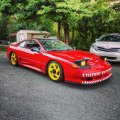
 
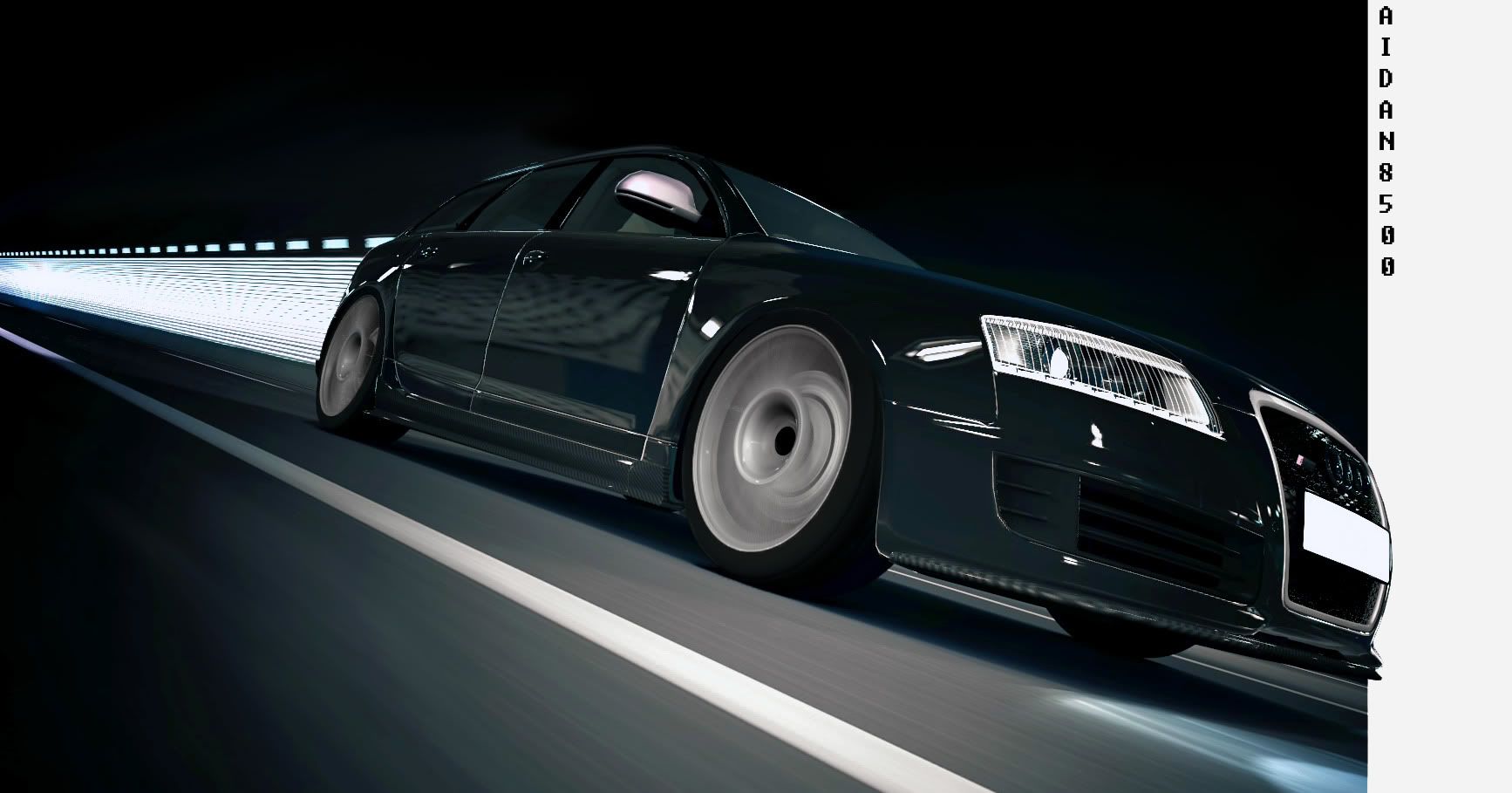
FINAL ENTRY
-------------------------------------------------------------------------------

3:05
 
Final Entry
Click for biggie


Looks a lot better enlarged, Inspired by the last scene of spec 2.0 trailer

5:23


Last edited:

Final Entry


3:10

 
Last edited:
That sky ruins it for me.

Hehe, we sure were! :)

great minds think alike..and your shot is much more accurate to movie..nice work
 
Sort of FINAL ENTRY
Spec 2.0 Opening

Still tweaking it, not quite right yet...
 
Last edited:
ChangedFINAL ENTRY
 
Last edited:
^
The grain are too much. It ruin the photo imo.
 
That sky ruins it for me.

I'l have a go at improving it today, didn't actually spend loads of time on it because I'm going on holiday tomorrow morning. :)
 
Over shaprened and way too noisey.
Possibly agree although my picture have been getting more grainy recently. The jaggy white lines are awesome though:D
 
Final Entry
Click for biggie


Looks a lot better enlarged, Inspired by the last scene of spec 2.0 trailer

5:23


improved entry.
 
Wanted to ask before I sink the tine into it...am I allowed to desaturate part of the image? Seems like that is OK under 2.o rules but I wanted to be sure.
 
I have done it with layer masking but you could also (in theory) select an area where you want to use B&W filter or desaturation tool. Not sure specifically how to do it with your program as I've never used it. :O

 
FINAL ENTRY

4:25


I'm not entirely sure if this is good or not...
 
While i remember, anyone?

I have done it with layer masking but you could also (in theory) select an area where you want to use B&W filter or desaturation tool. Not sure specifically how to do it with your program as I've never used it. :O

What works best for me 💡 ..... on a duplicate layer just go to > Adjust > Saturate .. then de-saturate this layer. Then all I do is use a soft brush eraser to 'bring back' the colour selections I want from the layer below. I don't have much patience with selections and pen tools :ouch:

Hope this helps :sly:
 
An old shot, but seems to fit the bill.

FINAL ENTRY


Intro Scene by Miklad, on Flickr
 
Status
Not open for further replies.
Back