CLOSED: The Photomode Competition 003

  • Thread starter Thread starter SlipZtrEm
  • 46 comments
  • 4,128 views
Status
Not open for further replies.
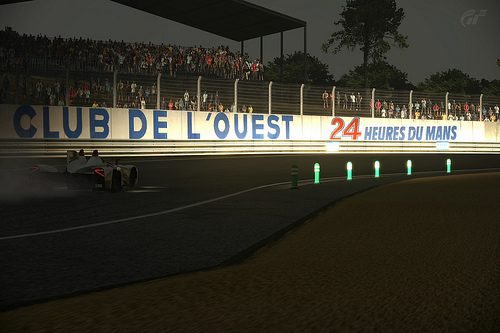
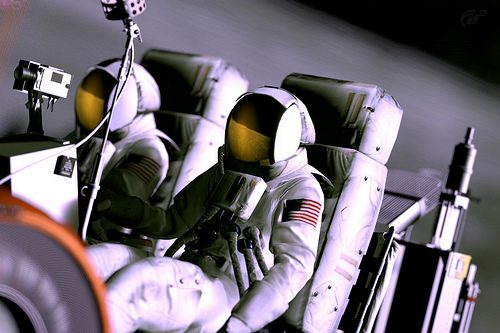
FINAL ENTRY

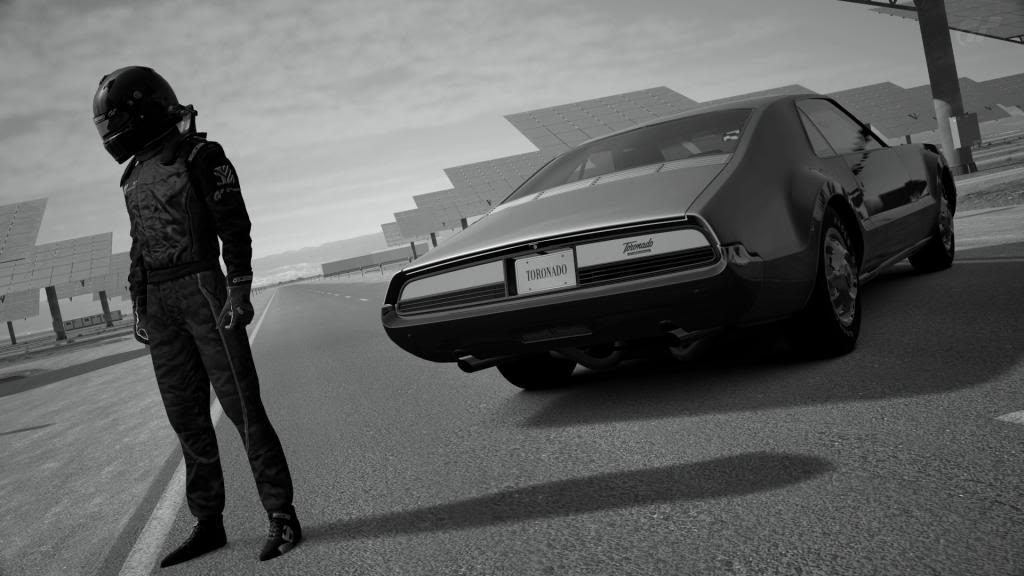
Gemasolar.jpg

Does anyone know how to resize Photobucket photos on here? I'm scared I've gone over the 500x500 pixel limit for previews and don't know what to do. Tried the box dragging thing and did nothing.​
 
It's Christmas so I have taken no photo's for almost 2 weeks, I had to quickly throw something together:

Final Entry

 
Final Entry


Sorry if there's a error in my post, I haven't done this in a long time

Edit @ 18:58 GMT:

I'm using ImageShack, trying to figure out how to upload a decent sized thumbnail which is a link to the full image.
This is the best I can do; there's probably a better way to do this, and I'm not aware of it, but I hope this is ok.
 
Last edited:
I don't know if this counts, but anyway:

FINAL ENTRY


- Click for larger size -
 
Final Entry


Sorry if there's a error in my post, I haven't done this in a long time

I like the style of it, but it's much too large. It should be no more than 500x500 pixels (500 in any direction), and it should be a clickable link. Your post will be ignored otherwise.
 
Last edited:
I like the style of it, but it's much too large. It should be 500x500 pixels, and it should be a clickable link. Your post will be ignored otherwise.
Actually, it doesn't have to be hosted on an image hosting sight, but it is recommended. And it can't be larger that 500px in each direction, but it can be smaller than that. But anyway, it is too big and it probably will be ignored ;) 👍
 
I'll edit my post to say "no more than 500x500," sorry, you have a point.
 
I like the style of it, but it's much too large. It should be no more than 500x500 pixels (500 in any direction), and it should be a clickable link. Your post will be ignored otherwise.

I'll change it.
Thank you.
 
This should be closed now, it's a day after it should have been closed
 
Status
Not open for further replies.
Back