GT7 race photos thread

  • Thread starter Thread starter sebmugi
  • 2,897 comments
  • 326,553 views
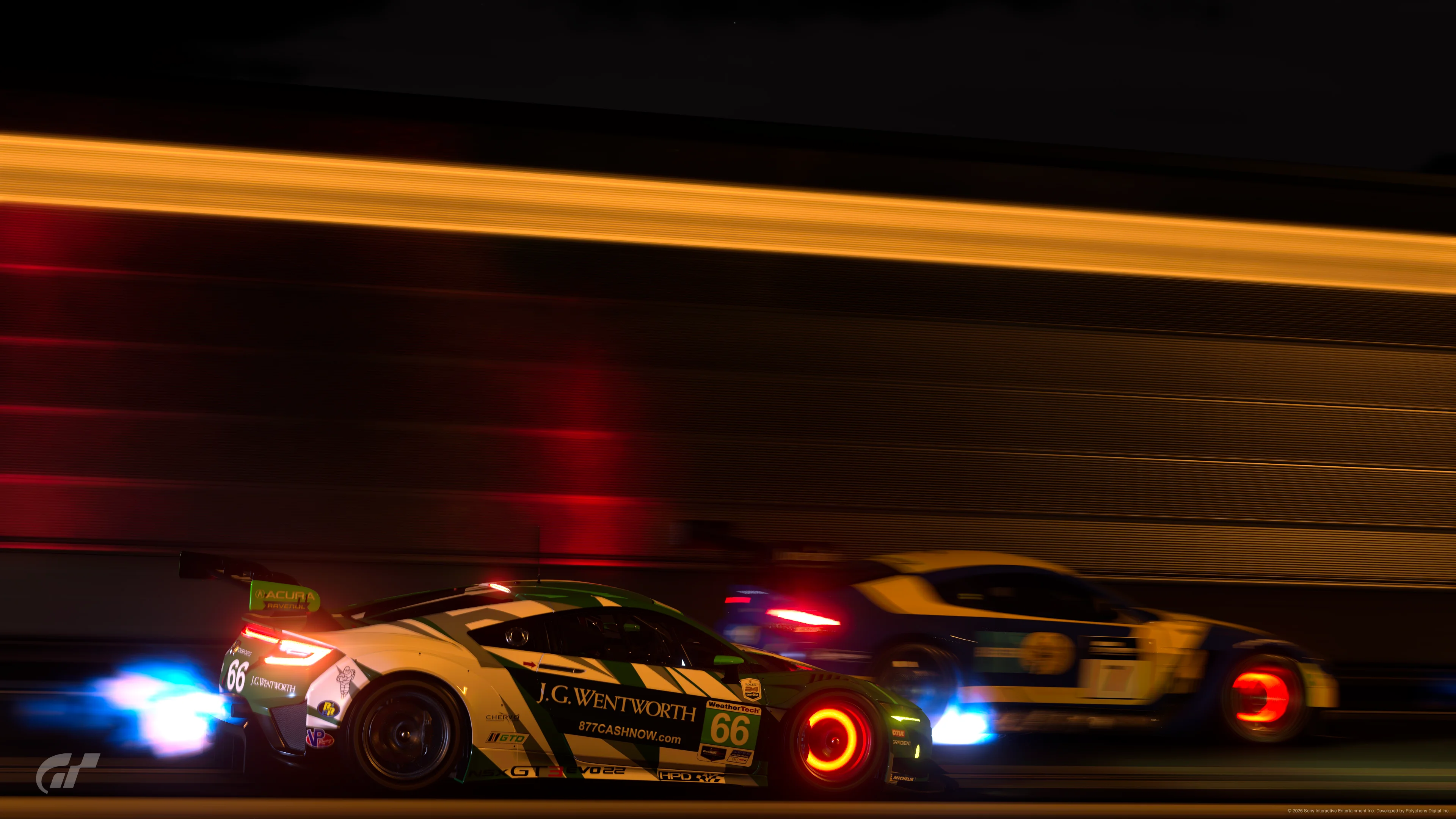
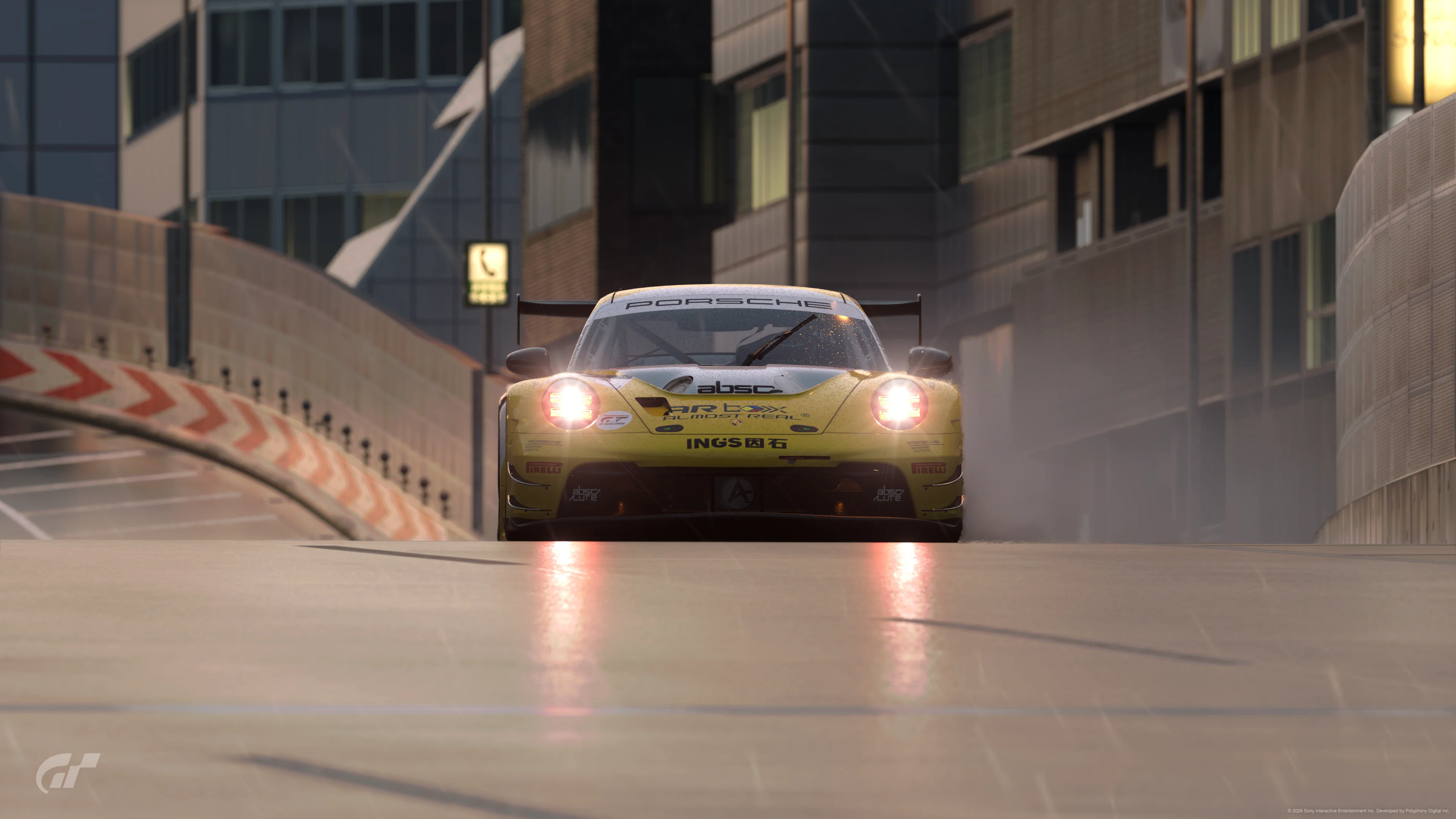
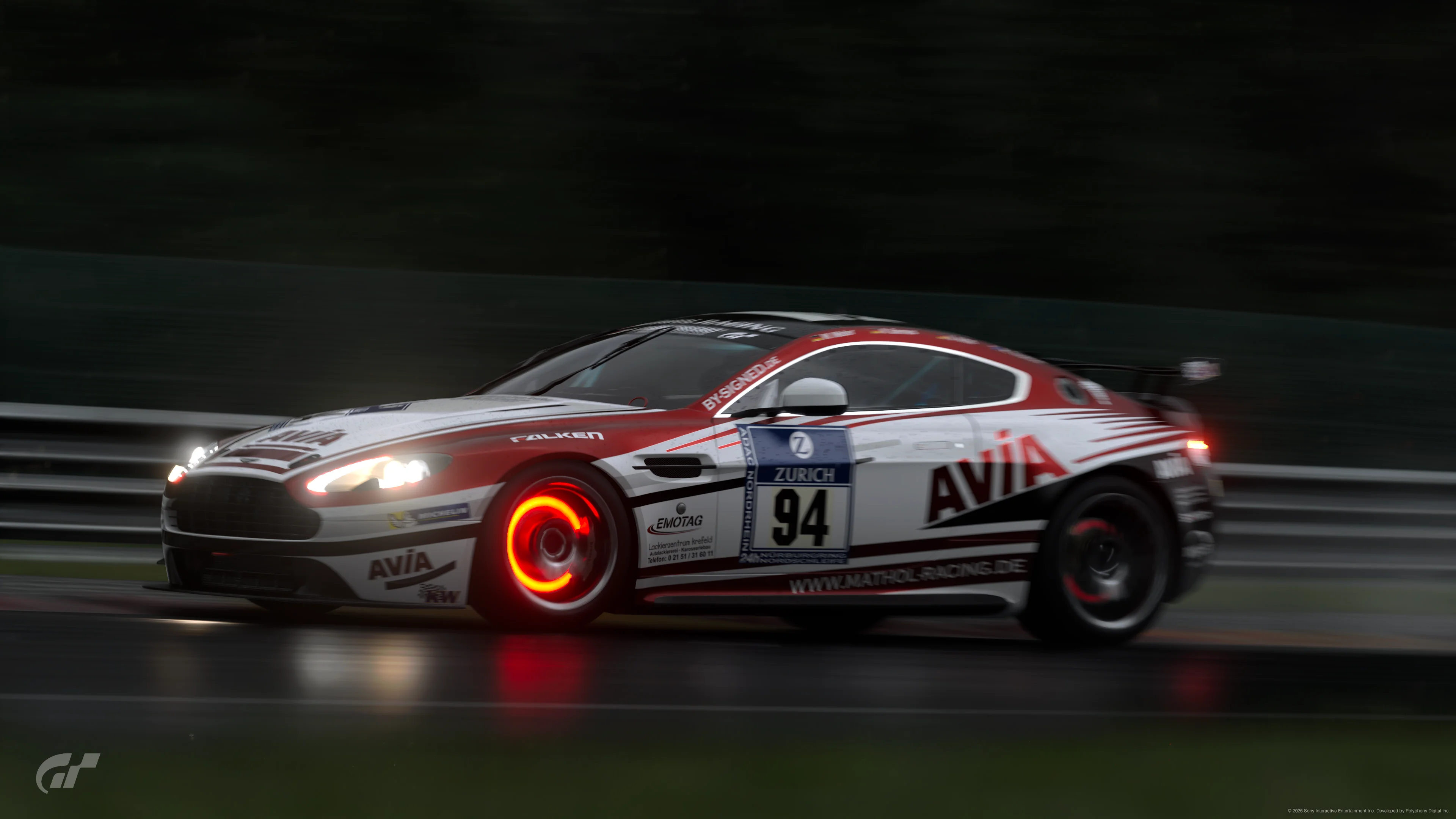
20970388342724298.webp
20970688554231577.webp
20970750727588116.webp
20970315669588133.webp
20970518059940085.webp
20970976459774469.webp
20970643899941071.webp
 
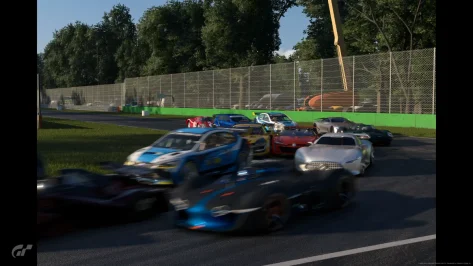
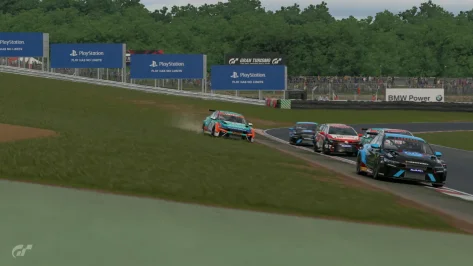
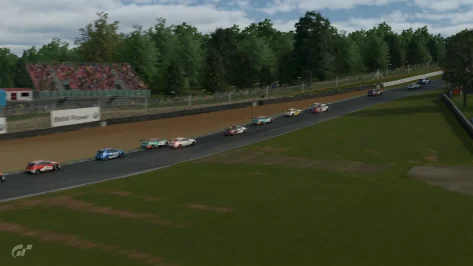
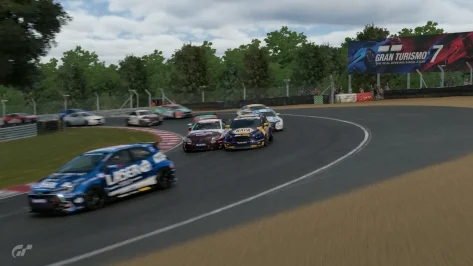
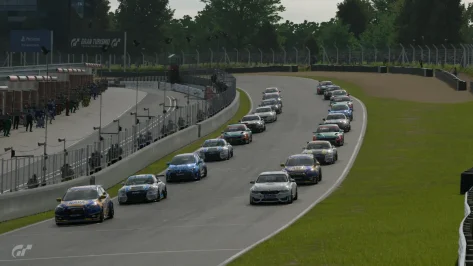
1st lap traffic jam with a ai flying after hitting a bump on final lap
 

Attachments

  • 19d88e3715523-screenshotUrl.webp
    19d88e3715523-screenshotUrl.webp
    146.8 KB · Views: 1
  • 19d88e34cc20-screenshotUrl.webp
    19d88e34cc20-screenshotUrl.webp
    59.4 KB · Views: 1
Question for other creators of race photos / photoscapes.

I recently started using the "export" option from my showcase in order to transfer my photos to the PS5 media gallery, as I prefer having the GT7 logo (lower left corner) instead of the alphanumeric signature code (lower right corner) that is added when using the capture screen button on the dualsense instead.

However, the results obtained from both methods differ substantially.

If I use the export option in showcase the picture saved in the media gallery has a different tonal mapping, slightly washed up colours and higher exposition values, although not as noticeable as the issue with HDR video captured from the replays if saved as 4K webm format instead of 1080p mp4).

I have an HDR LG OLED TV so I play the game in HDR and have the correct settings for PS5.

The only picture resembling my original edit in the photo mode is the one I screenshot from the showcase, not the one I get using the export option.

I've tried to search the internet for more info about this but have found nothing.

Is this a known bug or just a result of how the export option works for HDR pictures which I guess it tries to export as SDR material (hence the tone mapping)?

So I guess "screenshot" the way forward for me.

For comparison:

Using the "capture" button from the dualsense when showcasing the rendered photo.
45533.webp


Using the "export" option in my showcase for the same photo.
45861.webp
 
Question for other creators of race photos / photoscapes.

I recently started using the "export" option from my showcase in order to transfer my photos to the PS5 media gallery, as I prefer having the GT7 logo (lower left corner) instead of the alphanumeric signature code (lower right corner) that is added when using the capture screen button on the dualsense instead.

However, the results obtained from both methods differ substantially.

If I use the export option in showcase the picture saved in the media gallery has a different tonal mapping, slightly washed up colours and higher exposition values, although not as noticeable as the issue with HDR video captured from the replays if saved as 4K webm format instead of 1080p mp4).

I have an HDR LG OLED TV so I play the game in HDR and have the correct settings for PS5.

The only picture resembling my original edit in the photo mode is the one I screenshot from the showcase, not the one I get using the export option.

I've tried to search the internet for more info about this but have found nothing.

Is this a known bug or just a result of how the export option works for HDR pictures which I guess it tries to export as SDR material (hence the tone mapping)?

So I guess "screenshot" the way forward for me.

For comparison:

Using the "capture" button from the dualsense when showcasing the rendered photo.
View attachment 1530830

Using the "export" option in my showcase for the same photo.
View attachment 1530831
I use the gt site to get to my uploaded photos.
 
I use the gt site to get to my uploaded photos.
Thanks for your reply!

That's a nice shortcut to have pics saved in a computer or mobile!
... But still, is like 'exporting' ... as the pic shown in the gran-turismo site is the washed version, not the one I was "seeing" while creating/editing it.
 
Thanks for your reply!

That's a nice shortcut to have pics saved in a computer or mobile!
... But still, is like 'exporting' ... as the pic shown in the gran-turismo site is the washed version, not the one I was "seeing" while creating/editing it.
Interesting! Didn’t know that.
Maybe the screenshot also takes hdr into account?
 
Last edited:
Back