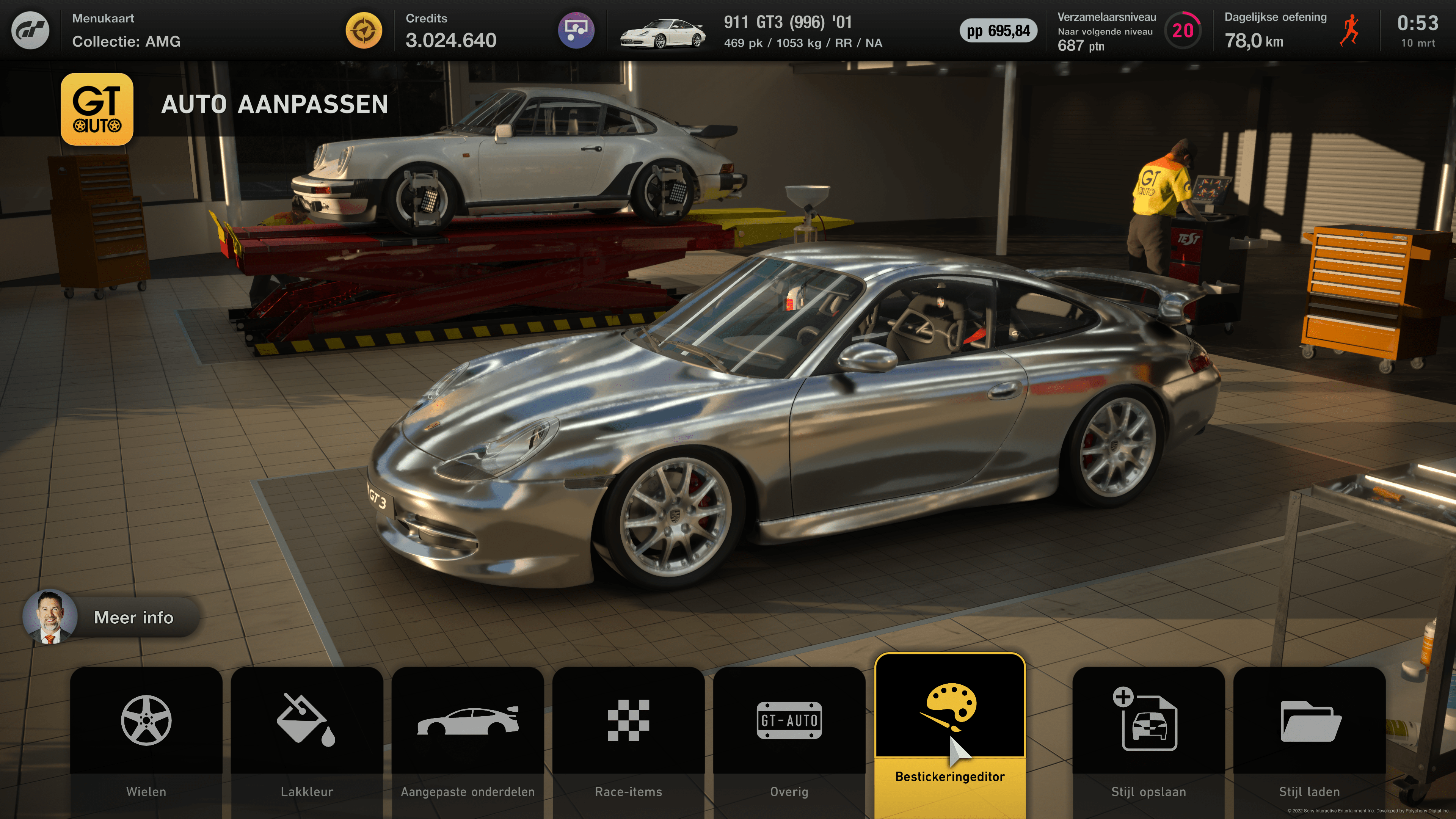
Has anyone noticed Ray Tracing issue on PS5, GT7 while in GT Auto

  • Thread starter Thread starter GMW
  • 32 comments
  • 12,618 views

GMW

Messages
478
United Kingdom
United Kingdom
Messages
GMW
This is on the PS5. I noticed that the cars seem less details when I have Ray Tracing on while in GT Auto (also to some extent in Scapes). When I switched to priority Framerate the image was much clearer, though of course without ray tracing.

Top photo is with Ray Tracing and bottom without it.
Gran Turismo™ 7_20220313184454.jpg

Gran Turismo™ 7_20220313184643.jpg
 
This is a close up on the rims and it has happens with other cars, wheels etc. I zoomed into it so you can see the fuzziness when Ray Tracing is on. Does anyone else have this issue? Am I missing a setting? I'm using a PS5 with HDR on.

(Ray Tracing on)
Gran Turismo™ 8.jpg


Priority Framerate (NO ray tracing)
Gran Turismo™ 9.jpg
 
I think they should drop RT from menus, as things like wheels look awful. It works well in replays and scapes, but anywhere else, I'm highly unimpressed. Horizon 5 does RT in Forzavista to a much better standard.
 
VXR
I think they should drop RT from menus, as things like wheels look awful. It works well in replays and scapes, but anywhere else, I'm highly unimpressed. Horizon 5 does RT in Forzavista to a much better standard.
Yeah, its low resolution and has too much artifacts that makes everything look blurry and grainy. The cubemaps look much much better and cleaner which makes the image quality more stable.
 
It also makes wheels in scapes blurry, kinda annoying tbh

Exactly. I wonder why... So disableing RT will solve it? Does game look much worse withoout RT (gameplay and replay)? Any chance to disable RT only for scapes photos?
 
Weird that these low quality RT thing is still in the game as it looks really awful. Should be easy to deactivate it in GT Auto.
 
I wonder if PS5 Pro with RT mode has same problem...
RT + 60hz + PSSR
1732523712297.png


no RT + 120hz + PSSR
1732523743170.png


RT + 60hz
1732523792956.png


no RT + 120 hz
1732523820171.png


PSSR adds a layer of "definitly wrong guesswork" that looks bad there, but on track I like the improvements mostly.
 
no RT + 120 hz
I think you got your last 2 photos backwards, RT always has this horrible blurry effect, for me, Performance mode looks absolutely crystal clear, 60 or 120Hz, no matter. Only thing is that looks worse in Performance mode are the edges, for example around windows, headlights, it's like you turned off anti-aliasing.

Of course, when you turn on the PSSR, it also destroyes the image, even in performance mode.
 
Last edited:
I think you got your last 2 photos backwards, RT always has this horrible blurry effect
Cant try again for the time being, but propably you are right.

I dont really mind how the car looks in any nonracing situation, to me only what I see during races matters, and there I definitly prefer "no RT + 120hz + PSSR".
 
That weird pseudo sparkling effect isn't it. It looks especially terrible on interiors.
But this is only the case in GT Auto and in Garage. When in race, there are no such problems, also in Scapes movies (or whatever it's called, in the Garage where you play the video of the selected car), the picture looks perfect without any artifacts or blurry sparkly effects. Strange...
 
What about photo mode? On standard PS5 with RT enabled wheels (rims) are blured too. What about PS5 Pro?
The “flickering/movement” is still there on Pro in GT Auto and the garage, not sure about photo mode, but I’ll check today.
 
GMW
This is on the PS5. I noticed that the cars seem less details when I have Ray Tracing on while in GT Auto (also to some extent in Scapes). When I switched to priority Framerate the image was much clearer, though of course without ray tracing.

Top photo is with Ray Tracing and bottom without it.
View attachment 1123912
View attachment 1123914
Polyphony Digital lowers the resolution for RT which was a very inconsiderate idea because it makes the quality look like a ps2 game with blurry jagged edges. What a disaster.
 
Last edited:
Someone please help..
I just got a PS5 pro and even without RT on I get this awful blurry effect on all cars wheels in the garage and GT Auto, and some parts of the interiors (ex: carbon fiber and black plastic vents of the LaFerrari and 296 GTB, other things like shift knob and pedals of the Elantra N TC). Switching between performance and RT does nothing, all those surfaces are still blurry. Same for 60-120hz. Speaking of 120hz, I started noticing the first issue after I turned it on within the GT7 settings: I was doing some qualifying for B race on Monza with the Viper and I noticed that my ghost, right in front of me, was very low quality.

I even followed the instructions to clear the cache on the PS5 Pro.

Nothing.

I'm on Samsung S90C so everything is supported and enabled (2160p, HDR, 120hz, VRR/ALLM)

-------

EDIT: I think I just solved it: I turned off PSSR, which is in the GT7 video settings right below PERFORMANCE-RT, 120hz and 8k support.
 
Last edited:
Someone please help..
I just got a PS5 pro and even without RT on I get this awful blurry effect on all cars wheels in the garage and GT Auto, and some parts of the interiors (ex: carbon fiber and black plastic vents of the LaFerrari and 296 GTB, other things like shift knob and pedals of the Elantra N TC). Switching between performance and RT does nothing all those surfaces are still blurry. Same for 60-120hz. Speaking of 120hz, I started noticing the first issue after I turned it on within the GT7 settings: I was doing some qualifying for B race on Monza with the Viper and I noticed that my ghost, right in front of me, was very low quality.

I even followed the instructions to clear the cache on the PS5 Pro.

Nothing.

I'm on Samsung S90C so everything is supported and enabled (2160p, HDR, 120hz, VRR/ALLM)

-------

EDIT: I think I just solved it: I turned off PSSR, which is in the GT7 video settings right below PERFORMANCE-RT, 120gz and 8k support.


This is what I'm talking about. Most users claim, “That's good, this is how it should be.” No, it isn’t. As a PC gamer with a good GPU, I know how ray tracing should look. I love GT7, but the ray tracing is ugly (blurry as hell) in most cases.
 
Last edited:
To get competent RT on PC you need an RTX graphics card from the 4070 onwards (Super, 4080, 4090, 5070, 5080, etc.) and the PS5, and the Xbox for that matter, are too weak for that. RTGI on Forza Motorsport on PC only looked better and at reasonable framerates when the new DLSS 4.5 showed up, and that tech, or its Radeon equivalent, is just not available (yet) for this generation of consoles.
 
Last edited:
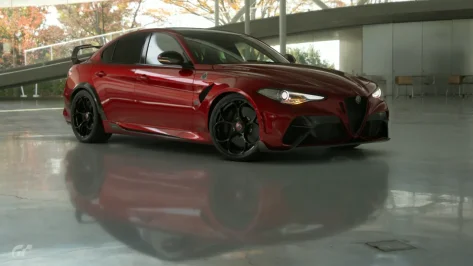
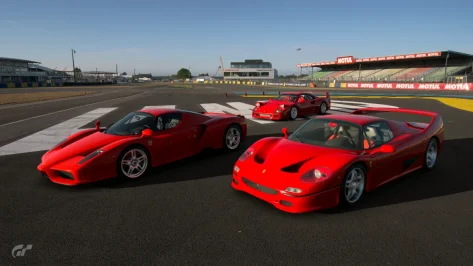
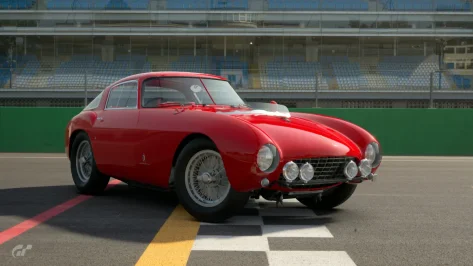
Some time ago I posted something like this on Facebook (same as above - check attached photos too - F50 wheels for example) - I showed some screenshots and wrote that something wasn’t right. The photos with ray tracing turned on look like blurry soap. They basically tried to shout me down, saying that it’s supposed to look like that, that it makes it more realistic and asking what I even expect. I eventually gave up. I even upgraded my console to a PS5 Pro, thinking it would be a bit better because of the higher computing power and all that. But honestly, it’s the same crap. I turned off ray tracing and just enjoy the game. In GT7, ray tracing feels like pure marketing nonsense. Sometimes the effect is acceptable, but mostly in photos taken during a race, not in Scapes. And even then it’s mainly when the car is moving, when the details get lost.
 

Attachments

  • Osaka University of Arts_ Wydział Nauki i Sztuki__4.webp
    Osaka University of Arts_ Wydział Nauki i Sztuki__4.webp
    60.2 KB · Views: 7
  • W pobliżu ostatniego zakrętu__1.webp
    W pobliżu ostatniego zakrętu__1.webp
    127.6 KB · Views: 7
  • Prosta startowa__2.webp
    Prosta startowa__2.webp
    95.5 KB · Views: 7

Latest Posts

Back