Help!

  • Thread starter Thread starter ApexDriver
  • 10 comments
  • 1,367 views
Status
Not open for further replies.

ApexDriver

(Banned)
Messages
12
I'm trying to attach photos, however, when I add the image using the little button, it doesn't come up? Anyone wanna give me correct instructions?
 
Try img brackets [ IMG ] [ /IMG ] remove all the spaces and put the image link inbetween
 
Right click the image and click "view image" then use that url. It has to end in ".jpg" or similar :)

Should look like this afterwards (quote my post to see what I put)
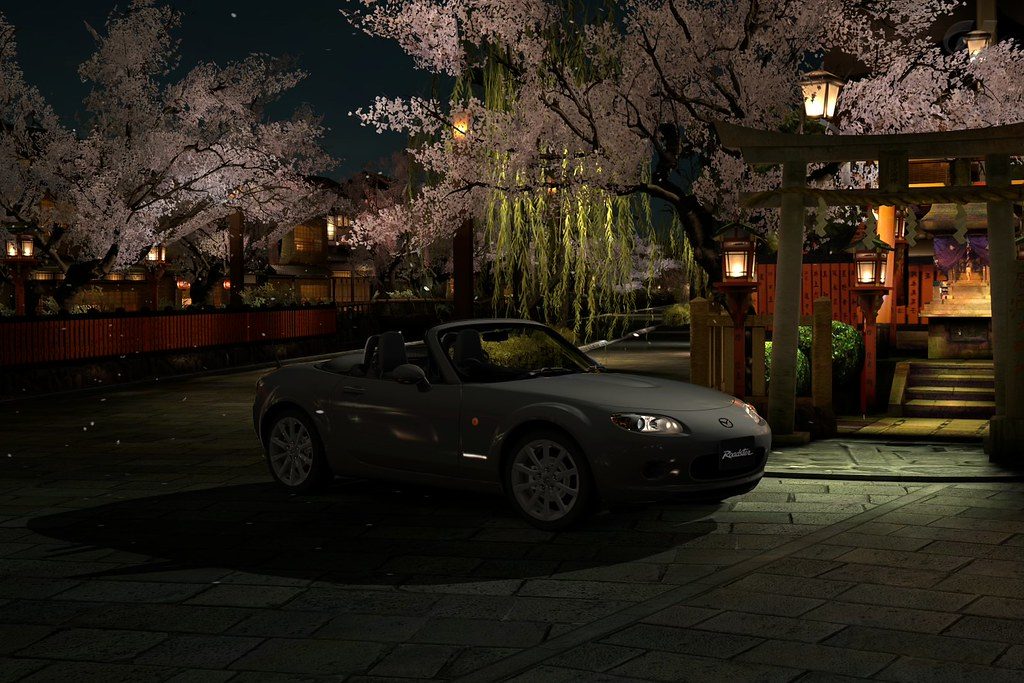
5212577193_891aa75499_b.jpg
 
Thats cause you're using the wrong link, you need to right click on the photo and choose the size you want, then you will be redirected to another page and you need to right click the picture again and "copy image location" and paste that link inbetween the img brackets

5212577193_891aa75499_z.jpg


Edit, was beaten to it
 
5213174320_428d74564b_m.jpg


How do you make the image bigger?

5212577193_891aa75499_b.jpg


Thanks guys! I got it.
 
Last edited by a moderator:
Choose a different image size when you right click on the picture
 
Edit, nevermind you done it
 
Welcome to GTPlanet, ApexDriver.

I've tidied the thread up, and will now be closing it too. Questions you have can all be answered in either the main Welcome sticky, or the (also-stickied) Photomode FAQ.

For a detailed break-down of exactly how to post images (including previews), check Nicknamealguem's post about it here.

In the future, don't double, triple or quadruple post. This isn't a chat-room (though we have one of those, too).
 
Status
Not open for further replies.
Back