- 4,473
Alright, this is the second weekly Race Car Competition. The only rules are:
- Make it a race car (obviously). You can do what you want with it, but keep it a (car name here).
- Put it into a racing environment or at least a moving environment (if possible), by changing the background (make your own if you want).
- At least put some work into it. I dont want to see: "Here is my 10 minute chop " or "My pathetic attemp
  ". If your not going to at least put some work into it, dont even bother at all. If a majority of people suspect that there was not much work put into the entry, it will not be posted on the poll.
- When you post your final entry, put, "Final Entry" in red letters in your post so I know its your final. It makes it easier for me to put the right ones on the polls.
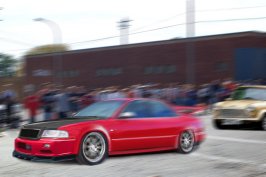
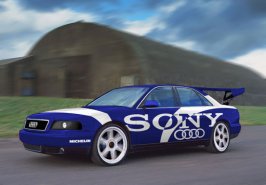
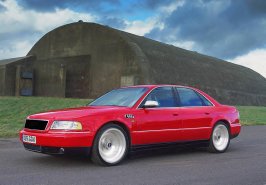
This weeks car is an Audi S8
If you have any suggestions for a car on the competition, feel free to PM me .
Deadline: Saturday the 30th @ 11:59 EST

- Make it a race car (obviously). You can do what you want with it, but keep it a (car name here).
- Put it into a racing environment or at least a moving environment (if possible), by changing the background (make your own if you want).
- At least put some work into it. I dont want to see: "Here is my 10 minute chop
" or "My pathetic attemp ". If your not going to at least put some work into it, dont even bother at all. If a majority of people suspect that there was not much work put into the entry, it will not be posted on the poll. - When you post your final entry, put, "Final Entry" in red letters in your post so I know its your final. It makes it easier for me to put the right ones on the polls.
This weeks car is an Audi S8
If you have any suggestions for a car on the competition, feel free to PM me .
Deadline: Saturday the 30th @ 11:59 EST








 ...
...