- 1,805

- Adelaide
- Revolution52
Here's a bunch of GIFs that flick between edited and original shots from my recent Porsche edits - see the shots in full res and high quality in my gallery.




Where in the world did you find weeds like that in GT6?!Nice thread

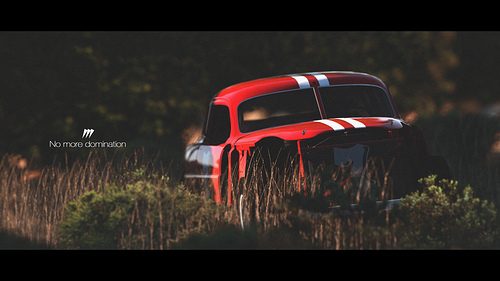
I don't use presets. Just curves, levels, saturation, etc...

Unedited
Click for Lightbox
Edited


I created the streaks with custom brushes, then I added motion blur to them.How do you do that? I don't use photo editing programs, so I'm completely clueless as to how you produce color trails. Are they made from scratch or are you using templates/pre-made stuff?


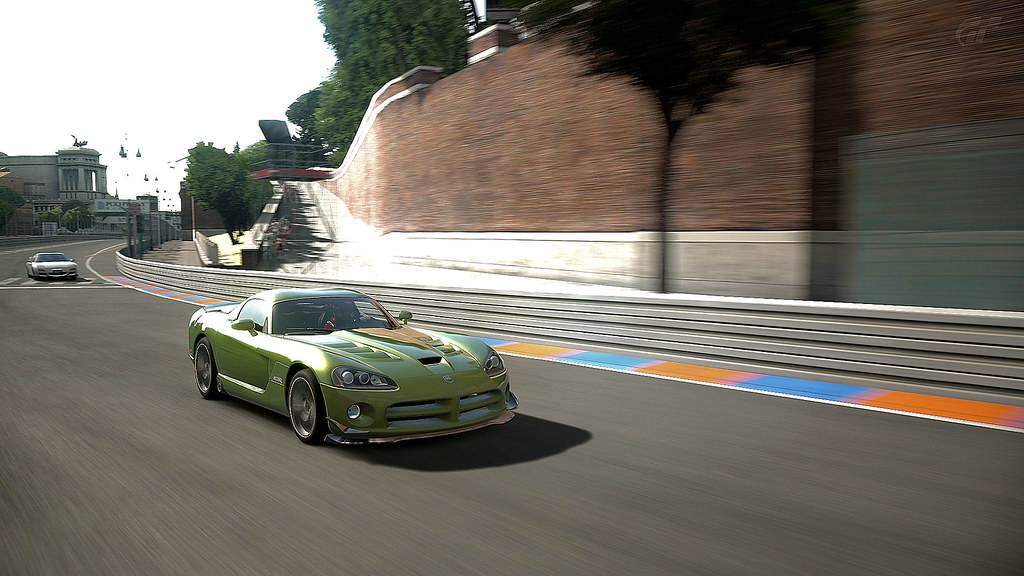






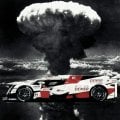
It looks fine on mine! No problemo and it turned out not to bad! Like the final effect of the ground on the left! - I have also noticed that if you edit in front of an LED monitor and look at it at other angle than 90 deg you will notice a lot more detail than you would if straight on!? Does this seem right?Thought I would try something a bit more extreme than I usually do today. According to what I see on my monitor right now the color and lighting is what I was after (hopefully it isn't too dark on other screens) but the banding I fought with has kind of wrecked it for me. I'm positive there are better methods for doing what I did that wouldn't introduce so many artifacts but this was just sort of a proof of concept I guess.
Thought I'd post it up here anyway...
Edit: Now having seen it on my cell, ya it's too dark. Now I'm really bummed

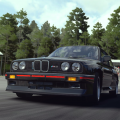
Just a few minor changes in things such as brightness, saturation, & color balance.
It's always interesting to see the sorts of edits that go into cool photos. Here are a couple of my recent ones...
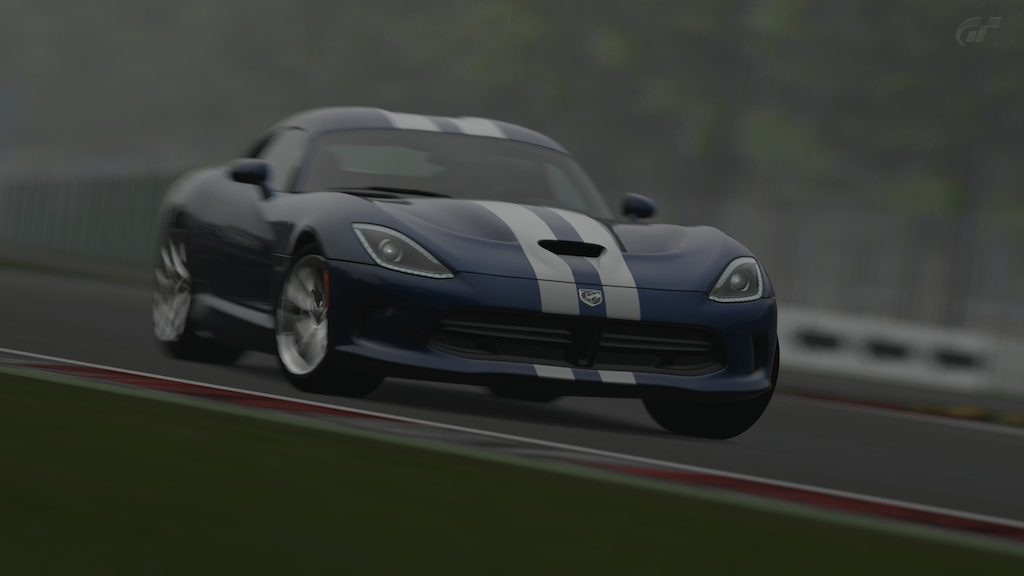

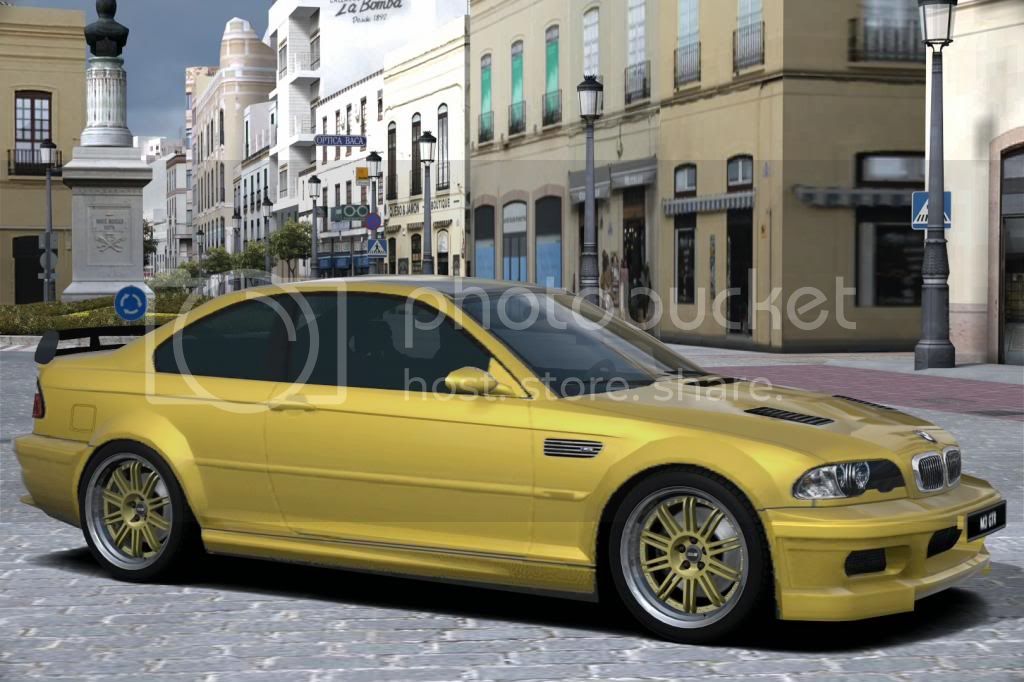
As a matter of fact; I do mind!Hope you don't mind me editing yours buddy!



Great edit that! Nice work