Let's see those desktops (rev 4.0)

  • Thread starter Thread starter Sage
  • 11,083 comments
  • 785,819 views

Sorry about the delay, got tied up in Pimp My Gun. :banghead:

Right-click on the desktop, and go to personalize, hit Windows Color (right next to Desktop Background on the bottom) and there ya' go. 👍
 
All that does is pull up the Windows Classic menu for changing windows colors. And even when I change the themes it only changes the sound effects and the desktop, leaving the windows colors the same.
 
desktopd.jpg

​
 
honestly.. does it get any better than this?

Picture1-4.png
 
mine looks like this now (refers to more than my computer)

 
Great one Sweetshop 👍

desktopqaf.jpg
 
3862367215_137e8a38ef.jpg

More GT goodness:D
 
I decided to try a Porsche as well 👍

 
Aww.. she is adorable. Is that your daughter?

Yes it is! She just turned 2 last month. I think she is adorable, too. And almost everyone over here in Japan does as well. She gets gawked at when we go out and old ladies call her 'ningyo-san.. ningyo-chan' (ningyo means doll).
 
Woah, that's very nice indeed! Interfacelift.com, right? :D
 
91700969.png


My computer at work. Looks better with the monitor gap, taskbar doesn't actually just stop half way down my screen.
 
@ CDailey: VERY NICE!! Link where to get it?
 
Last edited:
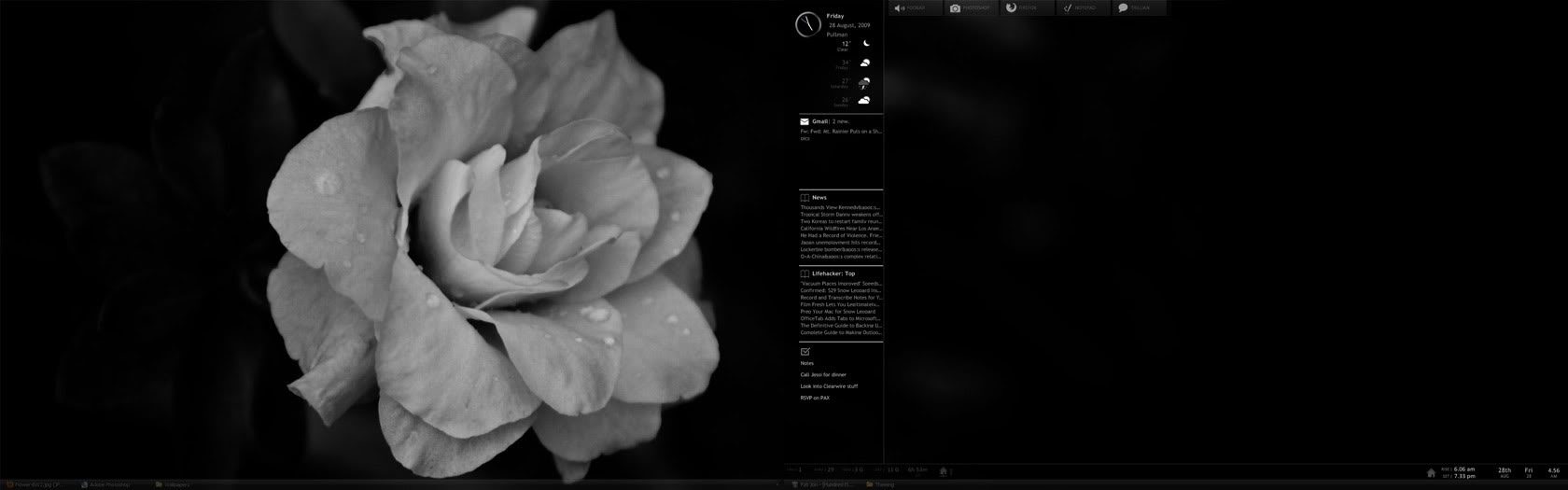
Been working with Rain Meter and some other apps. Wanted to see how this felt for a bit before I reinstall Windows this weekend.

Wall-Flower.jpg


Bram or SweetShop, how do I get that slick analog clock that I see in Enigma's config screen, and right in the middle of your desktop SweetShop? Can't find the toggle for it or a mention in the code, so far.
 
Bram or SweetShop, how do I get that slick analog clock that I see in Enigma's config screen, and right in the middle of your desktop SweetShop? Can't find the toggle for it or a mention in the code, so far.

It's a config called Arcs. I'm using one called Mini Arcs. Both found on Deviantart.
 
It should come with the new Rainmeter version, mine did. Just right-click on any Rainmeter icon and click on Configs->Arcs->Arcs.ini and it should pop up 👍


desktopewf.jpg


Installed some new skins for Rainmeter and Rocketdock today 👍
 
Last edited:
WOW! Where'd you get that one?
 
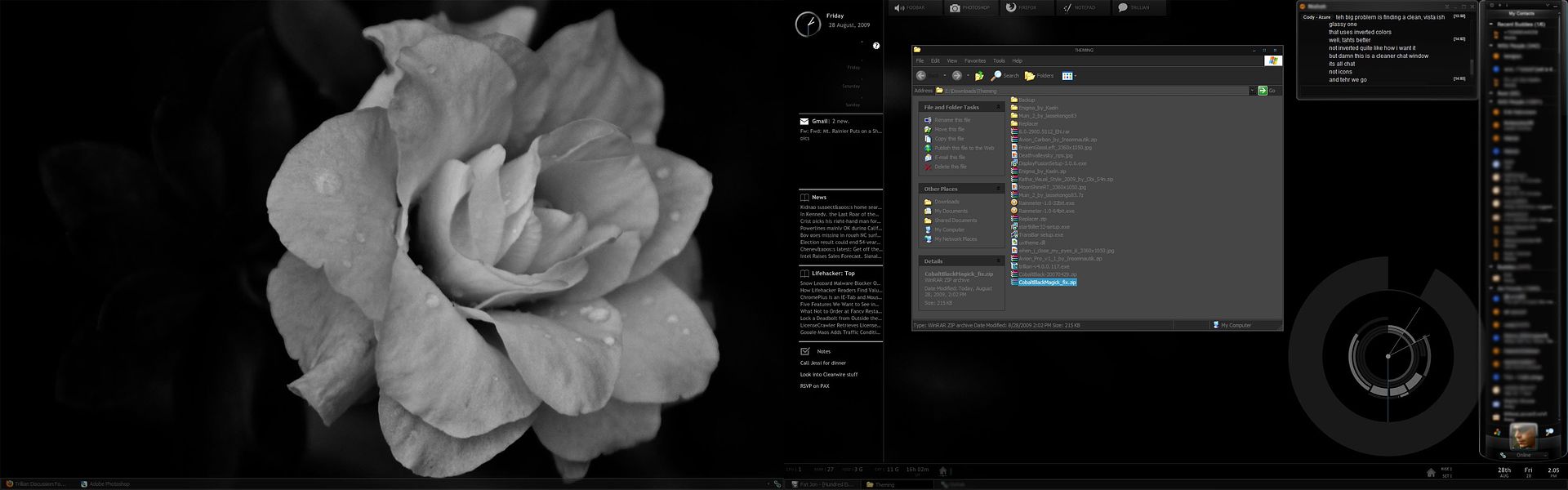
There, settled on something I like a bit more. Fully inverted light font on dark theme for Windows, setup Trillian right, and widgets I want. Now if only AccuWeather would start working again :indiff:

Click for fullsize, if you are curious anyhow...
 
Back