Let's see those desktops (rev 4.0)

  • Thread starter Thread starter Sage
  • 11,083 comments
  • 785,810 views
3862367215_137e8a38ef.jpg

More GT goodness:D
Got a fullsize of that one mate?
 
Stole this one from Interfacelift.


Click to enlarge.​


And me.
king-041.gif
 
^
l
l
l
l
well then.....:lol:

yes.....interfacelift.....
 
Those really are some rather gorgeous wallpapers.

Oh, and eyes off my dirty pillows. :lol:
 
My latest wallpaper from desktopmachine.

 
I can has flash?

That picture is terrible, no offense but the lighting is so unnatural it is just painful.

/photographer.
 
Even went through the trouble of setting up a flash rig and everything.

You gotta start somewhere eh...
 
Didnt really notice that, ill look for another one now.

EDIT: This one has been on my drive as a possible wallpaper for a while, taking it out now.
 
Last edited:
Even went through the trouble of setting up a flash rig and everything.

You gotta start somewhere eh...

True. I just think if the exposure was a stop longer for the building, or a stop less in the flash and adjusted a little in photoshop, it would've worked a little better. Know what I mean?
 
Sometimes you arent the silly Azuremen most people know...

I agree with you, I could touch it up in photoshop but really its not that worth it, for me anyway.
 
Seriously Bram, i'd like pay you to freshen up my desktop. Gawd. :drool:

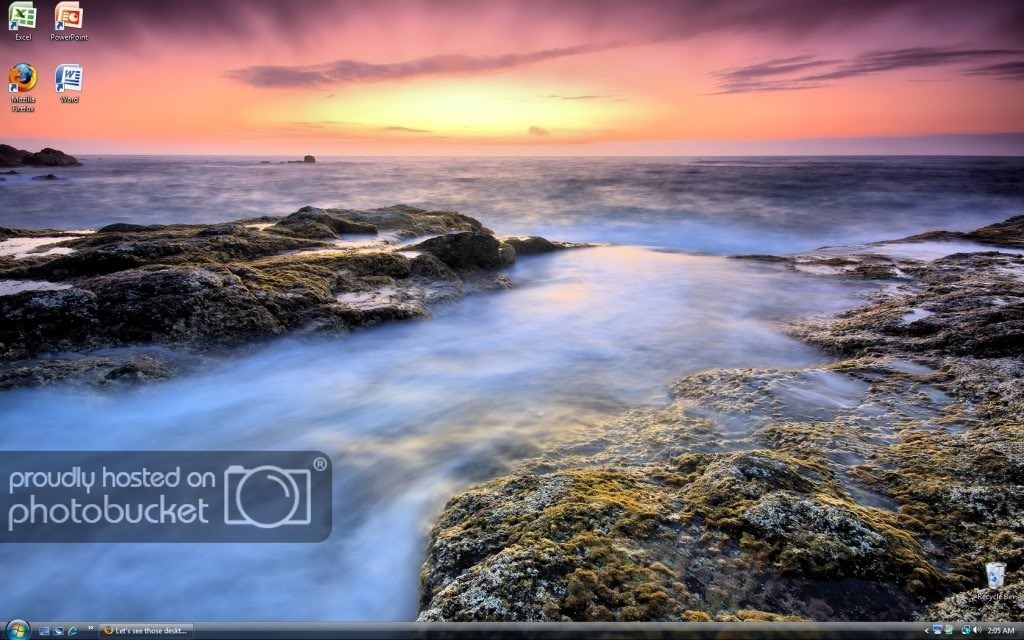
Simple, nothing fancy. (I don't have the knowledge to make my desktop to look good)

desktop93.jpg
 
Last edited:
wheeeeeee.jpg

I'm seriously amazed I haven't cluttered up my desktop with all sorts of icons.
 
This wallpaper seems very relaxing to me:)

 
Untitled-1copy.jpg


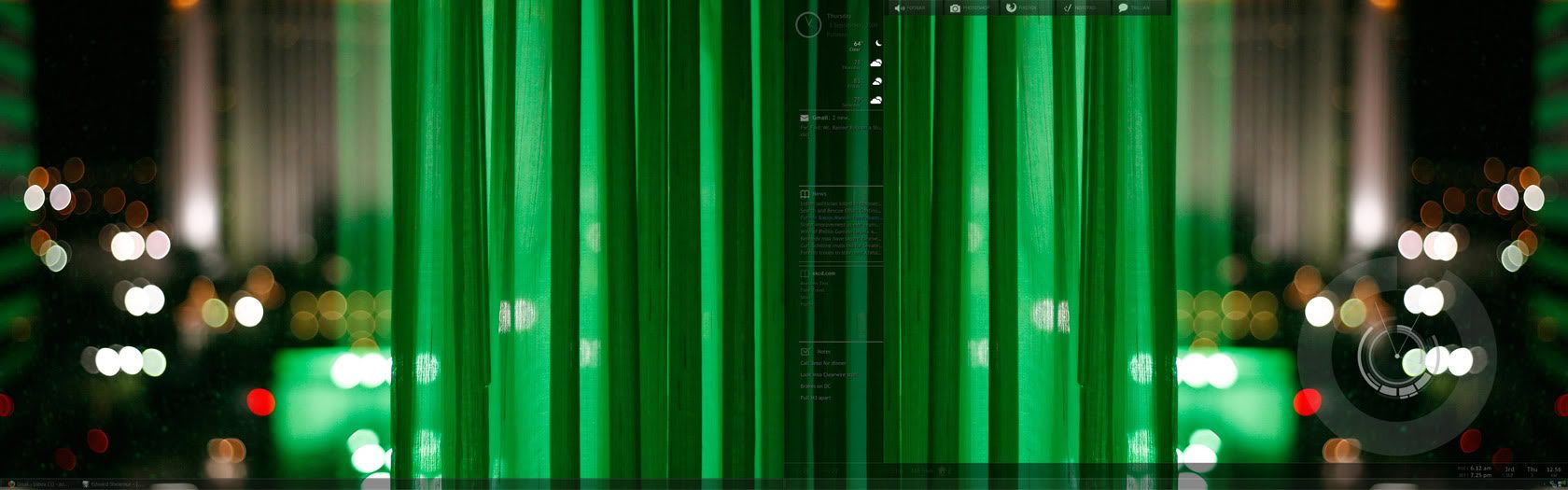
Yes, yes, I know its not as fancy as Bram's or SweetShop's but I don't have the time or patience to make it look that good. :)
 
I think it looks way better than mine. 👍 Simple, but great and clean :)
 
Untitled-1copy.jpg


Yes, yes, I know its not as fancy as Bram's or SweetShop's but I don't have the time or patience to make it look that good. :)

Im confused how do you make the desktop look like that what OS is this on?

 
Im confused how do you make the desktop look like that what OS is this on?

You have no idea how many people have asked this question! I think me and Bram should make a Guide some time in the Computers sub-forum we can direct people to.

Basically the OS is Windows XP, Taskbar set to hidden (Right-Click->Properties->Auto-Hide Taskbar)
To get all those HUD's a program called Rainmeter is used with a skin called Enigma.

More Info Here
 
Back