Composite (Multi Car) Photos

  • Thread starter Thread starter Nikked
  • 195 comments
  • 34,563 views
You also need to work on masking the windows, you're missing the back half of 2 cars and most of a 3rd.
 
My V-spec compilation:
smalligz.jpg
 
This was from my first shoot. Definitely going to do a mass shoot sometime soon.

 
Stack 'em like a valet parking lot!! I'll have to see what I can pull off at that location tomorrow... for now, one last composite shot from today.


:drool:

That's superb. You'd swear it was stolen from the cover of Top Gear magazine or something. 👍
 
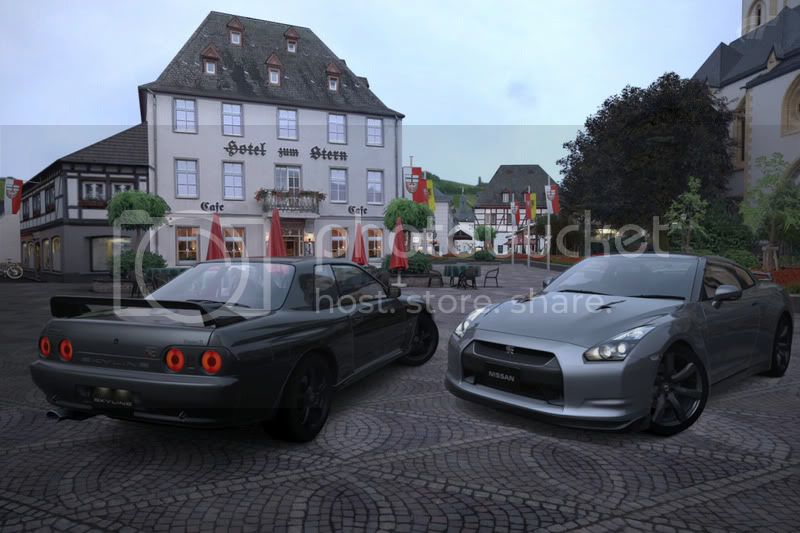
It looks bad in my opinion.... but oh well, it's my first try ;)

GTR.jpg
 
You need to think about composition, like a few others that have posted in here. Look at photos from car magazines where theres multiple cars. Your composition is crammed because you've wedged both cars into the frame,, just barely. Step the camera back, or pusht he cars back, and frame them up on the hot spots. Think about a tic tac toe board, and your hot spots are where the lines cross. Place your interesting features there (the cars). The cars are in that location, but far too close to the camera.
 
Riving the tread again.

This theme is Standard & RM cars - First up the Suzuki Cappuccino:

5324967437_38bda70e38_b.jpg


(Wallpaper Version - LARGE 4.4mb!)

:)


MATTE BLACK MURCIELAGO
MATTE GREY FORD GT
MATTE GREEN 599
CHROME R8
 
Cmarao%201%2B2.JPG


Could have done a better job around the front bumper of the Camaro, but there was only so much I could do with the smudge tool.
 
I know there are a few people out there using photoshop to get 2 or more cars into a Photo travel shot. Post them here:)

This is my first attempt, not the best, more of a practice run.


Composite.jpg

Ferraris must be red! :dopey:

Especially in the same photo as a yellow Lamborghini!
 
Last edited:
Quick and dirty test image just to try a composite (and a first venture into slightly more over the top HDR, apologies to those of you who prefer more life-like images :D). Composite made in Paint, HDR done in photomatix, put together in about 15 minutes. Might put up a cleaner one later on.

 
My first GT5 composite. There was supposed to be an LFA to the left of the NSX, but I guess I need to learn how to wait for the right lighting moment, because the whole thing was a shade darker. :yuck:


Was meant to be clickable for full size but photobucket decided to resize the full size one. :ouch:

I kinda like how it turned out anyway. :D
 
VTiRoj - That's pretty cool. If you're using Photoshop there is a setting under:

Image > Adjustments > Exposure

Using the sliders there you should be able to dial the exposure up/down slightly to match it into the master image.
 
VTiRoj - That's pretty cool. If you're using Photoshop there is a setting under:

Image > Adjustments > Exposure

Using the sliders there you should be able to dial the exposure up/down slightly to match it into the master image.

Thanks for the tip! :D:tup:
 
some of the composites on here are awesome, inspired me to have a go.

430scuderiawithbordersi.jpg
 
Last edited:
a 3some of ferrari F430's, Yellow, Chrome and Pink.

I used the chrome painted car to split the colours .

 
Okay, had a bit of fun with something after setting up another couple of shots (that I'll work on shortly) -

Too Many Lambos:
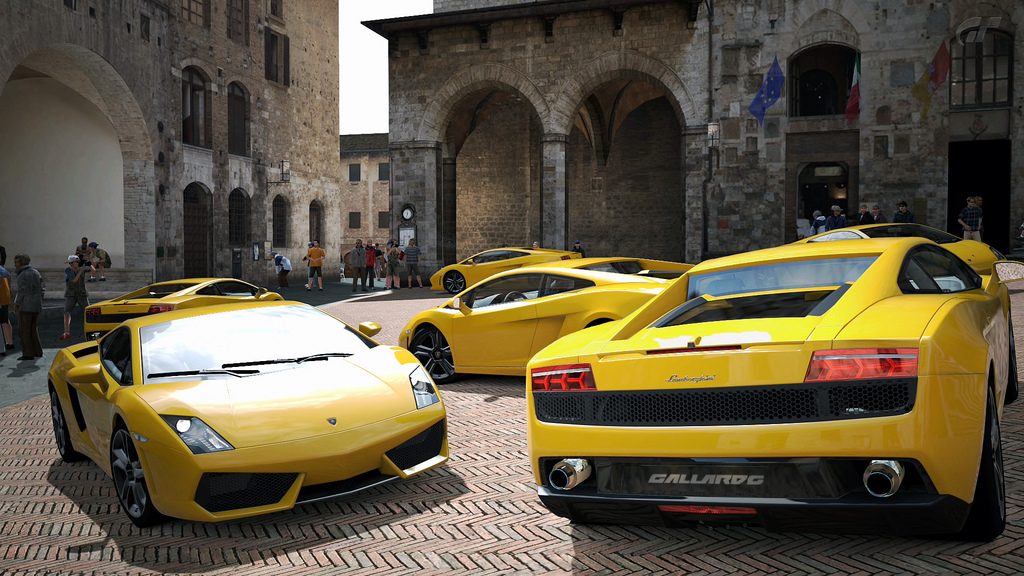
5264012173_50f4d1f7d4_b.jpg


I suppose I could of squeezed a 7th in the gap on the back-left. :)

(Large version)

There is no such thing as too many Lambo's! :drool: 👍
Good job!
 

(click for full size)

Prizes for this week's and next's Competitions :)
 
Lucerne - Chapel Bridge. An odd assortment of cars.

lucernechapelbridgegt40.jpg
 
Last edited:
500 montage!

My collection so far :lol:


Click to enlarge

 
Back