Drift Photos [THUMBNAILS ONLY]

  • Thread starter Thread starter Gen.
  • 2,066 comments
  • 269,103 views
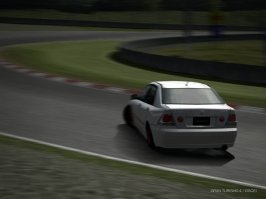
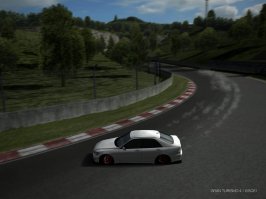
i'm new here..so any comments would be nice...
 

Attachments

  • IMG0003AA.jpg
    IMG0003AA.jpg
    74.9 KB · Views: 27
  • IMG0009TT.jpg
    IMG0009TT.jpg
    97.7 KB · Views: 30
^^Besides you using fast forward and taking your pics like that...It's nice, it's a bit dark. Brighten it up a little bit and warmify the picture a bit.
 
thanx for the advice. yeah its a little bit dark n i got the fast forwrd trick here at gtplanet...:->
 
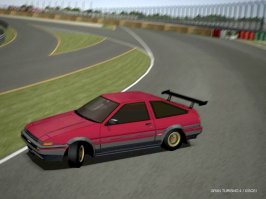
one more...i wanna try drifting a high powered car.. suggestion is appreciated.
 

Attachments

  • Re-exposure of frwf.jpg
    Re-exposure of frwf.jpg
    86.7 KB · Views: 30
[pictures removed by moderator] Please use thumbnails from imageshack. Thanks.


Who has skills? Please tell me i have some!
 
Say please, Matt.
But, yeah they would help.
And save your images on "Super Fine" in GT4. The Chaser is a beast.
 
This is really a noob question, but which mode do you go into to take drifting snap shots? I went to photodrive and it doesn't do anything...


I just got my memory stick today :)
 
Search you noob!!!

hehe

you have to press select during the photodrive replay (or during a saved replay viewed in the replay theater). This will open up the camera mode.
 
Boundary Layer
Search you noob!!!

hehe

you have to press select during the photomode replay (or during a saved replay viewed in the replay theater). This will open up the camera mode.


I searched. I'm not THAT noob :).


Thanks for the tip! Obviously it was something I could have never figured out.
 
Use imageshack.us for picture file hosting.

After you upload your file, it gives you a list of code that you can insert into your post to provide a thumbnail.
 
Back