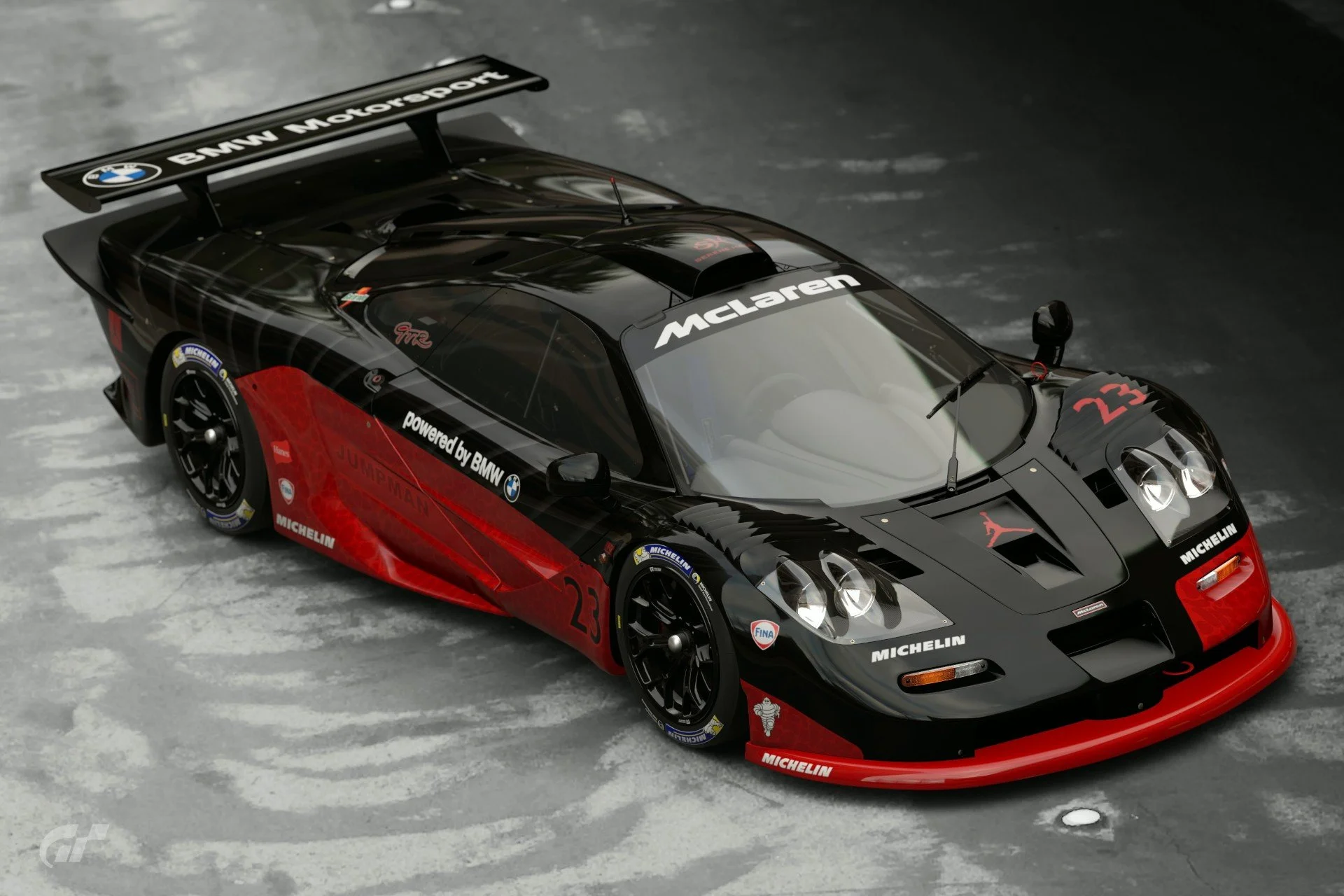
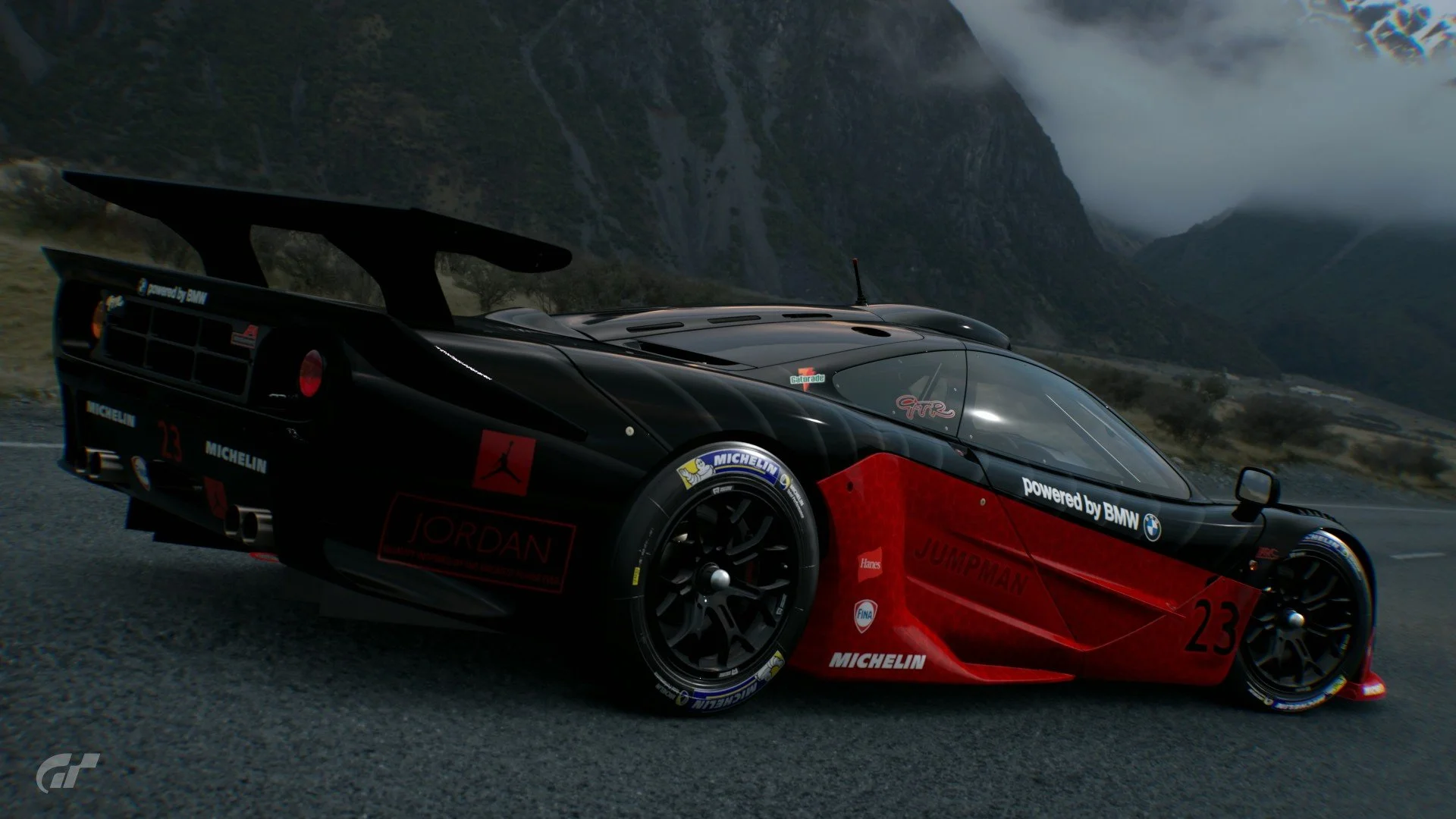
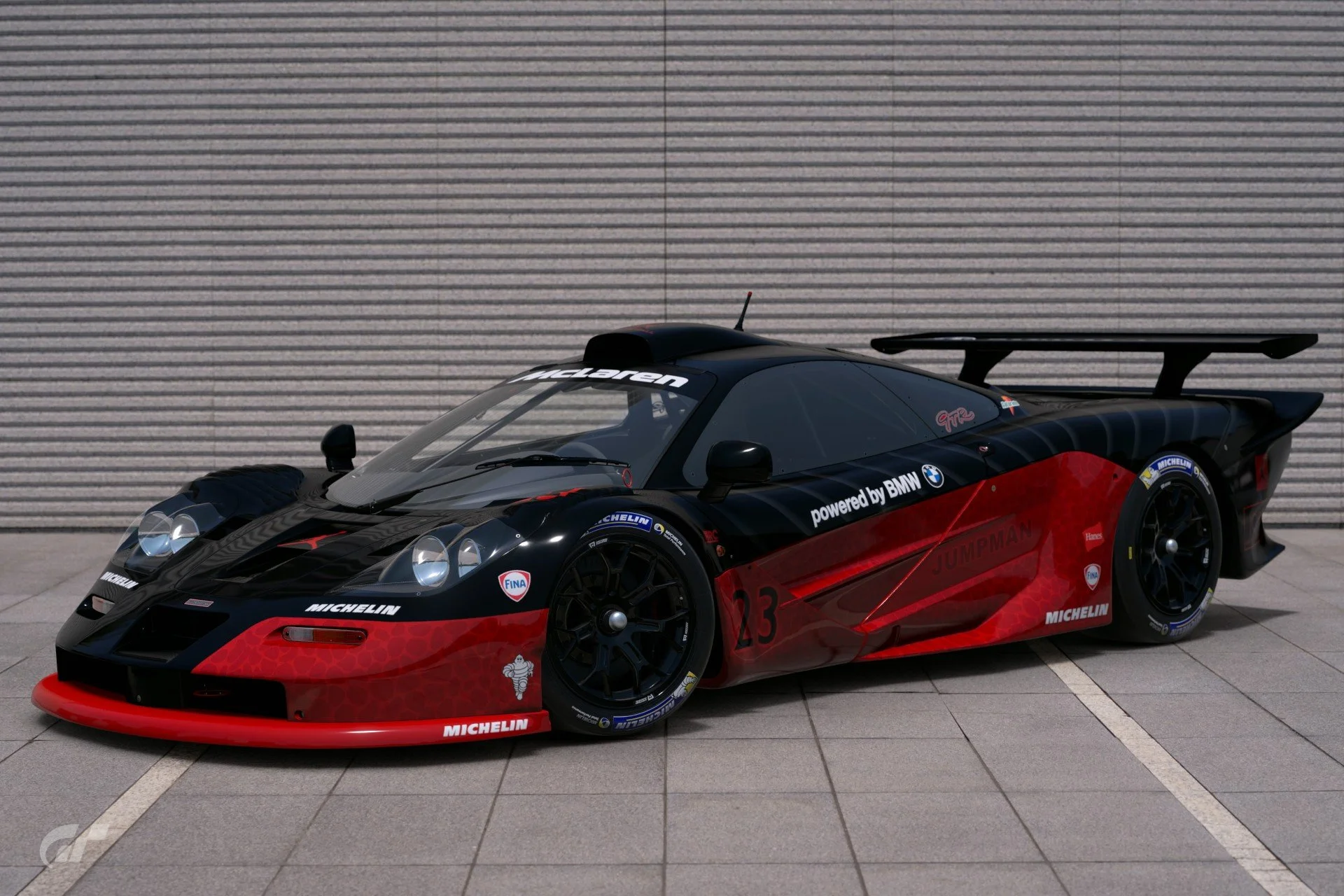
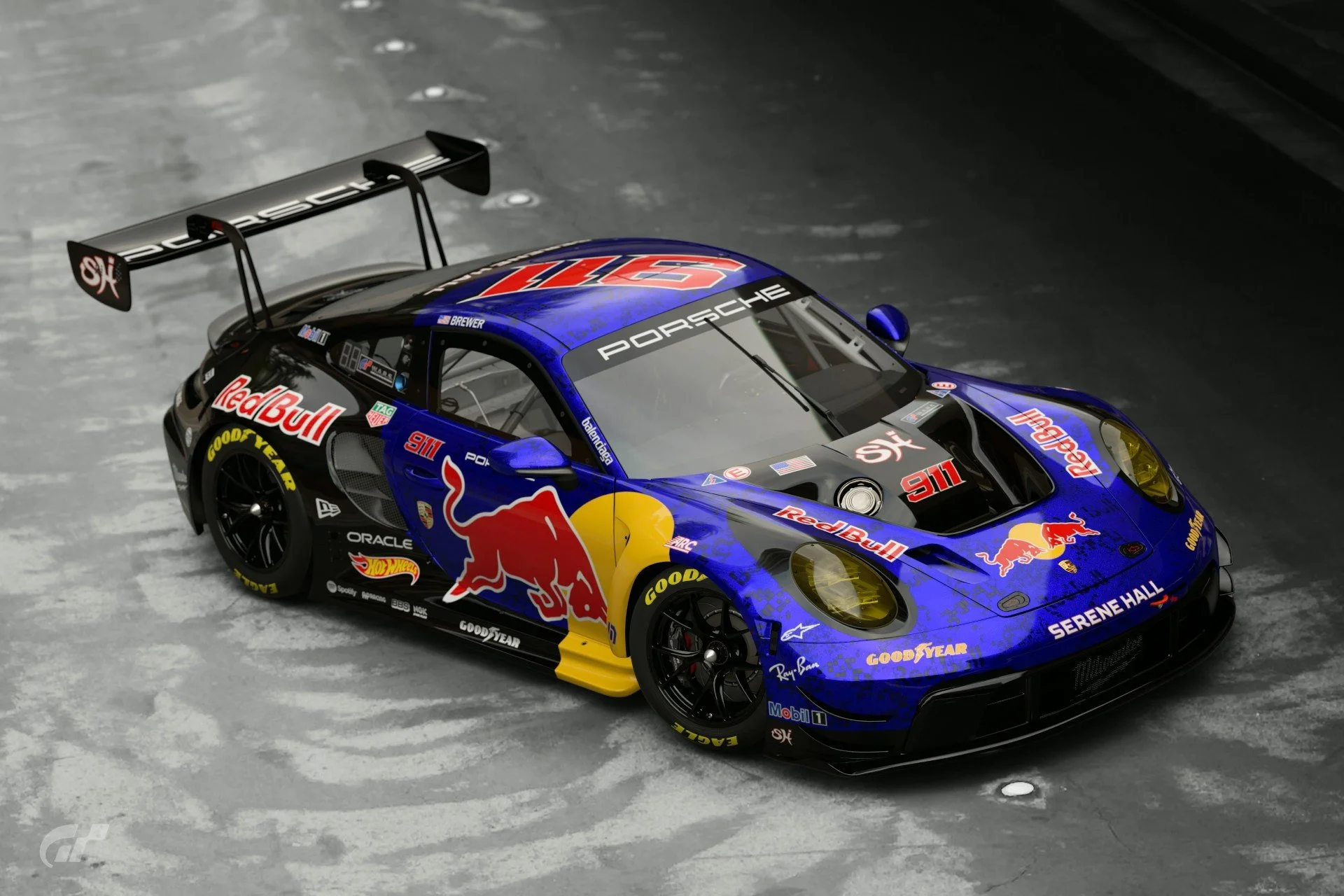
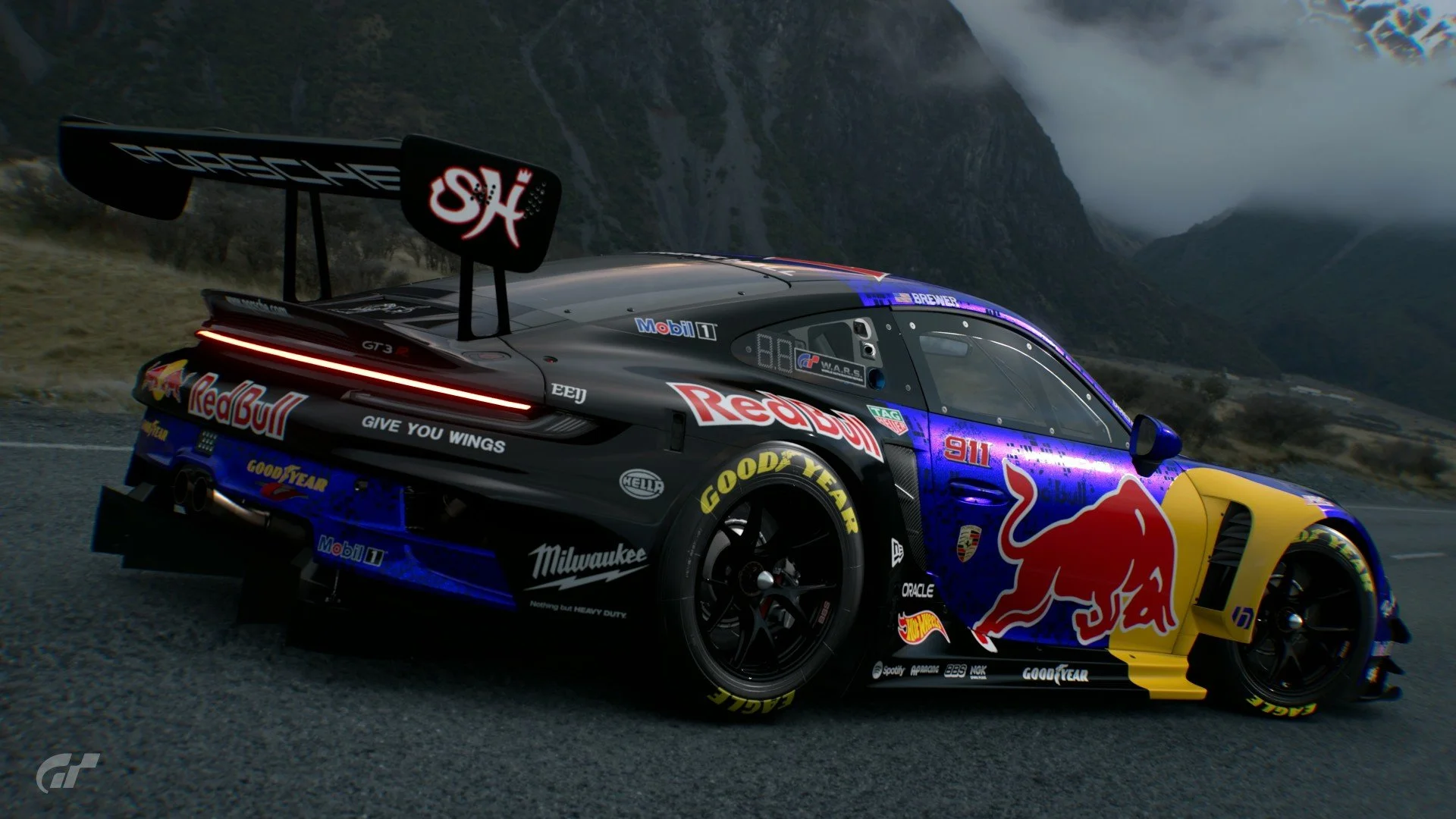
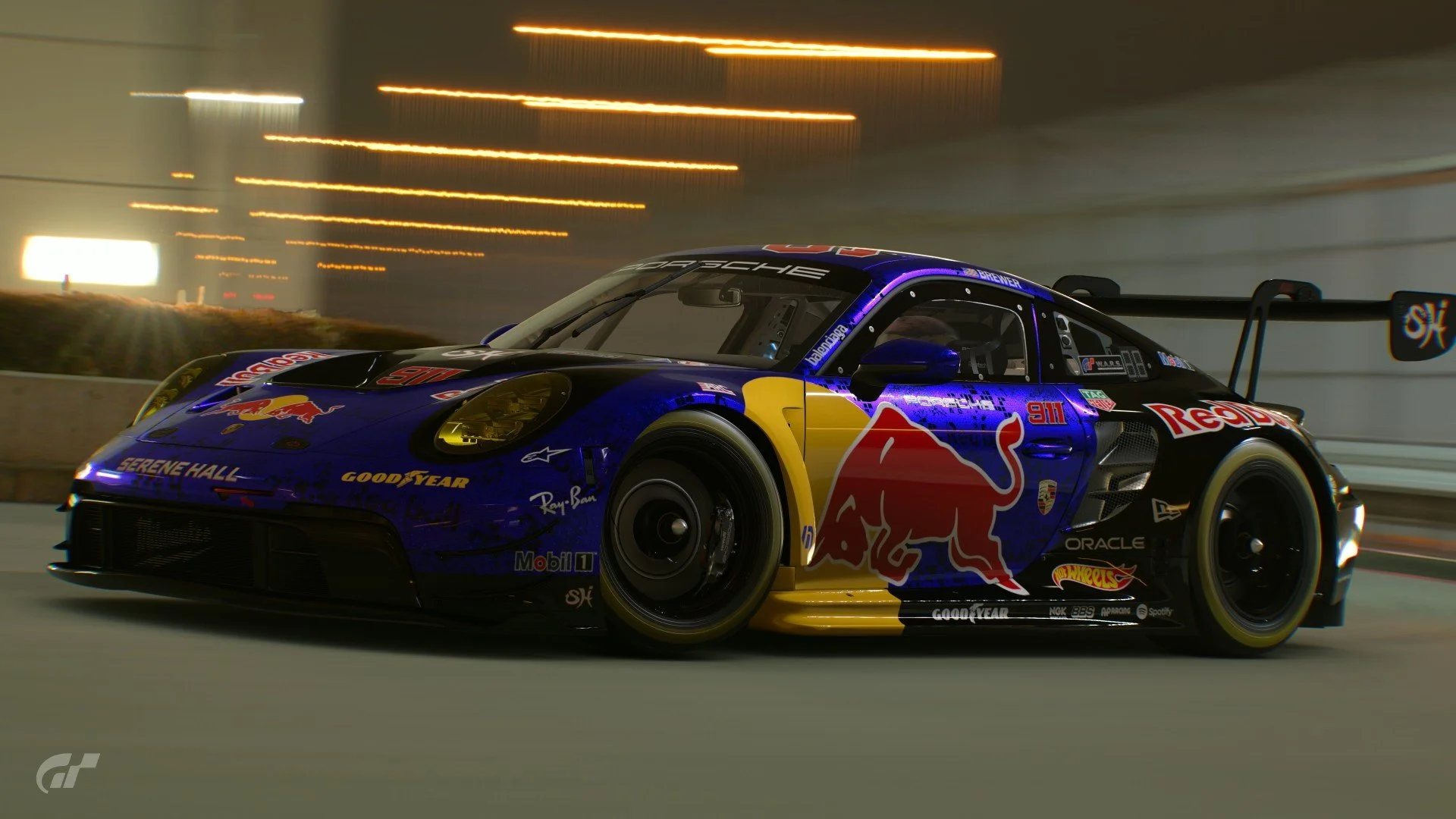
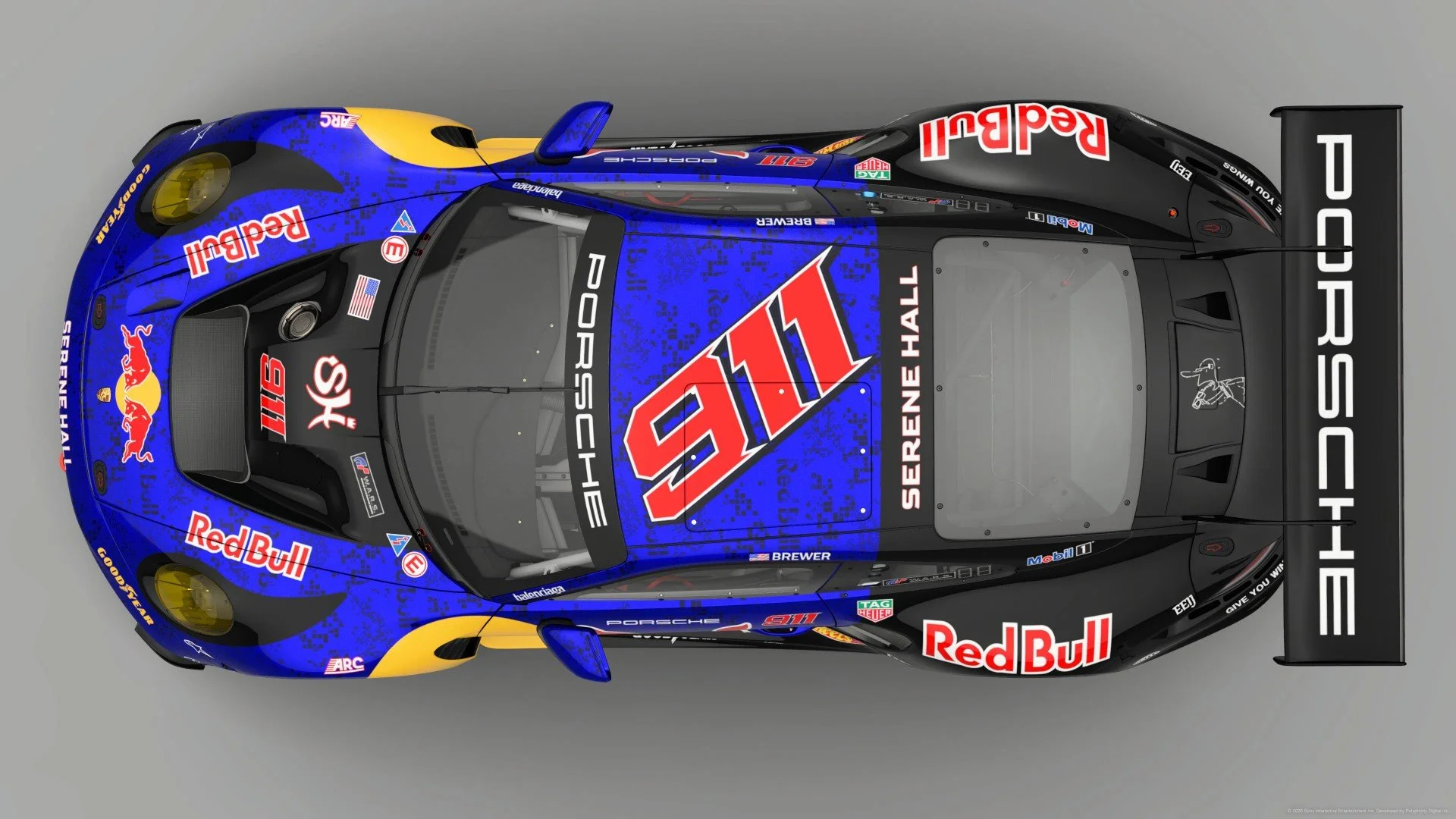
Only the race cars IIRC.Is there a list of cars that can have this modified? View attachment 1515503


 speedcafe.com
GT4 cars don't normally use branded tires IRLFor some reason GR4 cars dont qualify for Tyre branding. At least all the ones I have tried, have not allowed it

Thank you!DAAAAAANGGGG! That is one awesome clean replica livery. Bravo.
I am trying to semi replicate a livery of my own. Shane Van Gisbergen's Daytona 500 livery of this year. Im trying to incorporate lightning effects such as that, but I cannot for the life of me work out how to get a decent image balance with an acceptable size. particularly with the glow effect too. Can anyone recomend any ideas? Pictures for reference.

I use Illustrator also, and seems you have to choose "Styling Attributes" on the second save pop up, when saving a svg. If it's anything else, it shows in game as a black shape.In my experience, gradients are nearly impossible to get into the game. I’m sure someone here who has been doing it longer knows a way. I’d love to know how also.
Appreciate the info.. I’ll look into thatI use Illustrator also, and seems you have to choose "Styling Attributes" on the second save pop up, when saving a svg. If it's anything else, it shows in game as a black shape.

You can't put tyre stickers on road cars.Is there a list of cars that can have this modified? View attachment 1515503

It looks to me like you did a fine job there mate. Keep toggling through the settings and extra features and you'll eventually be a master of the liveries and scapes sections of the game. It just takes time and patience.Haas done now. Couldn't decide on which car to go with, but figured at least the Ferrari is a real car and not some VGT nonsense. So, I didn't include the Toyota branding.
Also I'm terrible with scapes, so apologies for repeating the same scenes
View attachment 1515742
Two more finished/done
View attachment 1515954
View attachment 1515955


I‘ve actually been thinking of recreating Harmony Racing‘s new liveries but I‘d need the Buzz Lightyear decals first.If anyone is looking for something to do.
View attachment 1515671Kiwi to race Ferrari in Toy Story-inspired livery
This week, Harmony Racing announced his signing alongside Jiajun Song in a Ferrari 296 to compete in GT World Challenge



That message indicates that the creator of the design didn't set a specific paint for the design. This means that the car you put that design on will retain the body colour you bought it in (unless the design just covers the whole car in decals, of course, but it technically still has the original paint).Quick question: Sometimes I stumble across designs that say "The paint color hasn't been set for this design" when I apply them.
But how do I actually create a design like this?


Hm, ok I suppose that only works for shared designs then. Because if I buy a car, don't change the paint and just put some decals on and save it it, I definitely don't see the message when I apply this design again.That message indicates that the creator of the design didn't set a specific paint for the design. This means that the car you put that design on will retain the body colour you bought it in (unless the design just covers the whole car in decals, of course, but it technically still has the original paint).
You can choose a specific paint for the wheels I believe, but if you paint the car's body it will certainly lose "The paint color hasn't been set for this design" message.