ShaolinMasta | Texture Pack III | 01.11 (Update)

  • Thread starter Thread starter ShaolinMasta
  • 57 comments
  • 10,252 views
These are some awesome texture packs. 👍

 
This looks awesome, Eric!!!
 
That's just brilliant from you SM,Thank you so much :cheers:
 
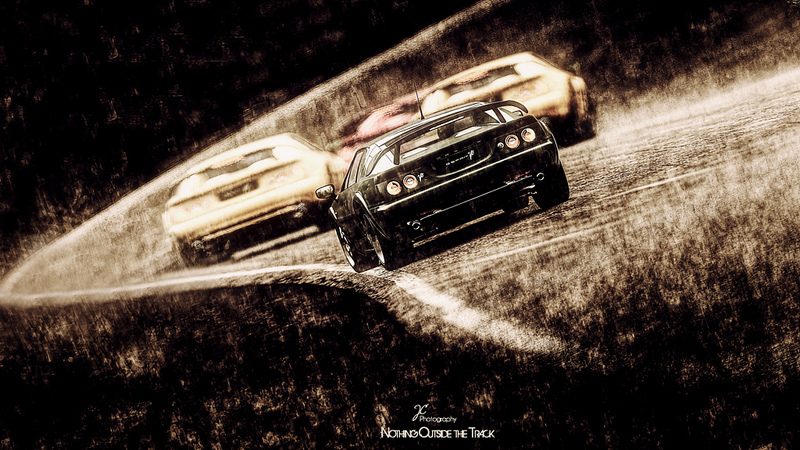
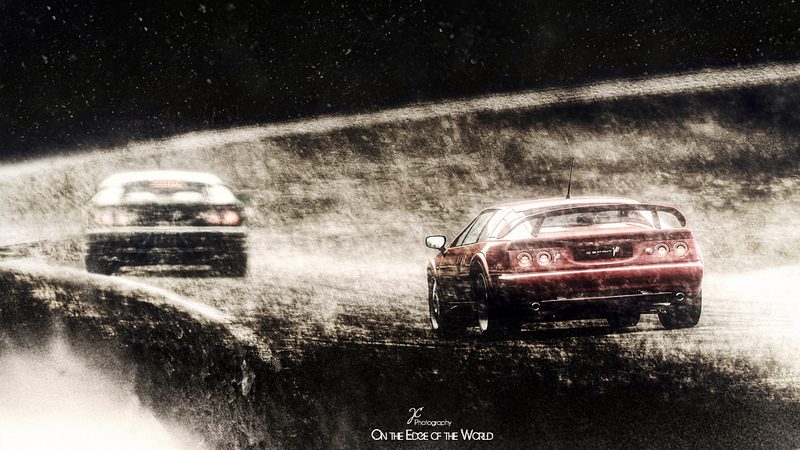
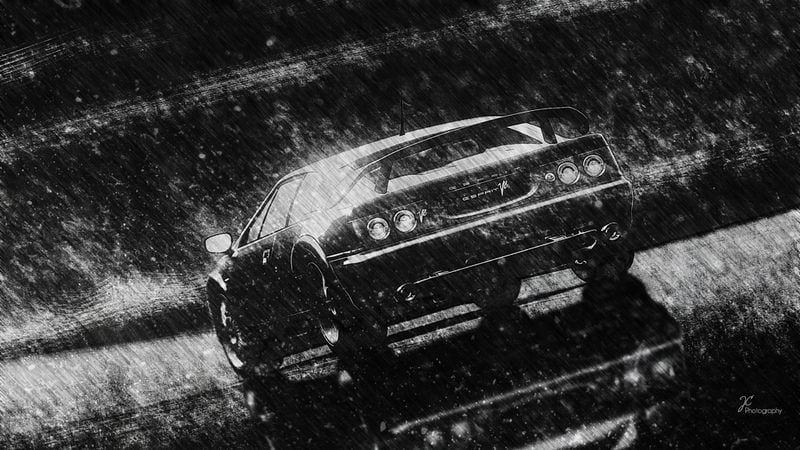
My first 2 edits with the texture pack:


Many, many thanks for sharing your "recipe" :lol: SM! 👍
 
Last edited:
Here's my first edit with the texture pack:


CameroSS-SSR7-01 by Giulietta37, on Flickr​

Thanks a lot Ilya:tup:

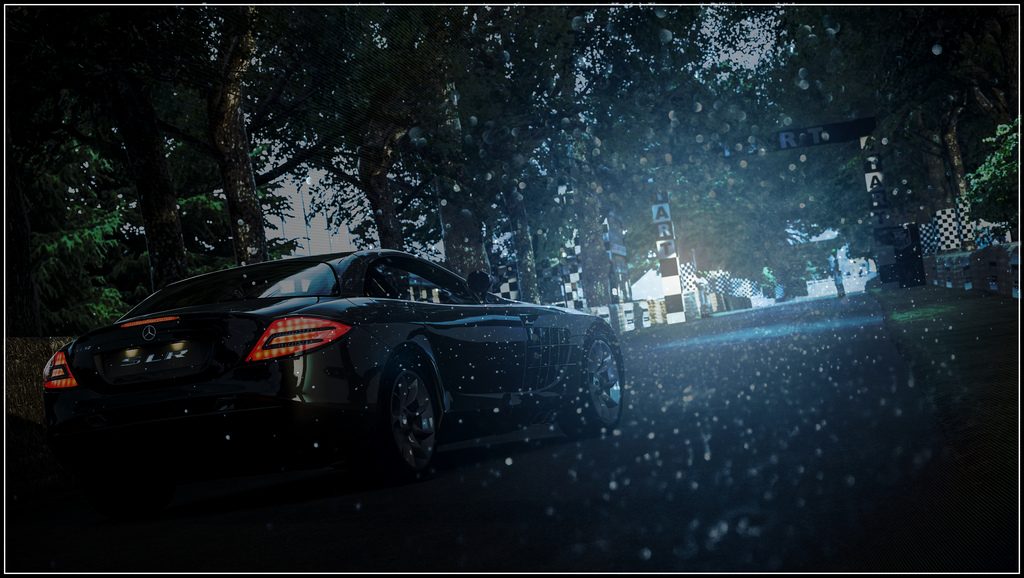
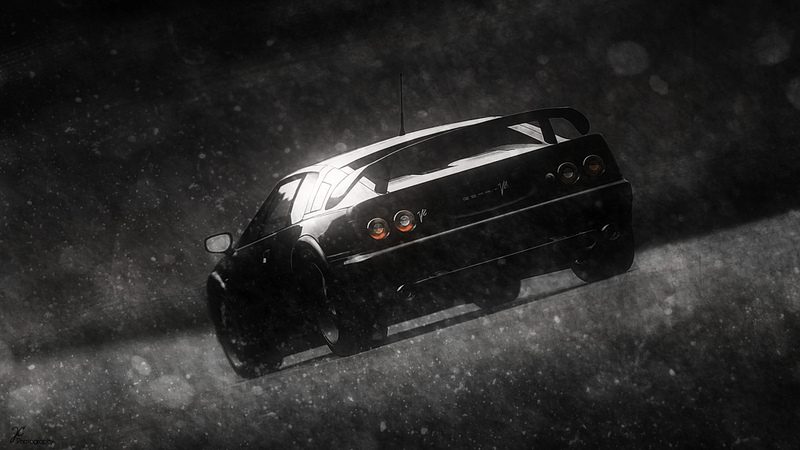
This one look like what Kodje and some other participants implanted in their own photoworks, digging the luster on the hood of the car and effects of drippings.
 
You are the best!!!! tnx so much!!!
 
rambo793, HaerBev, Giulietta73, Hernan04
Awesome pics !:drool: 👍
 
Thanks a lot!
The textures look awesome!
 
Wow, I just wanna thank you a million times! :bowdown:
 
I'm back from Shaolin Temple with the textures, Thank You ShaolinMaster! I shall not fail you. Will report back.👍
 
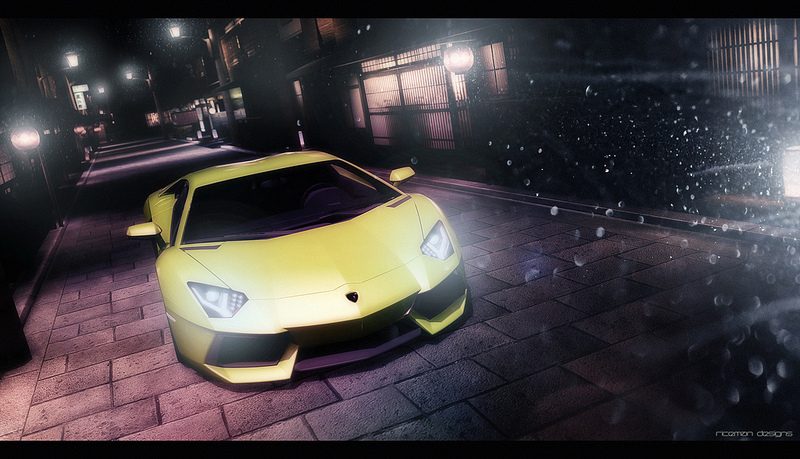
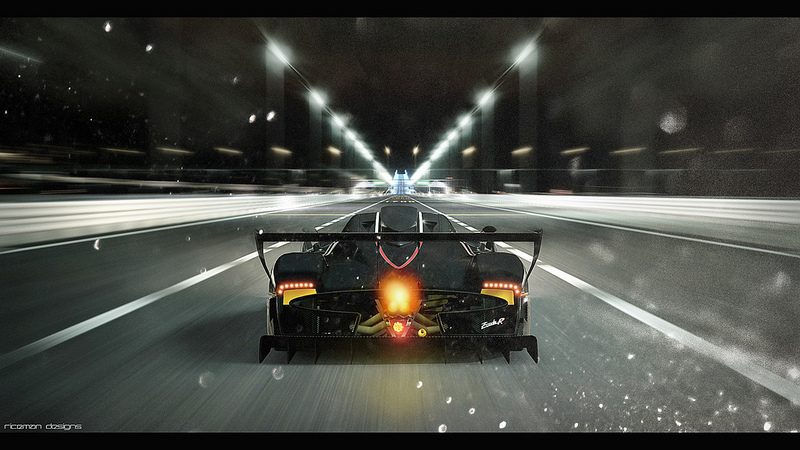
Thanks for the textures ShaolinMasta! I've used some in my works here:

Click for Lightbox


'The Alley' - Aventador


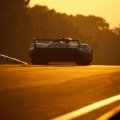
Combustion - Zonda R


Into the Light - S2000 GT1​
 
Last edited:
Thanks for the textures ShaolinMasta, they've always looked interesting in the edits. It's going to be fun to see where I can incorporate them.
 
Thx a lot Ilya ! I will use this last one as the previous ones :cheers:

My last edit work using your texture (and GTD ones also) :

​
 
Helo Mr. ShaolinMasta,
I just downloaded these, Thank you.
I will do my best to honor your gift.
Thank You. It was exactly what i was looking for.
 
Hi @ShaolinMasta
I downloaded all 4 and thank you for adding it here for all to use.
I downloaded GIMP last week and this was my very first edit and use of layers
This is what I managed to achieve and I still have a lot to learn!

Any tips Anyone????

 
Great to know that someone still use this :)
@Stopforpetrol you can edit texture layers depending on your picture and vision of this picture. Try to do some transformation(size,color,etc.), use different blending modes, also you can remove undesirable elements on texture layer with eraser or healing brush.
:cheers:
 
Great to know that someone still use this :)
@Stopforpetrol you can edit texture layers depending on your picture and vision of this picture. Try to do some transformation(size,color,etc.), use different blending modes, also you can remove undesirable elements on texture layer with eraser or healing brush.

:cheers:
Thanks Masta!!! Will do or die trying! 👍👍
 
Thank you so much! Can't wait to use these! Wish I had found them earlier.
 
Back