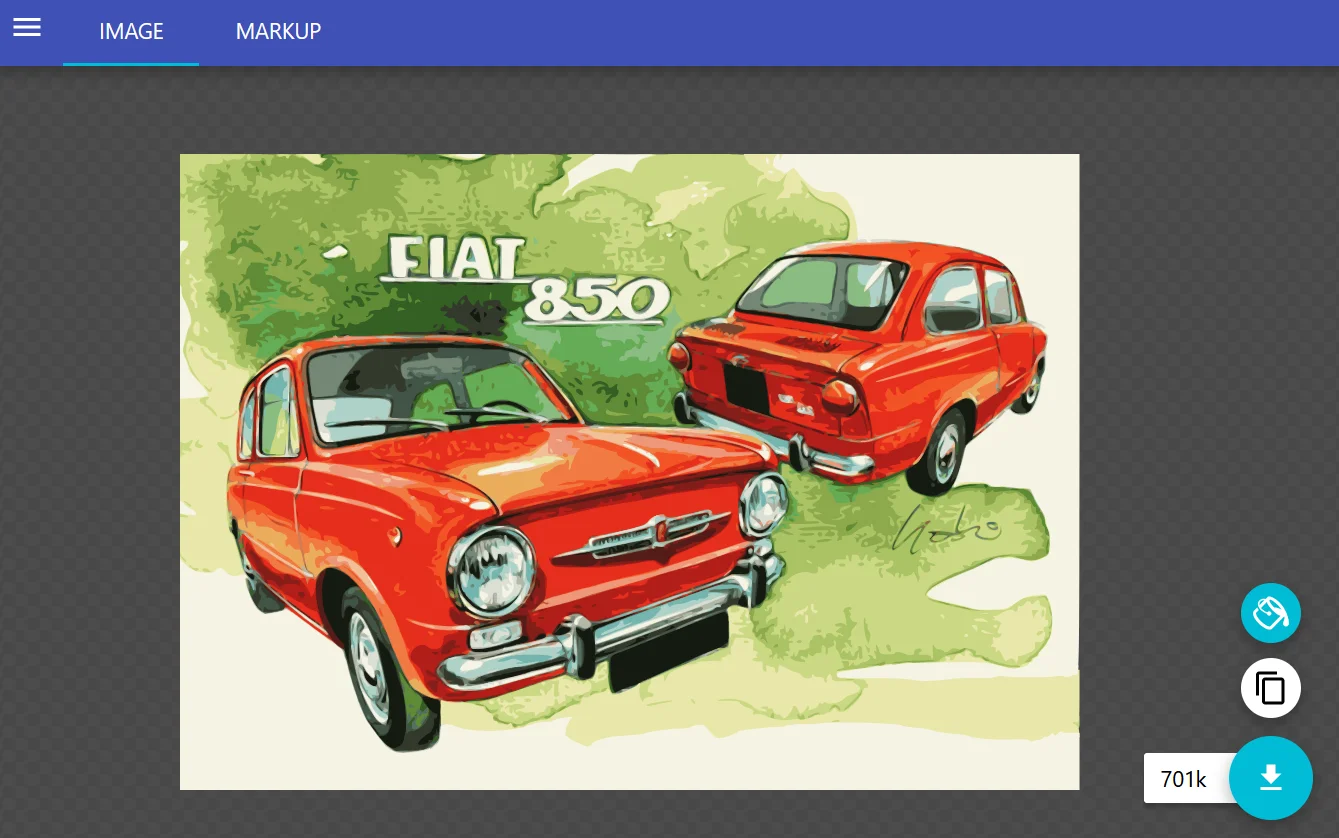
- 829

- 44.929084, 11.429269
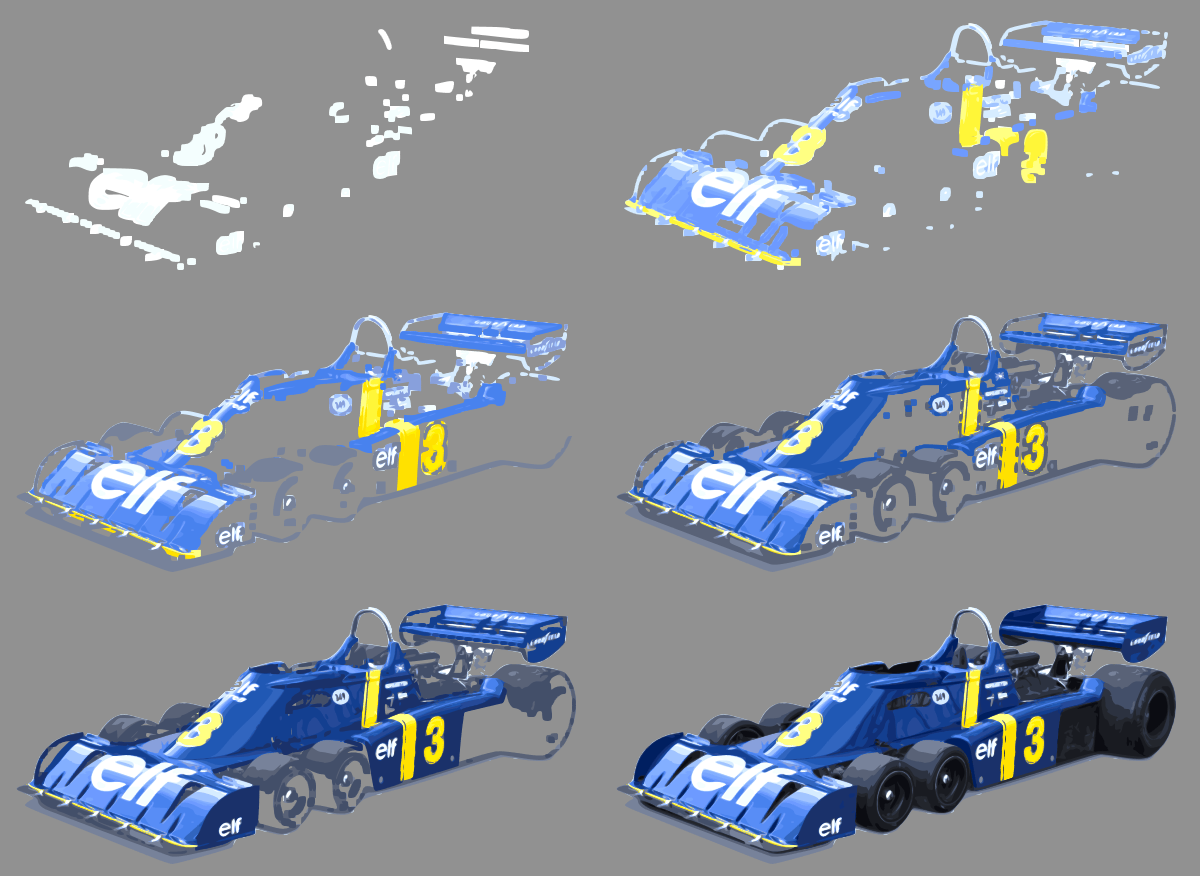
edit: sorry, thread intro waiting to be updated.
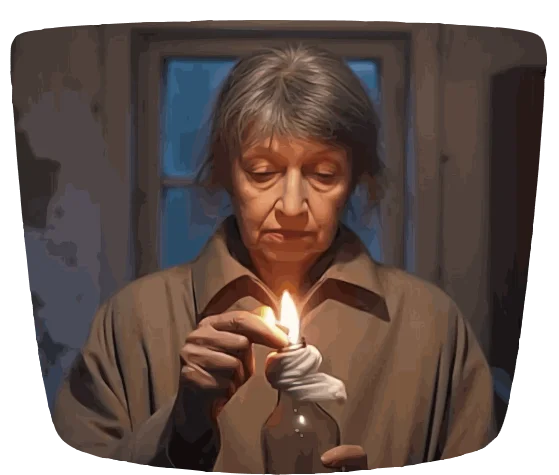
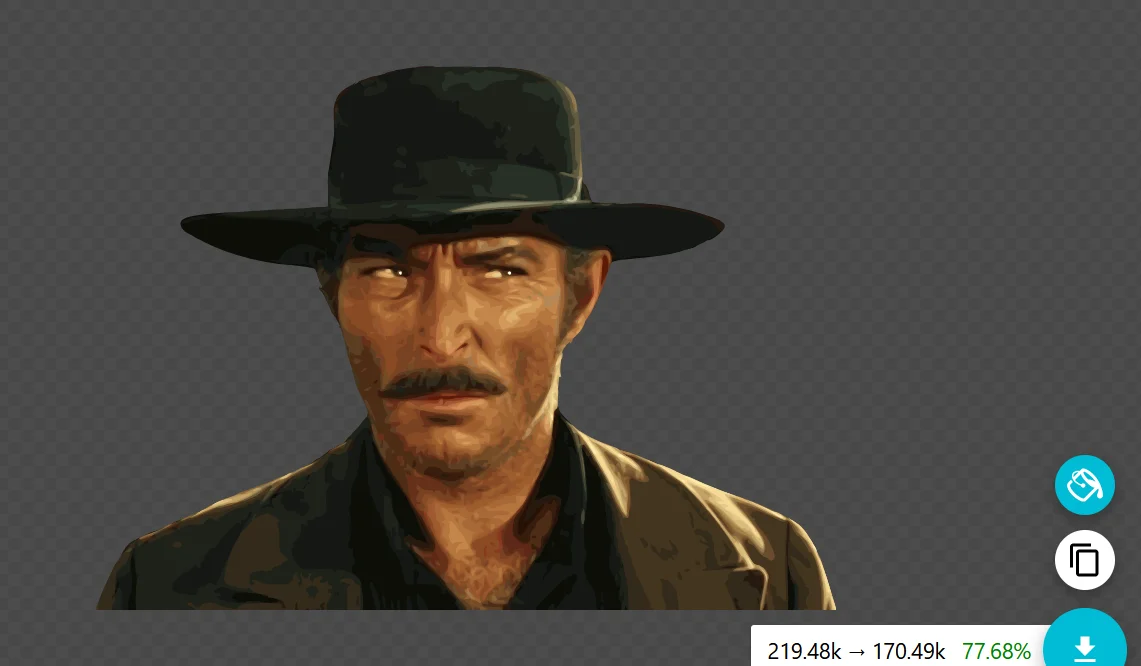
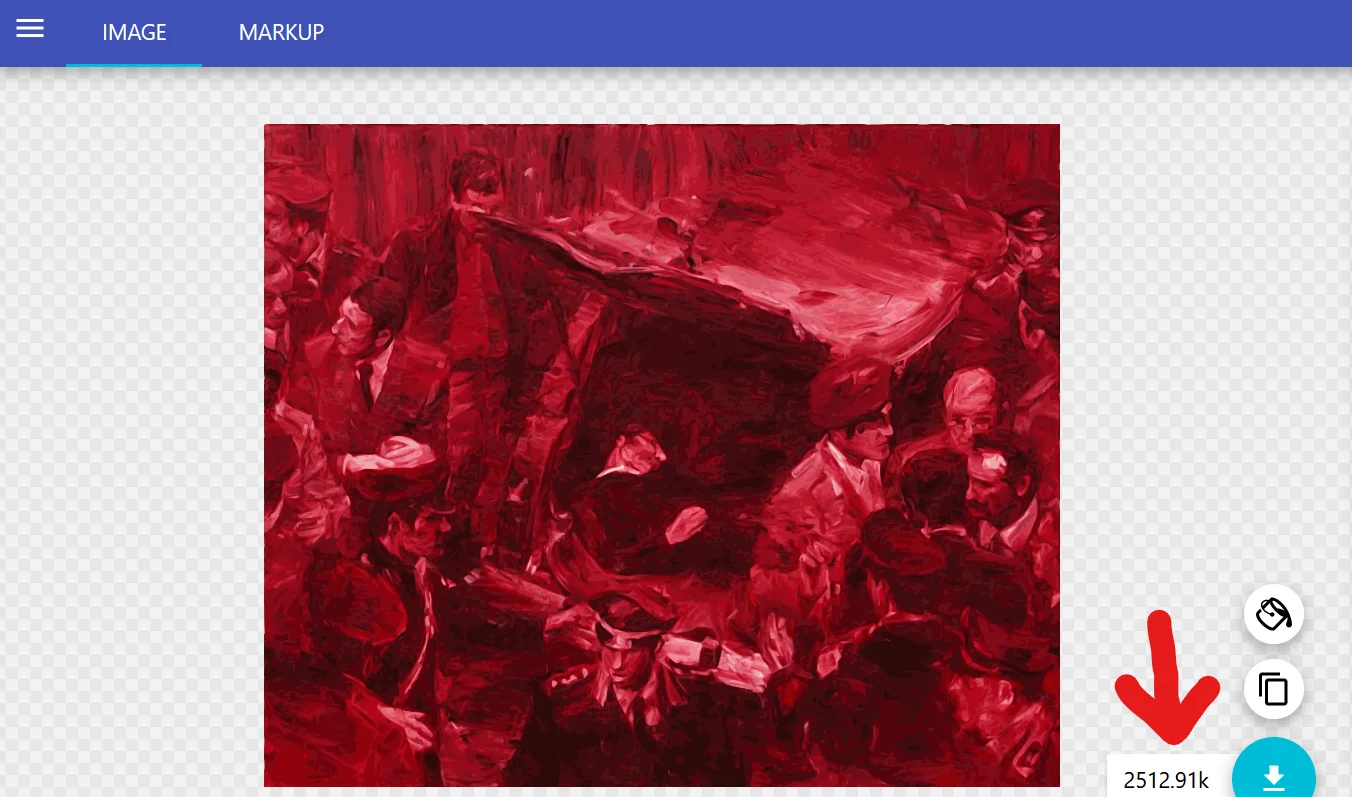
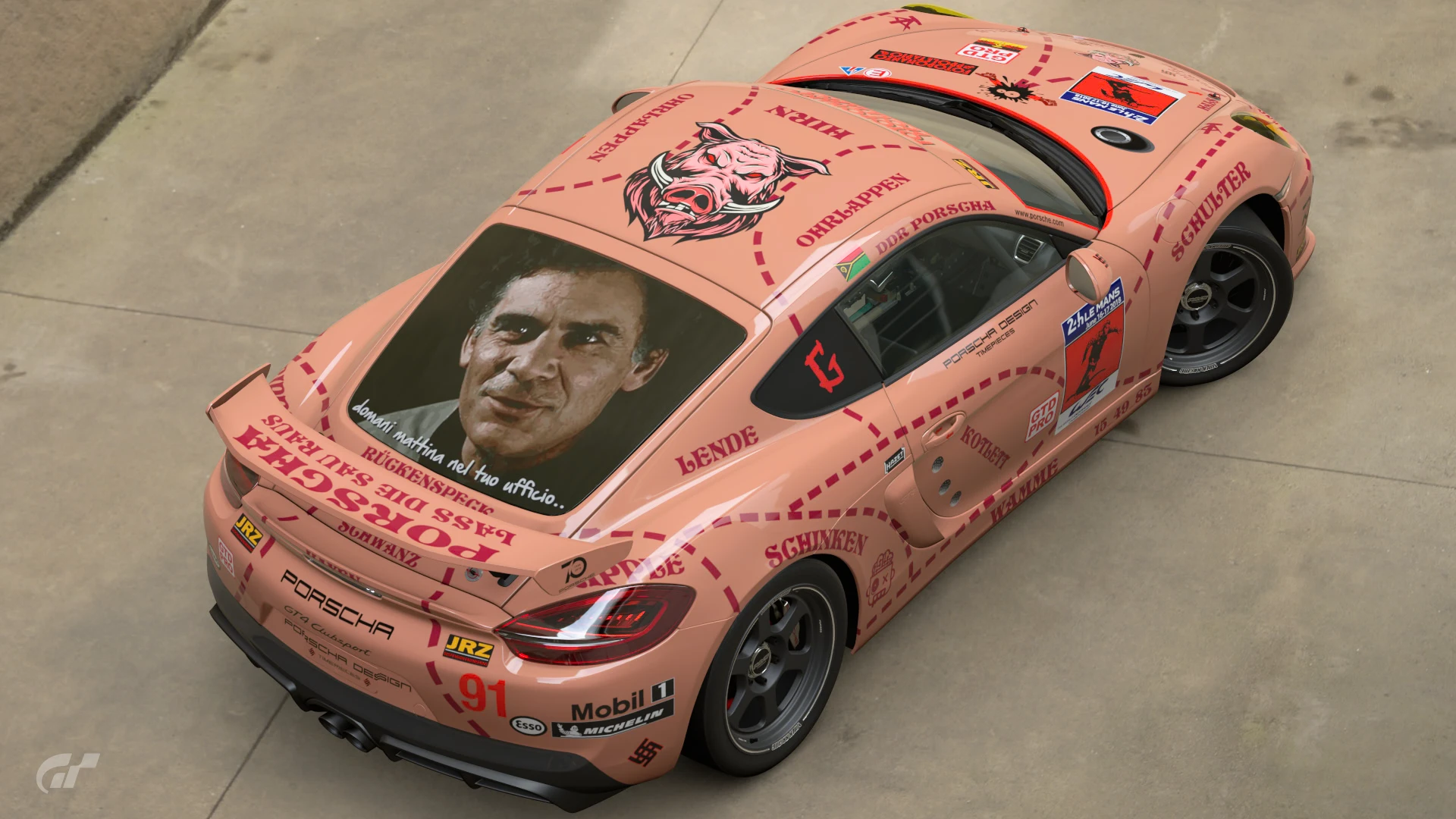
17 layers SVG (The Good, The Bad and The Ugly opening scene)


Attachments

Last edited:


Does Inkscape show you how many nodes you have selected when you've selected paths? This would probably take some of the guess work out of how many to select. I know in Corel I can have about 1800-2500 nodes selected (depending on optimisation) to end up with about 15kb.3 - If there's 300 paths (for example), select the first path and - holding shift down - add 99 more to it - no need to count them all, just try to guess tentatively the line where the 100th is, if you get to 85 add 15 more - always holding shift down.
Hmm, I don't really know, and I've never found a way to see the kbs before saving, on Inkscape. But it's not that hard, generally I divide the paths total for "x" to get an average of 10kb, most of the times it works.Does Inkscape show you how many nodes you have selected when you've selected paths? This would probably take some of the guess work out of how many to select. I know in Corel I can have about 1800-2500 nodes selected (depending on optimisation) to end up with about 15kb.
Yeah, Corel's similar. It'd probably do it if you combined the paths while highlighted to check the number then hit Ctrl-Z before grouping, but I don't suppose it makes that much difference unless you're trying to be super efficient.@MatskiMonk
I checked, if 1 path is selected I can see how many nodes it's made of, after selecting more than 1 it just shows how many objects are selected.
I'm not an Inkscape expert, combining paths in a single one, that's interesting, better than grouping them. Do you know approximately how many nodes make 15kb? I had a look at a 14kb svg combined path: that's about 1125 nodes.Yeah, Corel's similar. It'd probably do it if you combined the paths while highlighted to check the number then hit Ctrl-Z before grouping, but I don't suppose it makes that much difference unless you're trying to be super efficient.
You can only combine paths that carry the same style, and it puts them all on the same 'layer'.I'm not an Inkscape expert, combining paths in a single one, that's interesting, better than grouping them. Do you know approximately how many nodes make 15kb? I had a look at a 14kb svg combined path: that's about 1125 nodes.
edit: oh no! didn't notice the single path is all black! Must group them anyway.
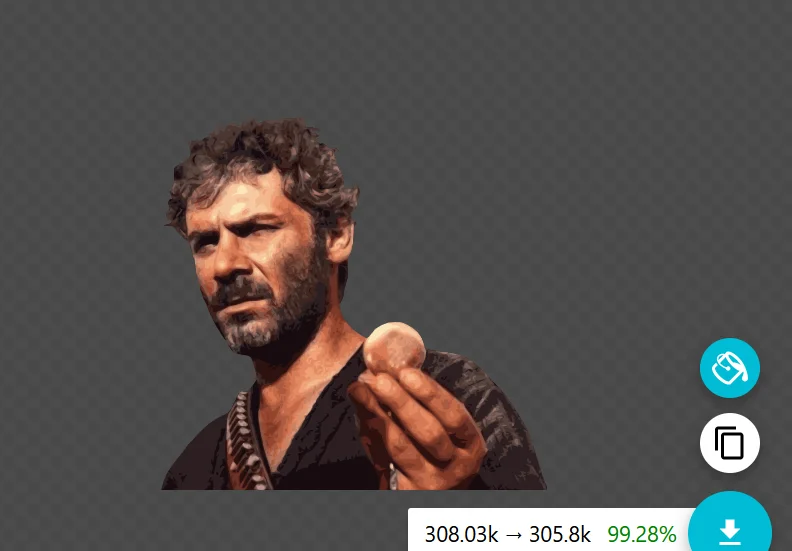
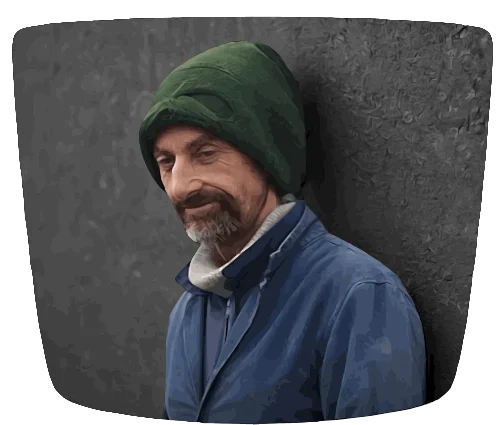
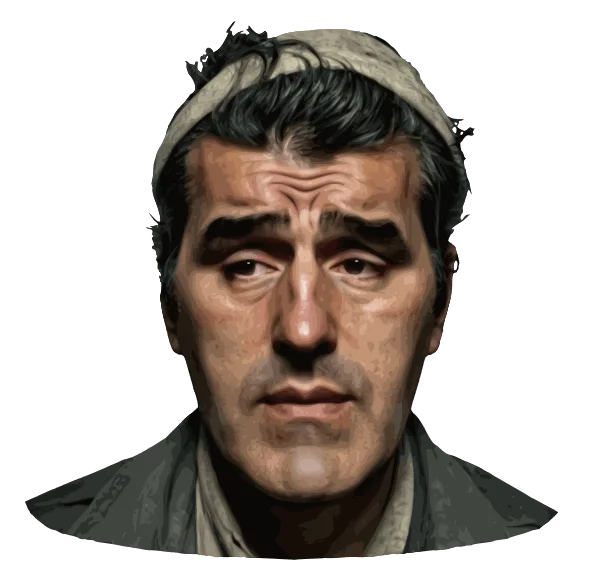
El Indio - 26 layers


I'm confused by step 3. How do add more paths to an existing path? Thank you.Let's say you have a 30kb SVG you want to split into less than 15kb layers:
1 - It must have been processed on SVGomg, so you get a lot of paths.
2 - Open it on Inkscape, resize it only once (this is important to keep the resulting SVGs proportionate).
3 - If there's 300 paths (for example), select the first path and - holding shift down - add 99 more to it - no need to count them all, just try to guess tentatively the line where the 100th is, if you get to 85 add 15 more - always holding shift down.
4 - Now you have 100 paths selected: right click and Group them.
5 - Do the same as above to create 2 more 100 path groups out of the remaining ones.
6 - You have 3 Groups now: select and delete the first two (remember: shift down)
7 - Save as optimized svg the 3rd Group (don't resize it) naming it 1.
8 - Undo twice, delete 1st and 3rd, save the 2nd (no resize) naming it 2.
9 - Undo twice, delete the last Group, save the 1st (no resize), name it 3.
10 - You should have 3 (1 2 3) less than 15kb svgs now, upload them in your GT7 DecalUploader.
11 - In livery Editor: choose svg 1 decal, duplicate it twice, replace the 1st duplicated with svg 2 and the 2nd duplicated with svg 3.
Hope it's clear enough.
Below: that's the best I did, 17 layers SVG (The Good, The Bad and The Ugly opening scene)
Left click on a path to select it, hold shift down and left click on - let's say - the 50th path above or below the first you selected: you should have 50 paths selected now (49 added).I'm confused by step 3. How do add more paths to an existing path? Thank you.
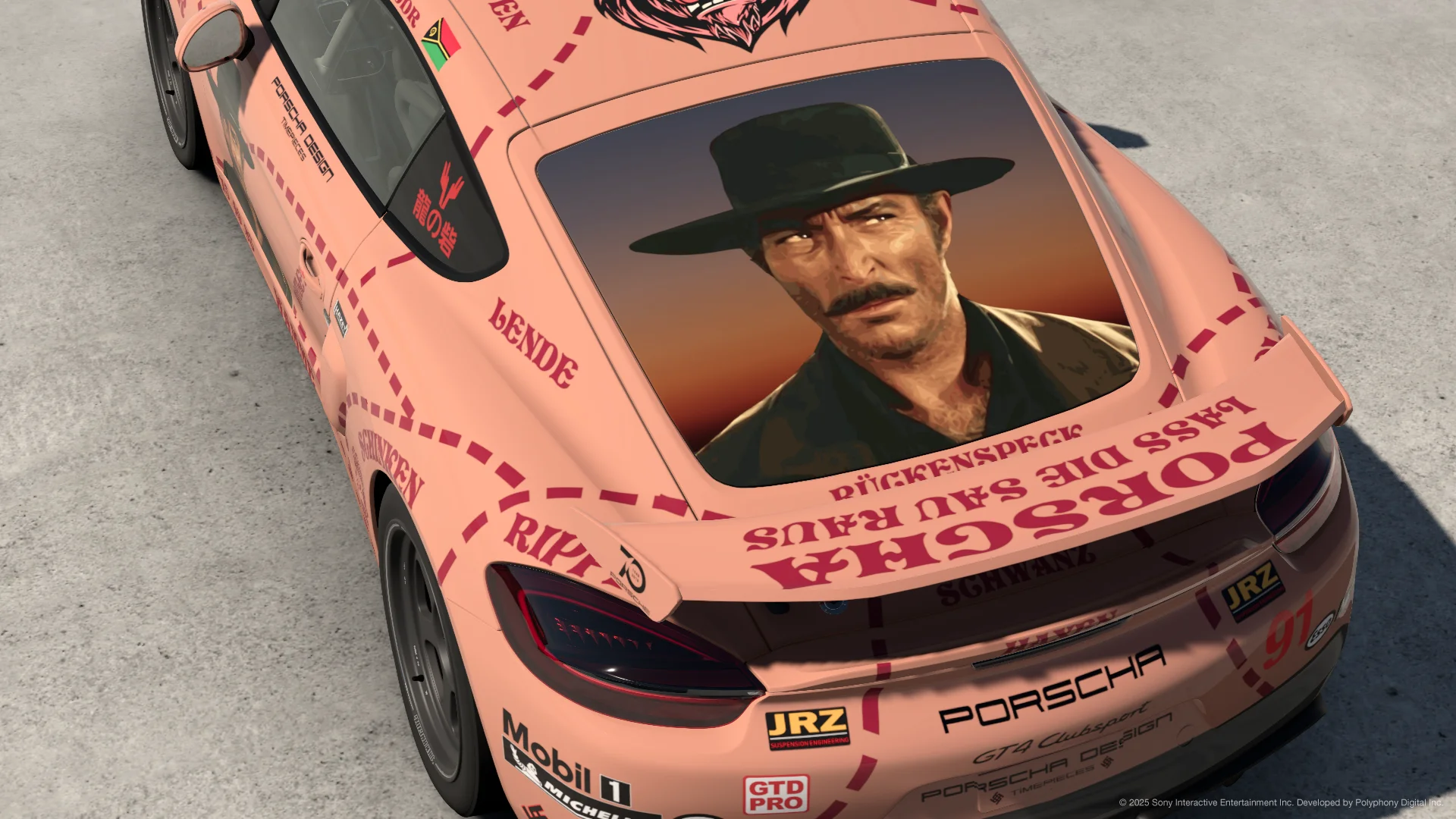
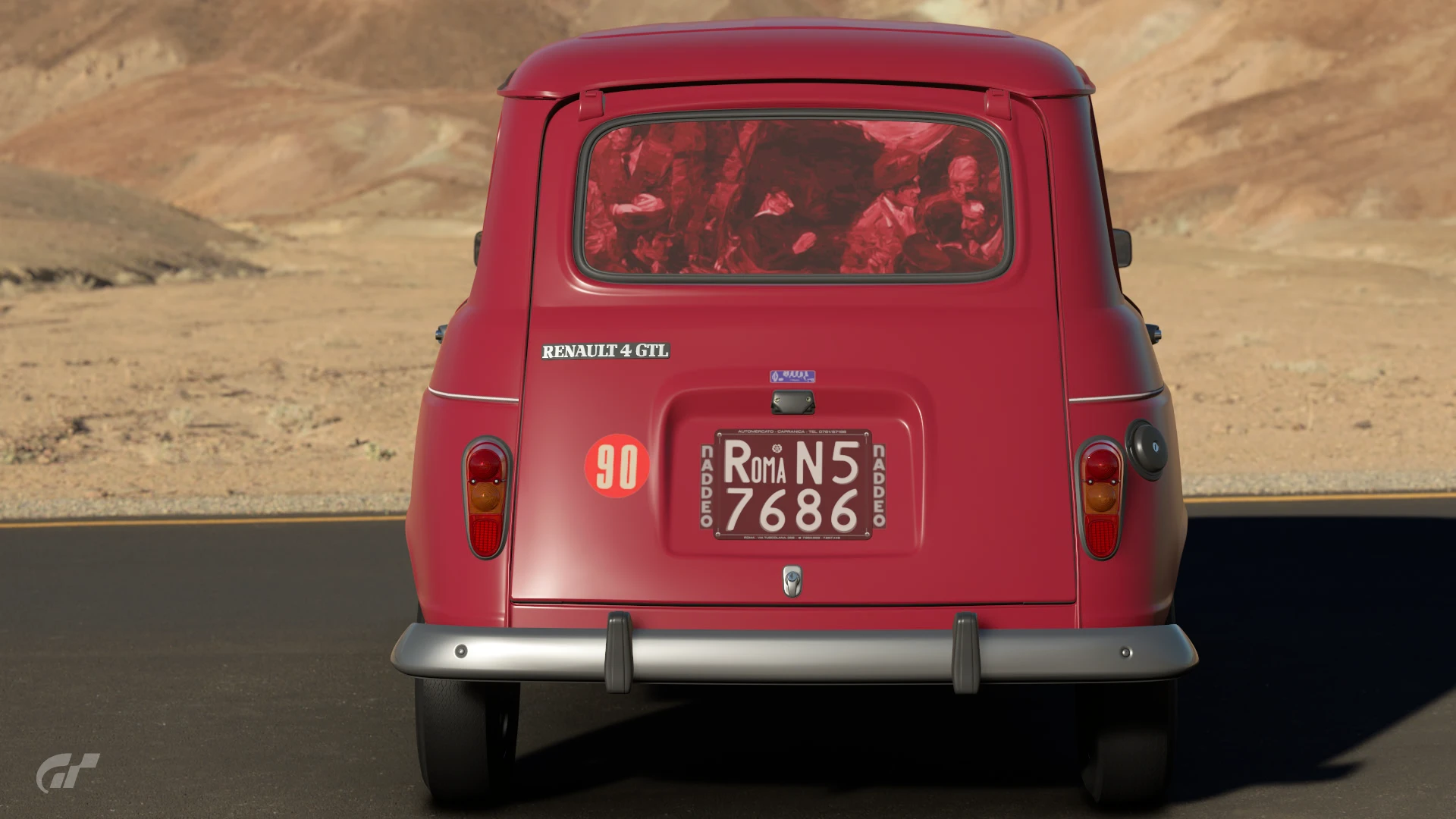
The biggest problem is the missing background, placed in the rear window (or a similar rectangular surface) I can deal with it, one way or the otherHow are these looking once they're on a car?
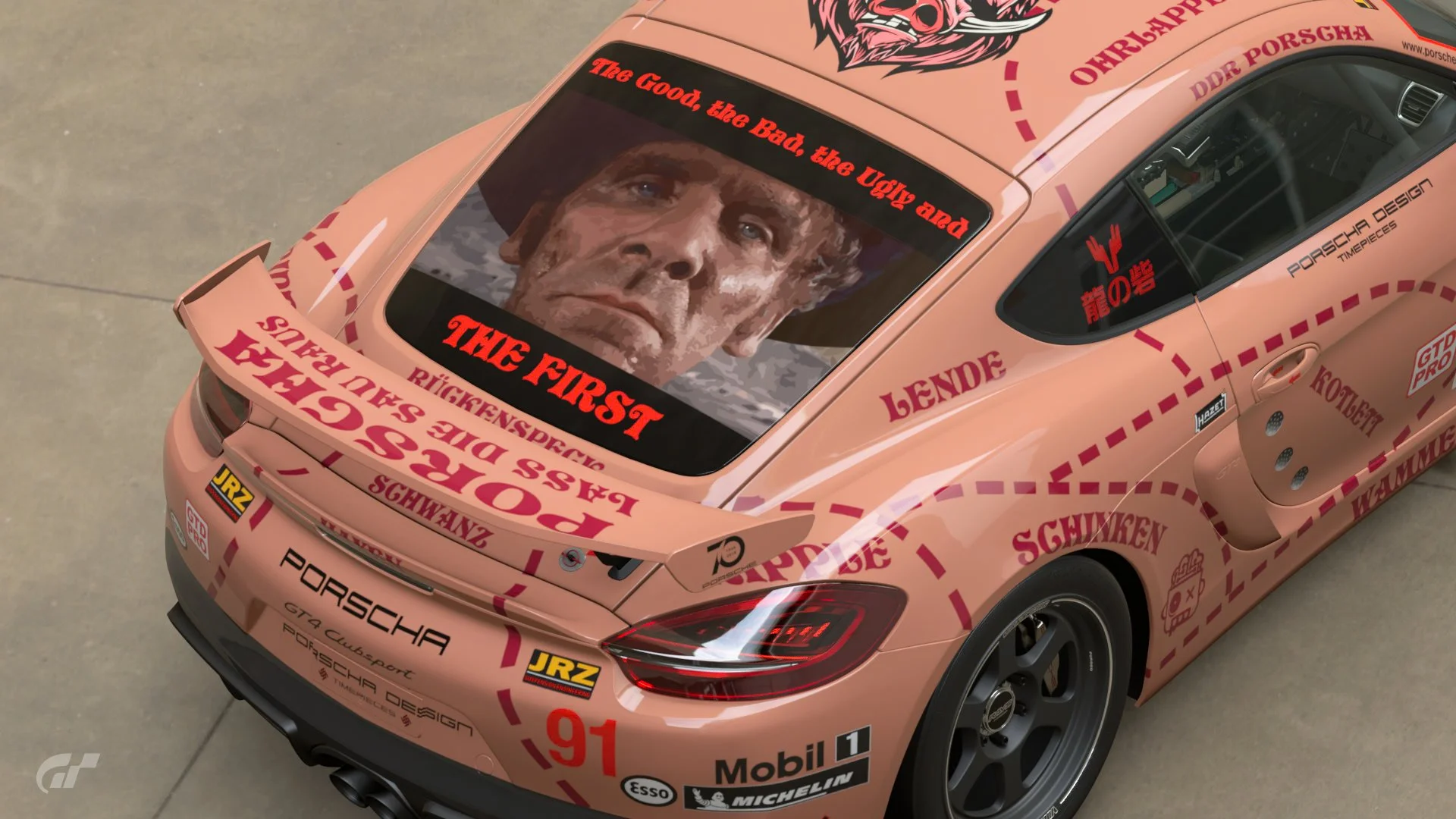
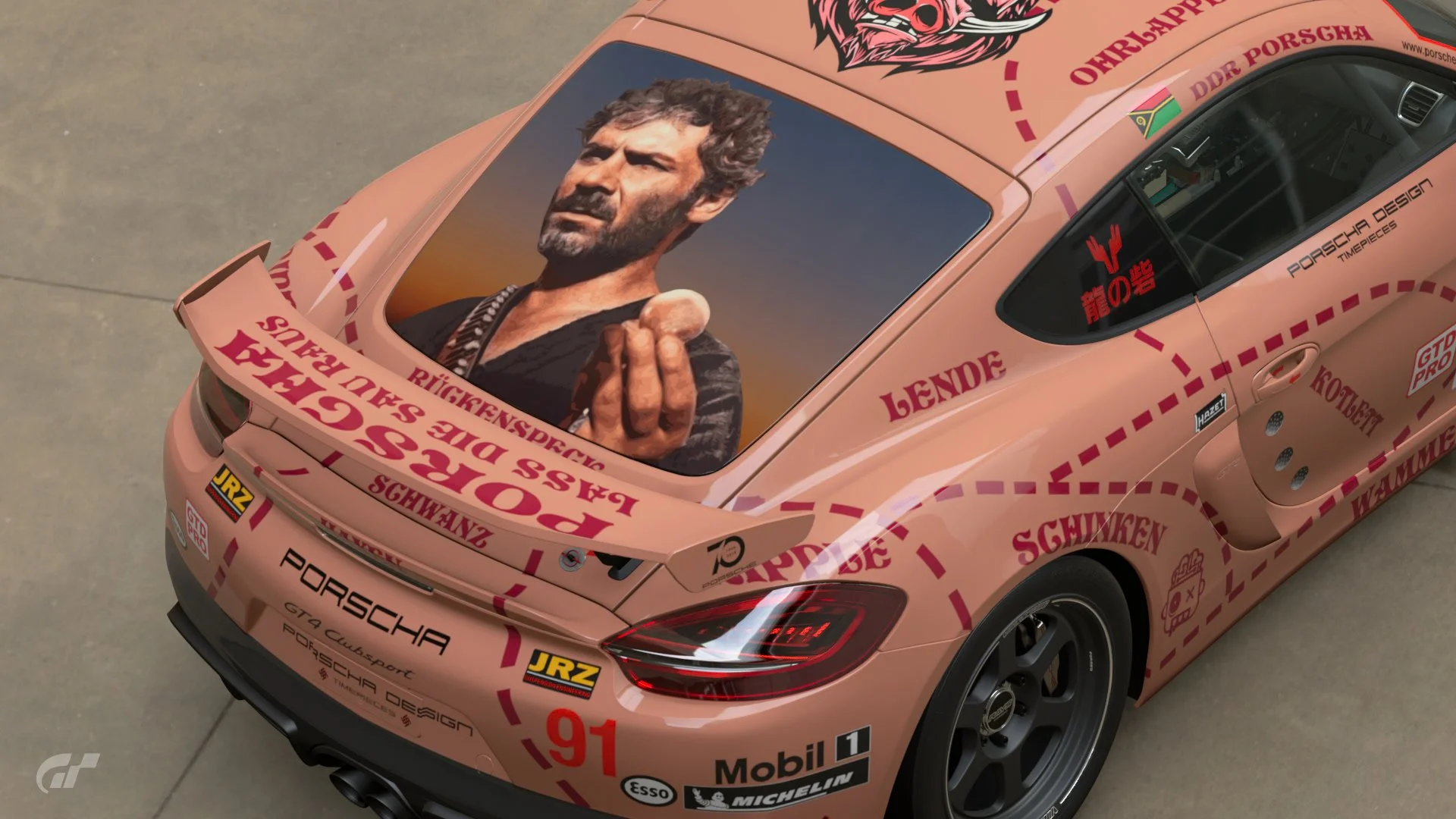
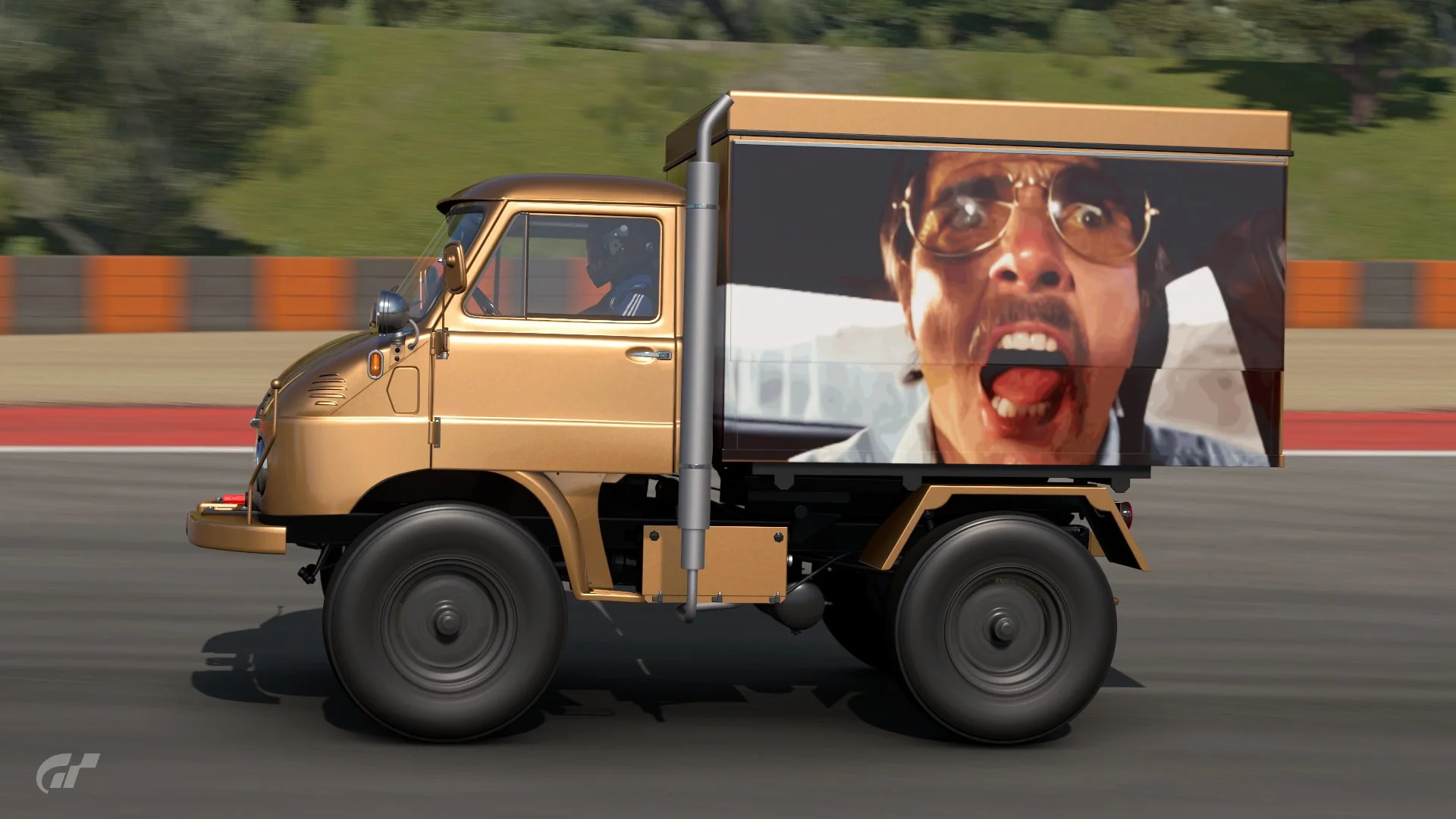
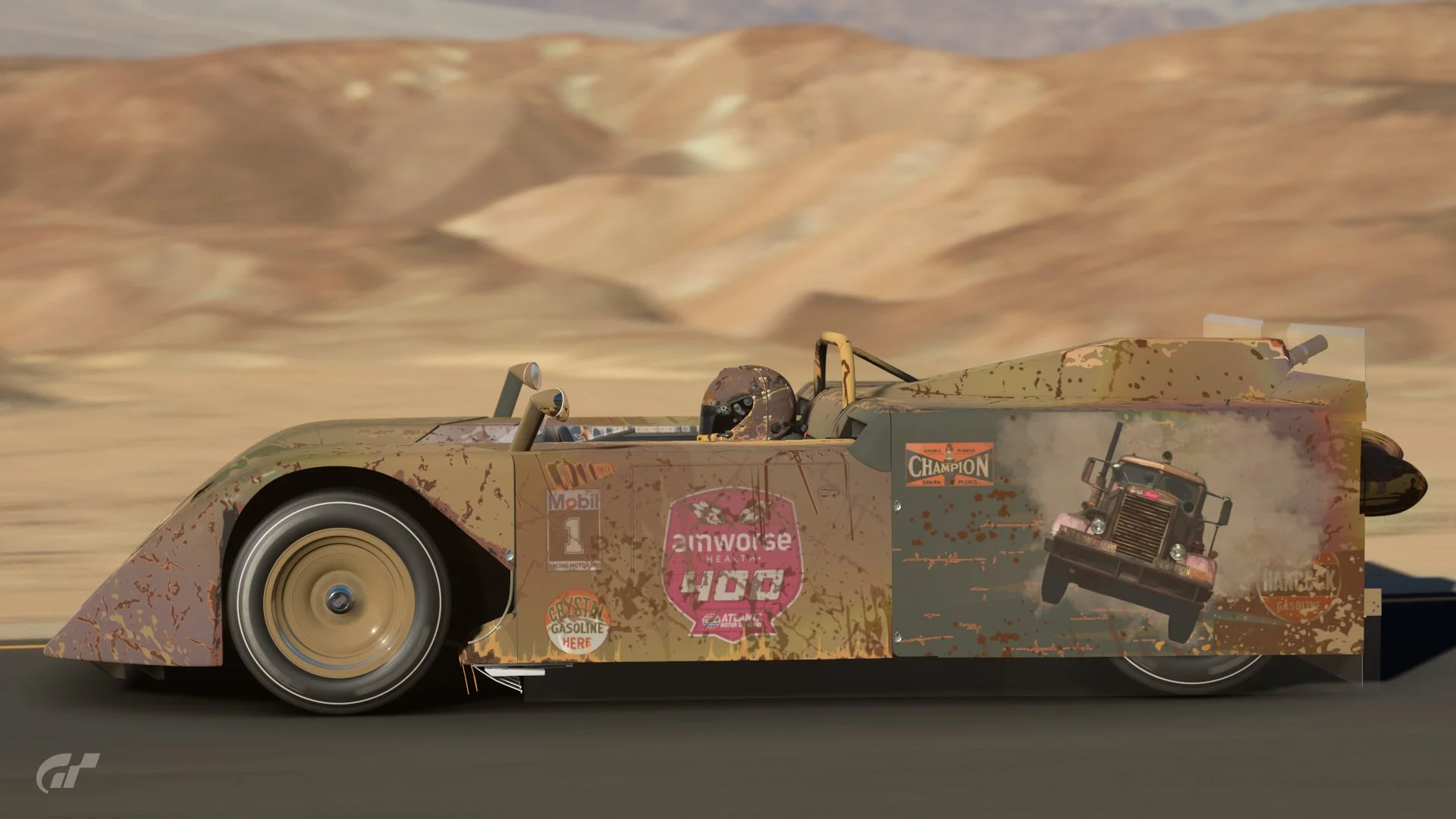
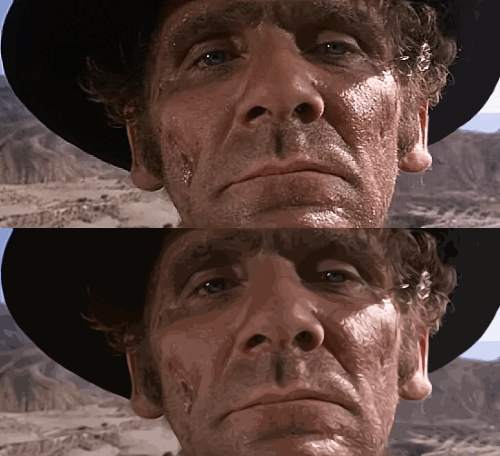

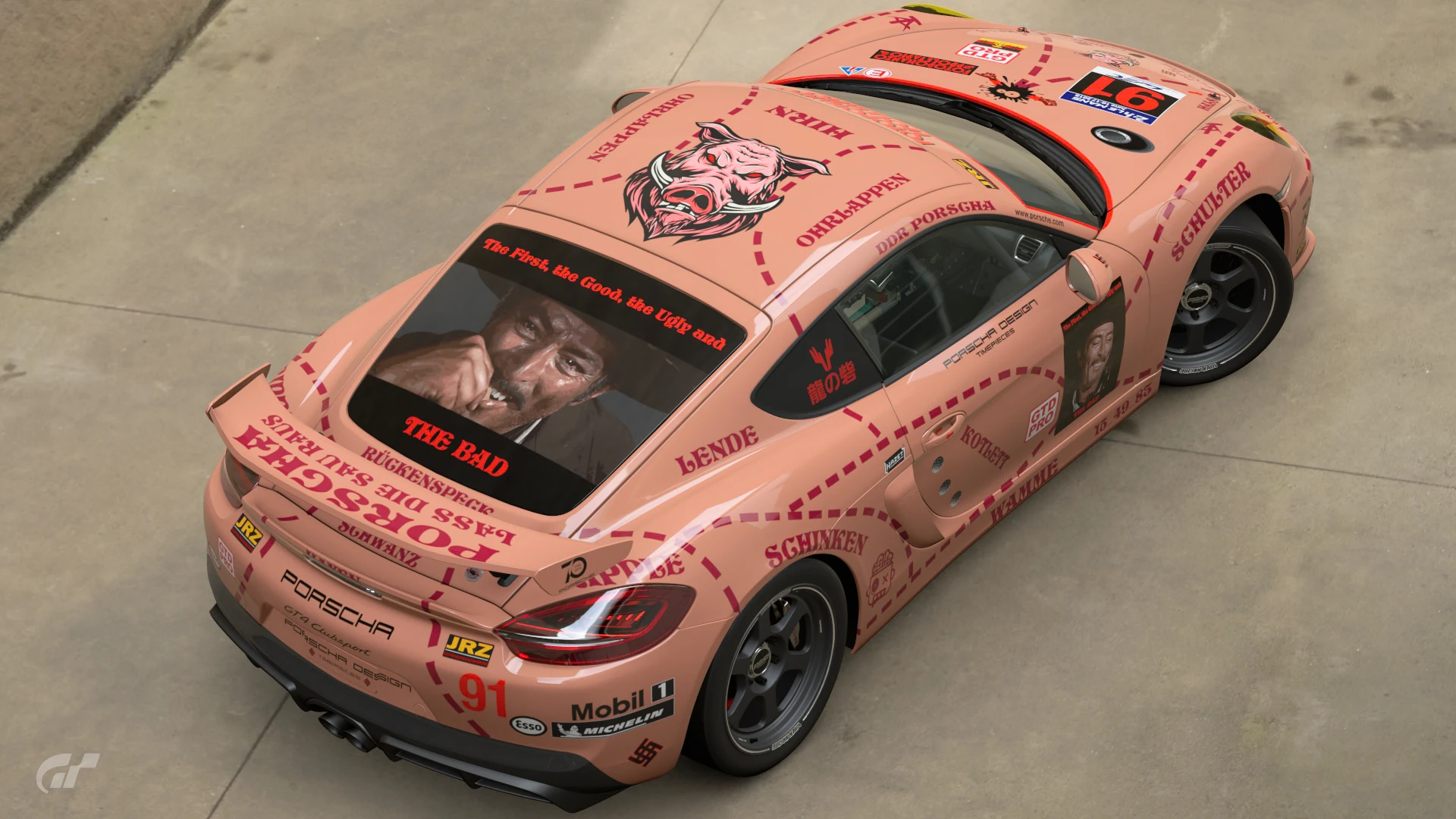

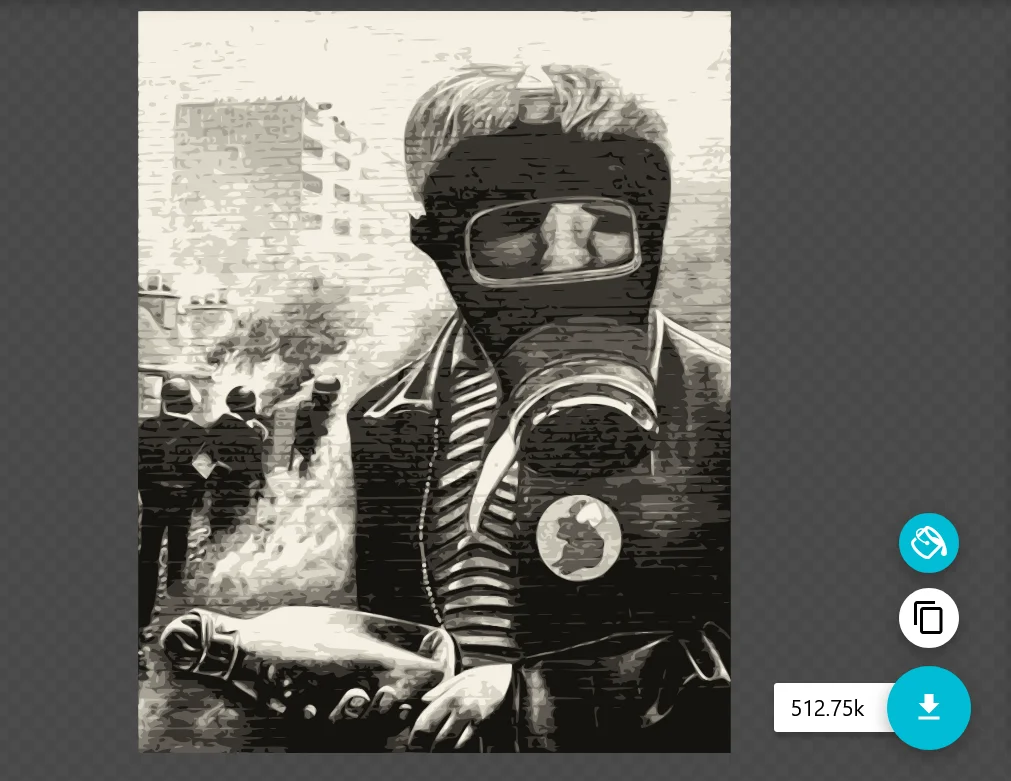

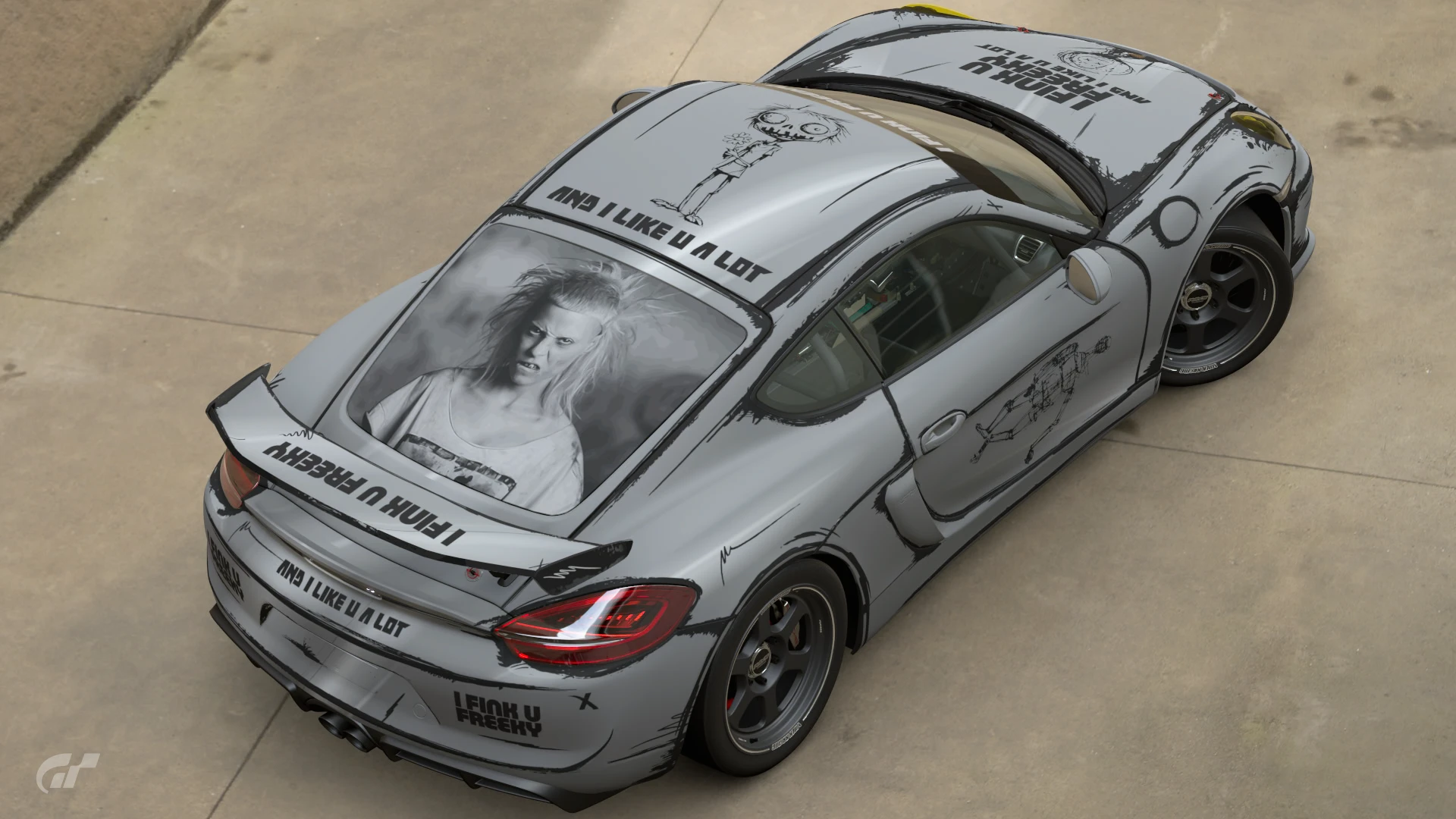

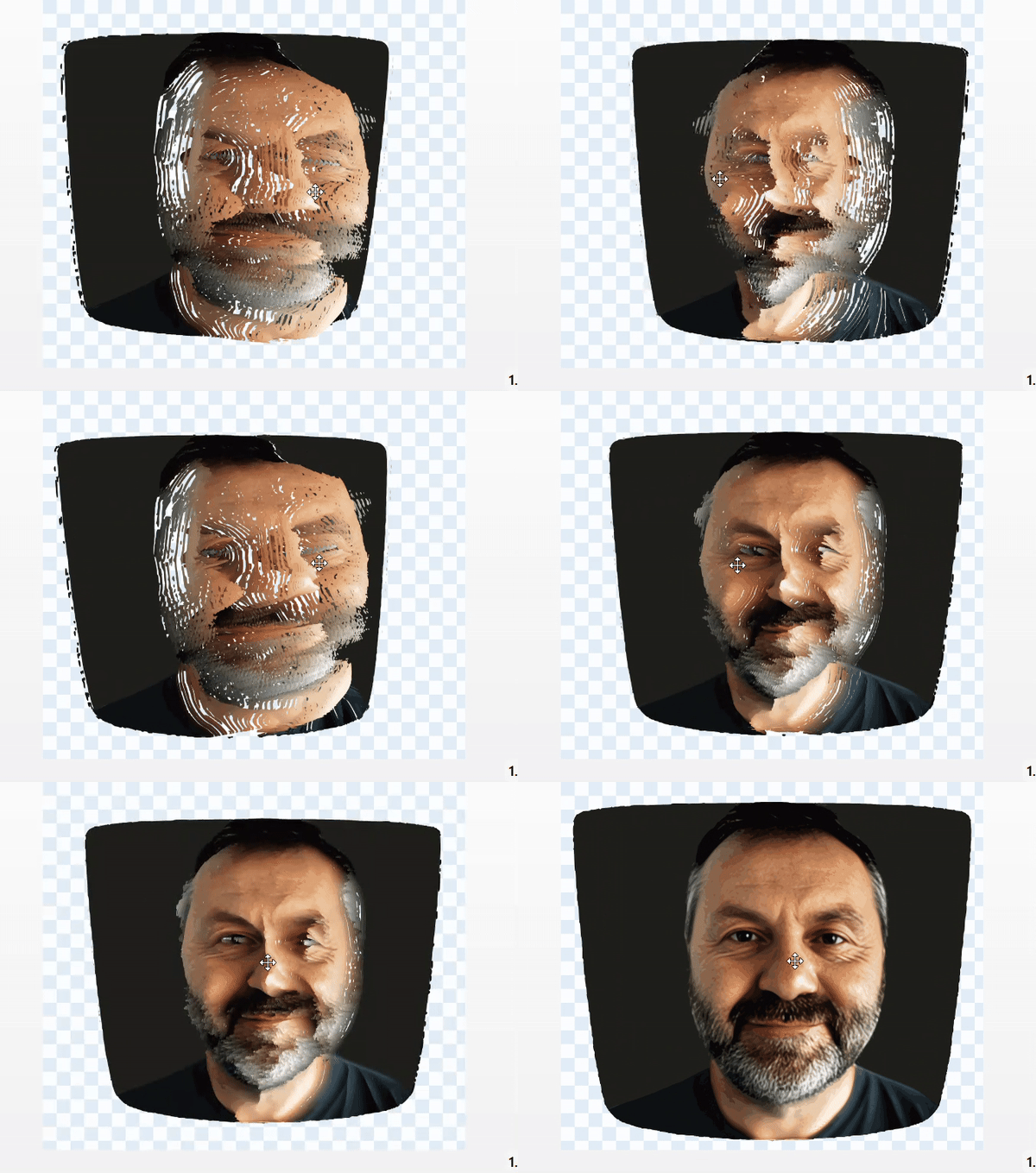
25 files, and each one was less than 15kb? If so, how are you getting it so clear?A GIF comparison between the original photo and the SVG (545 KB, 41 layers)
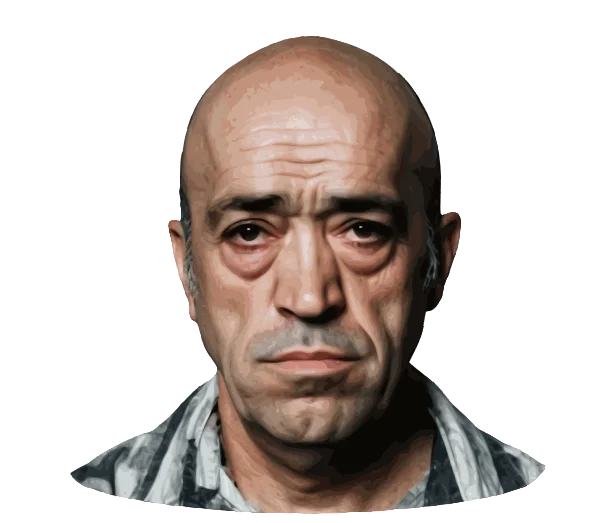
and a new Lee - 25 files
I now use Bild-Vektorisierer, an online paid platform, it allows to download as a ZIP file multiple splitted SVGs each smaller than 15KB. Then if there's something to adjust or fix, Inkscape is still useful.25 files, and each one was less than 15kb? If so, how are you getting it so clear?
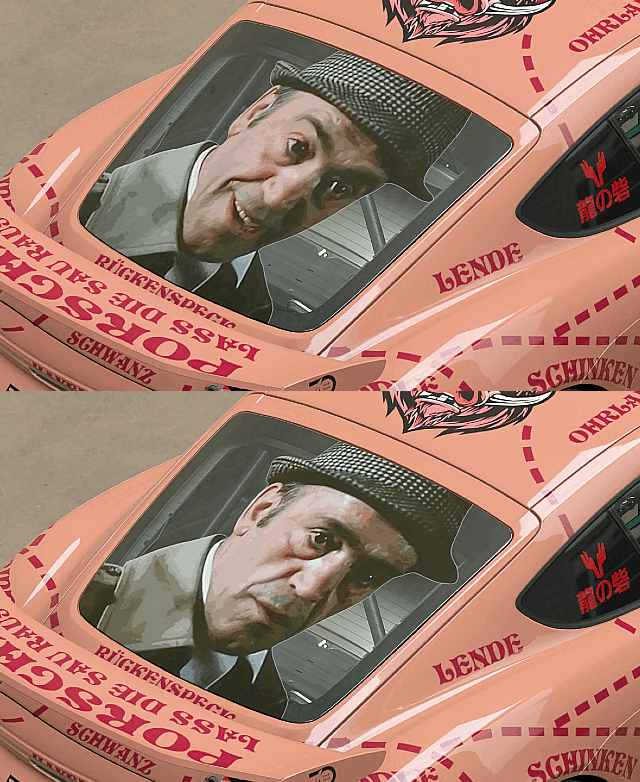

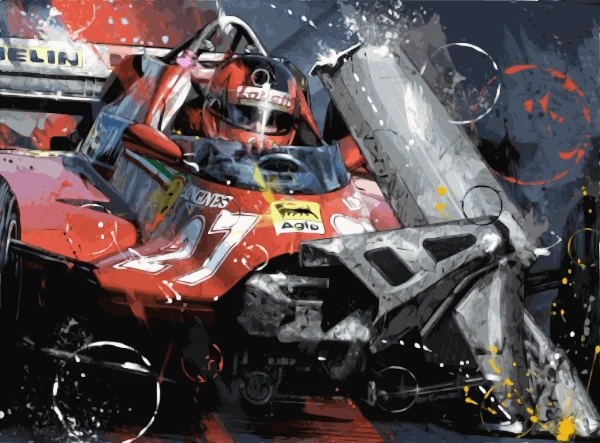
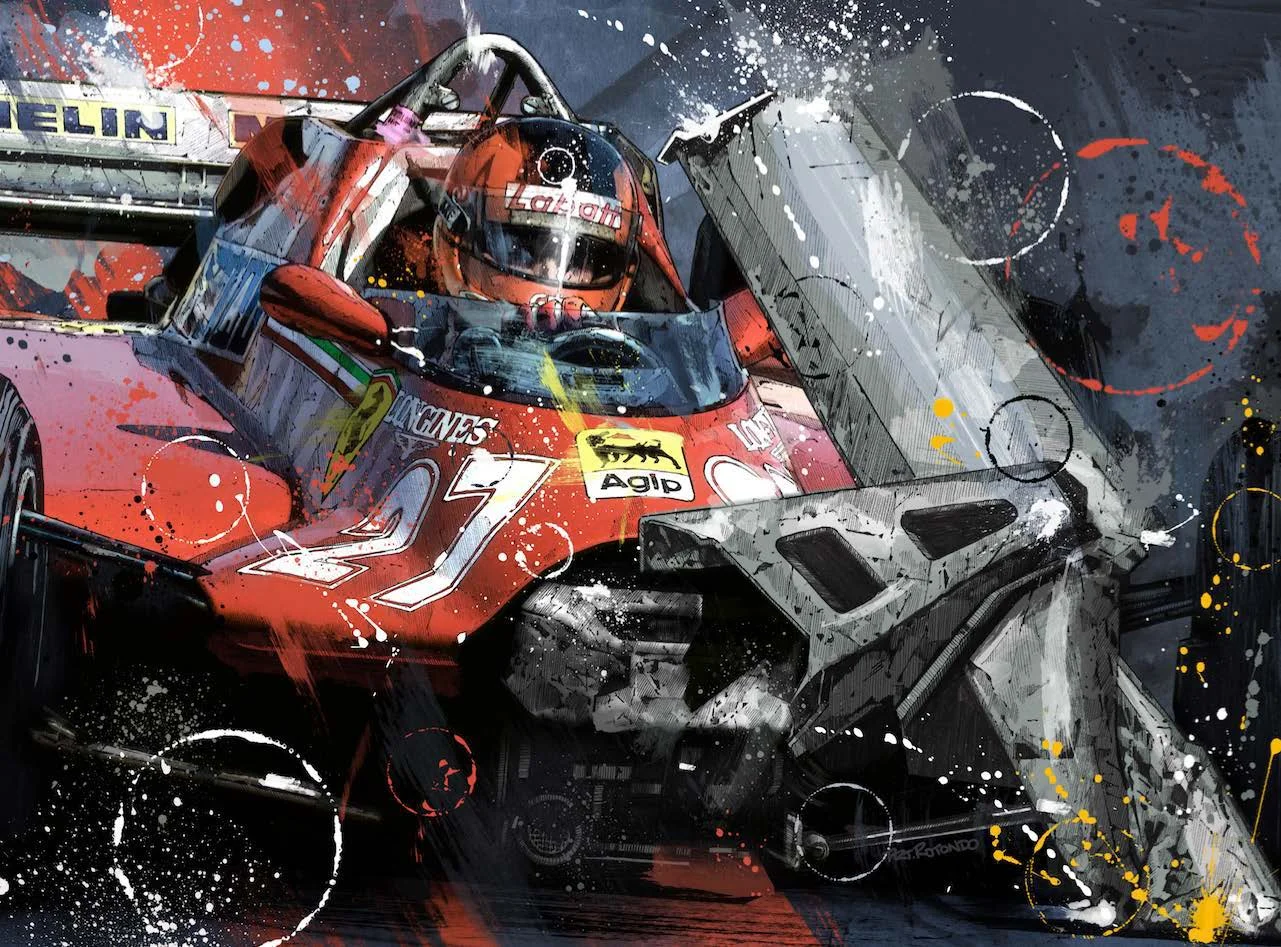
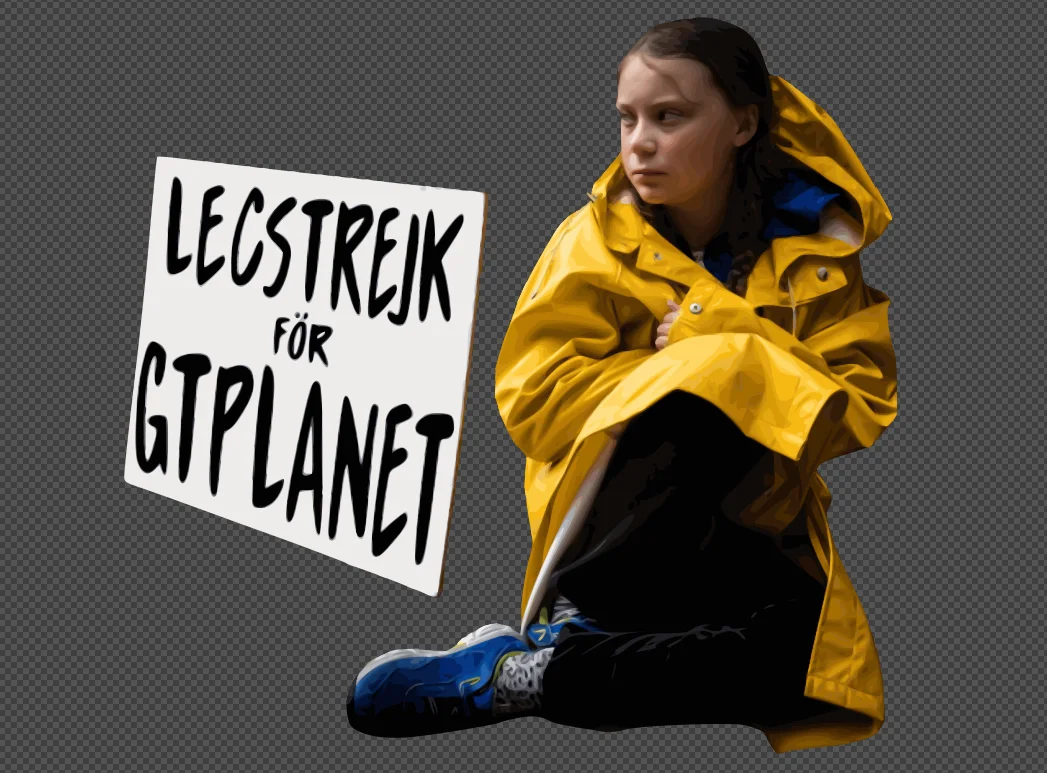
I have no clue what happened but this is for @MatskiMonk, hope you like it as I do.
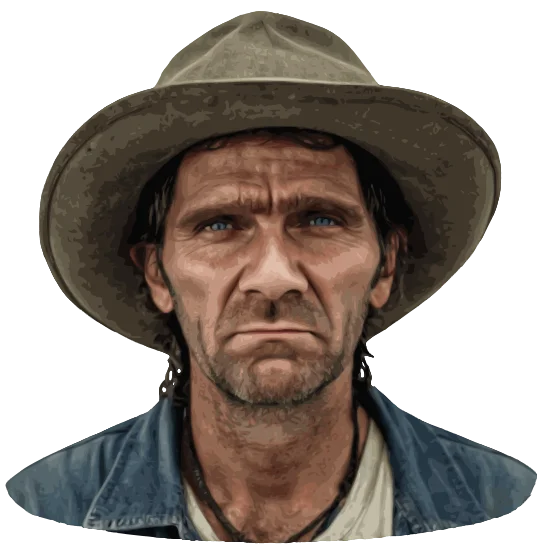
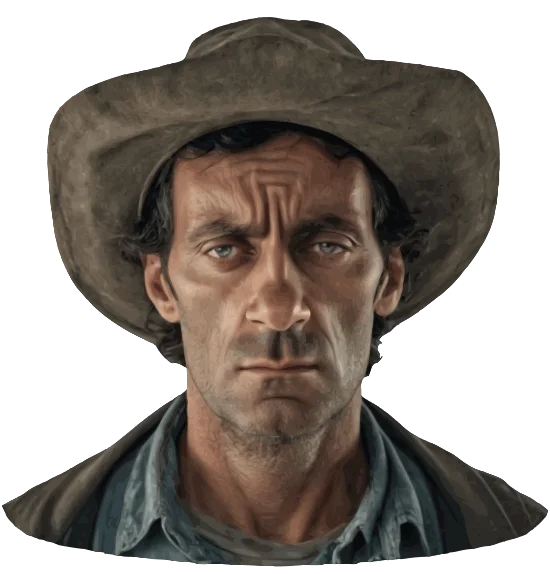
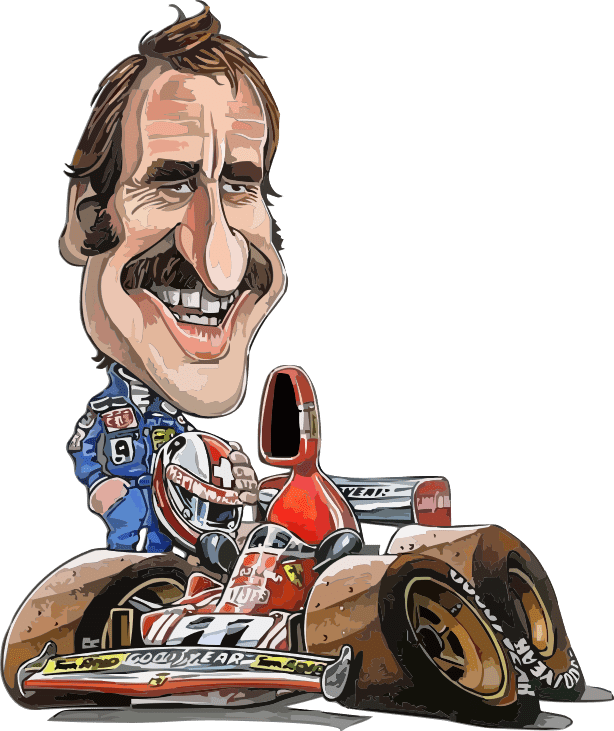
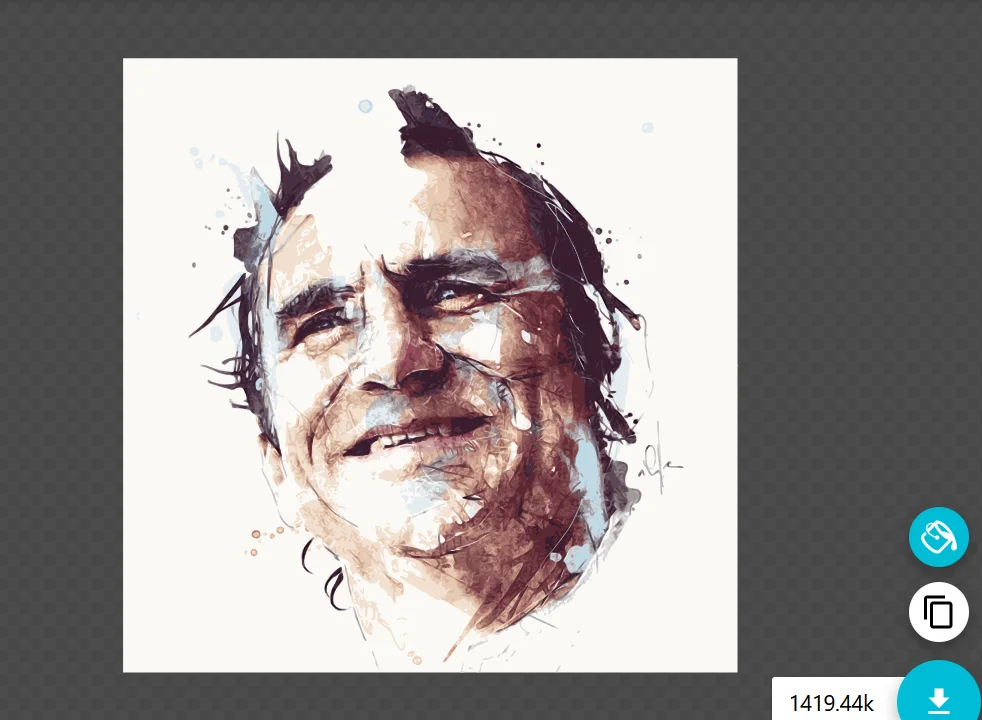
Illustration by Florian Nicolle - 105 layers