The "Edit My Photo" Thread

  • Thread starter Thread starter el_posto
  • 963 comments
  • 88,898 views
MemorableC
you do it with brushes, layers and transparency

Did you download those brushes? If so mind posting a link?
 
Hi everyone!Please help me - how can I put a photo in my post from flickr so it is visible here?
 
Did you download those brushes? If so mind posting a link?

I would love to but Deviantart is being dumb right now.


For Fed who is having issues.

 
Last edited:
'pologies, a little bit rushed...

trench2.jpg


and one from me

indyslider.jpg
 
Memorable C, thanks man, my PC is lagging so I can't do this on my PS3.
 
seeing as he hasn't posted a pic of his own ill throw one up

 
^ Edit the shot above please. :rolleyes:
 
Edited:

edited.png


Someone else may take my turn.
 
^^^ Very well - Edit this one:

 
Are you guys alright with me uploading a GT5 promo shot?
 

the "sun" was pain in the a*** :P

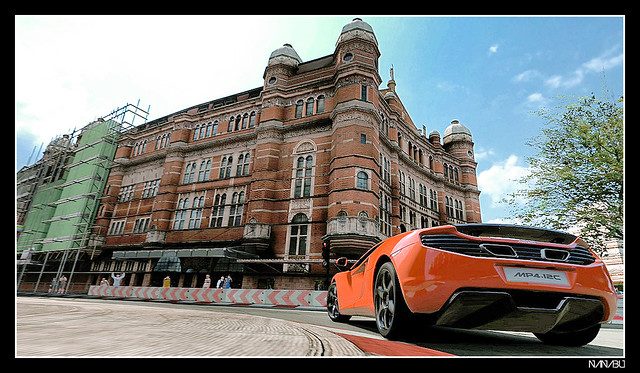
Really nice! The building looks amazing in this one. Didn't thought of it to turn out THIS well! Good job nanabu :)👍
 

My god. Those jaggies. :scared:

Anyway, I gave it my best shot. I like your original shot, but the jagged edges ain't making it better. :lol:

Anyway, my take on it. I'm terrible when it comes to fixing jaggies, but I think it came out pretty nice.


One of mine.


My so-so attempt on your shot.
Since you pioneered the 'smudge-the-sand-to-define-movement', it's nothing but fair I try on one of your shot. :sly:
There's isn't too much work on this.
And finally, I like your take on my shot. It's a lot less saturated than my attempt on that shot. 👍


such a work! Thanks a lot dude :dopey:
No problem. :D
 
Back