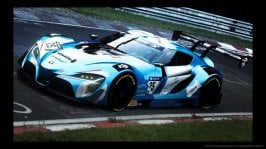
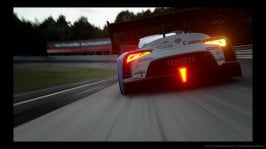
The Scapes Photos Thread

  • Thread starter Thread starter Spark_GTP
  • 3,993 comments
  • 420,393 views
Are yyou posting them from a mobile device and\ uploading them with the "upload a file" option? That is how i add photos rather than through a photo site and my photos look blurry too. Try using a photo hosting site and see if that helps.
I’m on iPad and upload to tinypic.
 
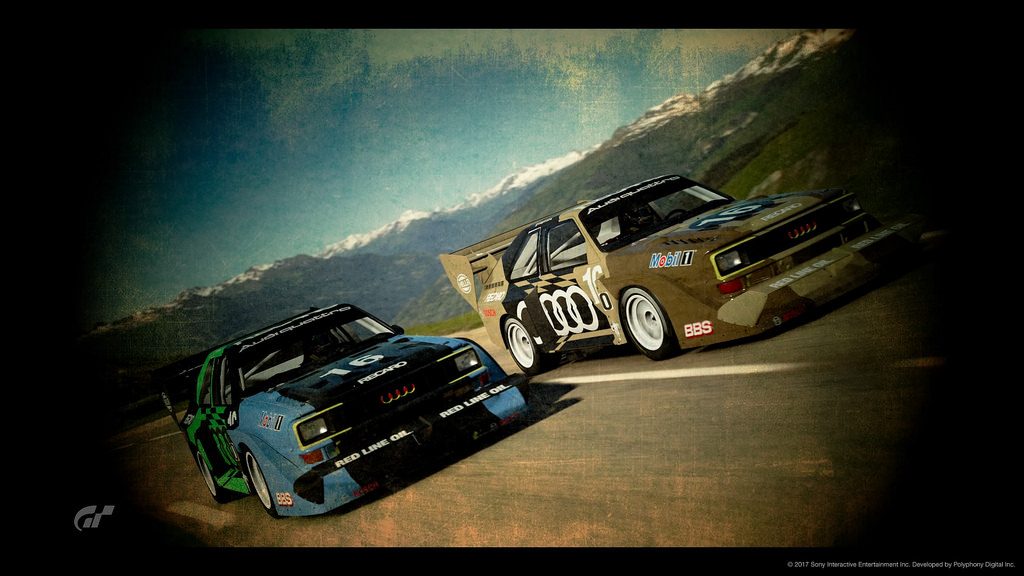
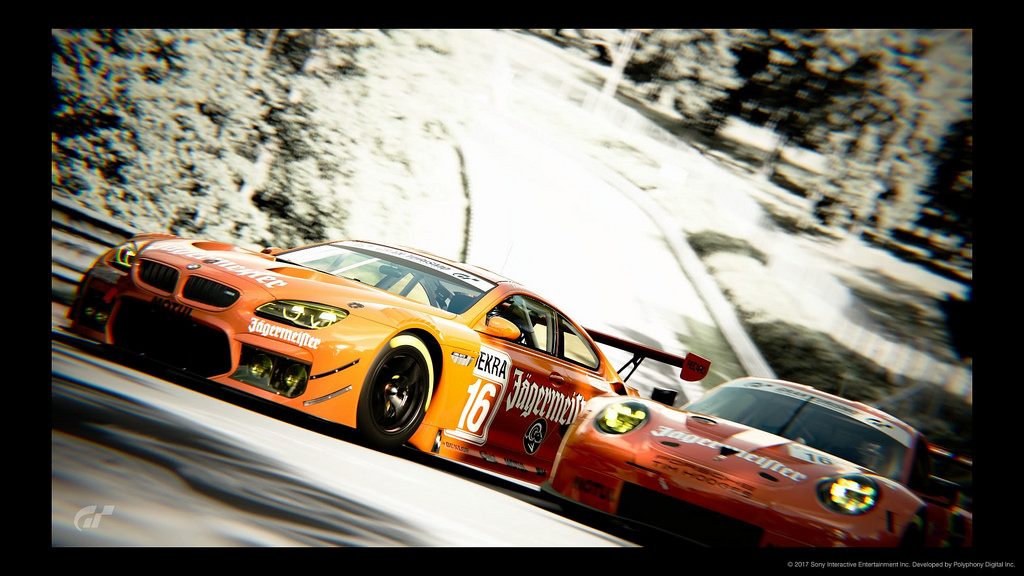
Gran Turismo®SPORT_20171124021200.jpg
Gran Turismo®SPORT_20171124021212.jpg
 
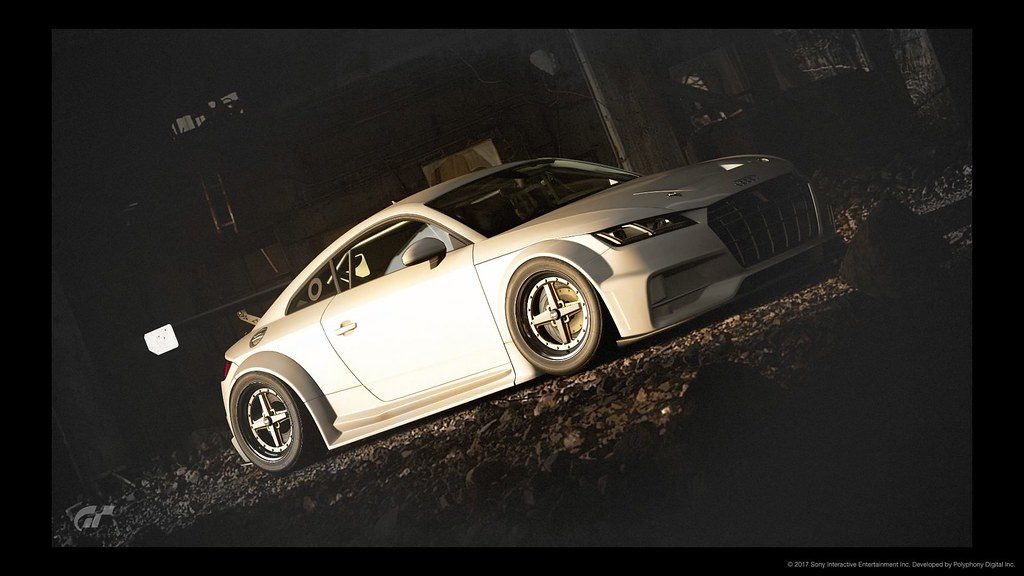
zobihr.jpg
Tried the film look again. PD should really add fully functional tone curve box into photo editor.
You do want a full version of Photoshop within GT game? ^^ i wouldn't say no to it :D
 
VXR
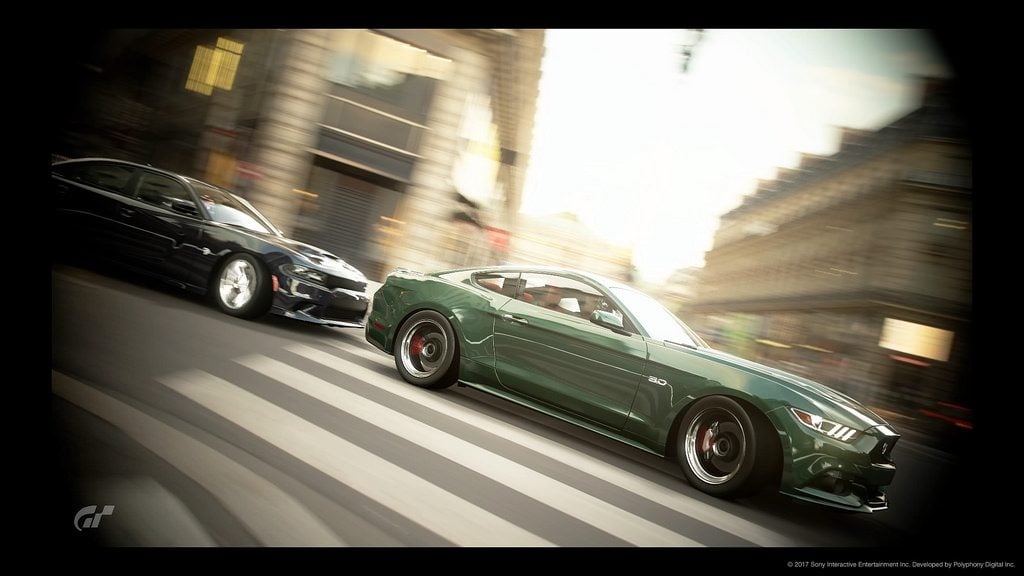
That should be the official cover art. Superb.

Yep that's great, How is it possible to achieve this effect in-game?

Thank you:cheers:, it is almost impossible to do the same effects with the photos in the race, because the exposure time of the device does not allow long poses .. as is the case in scape mode
it takes a patch to rectify that ..

Nice RL ^^

1511600824-20171125095526.jpg


1511600855-20171125095537.jpg
 
Last edited:
Thank you:cheers:, it is almost impossible to do the same effects with the photos in the race, because the exposure time of the device does not allow long poses .. as is the case in scape mode
it takes a patch to rectify that ..

Nice RL ^^

1511600824-20171125095526.jpg


1511600855-20171125095537.jpg
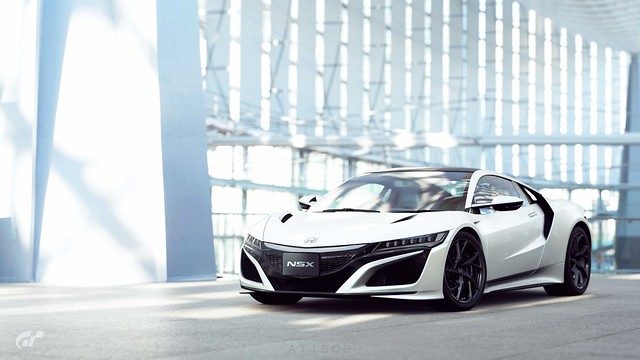
Never expected to see panning mode activated indoors, especially in the museum room :D well executed though and a thumb up from me. 👍
 
I'm currently downloading the game, how are photo exports handled? Can we still use a USB?

Literally can't wait to play with Scapes.
 
VXR
I'm currently downloading the game, how are photo exports handled? Can we still use a USB?

Literally can't wait to play with Scapes.
Yes
 
Back