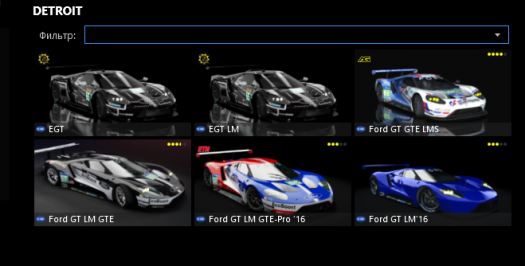
- 634

- United Kingdom
I've always used the short version of Mas Du Clos. It has a pretty good mix of different turns, fast sections and technical sections. Plus that steep left hander onto the s/f straight is pretty unique.Friends, I have a question for everyone. Who and what track is used to test the physics of new cars?
For example, I use Magni Course 2019, it has corners where it is very good to experience the physics of a car.
It is interesting to know your opinion.

Last edited:


 )
)

 I understand that there is a problem with the texture of the squeak in the kn file, but how to solve it? Here's my question.