CAMAROBOY69 Horizon photos

  • Thread starter Thread starter CAMAROBOY69
  • 30 comments
  • 2,812 views

CAMAROBOY69

Premium
Messages
18,565
United States
Michigan
Messages
CAMAROBOY69
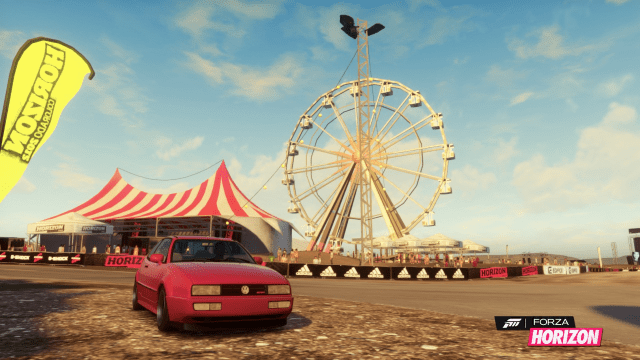
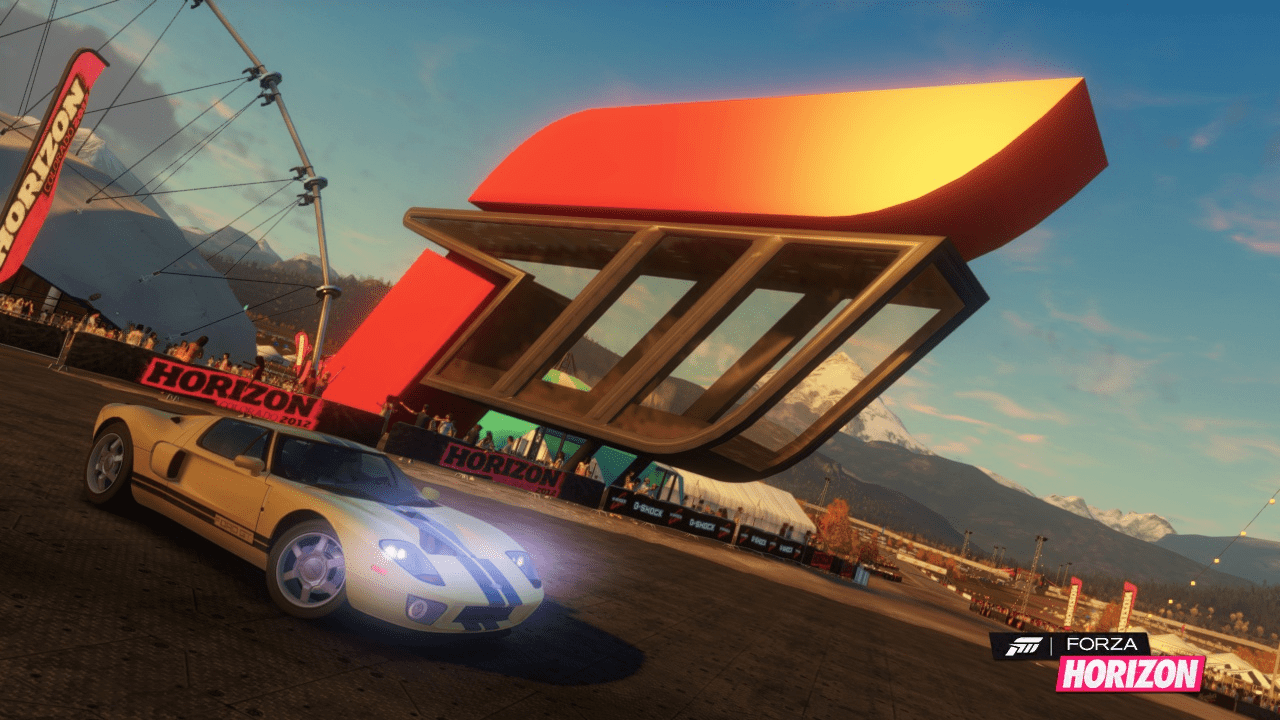
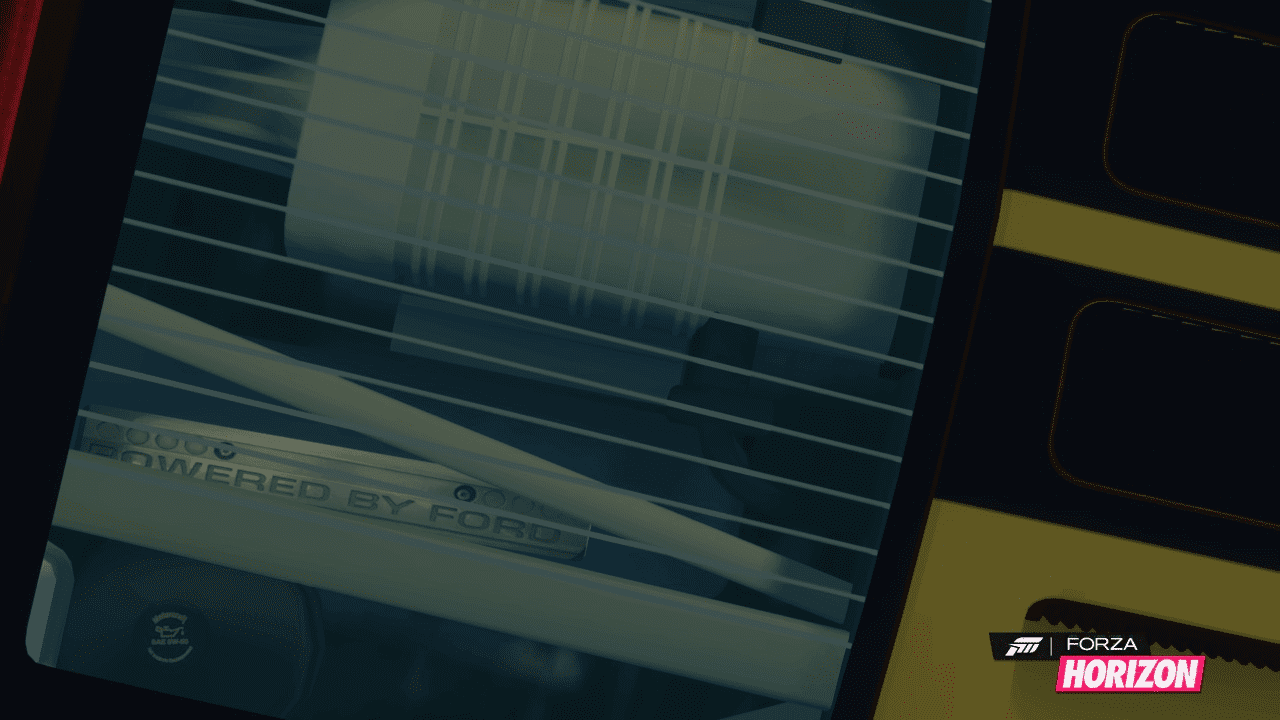
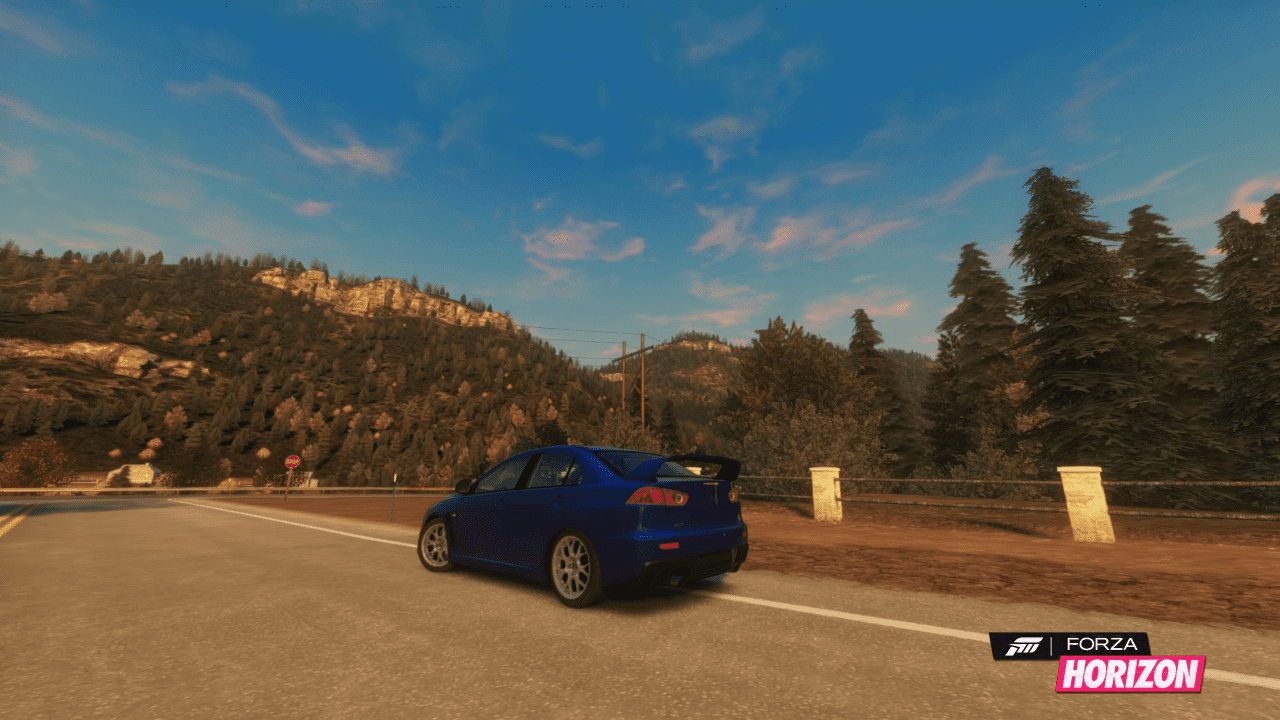
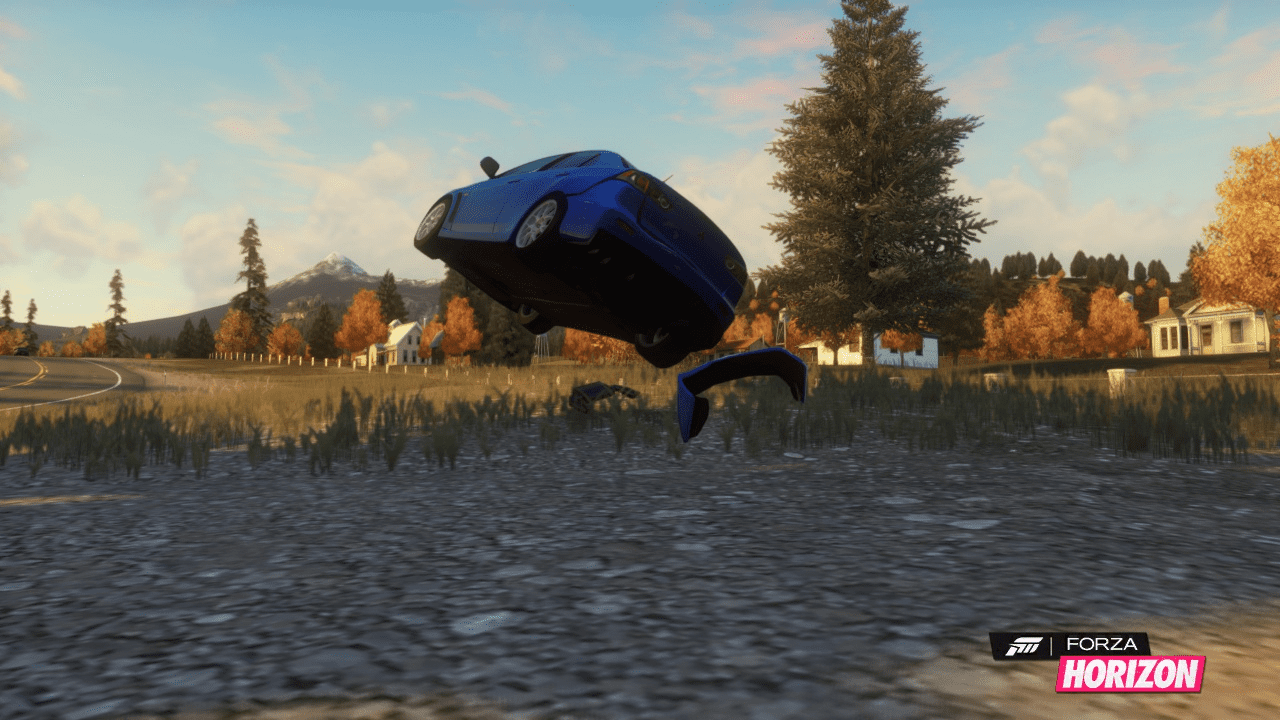
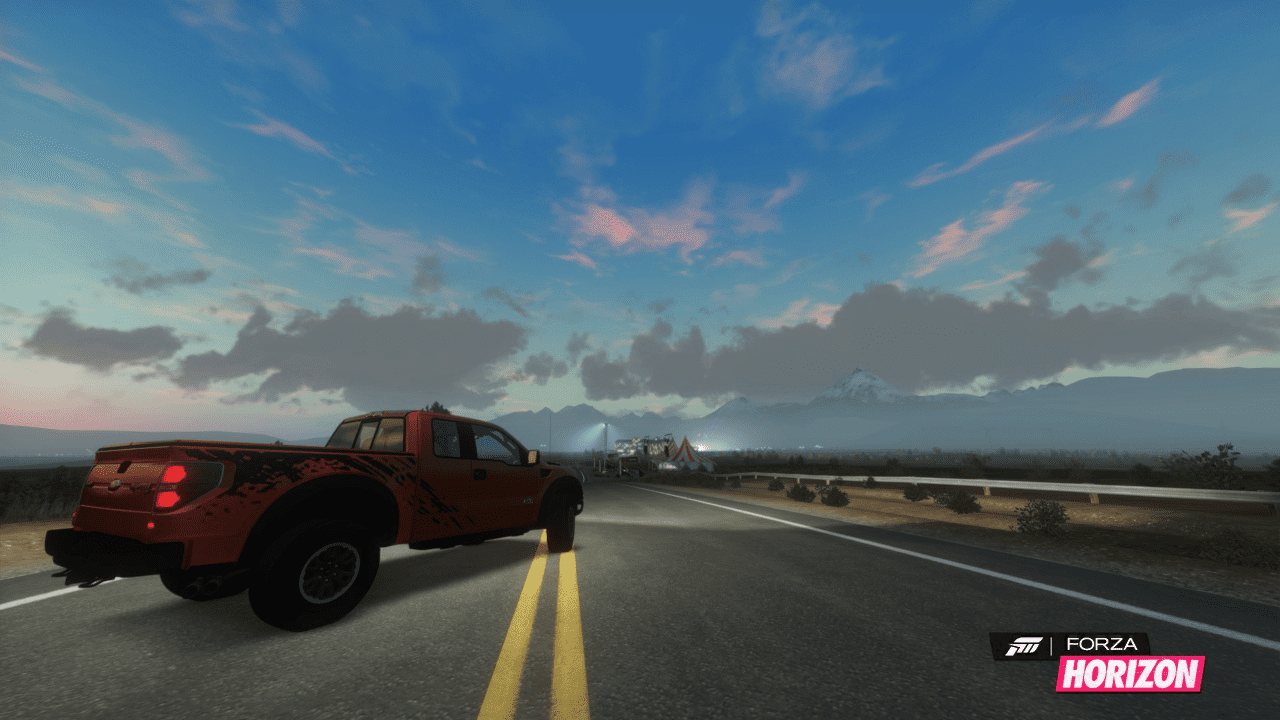
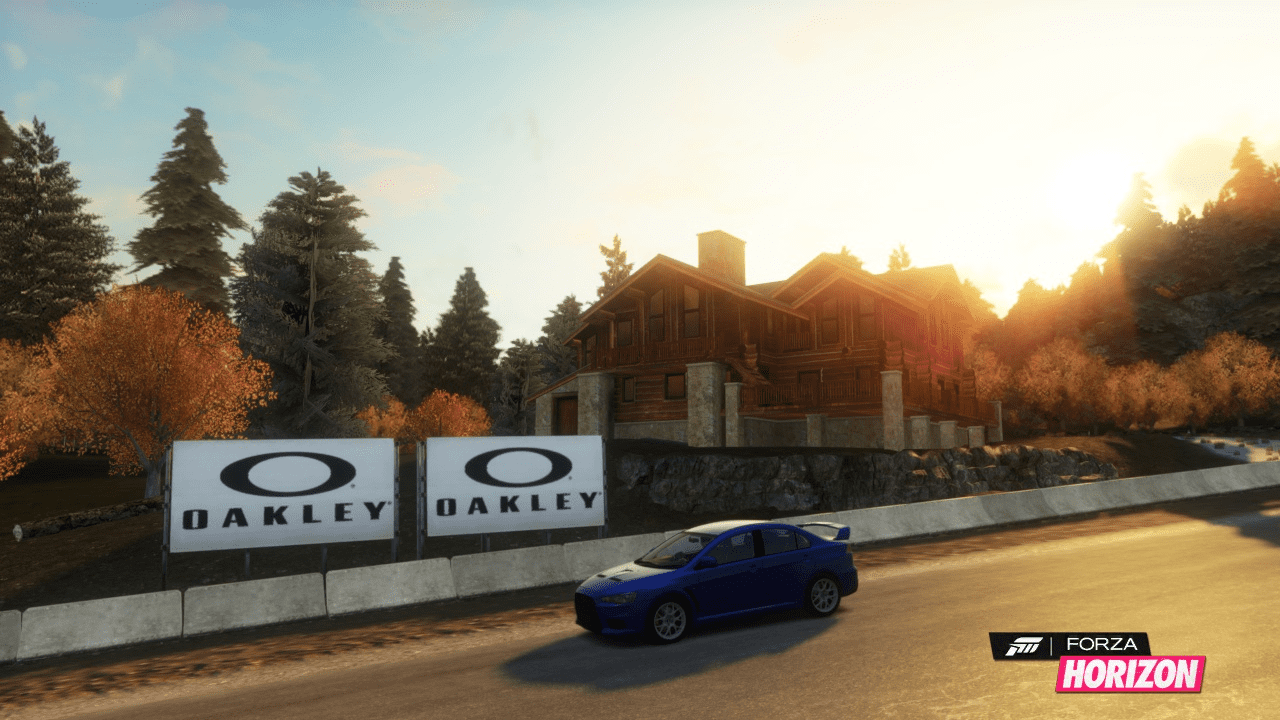
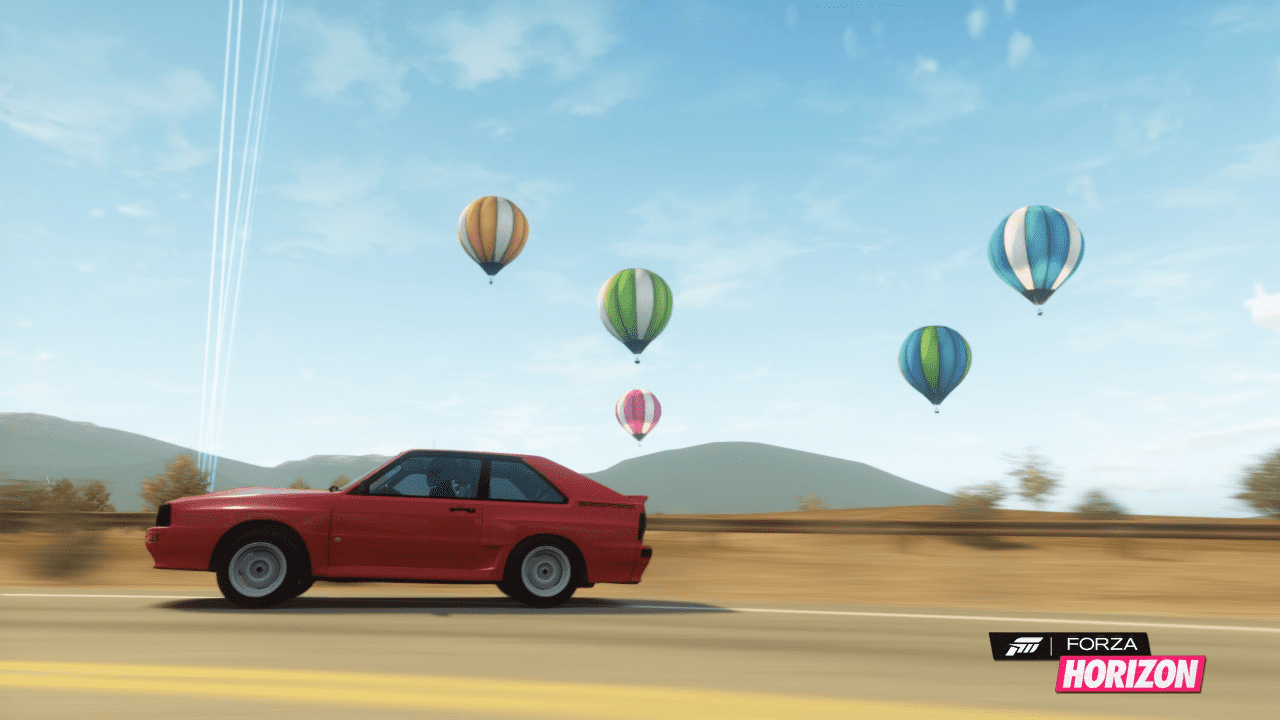
I realize its not out for a couple days but I am just getting trying to spark some life into this Horizon photomode section. ;)

Pics starting in post#3.

 
I was eagerly anticipating the release on the 23rd, thinking I would leave work early and swing by GameStop to pick up my pre-ordered copy until I remembered...

I have Jury Duty that day!:yuck:


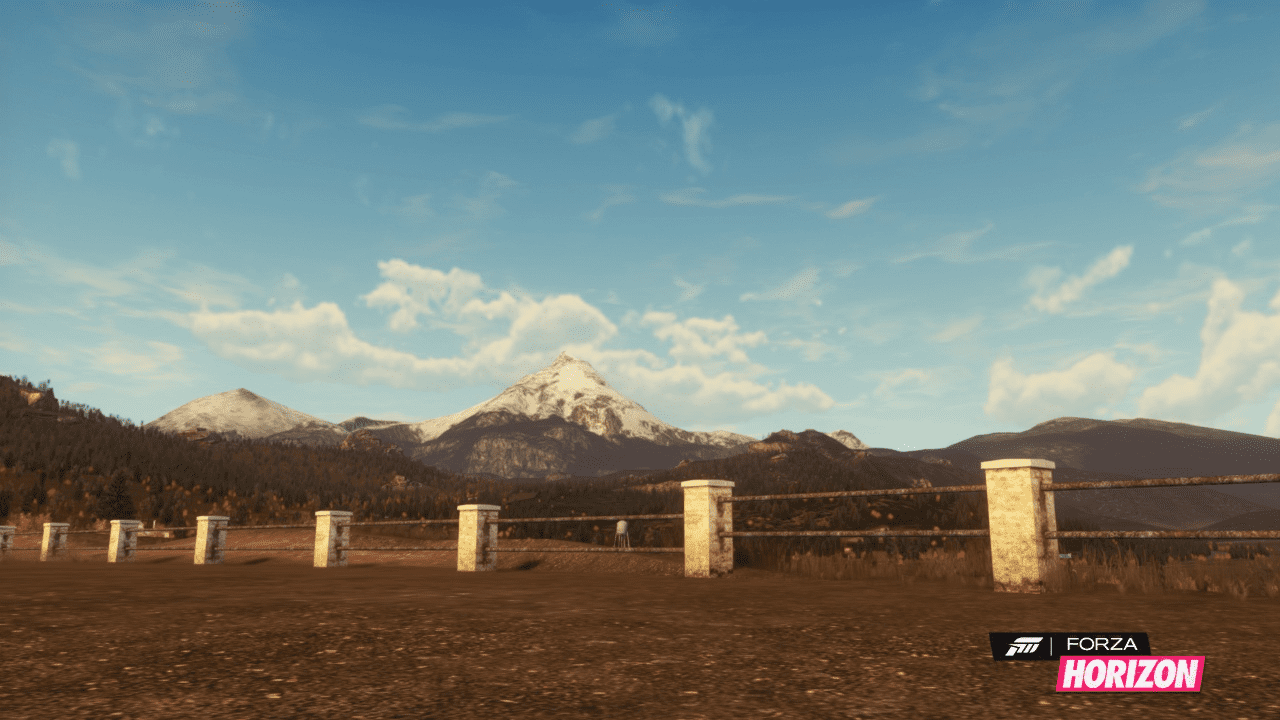
One thing I am looking forward to is taking pictures in some great settings. Mountains, deserts, farms, towns...
 
EDIT: Re-uploaded using tinypic.com

kafct5.png


s489k8.png


ddnmtf.png


2edcgbd.png


2s1qgsl.png


11cawsl.png


15czf9g.png


2i8ej6b.png


21bw6f6.png
 
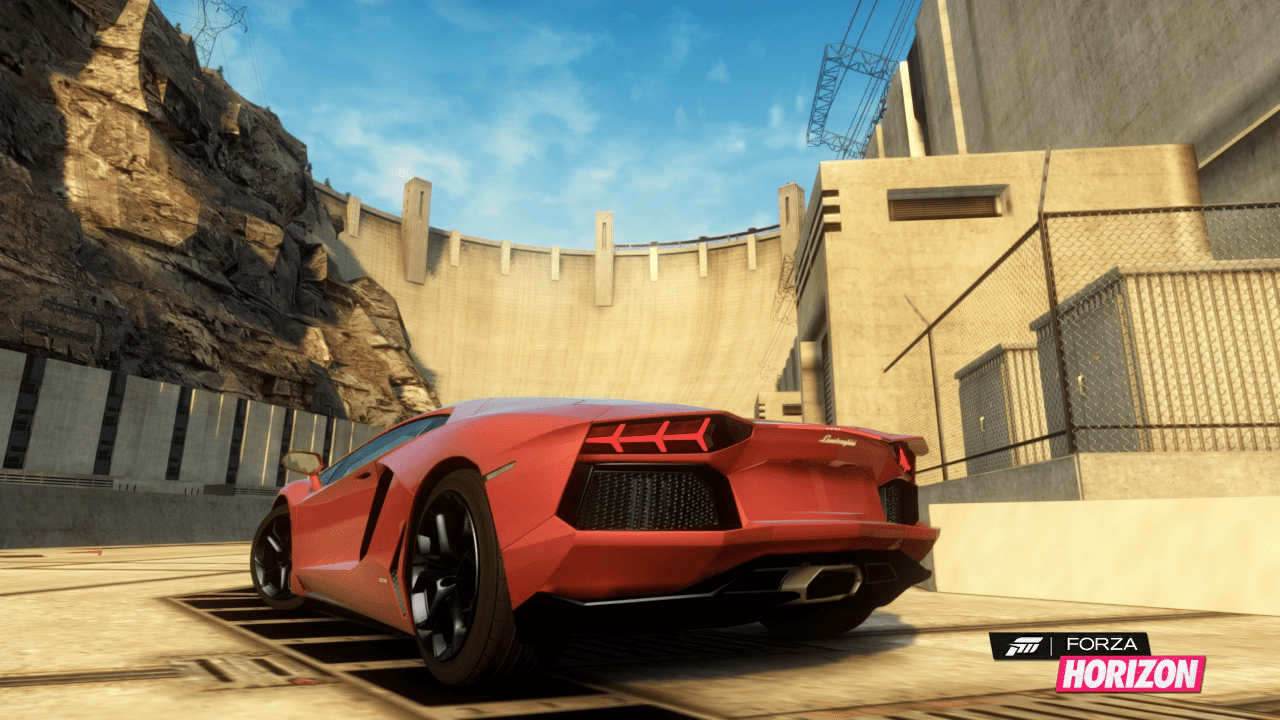
I like that setting in the Aventador photo. Im going to have to check that out :P
 
No pics for me either
 
The pics werent working on my phone so I went to my desktop and they worked. Dunno if you guys are browsing through a phone.
 
On my ipad lol
 
I like that setting in the Aventador photo. Im going to have to check that out :P
Thanks. There is also an upgrade sign over there to hit.


Hmm thats a bummer the pics are not working for people using an iphone or ipad. Maybe it is becauase I linked them from GTplanet? I was going to try flicker or imageshack but they are trying to make me register. So I just used GTplanet.
 
thats cool bro i will check them out when i get home, i have pics to post also !!!
 
Can't see photos, maybe have to be a member of GTplanet?

I jus logged in to GTP and yup, pictures are now showing!
 
Not working on Android either.
 
Hmm sounds like I will have to find a better way to post the pics instead of linking them to GTplanet. Anyone have any recommendations? Forza planet doesnt have a "Pictures and Albums" section. Maybe we could request Jordan to hook us up. :sly:
Edit: I sent Jordan a PM with this recommendation.
EDIT2: His answer was to use Tinypic.com
 
Try imgur. That's what I use when I upload pictures. It's pretty simple to use.
 
Jordan recommended that I use tinypic.com

So with that said, I updated all the pics above in post #3 using his suggestion. Let me know if the pics work for everyone. I left the first 4 pics big, the last 5 pics small. Do you prefer the larger pics or smaller? The larger pics can be clicked even larger. The smaller cant.
 
they work on my iphone and look awesome bro !!!
 
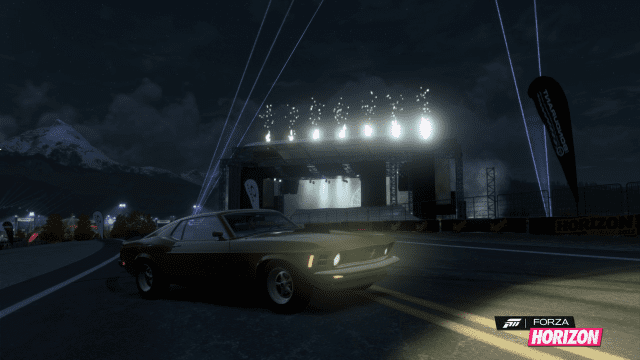
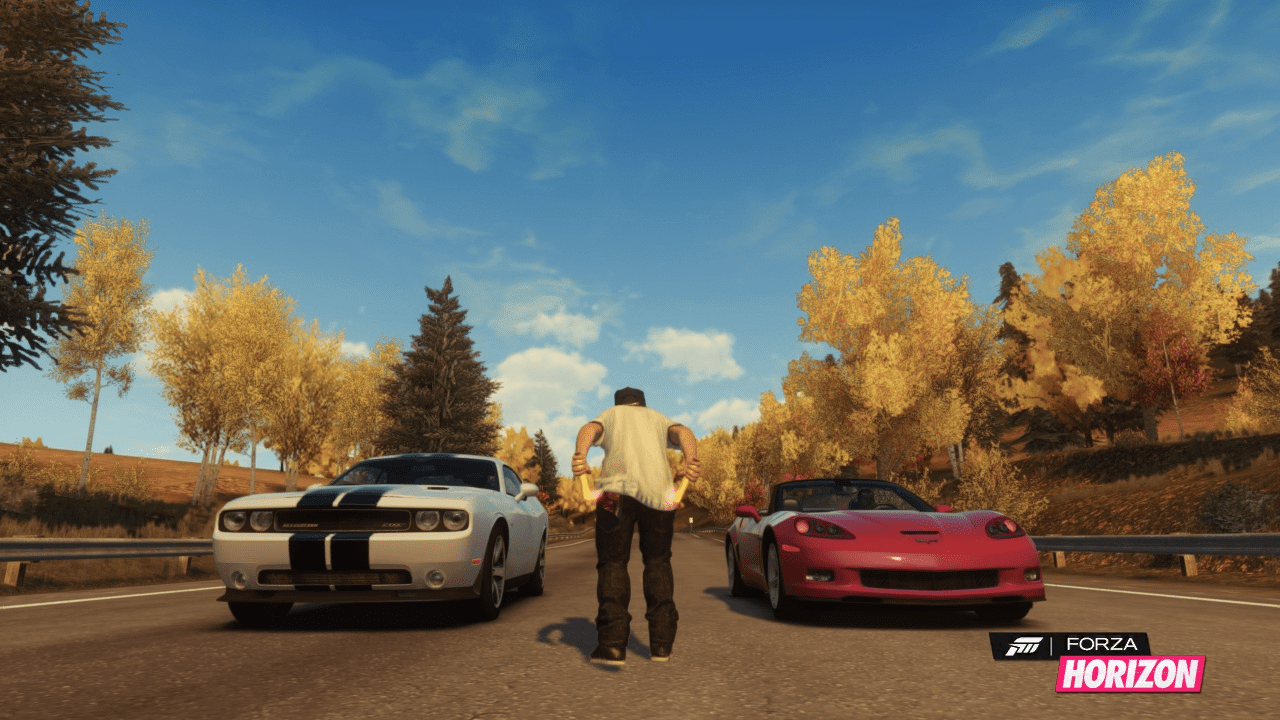
I can see the pics with my Galaxy SII phone. Nice picture of the Mustang vs Mustang!
 
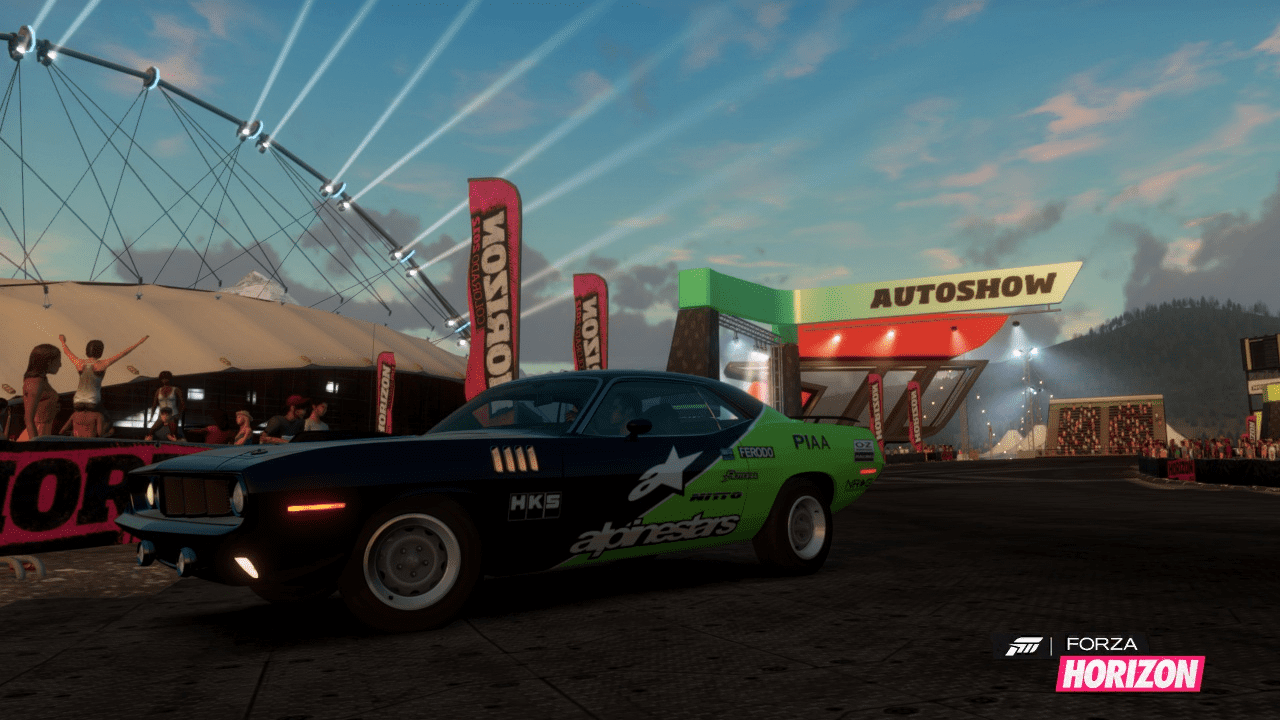
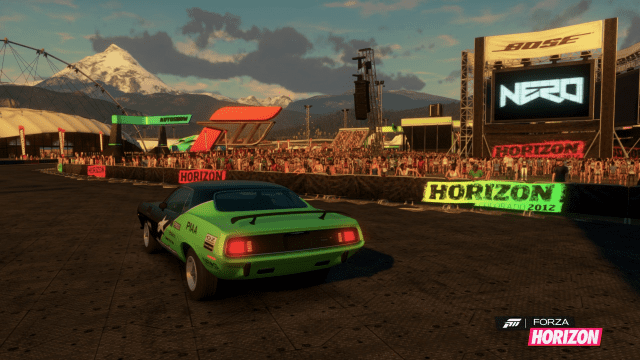
I see the pics now too, couldn't see them this morning. I still love that Cuda Livery, I see you made use of the Vinyl group import tool.
 
Thanks for the re-upload. I can see the pictures too now.

I can't wait to start spending lots of time with Forza Horizon:)
 
They also work on the new 360 IE, which is pretty dang neat.
 
That Mustang vs Mustang shot :drool:.
 
Thanks for all the compliments. I will keep posting them via Tinypic.com :cheers:
Here are some more.
2ljrpsy.png


2ups003.png


do194x.png


16kv0vc.png


34y6ud2.png


28mph1x.png


izpxlf.png


11t8ifm.png


2mcc476.png


2qi94lw.png
 
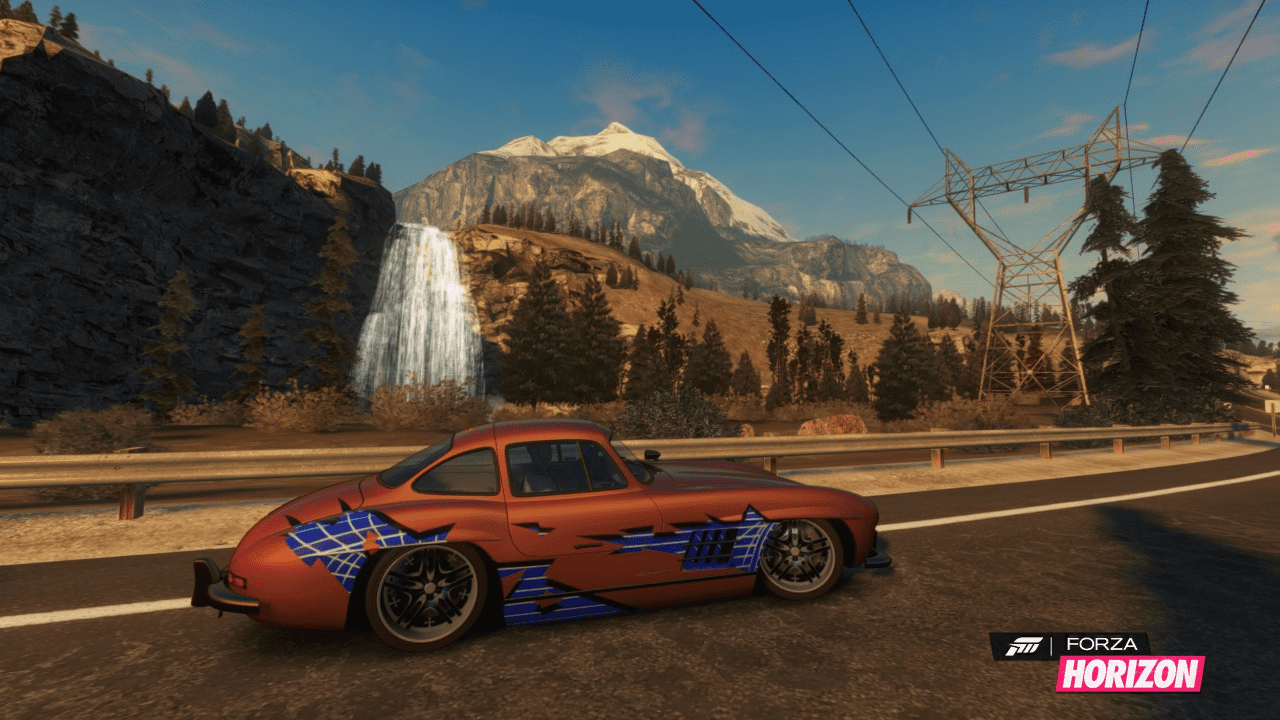
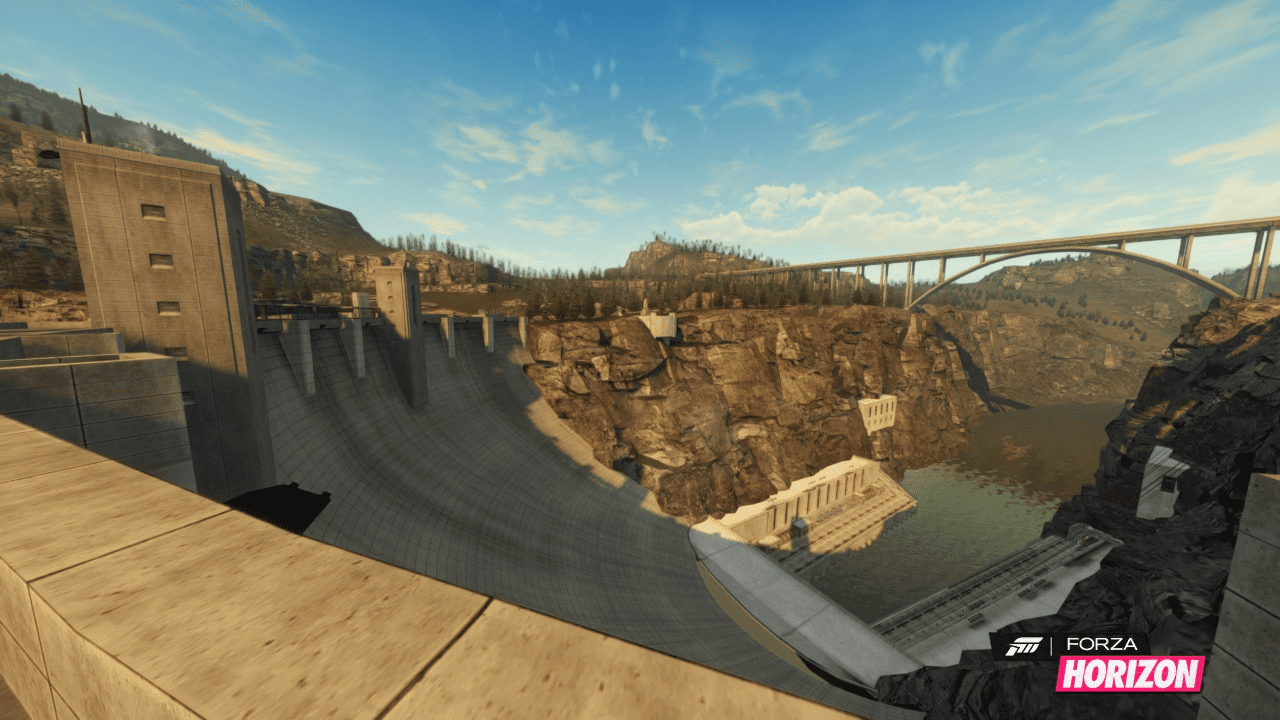
Love that shot of the damn, though the paint job on that SL is not to my taste :lol:
 
Love that shot of the damn, though the paint job on that SL is not to my taste :lol:

Yeah, the SL is too classic to be detailed, maybe add a different chrome color maybe.
 
Agree'd on the dam shot. Great angle 👍

Try experimenting with aperture on some of them though.
 
Back