
- 1,329

- United States
- Carbon925



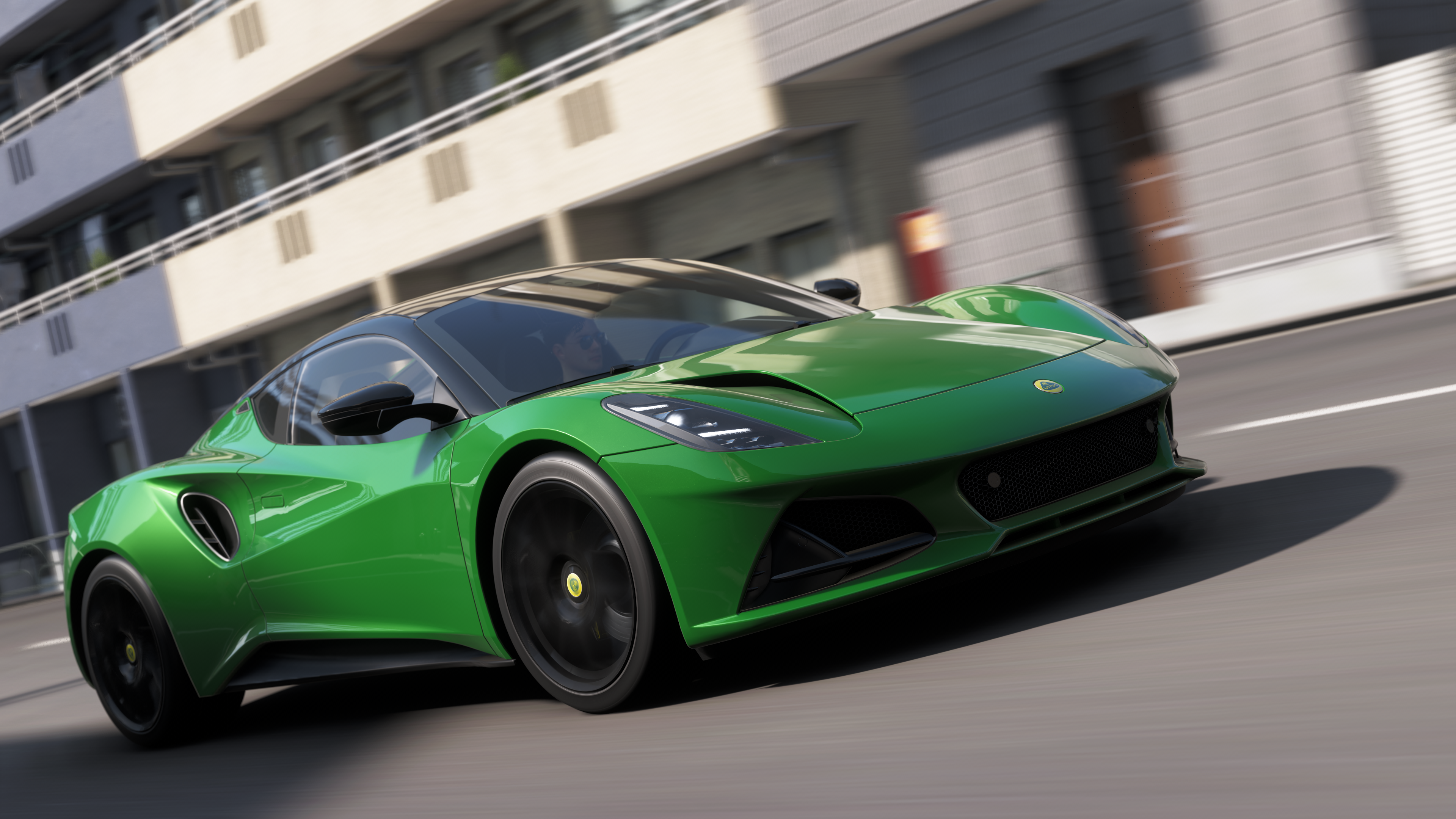
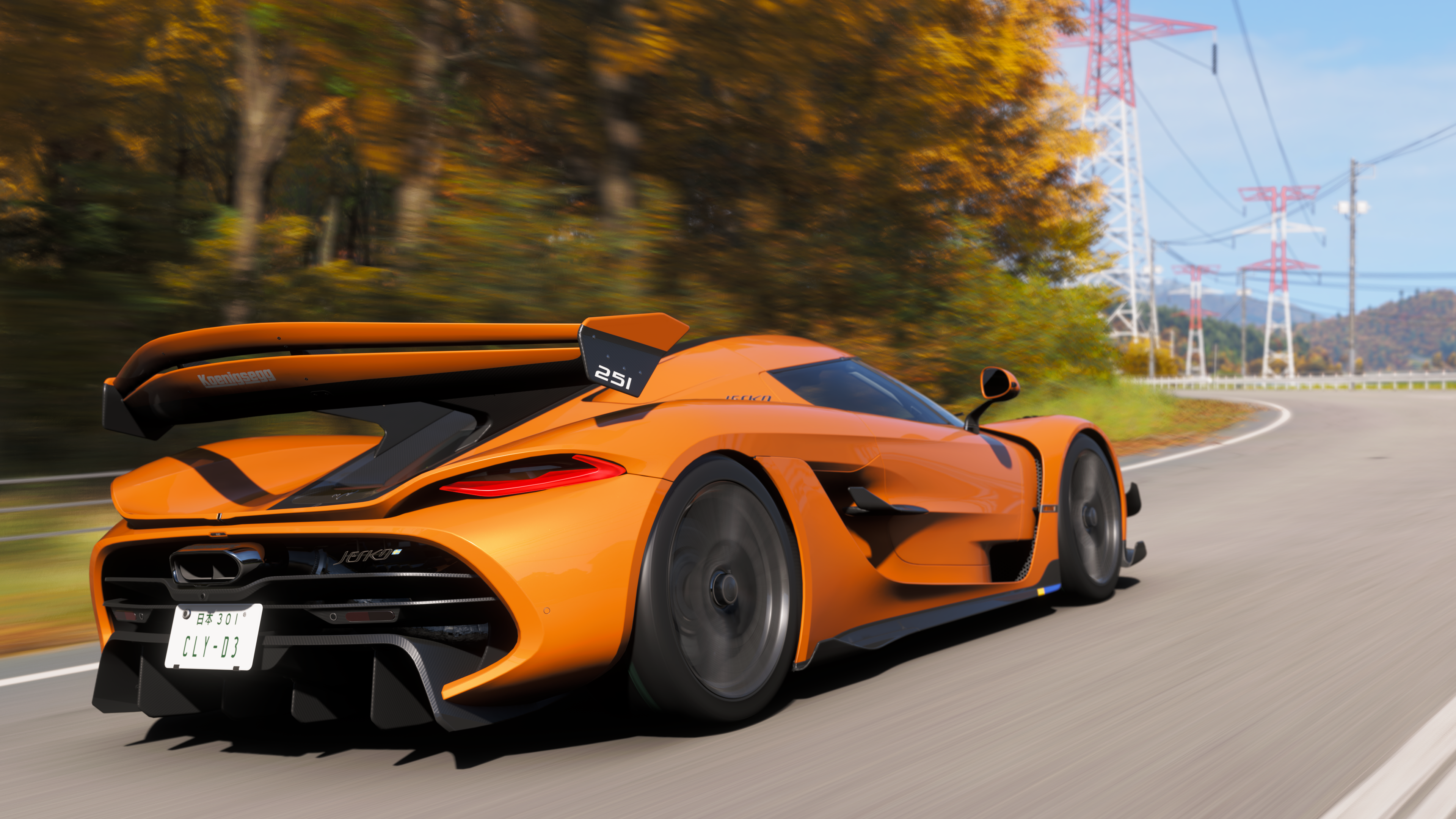
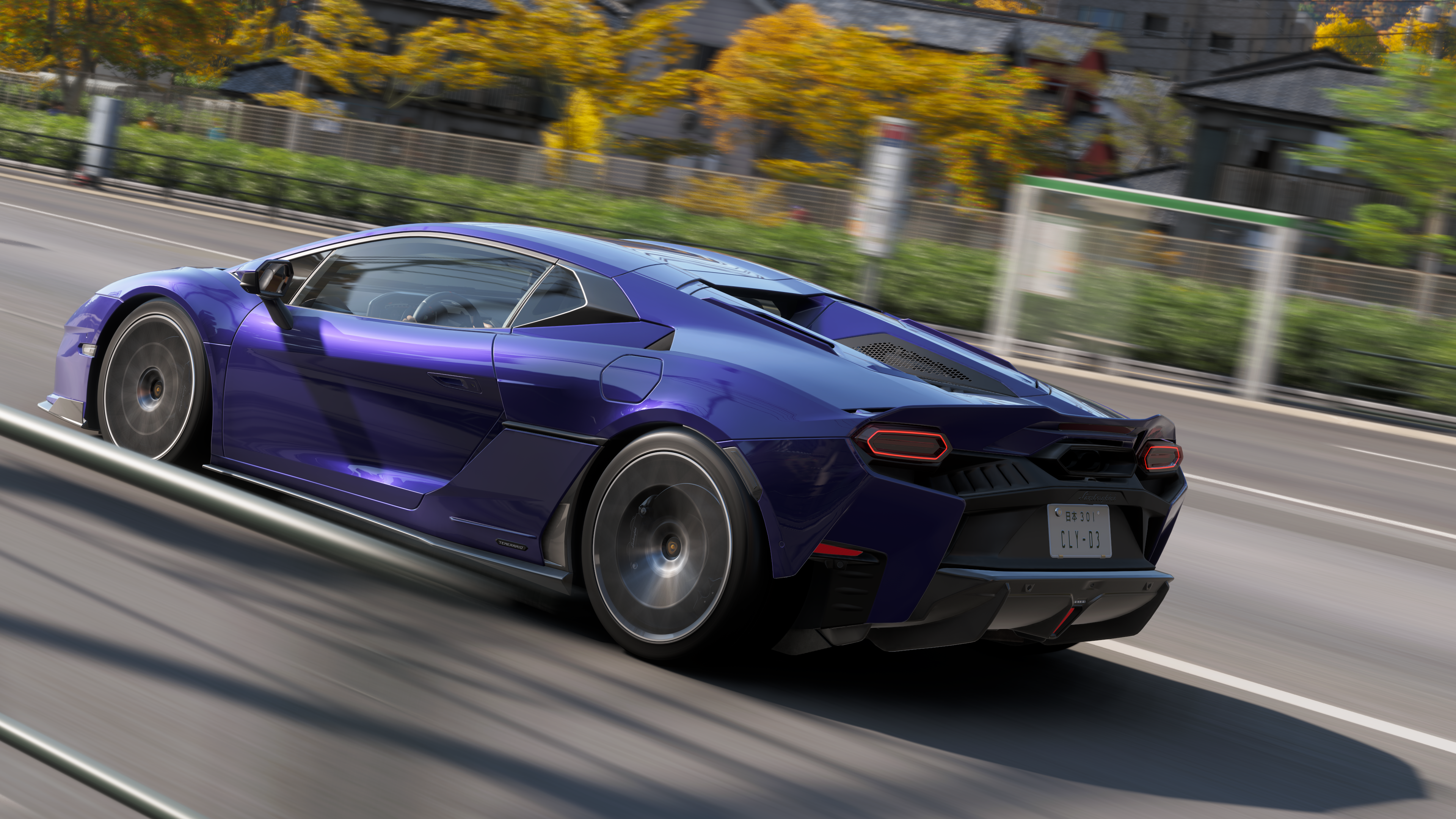
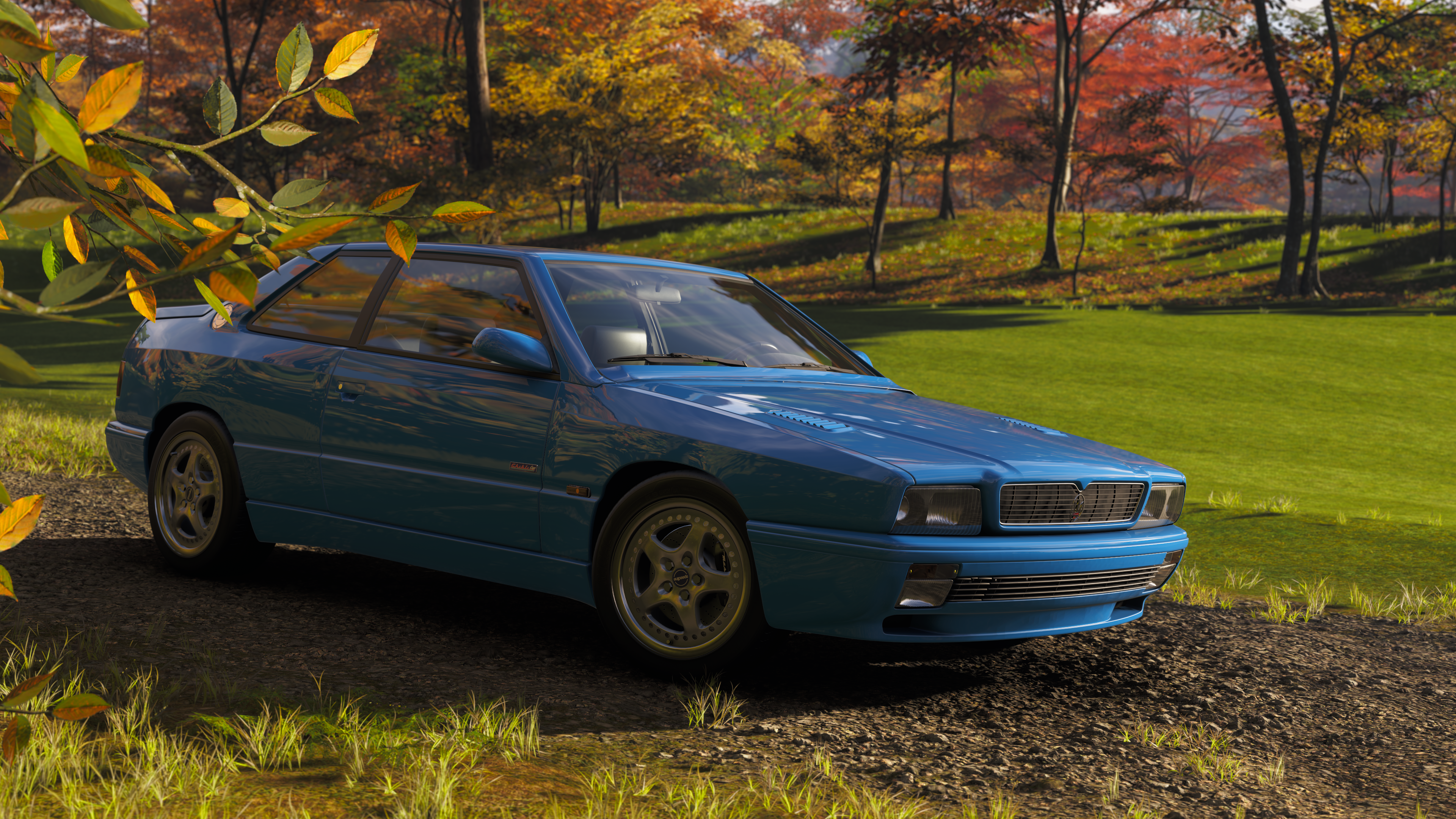
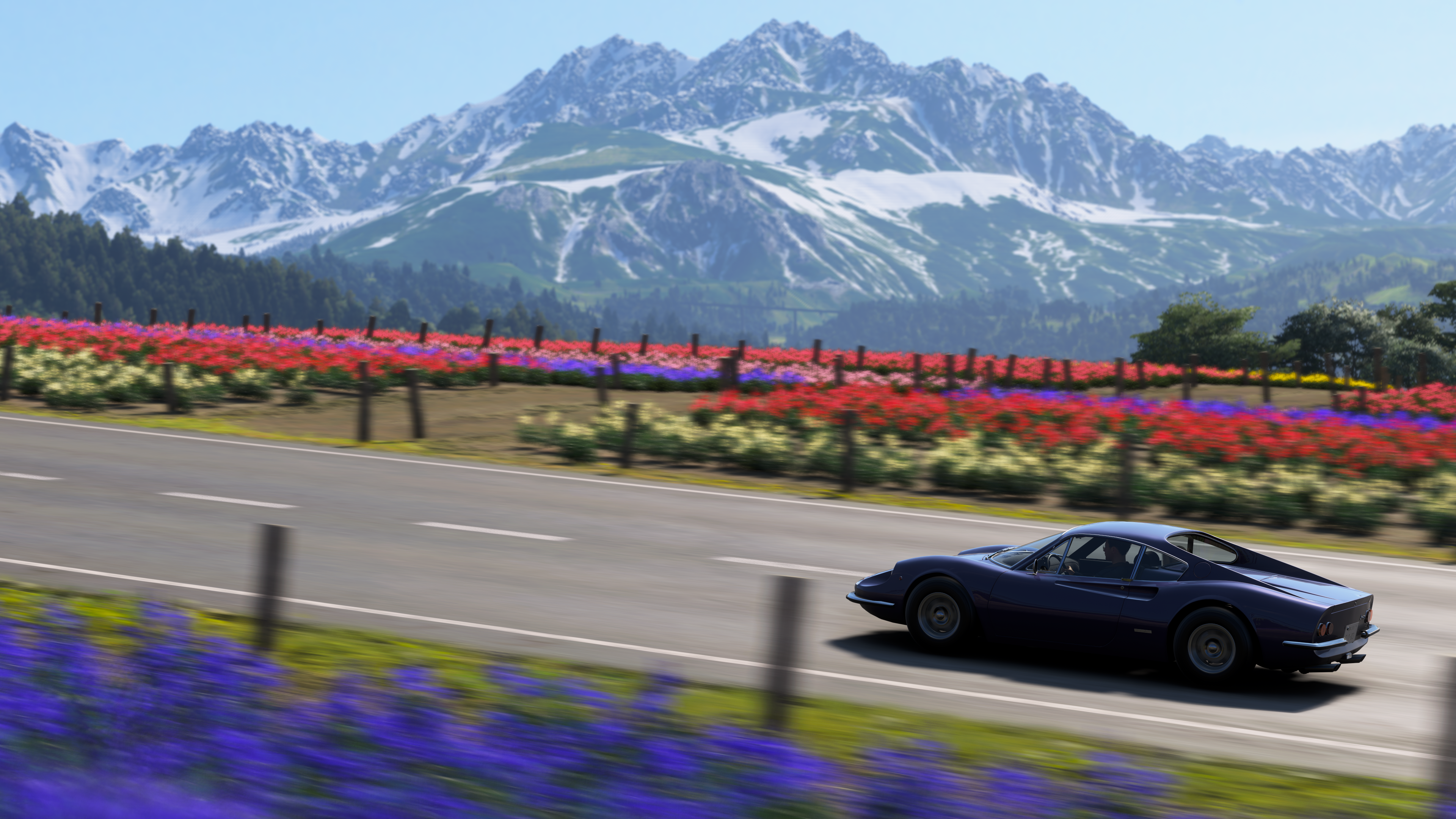
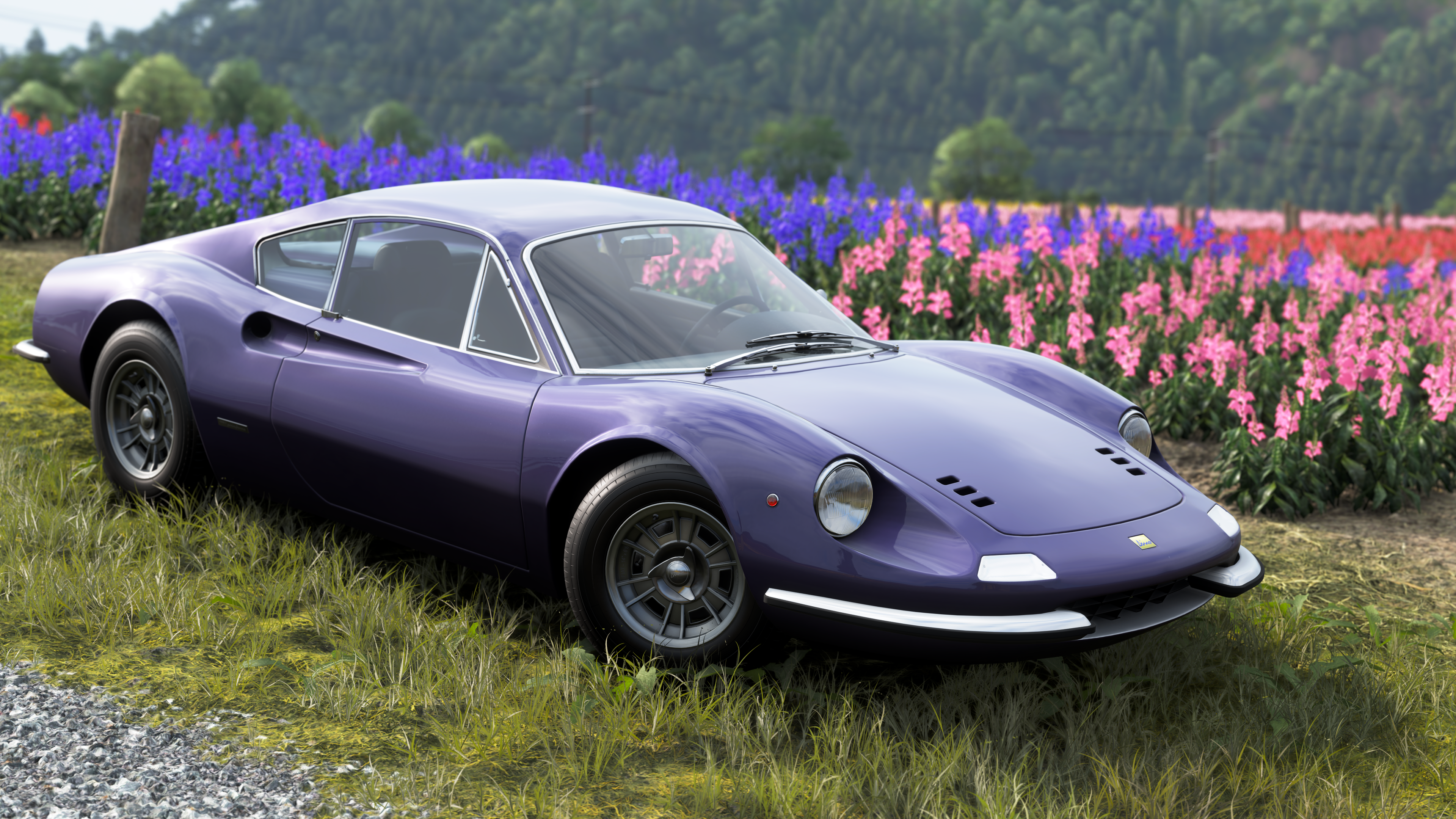


Actually take the shot first: that way the game will give the photo the proper number of sampling passes if you've set the sampling mode to "quality". Then, instead of saving the picture in-game, go back to the photo mode and proceed as usual. If you decide to change any parameter, you'll have to take the shot again.So how are you guys saving your photos? I've been lining them up, removing the HUD and hitting screenshot so it'll go straight to onedrive. Curious about what you all do because your quality is top notch.


That’s what I do. Just screenshot the picture. I pull them off the XBox app on my iPad.So how are you guys saving your photos? I've been lining them up, removing the HUD and hitting screenshot so it'll go straight to onedrive. Curious about what you all do because your quality is top notch.


Guess I have to modify mine now.View attachment 1554262View attachment 1554263
With a friend of mine, here our Group B Replicas.
That Totip 1000 Miglia Rallye 1986 it's amazing, it's a great work of livery.


