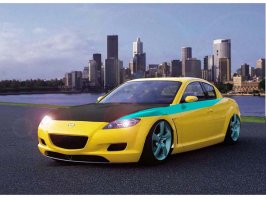
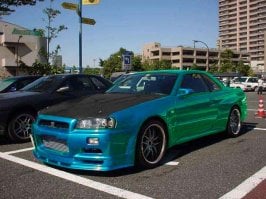
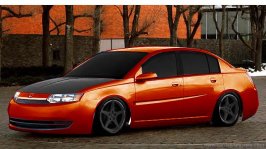
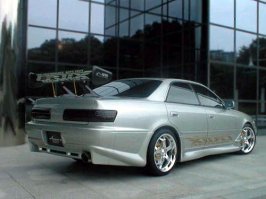
Photoshopped cars.

  • Thread starter Thread starter sn00pie
  • 7,970 comments
  • 629,564 views
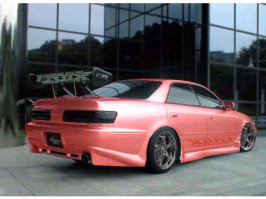
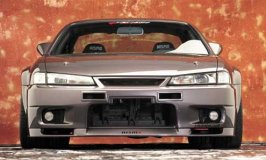
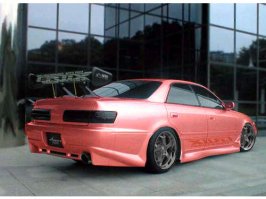
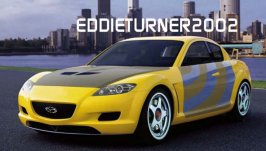
i didnt extend the front bumper.. only the side skirts and rear bar

drifterzzz: i copied the sideskirt, and moved it down... merged the layers, then blended it and covered up the blemishes...

same for the rear bar

and i used the line tool to accentuate the edges to make it seem like it was meant to be there
 
Originally posted by Tharaka
i didnt extend the front bumper.. only the side skirts and rear bar

I realised that after posting, but I was too lazy to change it back.
 
RX8
 

Attachments

  • untitled-1.psd.jpg
    untitled-1.psd.jpg
    72.7 KB · Views: 122
you can see the jagged edges on the fenders...
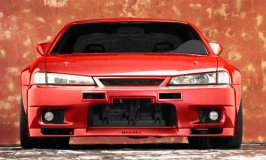
take of that green colour.. rice isnt welcome :P
 
It's a pretty good chop, but try zooming in once in a while and selecting stuff right up close, you'll loose the jagged lines under the arches etc
 
1 more with tinted window fiber hood
 

Attachments

  • untitled-1.psd.jpg
    untitled-1.psd.jpg
    49.5 KB · Views: 110
sorry wrong pic . here ...
 

Attachments

  • untitled-1.psd.jpg
    untitled-1.psd.jpg
    27.9 KB · Views: 93
Originally posted by Cobraboy
I have a half mind to report you to a moderator, do you know that 'chat' talk is not allowed on GTP?

Ok. I want to know what the **** "10q" means?
 
Originally posted by Tharaka
the wheels are moving.. but the car isnt moving..

There are no wheels, its a new feature only just being introduced.
 
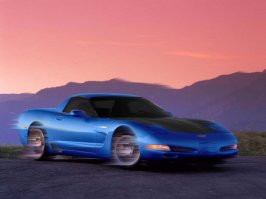
it looks like its been sandblasted away... a little less motion blur
 
Originally posted by drifterzzz
tharaka can u tell me how to make smoke ...
Photoshop:
New Layer
Filter -> Render -> Clouds
Then Erase the parts you dont want
 
Originally posted by drifterzzz
10q ( thank you ) ten q sound like same ...sorry af any confusing ...ok :D


Why don't you just say "Thanks" or maybe, "Thank You"?? :eek:
 
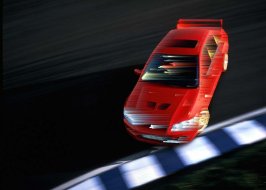
those blurred cars look like crap, here's how to fix them:
use the polygon lasso to select the car
Hit Ctrl + Shift + I to select the other stuff
Use the motion blur tool and shift the rest of the image slightly to the direction the car isn't moving (move it the other way)
Use some fancy blur tools and such to make the blur of the car on the back

I'll try it on one of my cars and show you the result in a minute...
 
Back