Question applies to both race and road versions I guess. I see so many of them on replica liveries or just people having fun. Same with Aston Martins. How do you do it??!?
Basically you need to use curvy shapes around the grill, and then use body-colour decals to trim the shapes and make it more uniform with the grill shape.
I did the grill around this Aston Martin using the default colour, so I couldn’t use decals to trim the shape of it or anything. I was forced to abuse the curve decals in the “shapes 1” section and make them really small. It took so long and was so aggravating.
Question applies to both race and road versions I guess. I see so many of them on replica liveries or just people having fun. Same with Aston Martins. How do you do it??!?
On the AMG (and the F-Type), the thin grill surround is, I think, included in the Other section so it's easier to paint or decal separately from the bodywork and bonnet around it. Not so easy on the Astons, which usually require you to use a few different shapes to manually create the 'lipstick'.
Yep, the AMG has a ridge before the coloured section, so it's separate on the model (see pics above). With Astons, the line is just paint unfortunately.
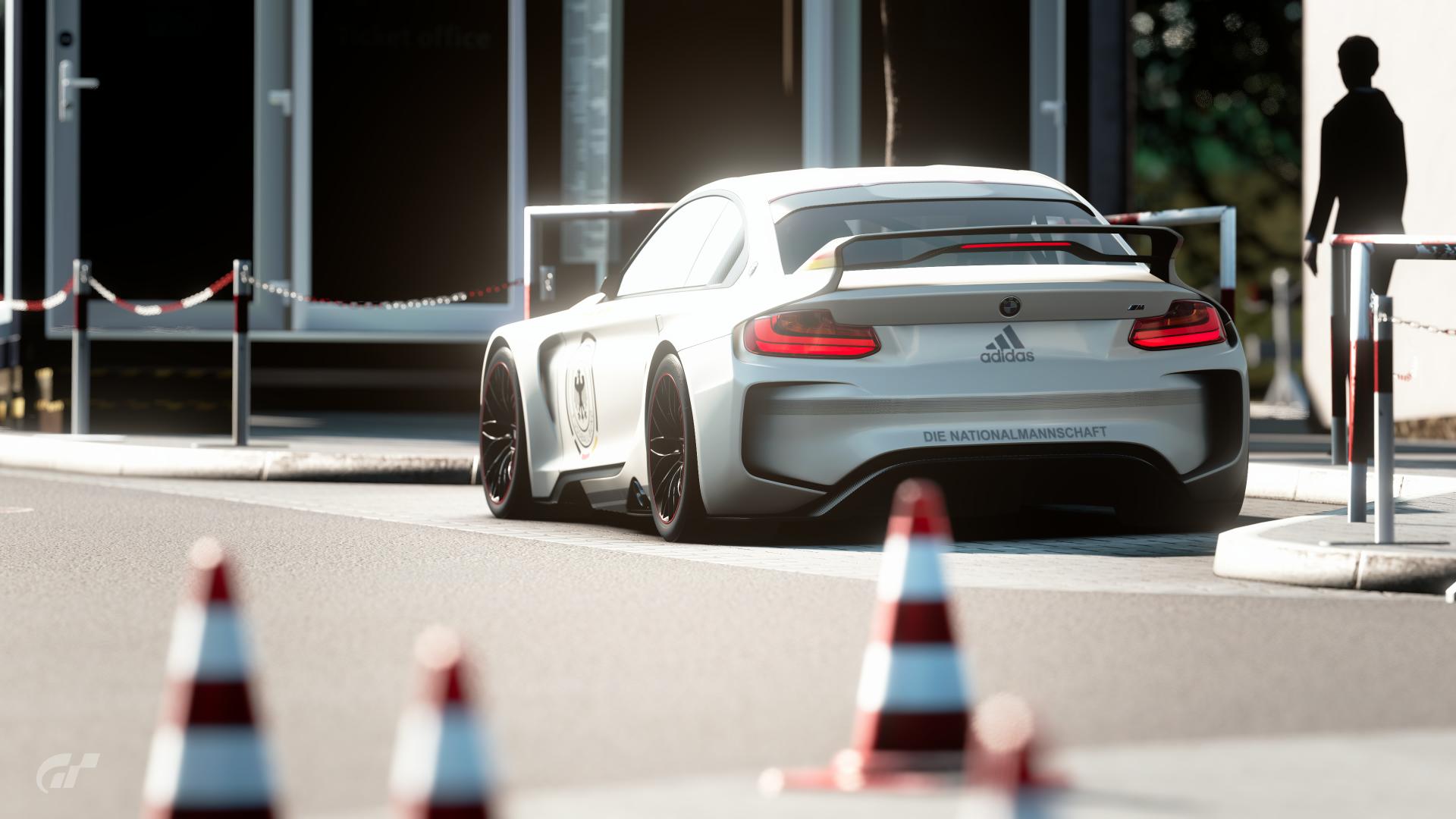
Mercedes SLS AMG GT3. Rear. Any tips on getting the bottom section to be one color separate from the rest? Like this picture below, but my car is mainly blue and I want pictured blue section to be black. Projection method? I know it's gonna bleed over so what to do?
Similar to the grille. Play with the angle/depth settings and use multiple decals if necessary. I imagine the above could be done with two, maybe 3 depending on the center section for the plate.
Hard to see in this photo but I was able to get the stripes on the bumper to "fade" into the rear ducts by stepping down the projection angle a couple points.