The Assetto Corsa Photo Thread

  • Thread starter Thread starter chromatic9
  • 13,477 comments
  • 1,196,171 views
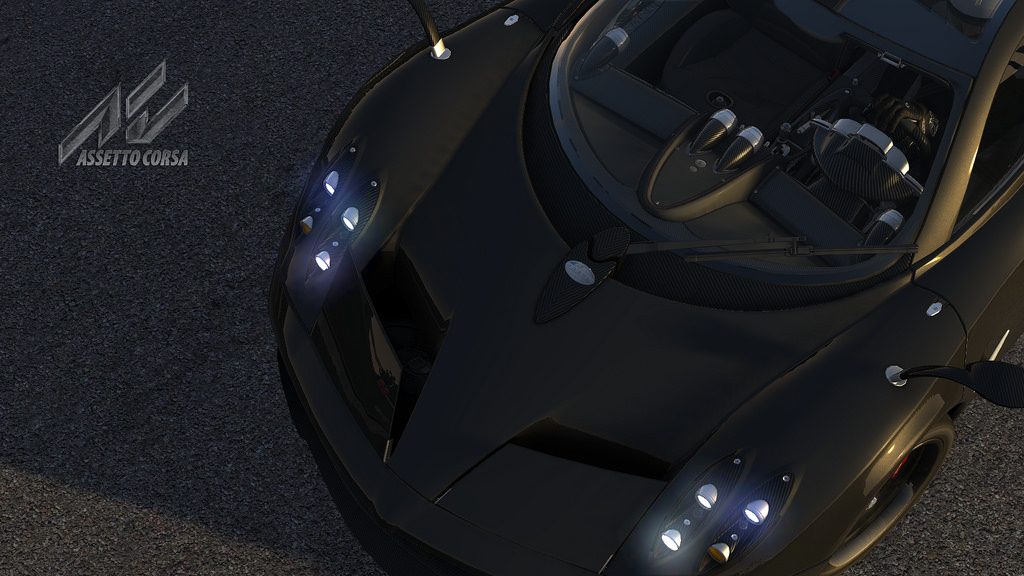
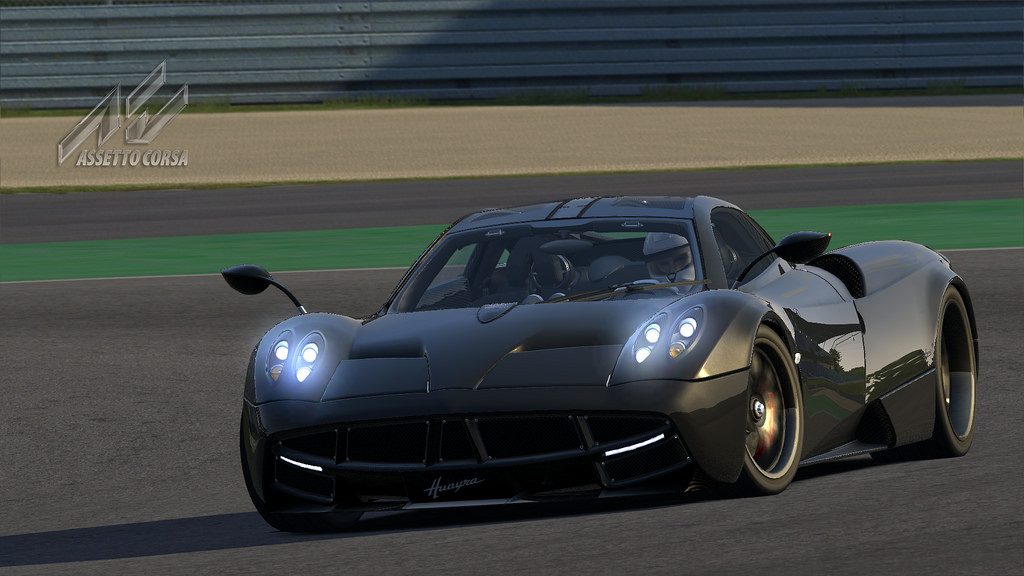
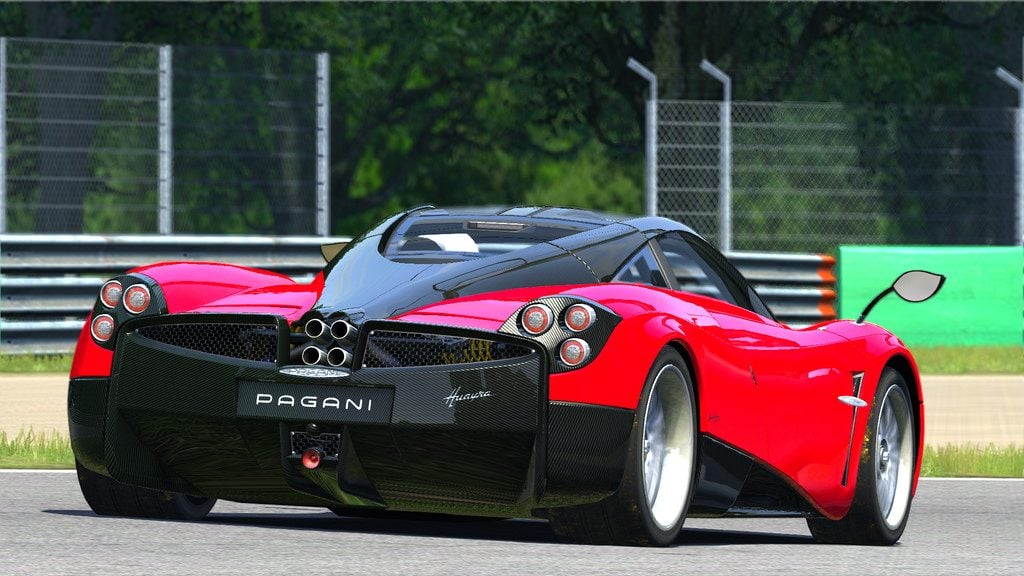
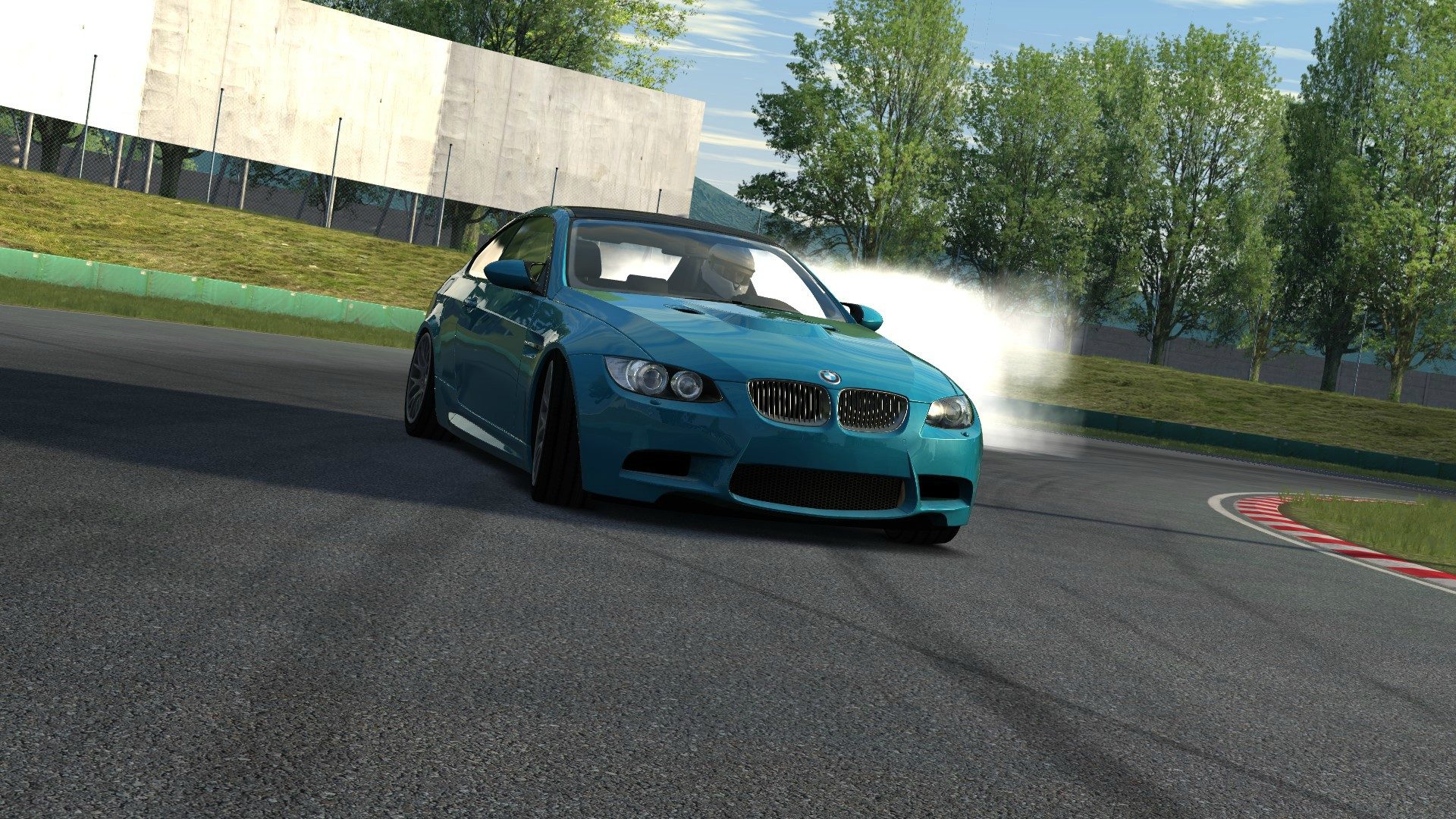
Updated, pics were much too dark before:

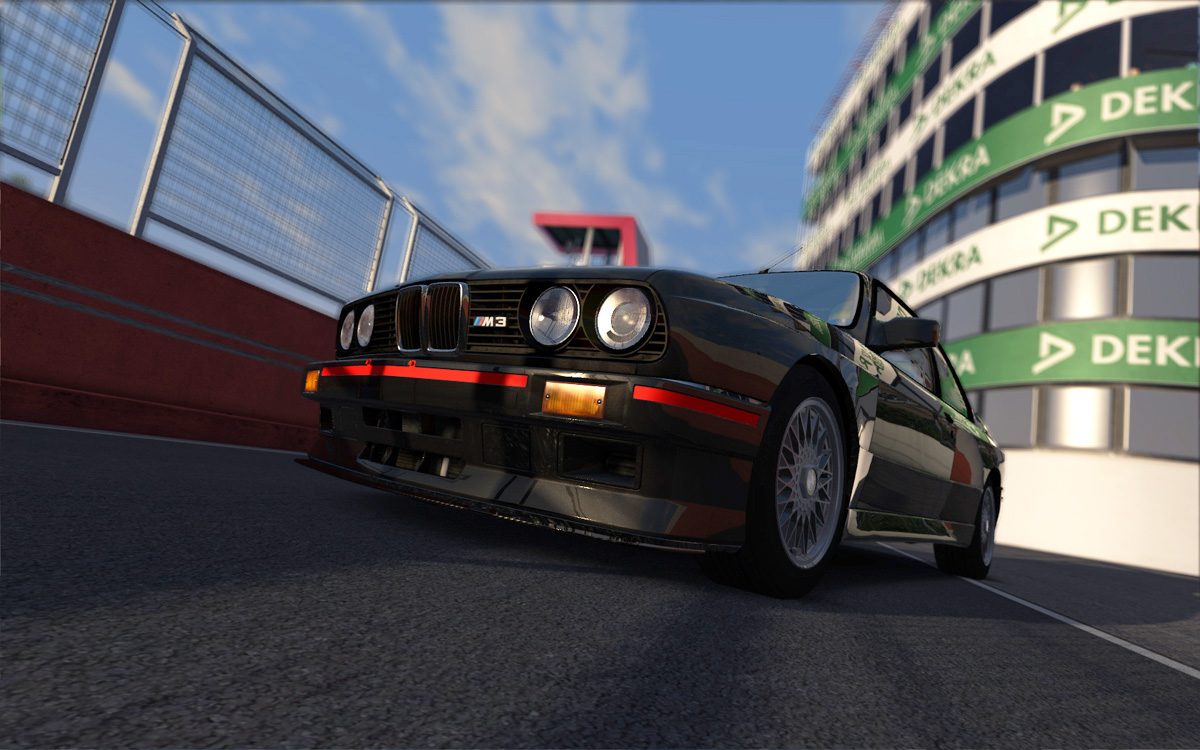
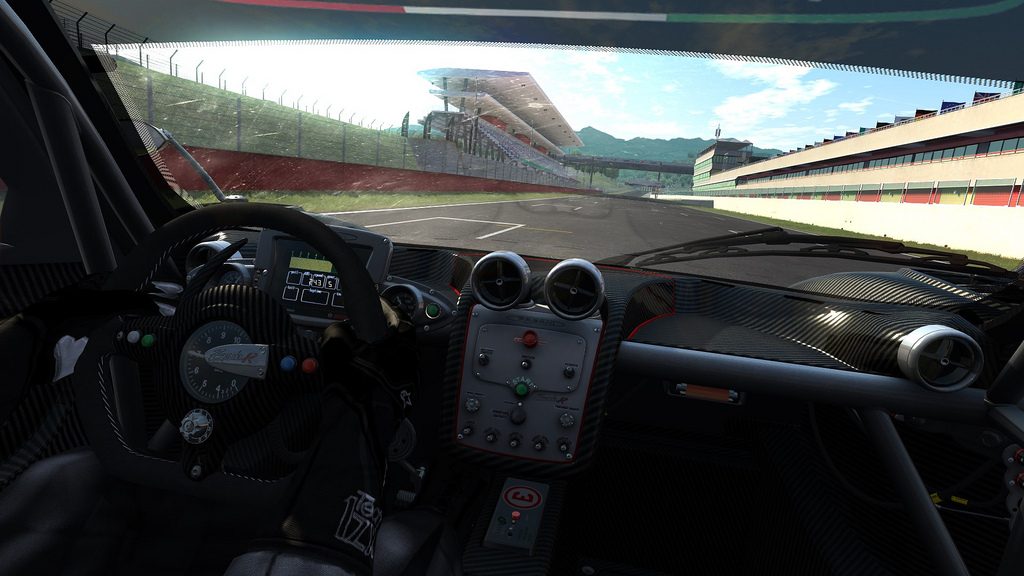
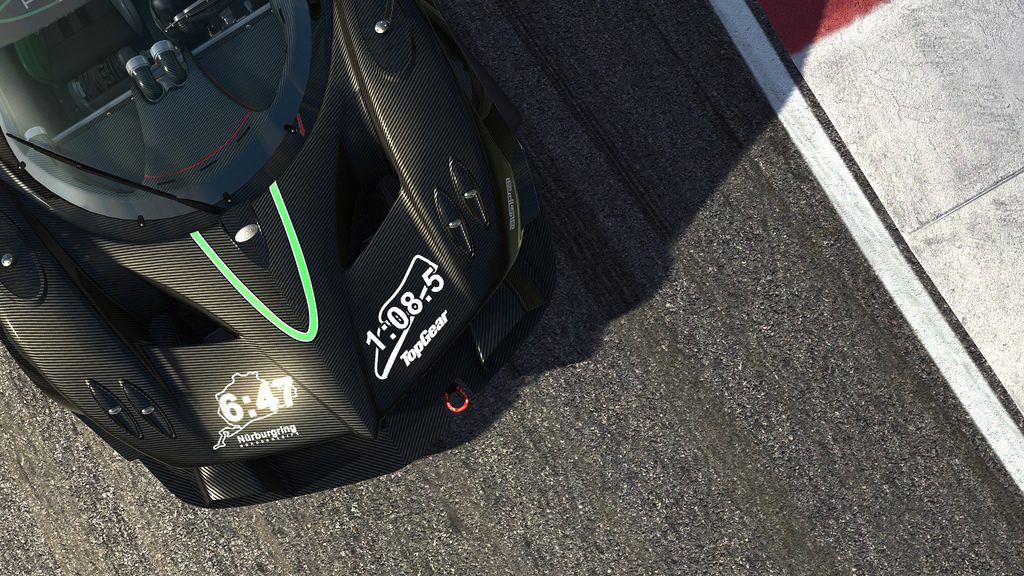
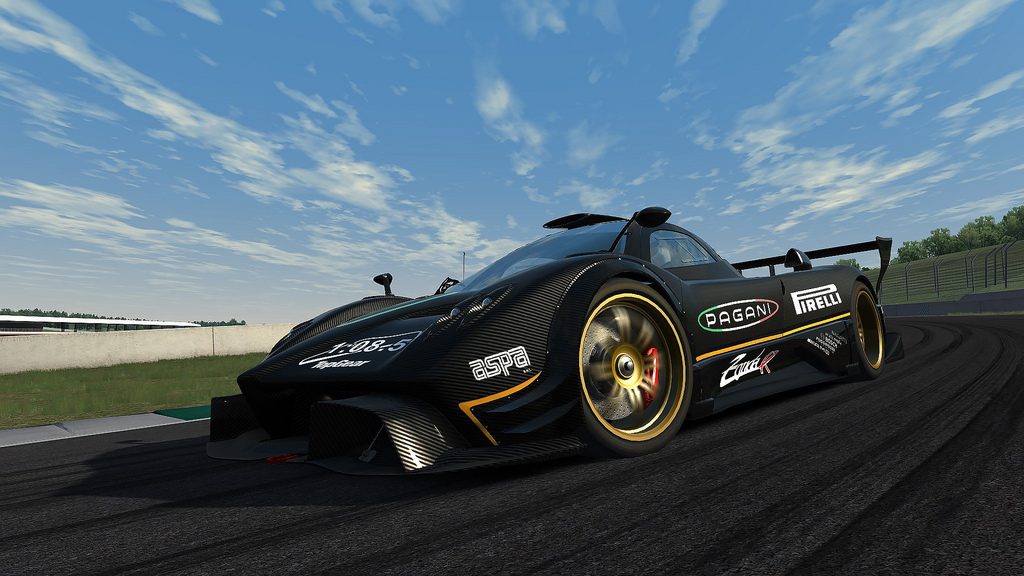
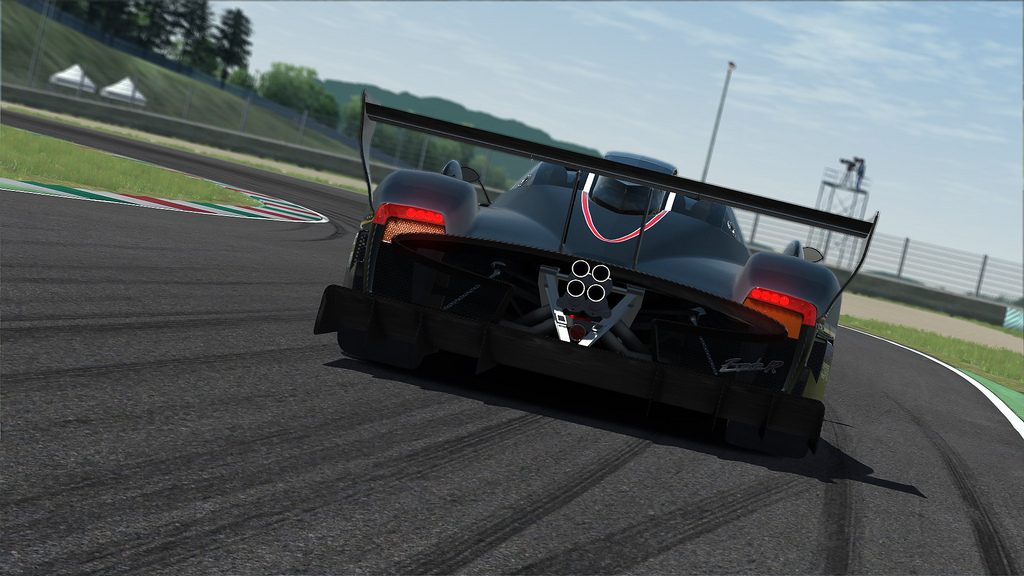
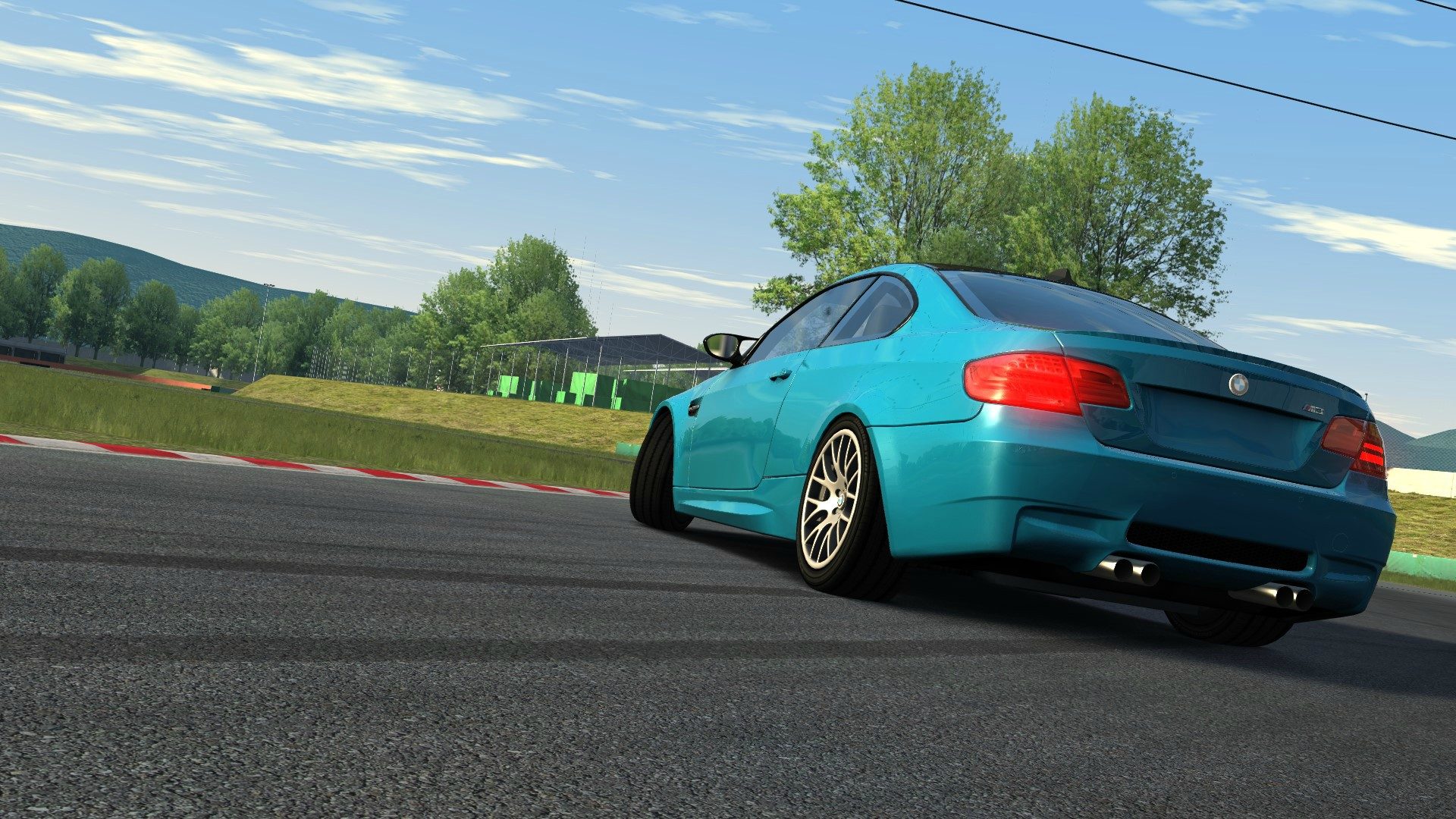
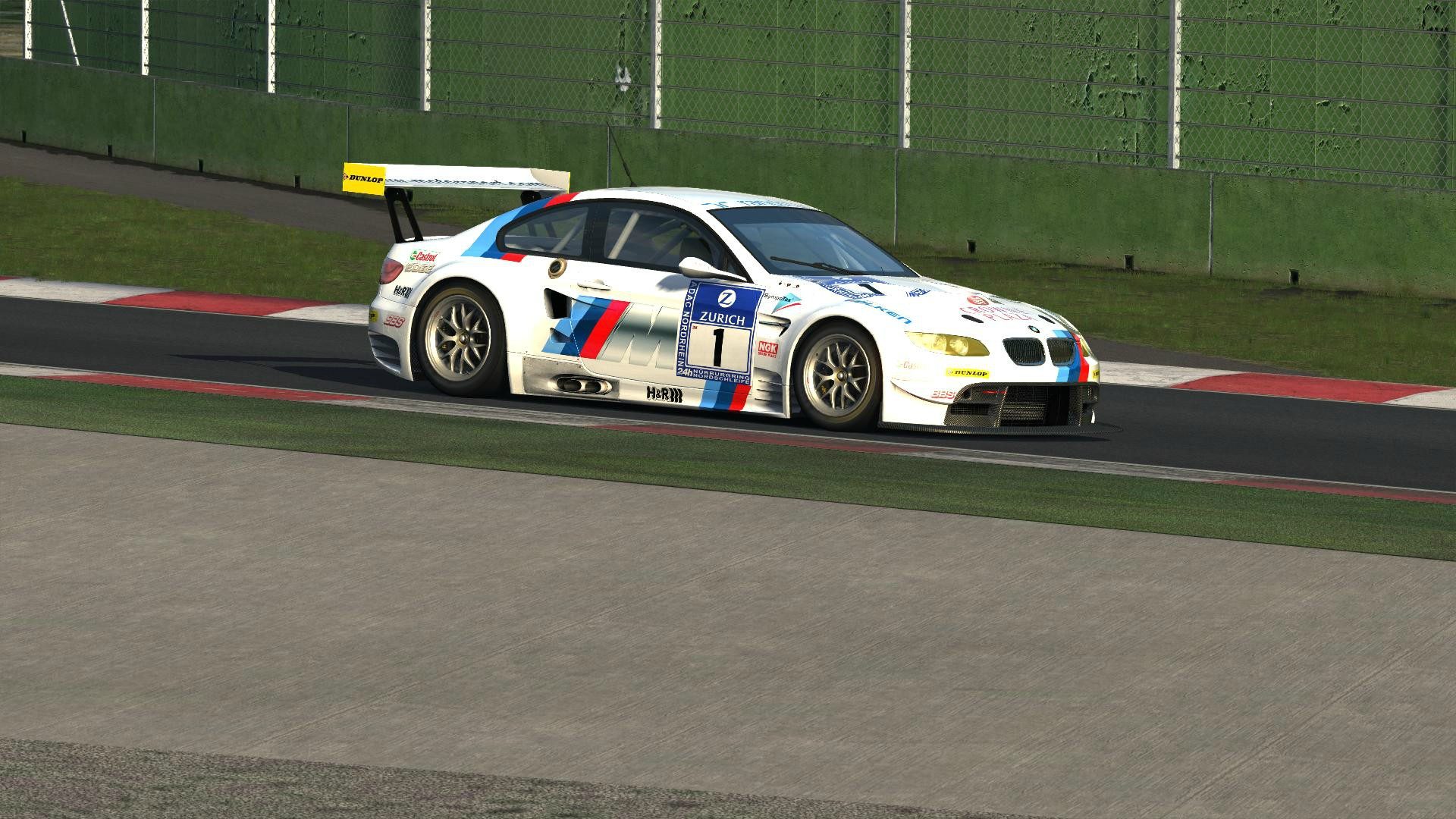
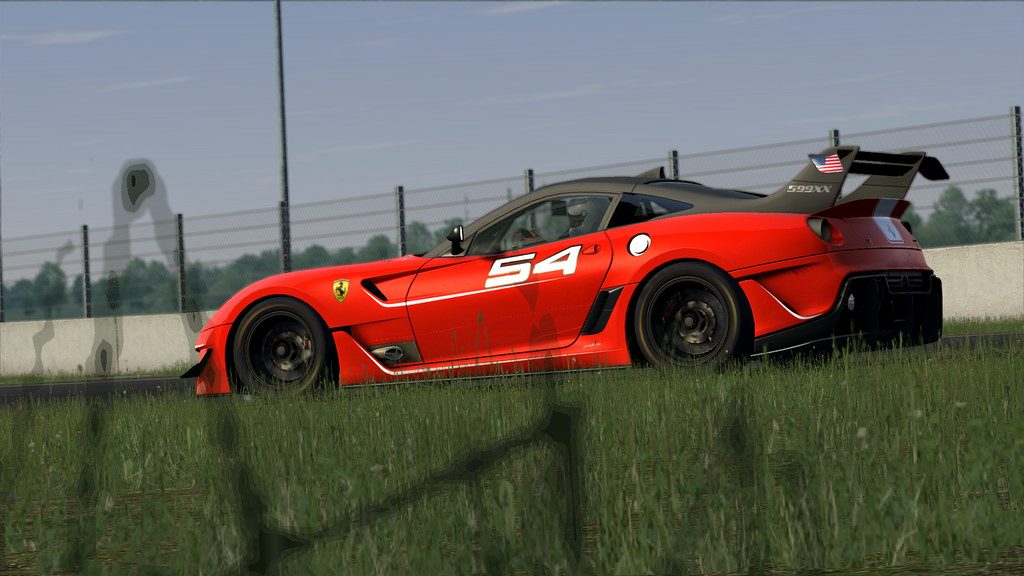
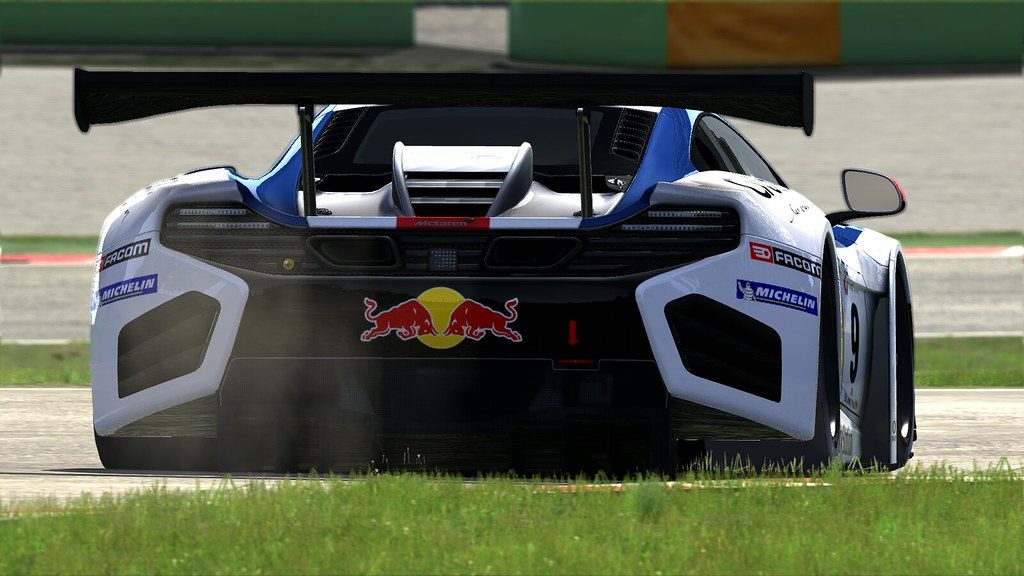
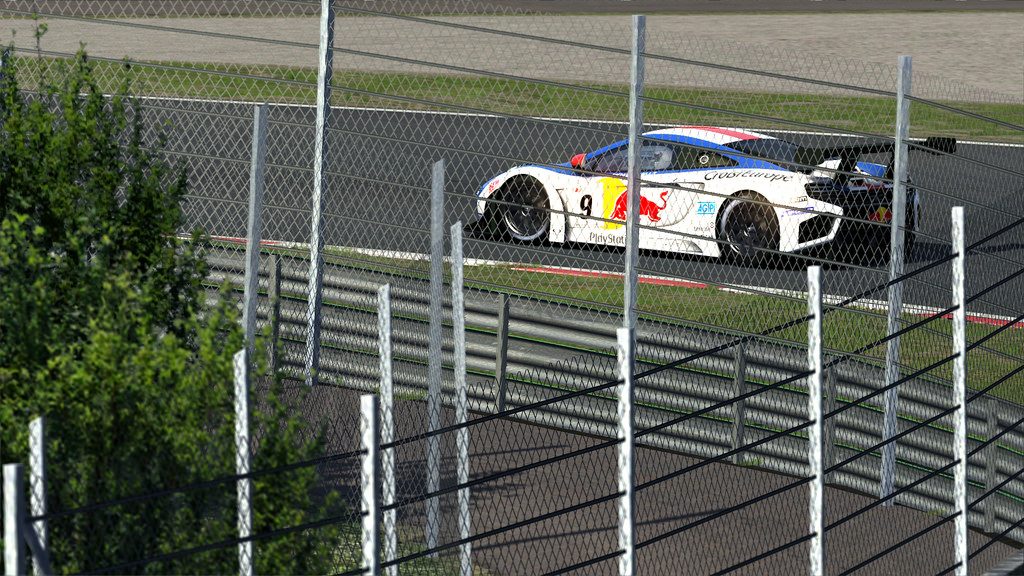
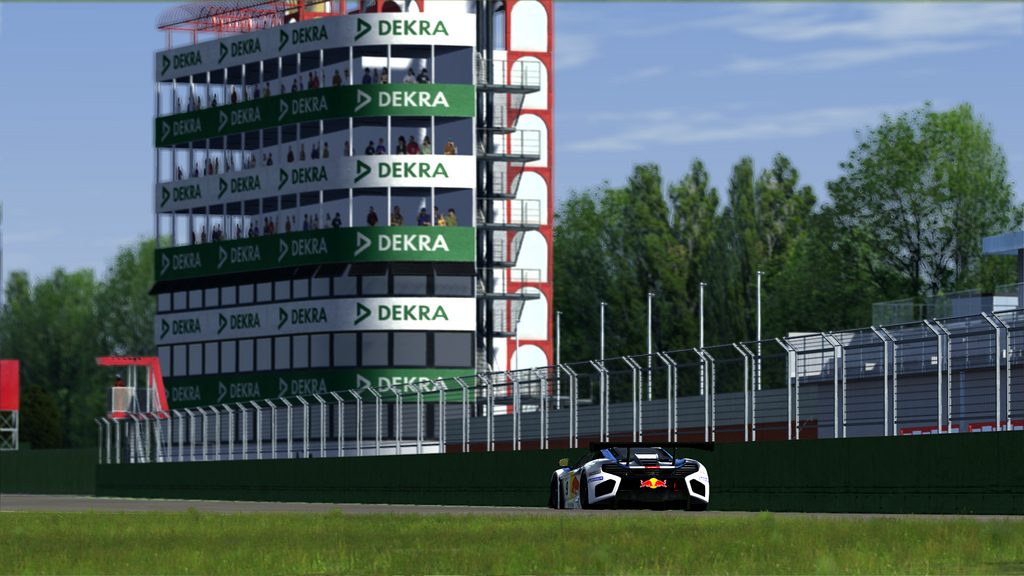
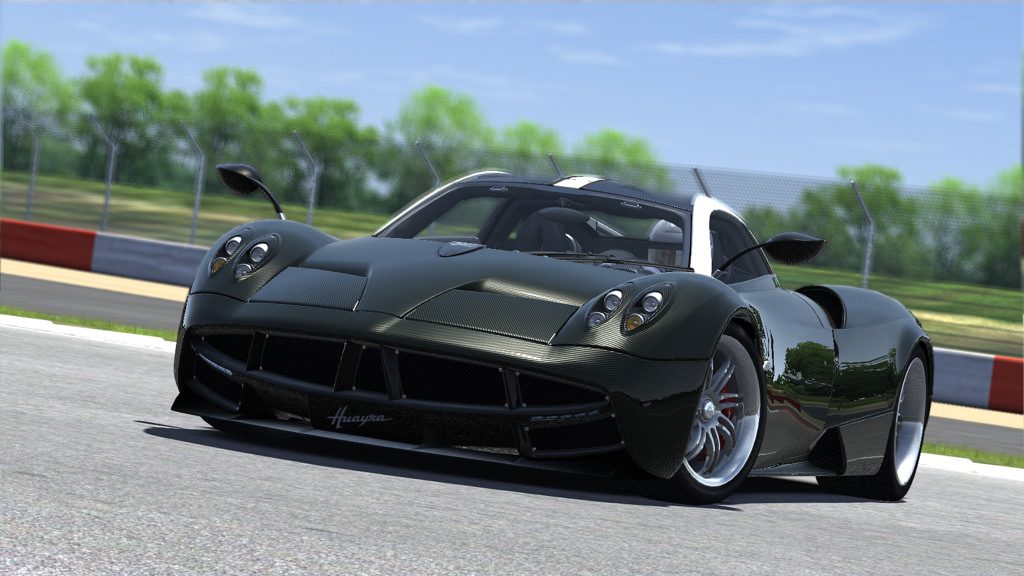
m3-1.jpg


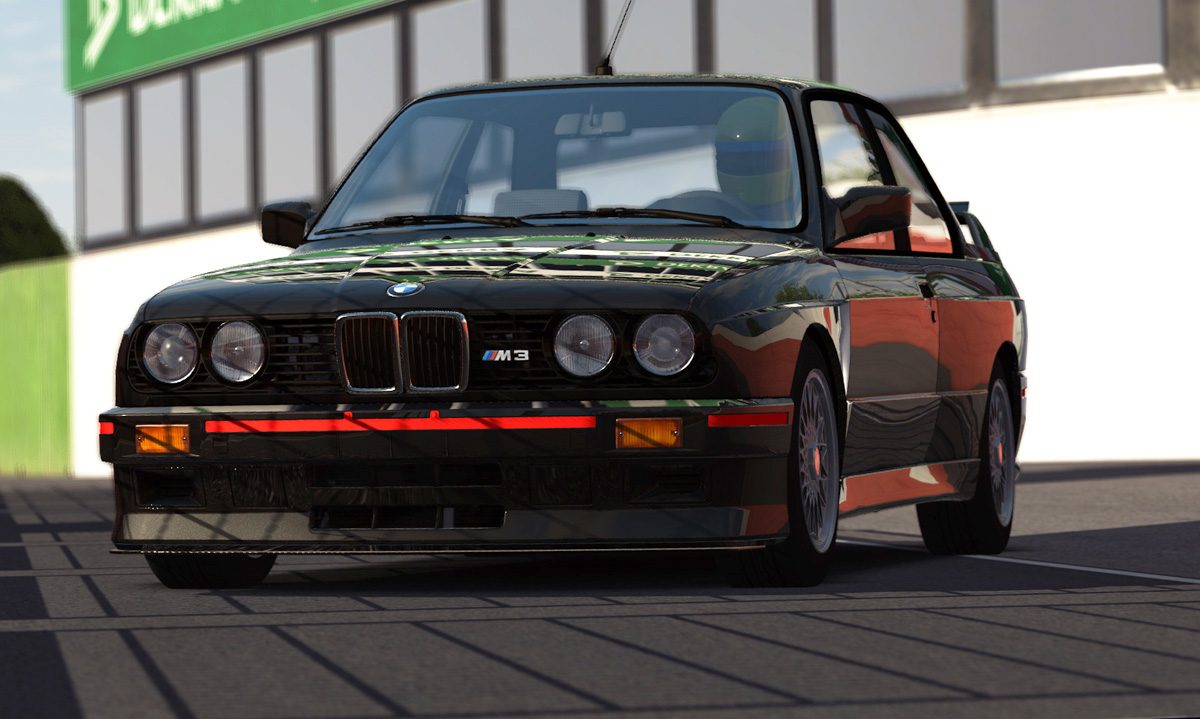
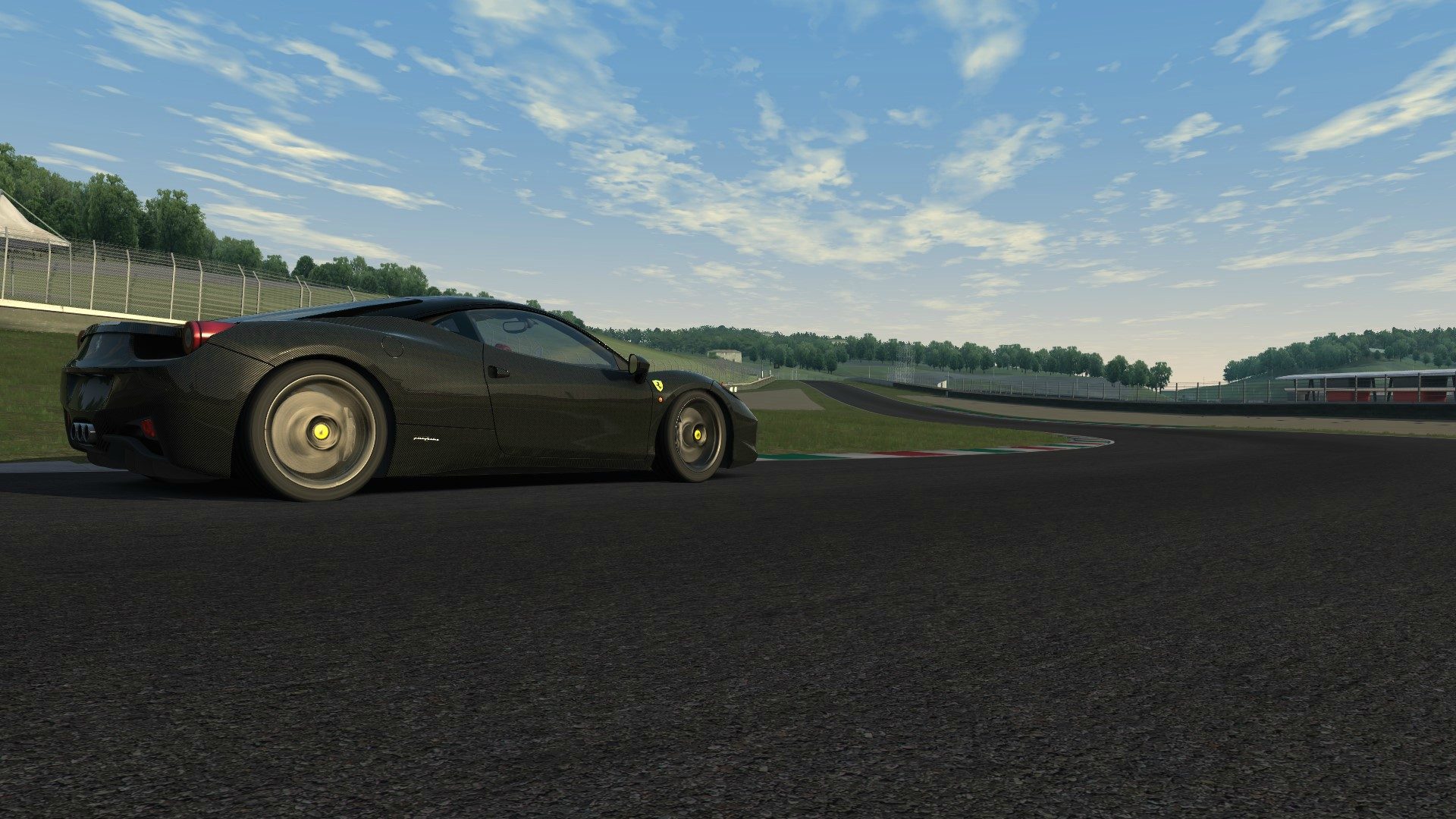
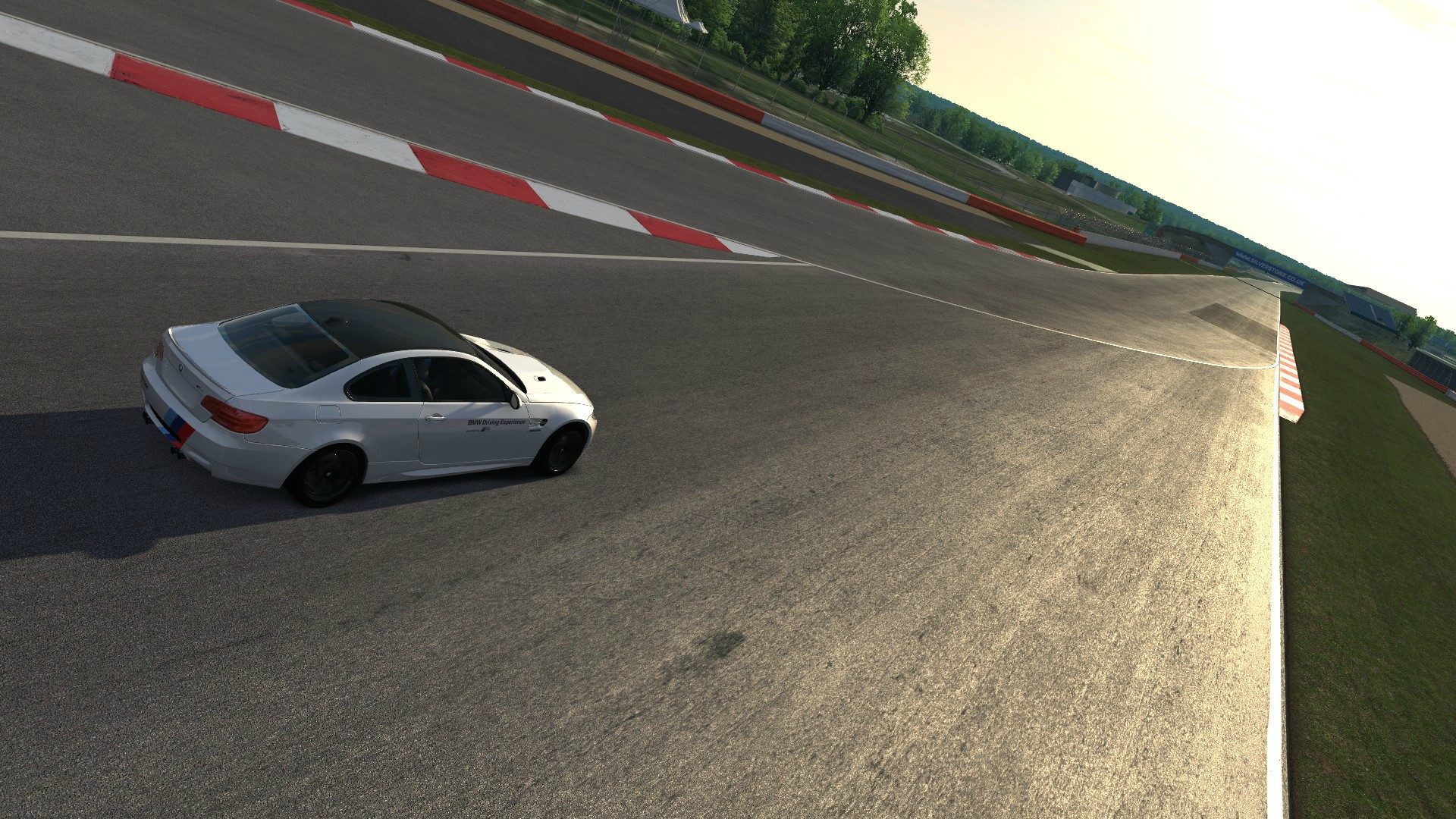
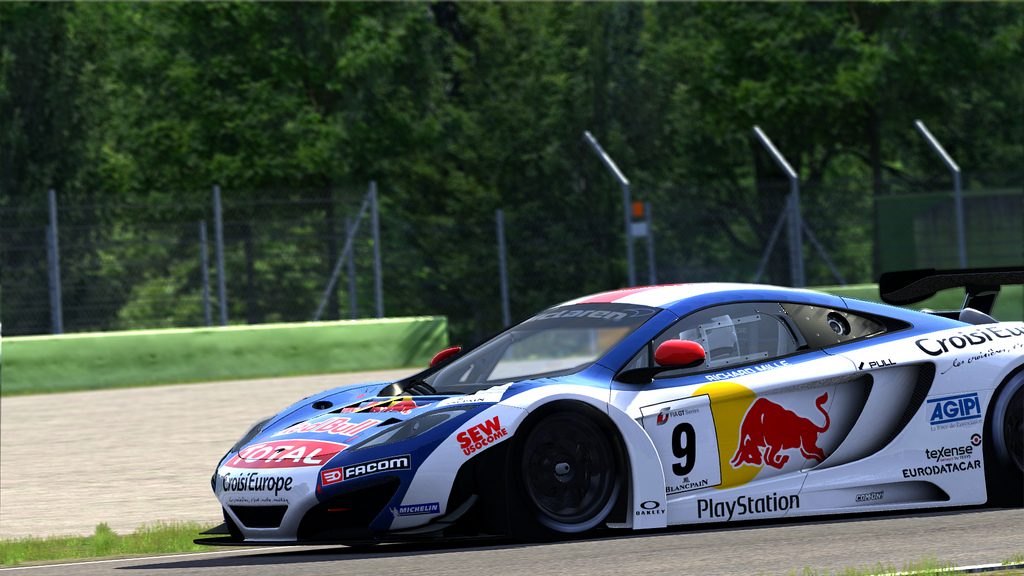
m3-2.jpg


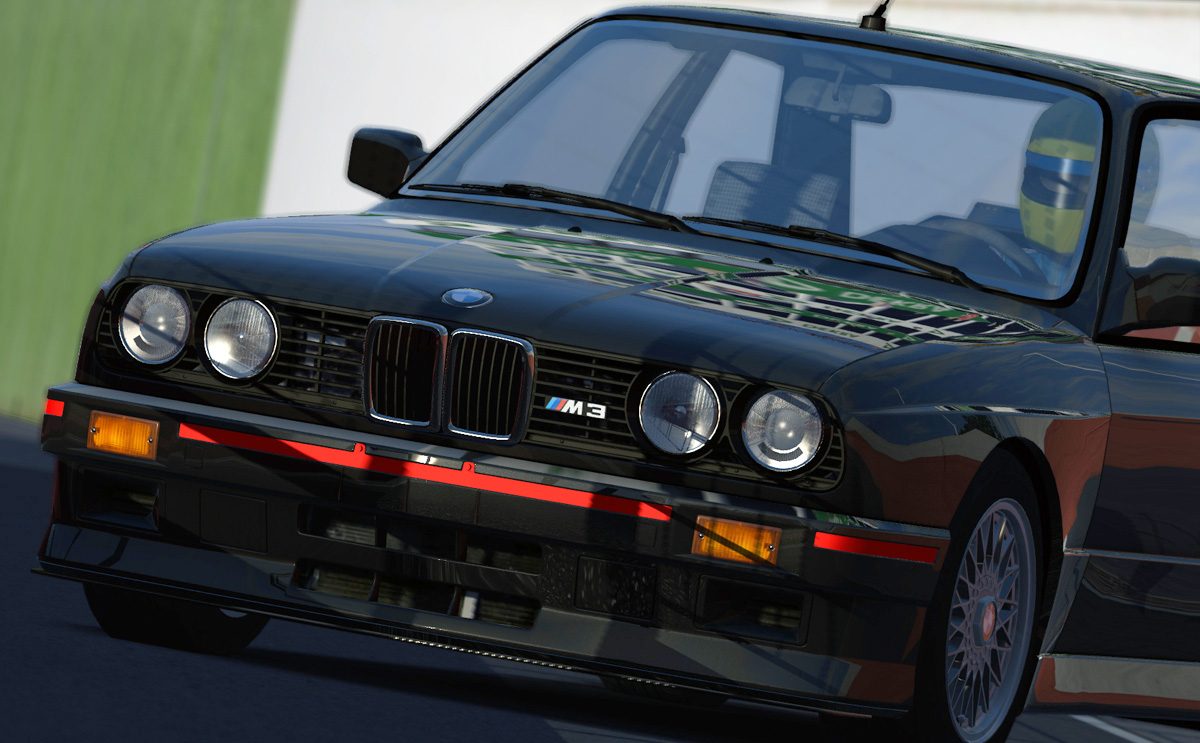
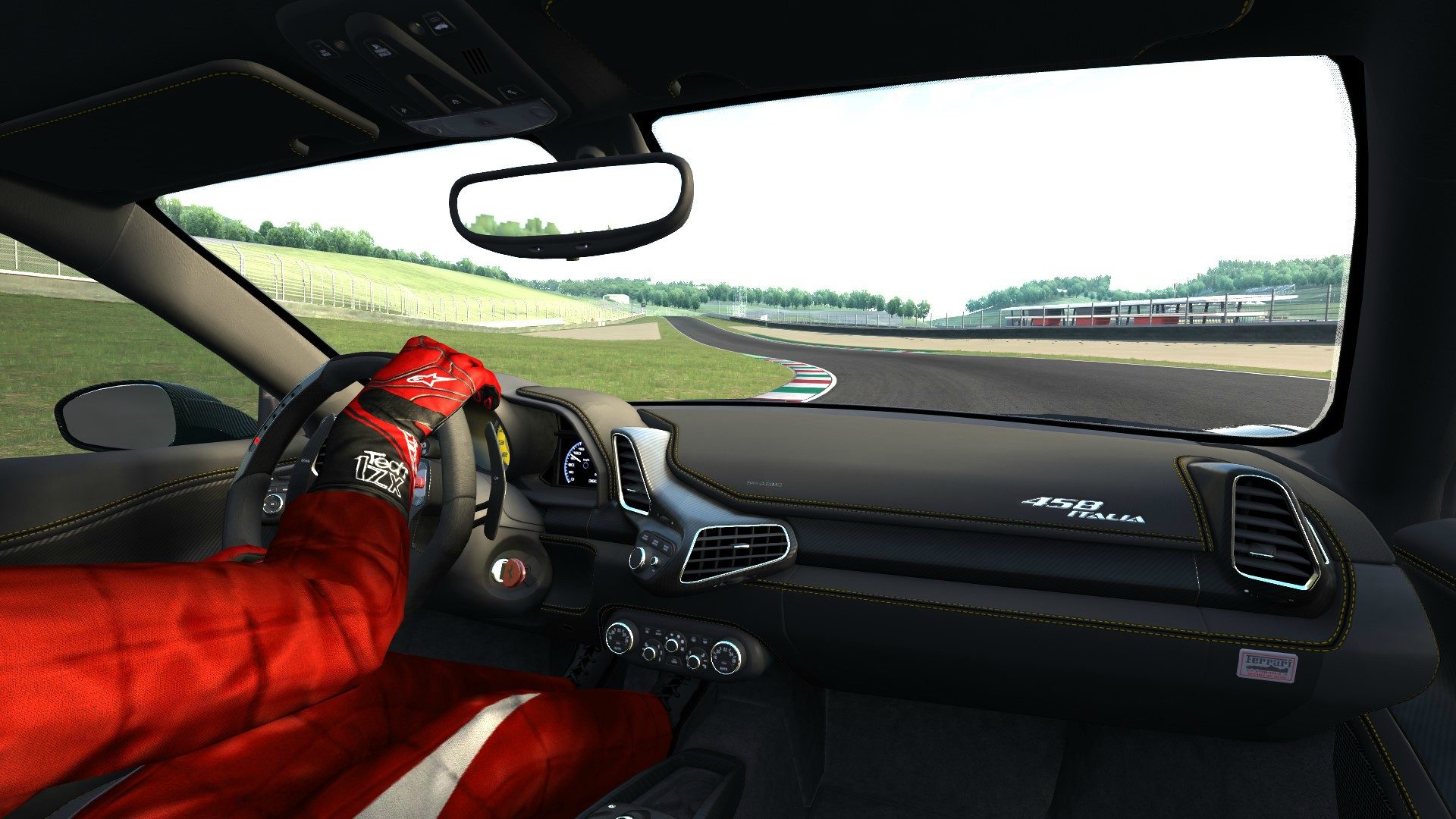
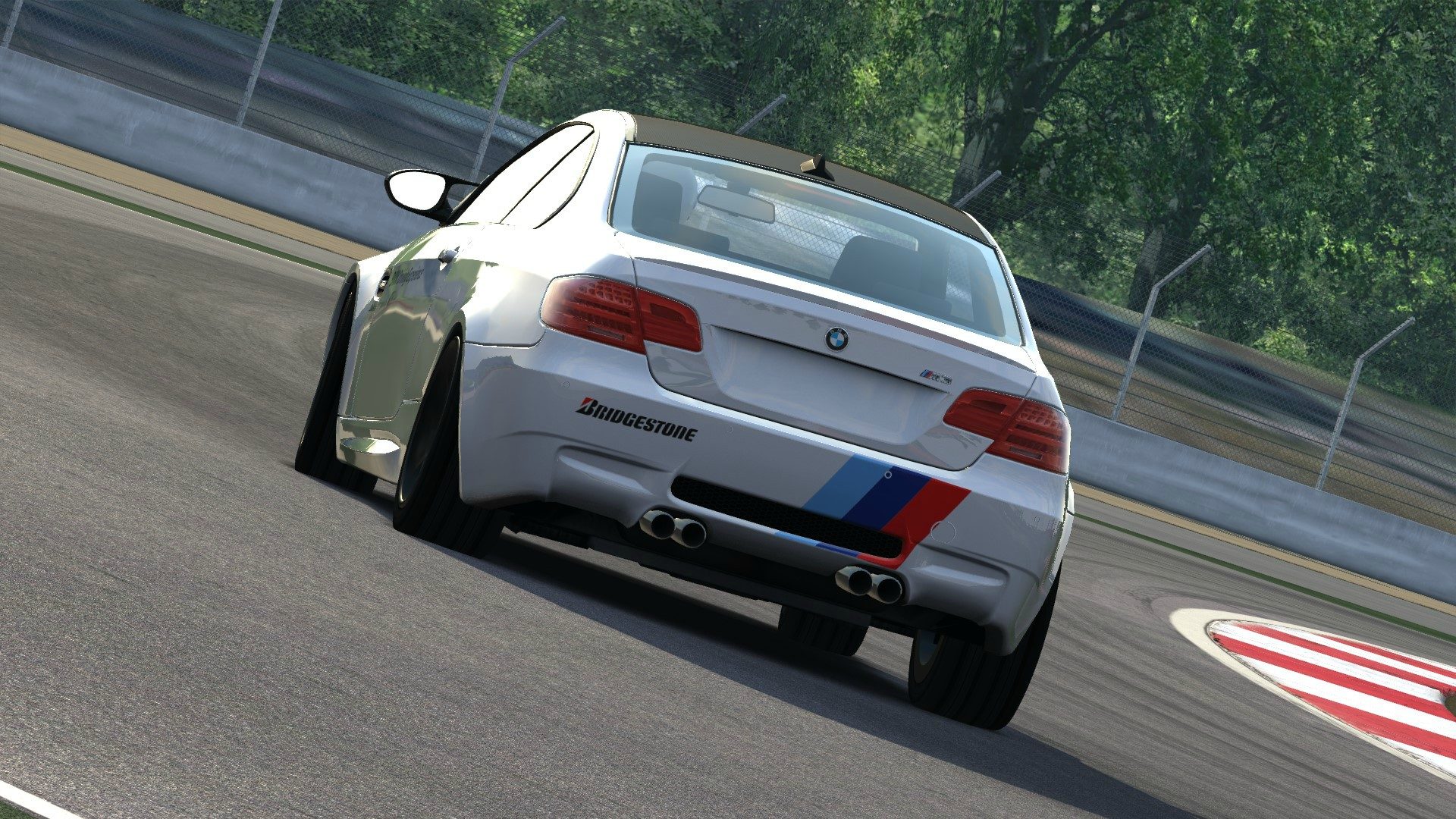
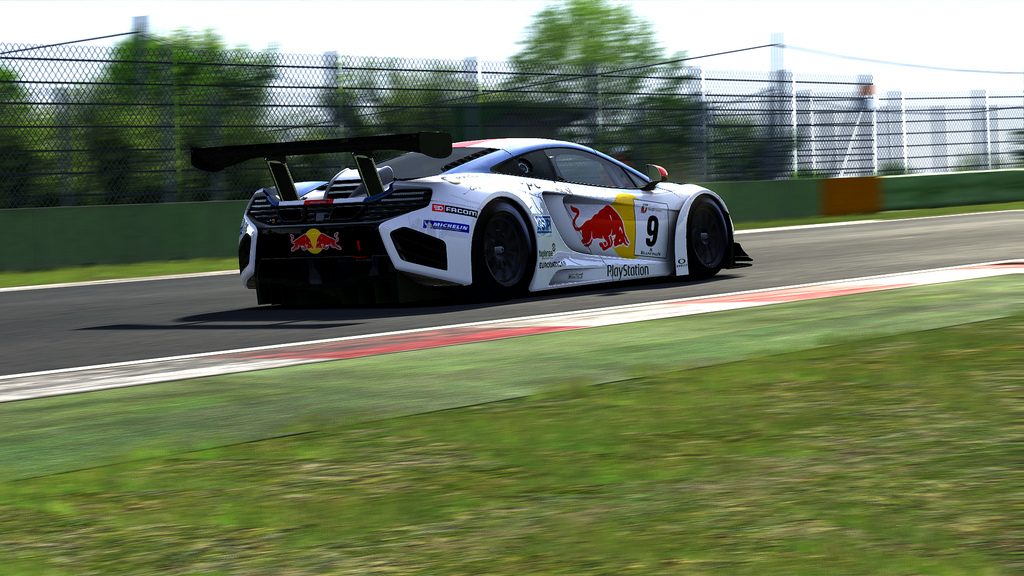
m3-3.jpg


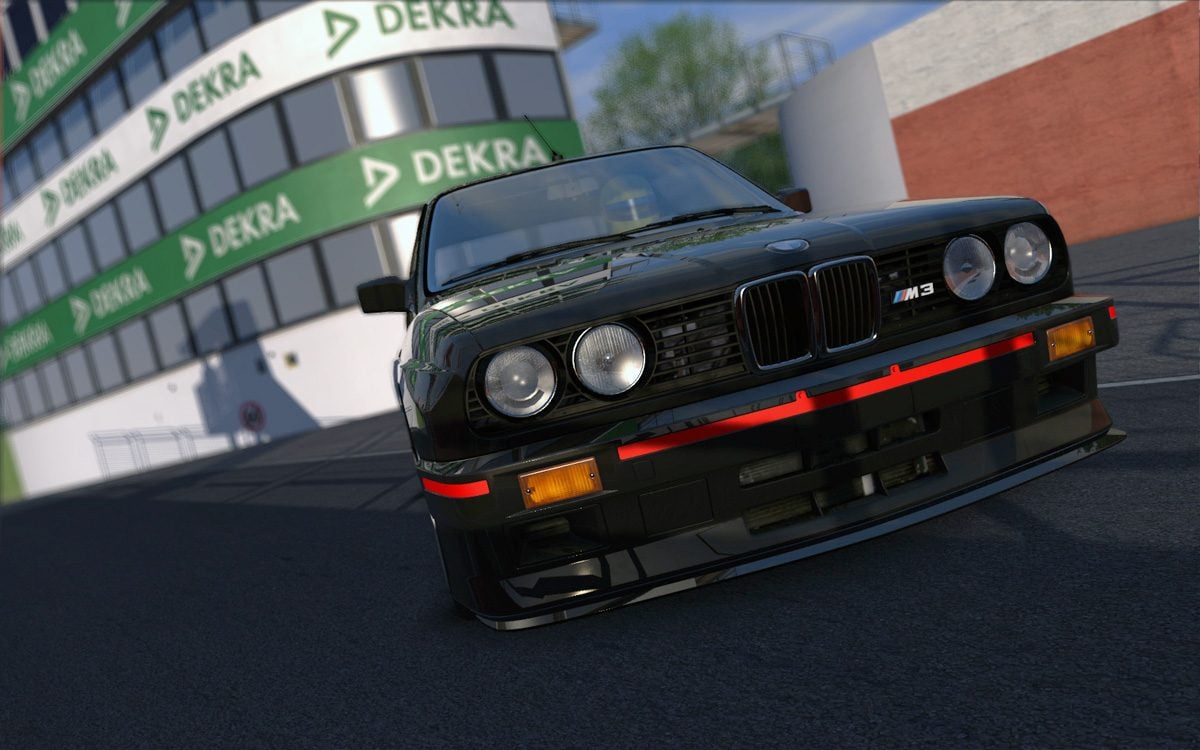
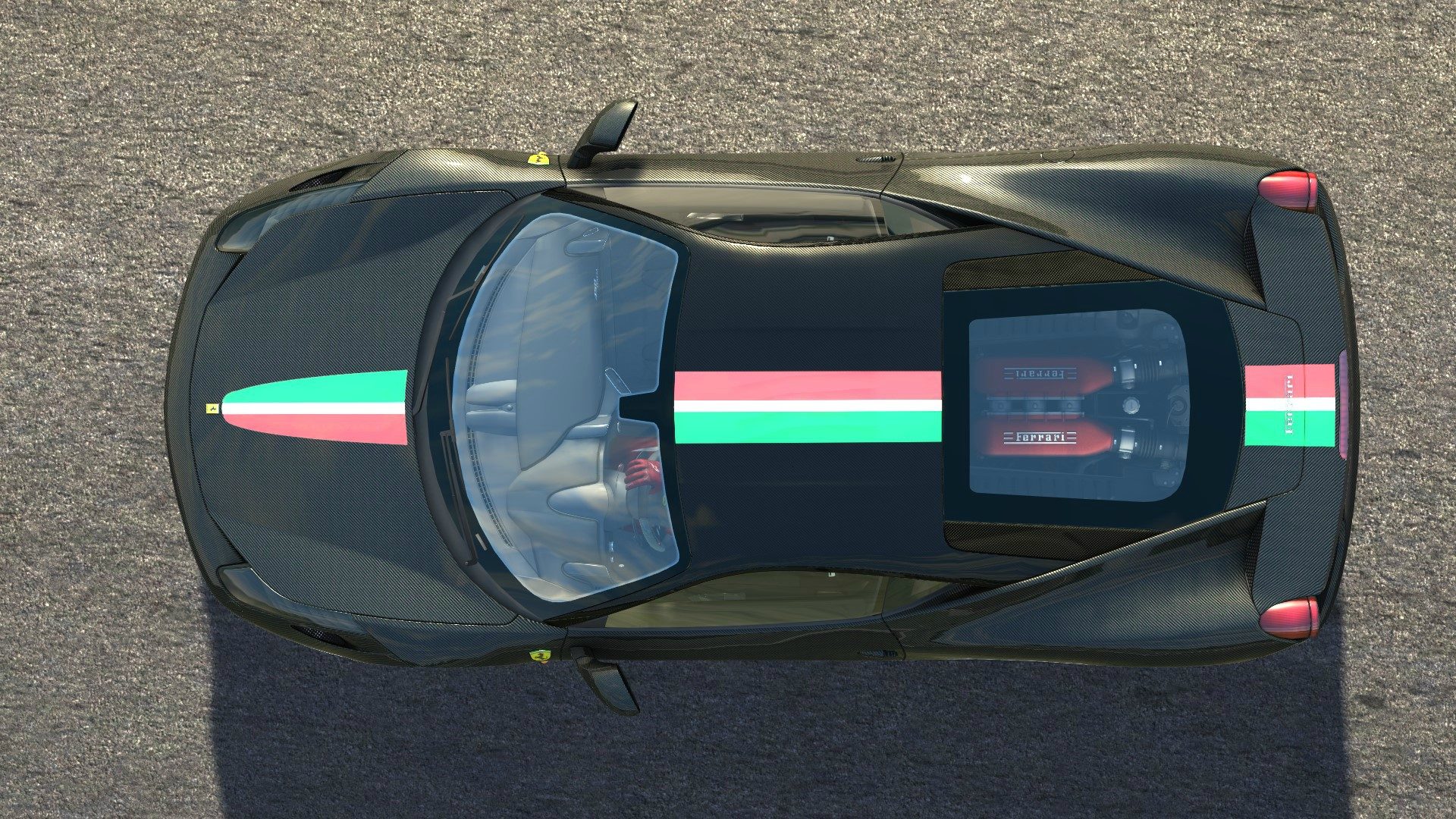
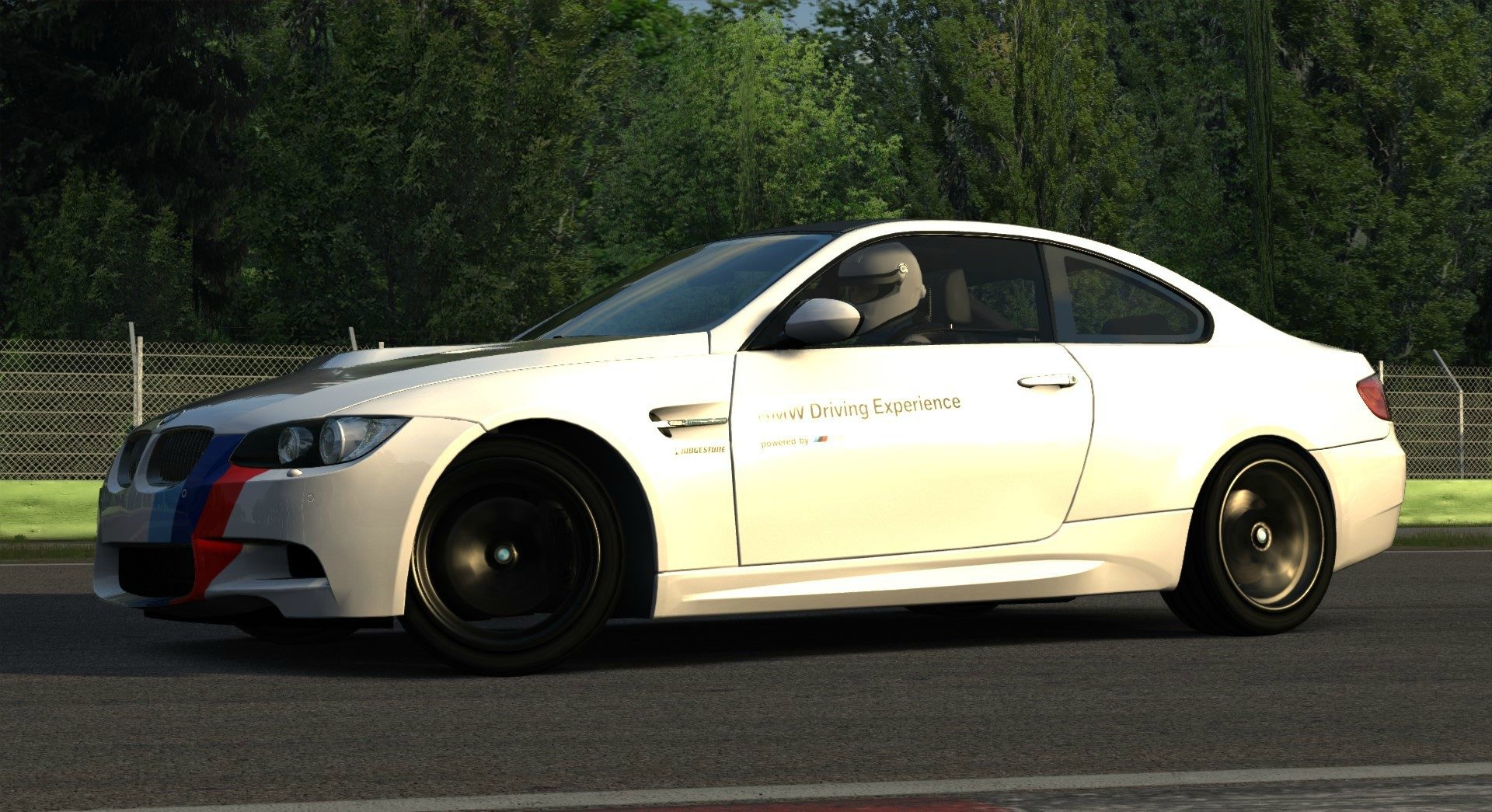
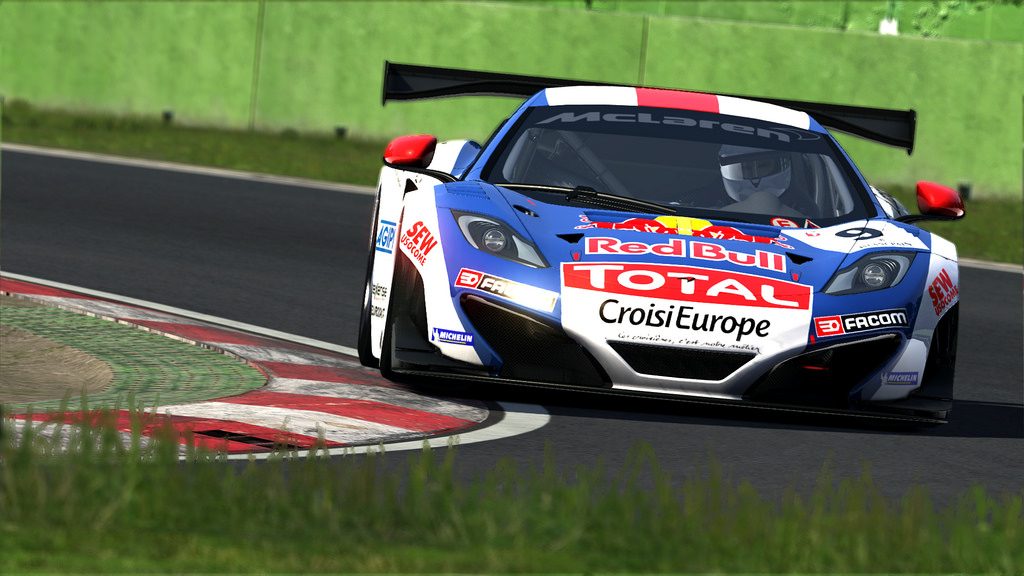
m3-4.jpg
 
Last edited:
Why is it too dark?


Edit: Nevermind, my screen was dark..
 
Last edited:
Why is it too dark?


Edit: Nevermind, my screen was dark..

yeah, I need to recalibrate my home pc, my mac at work is well calibrated and it's way too dark.
 
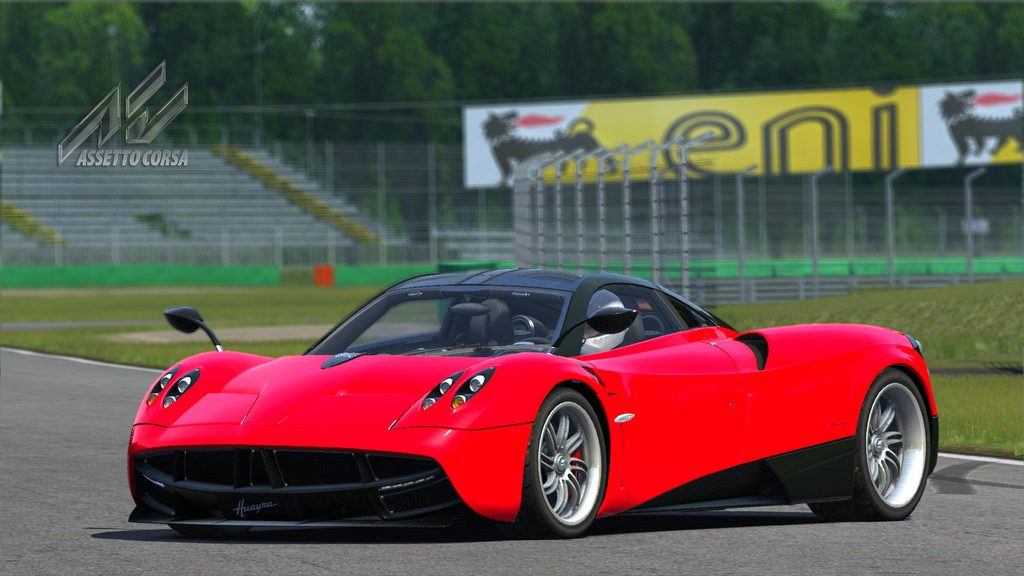
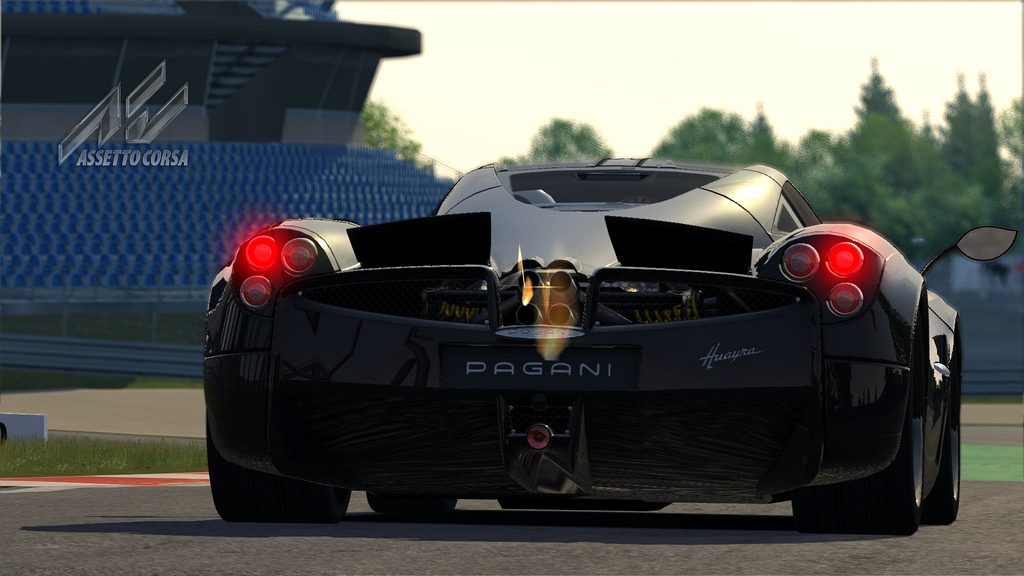
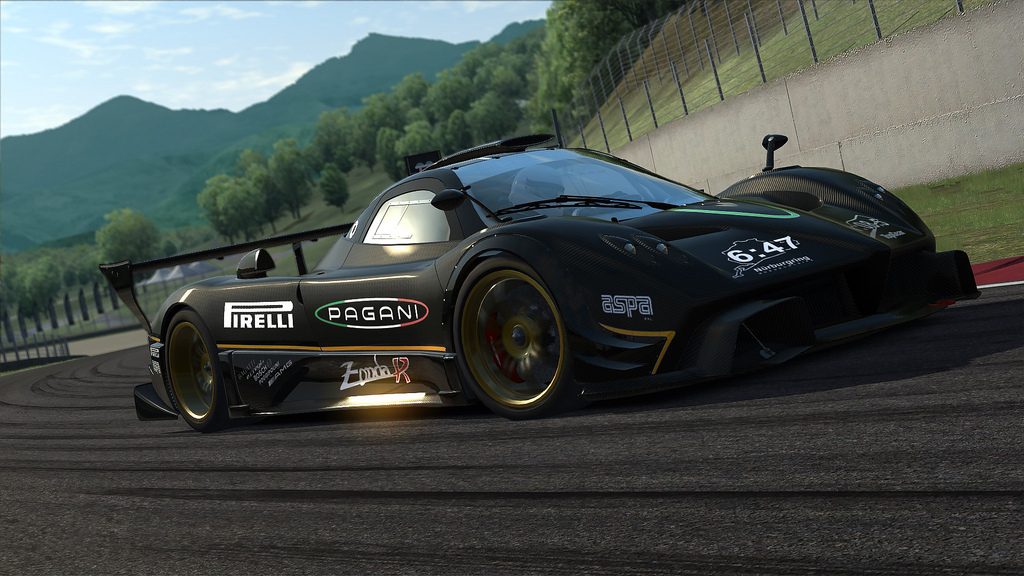
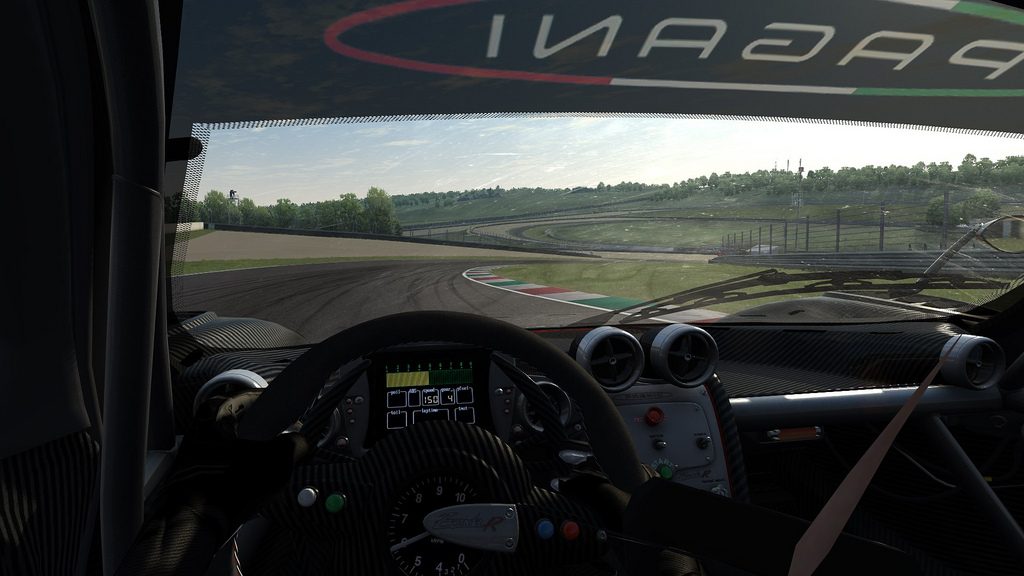
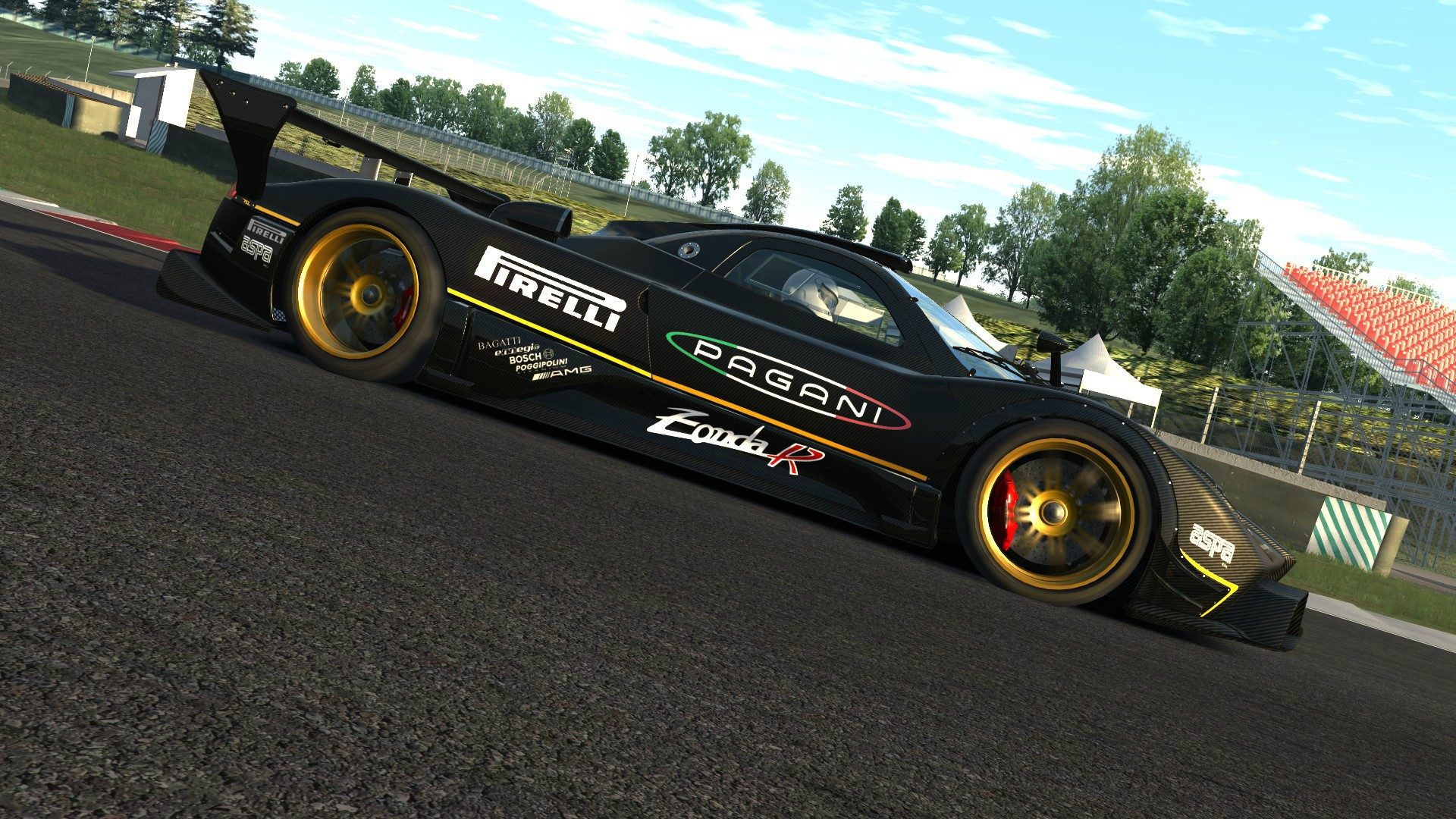
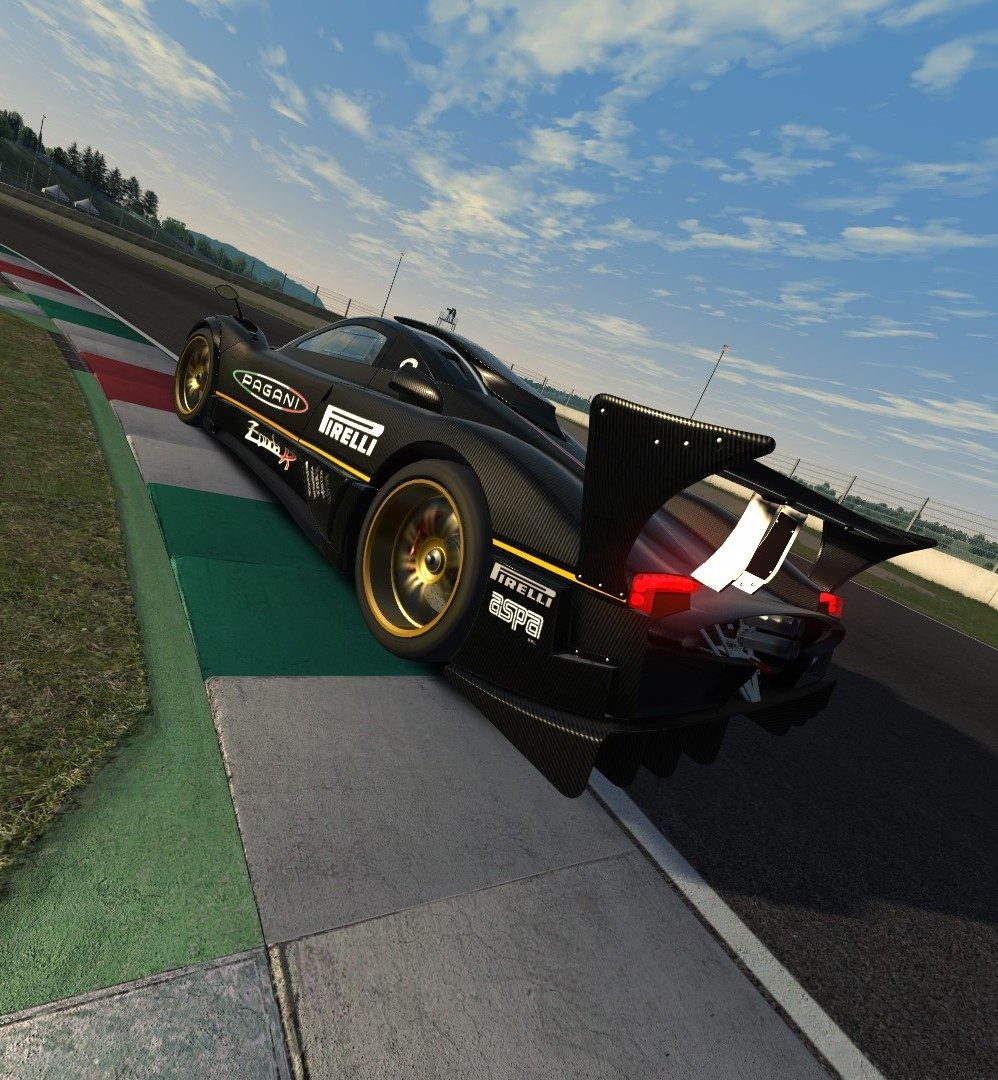
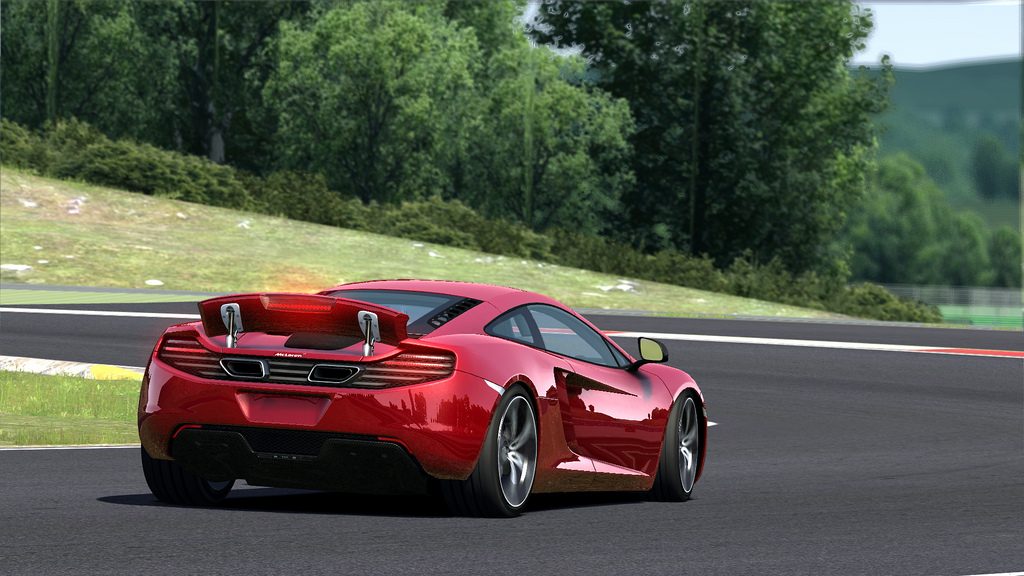
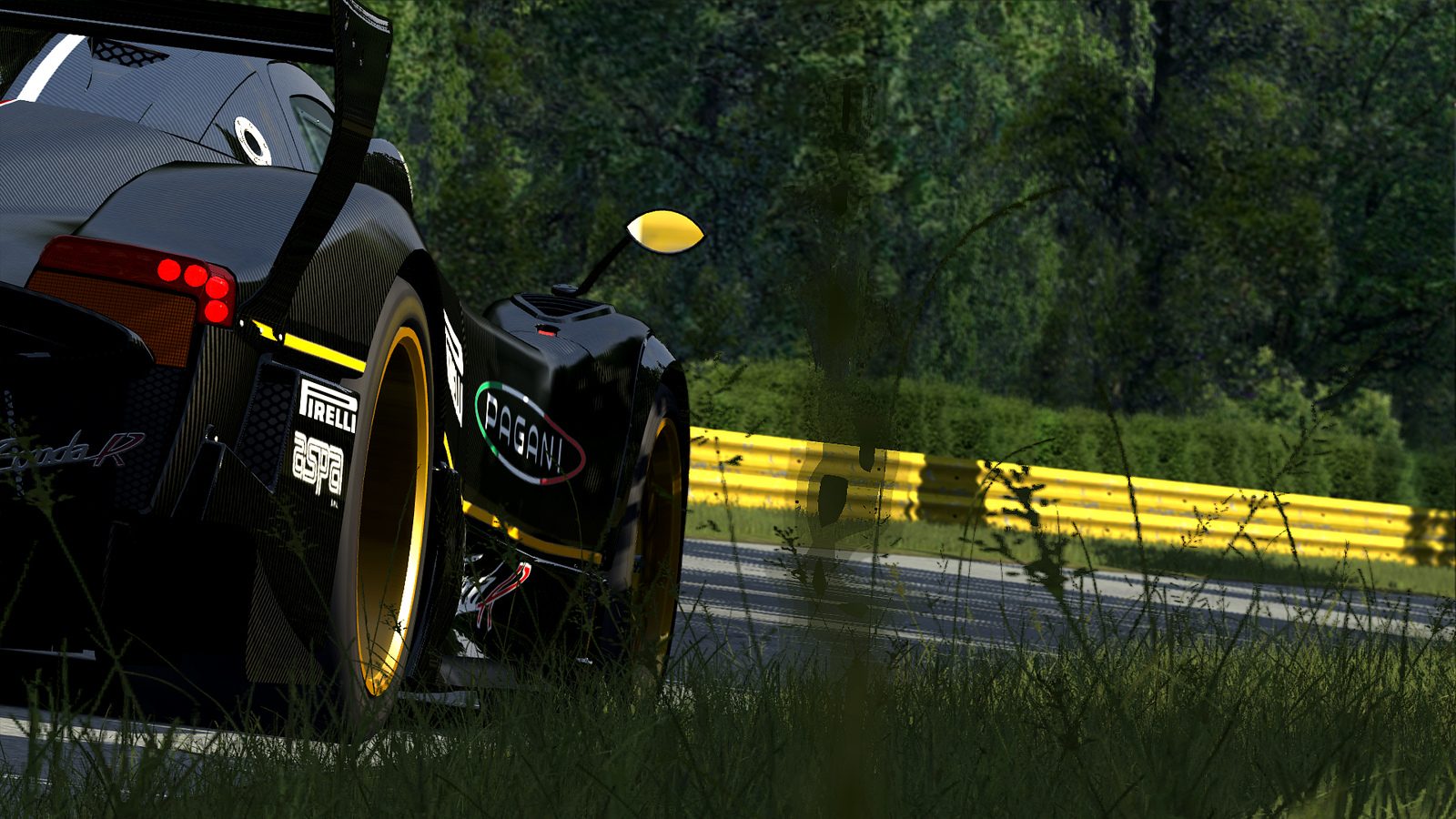
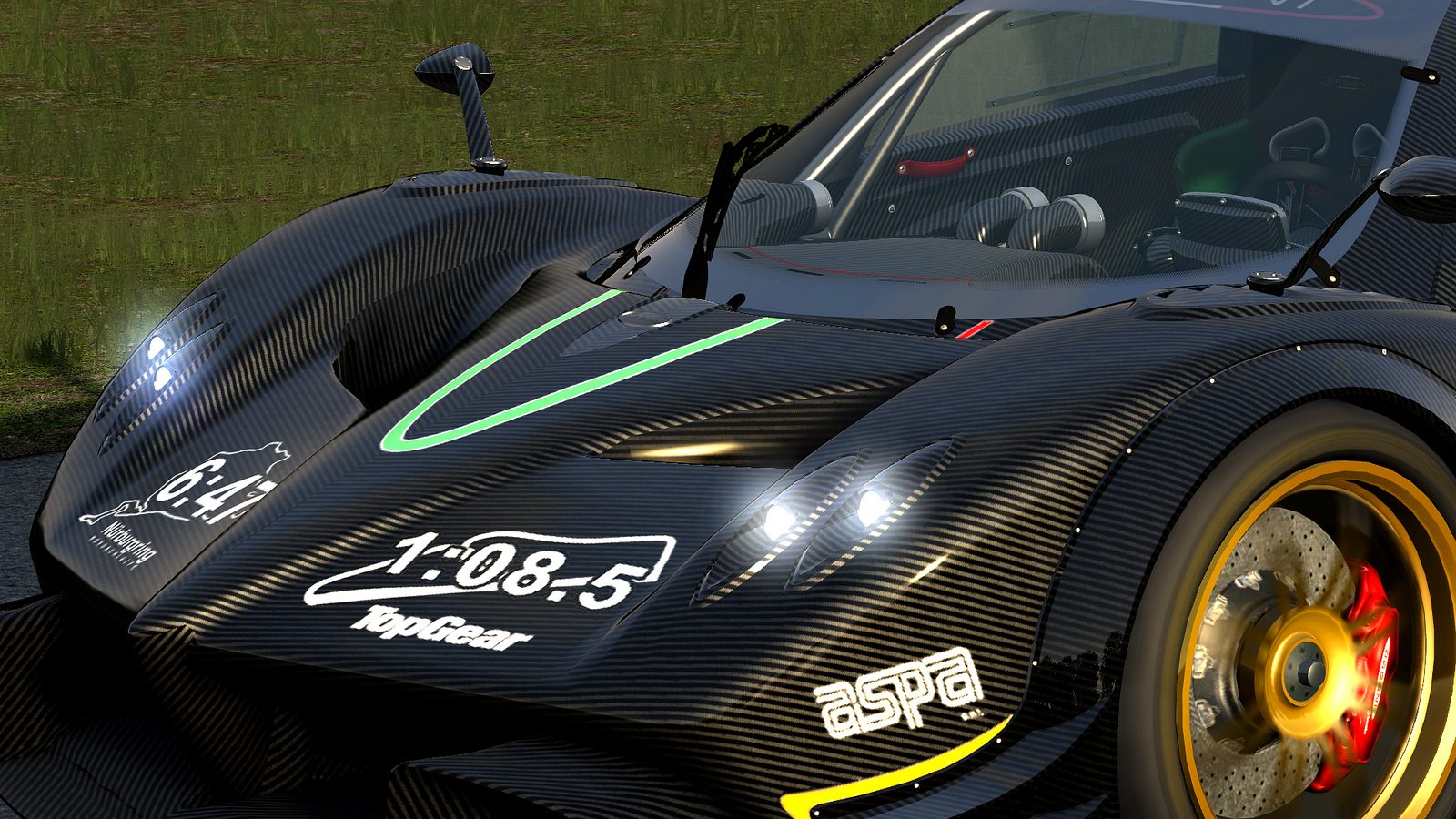
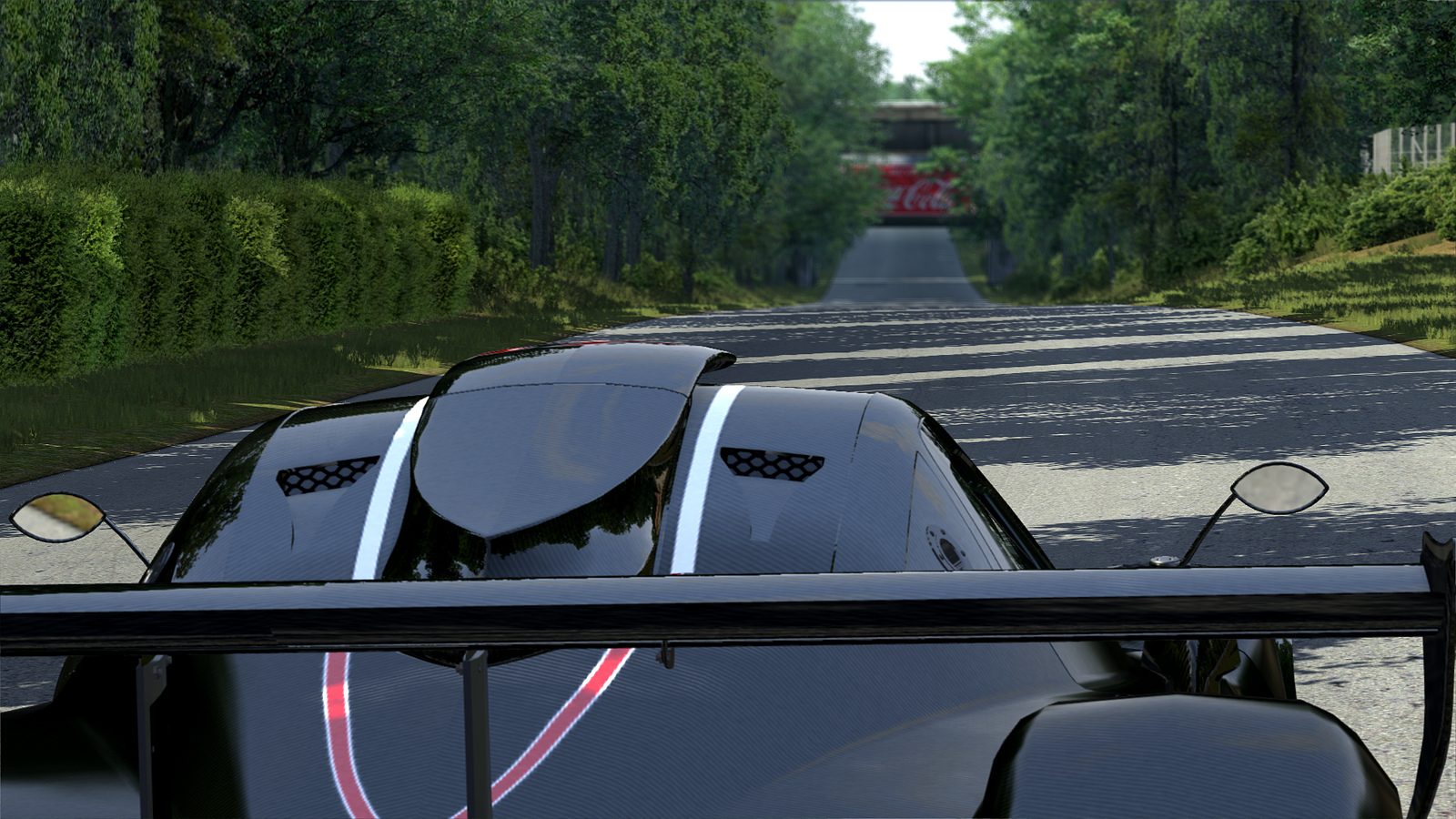
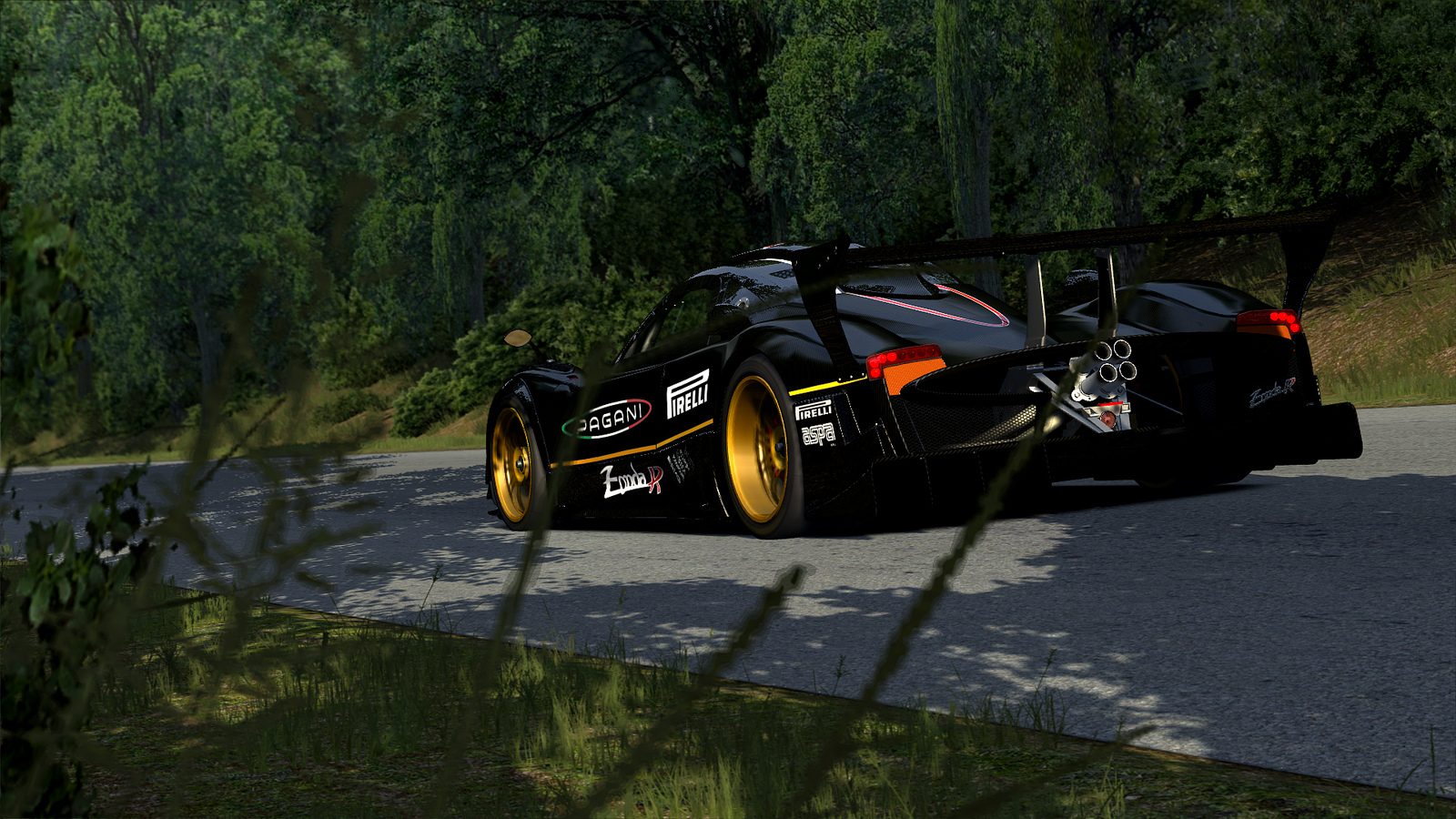
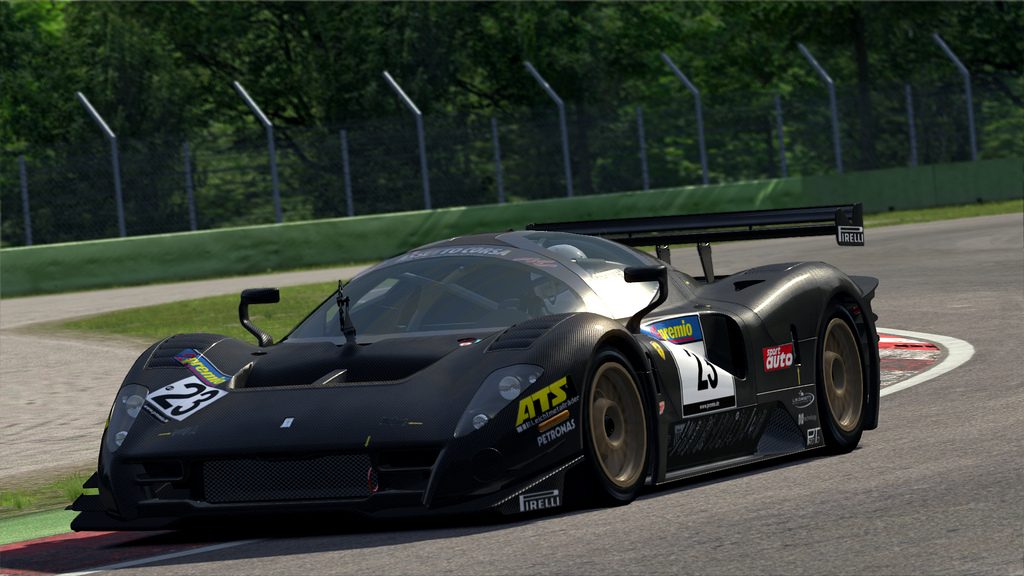
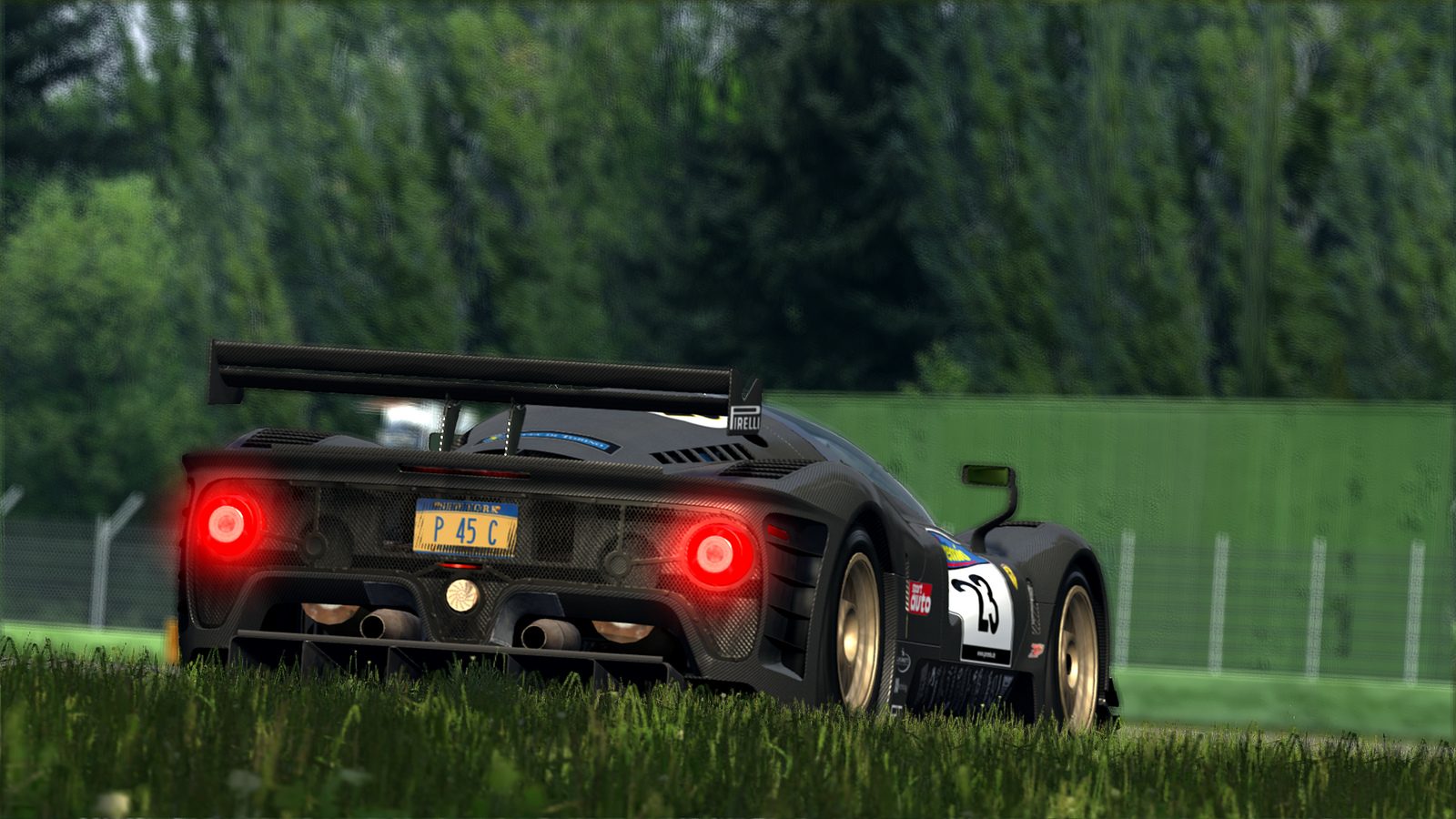
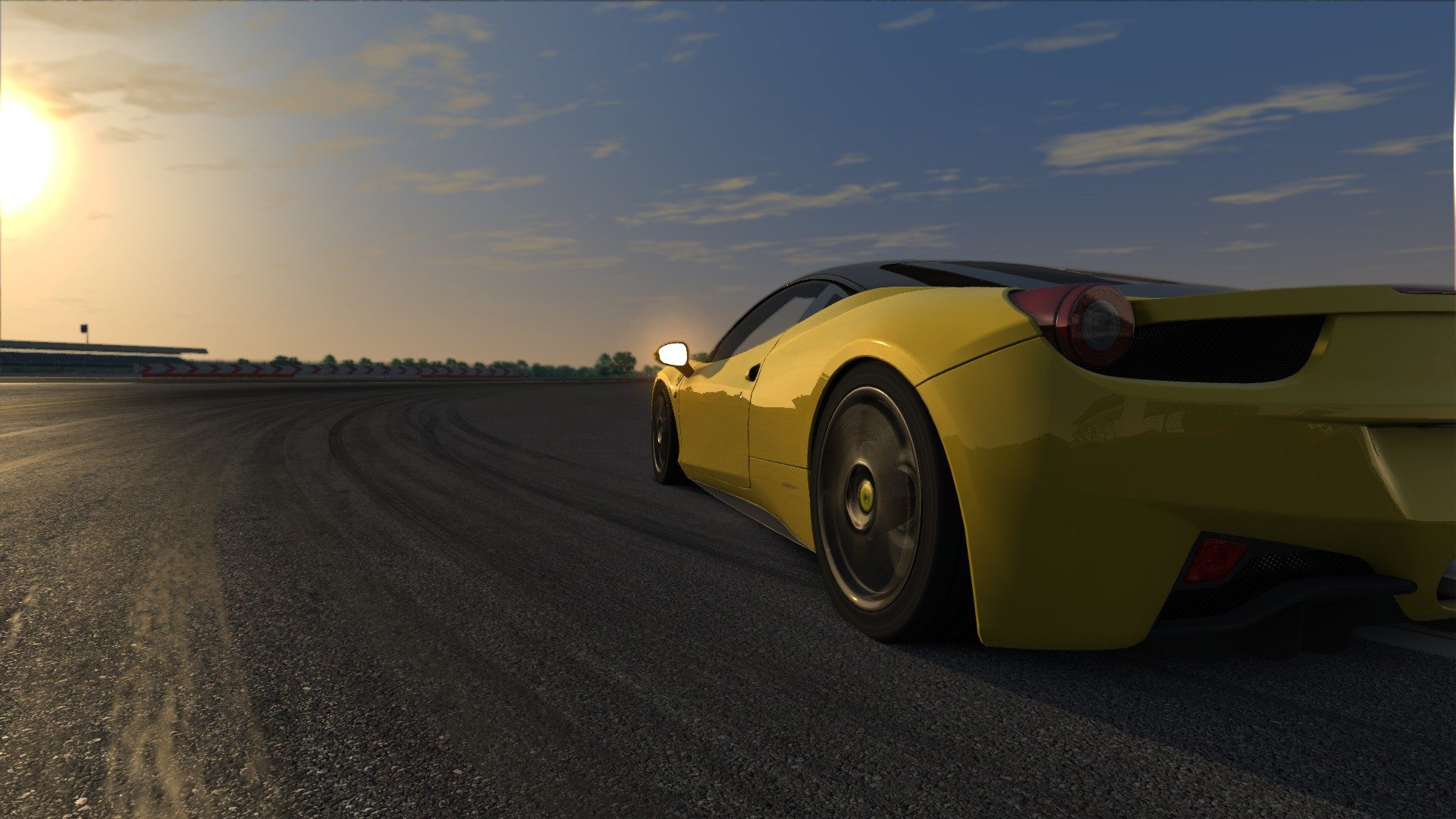
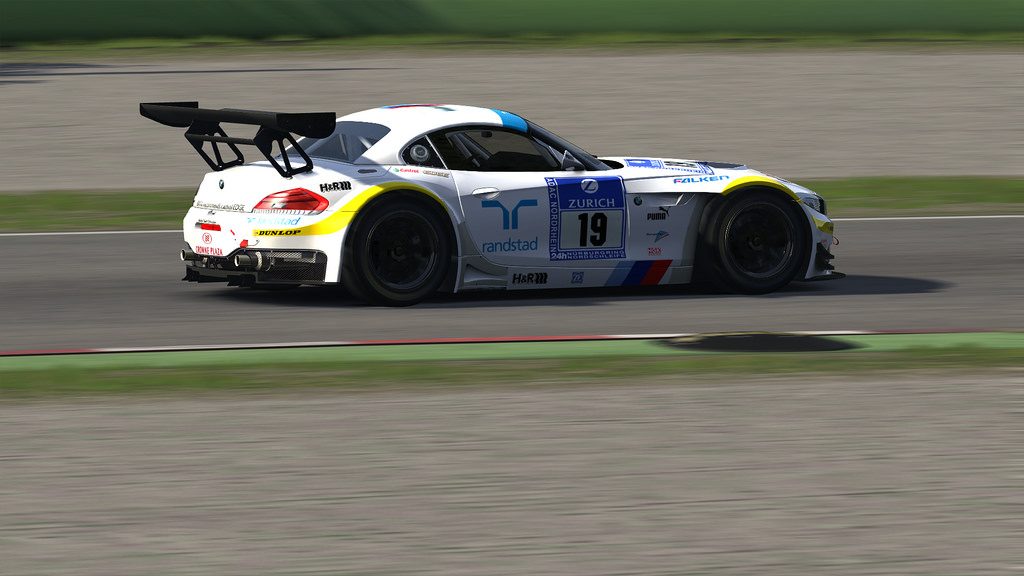
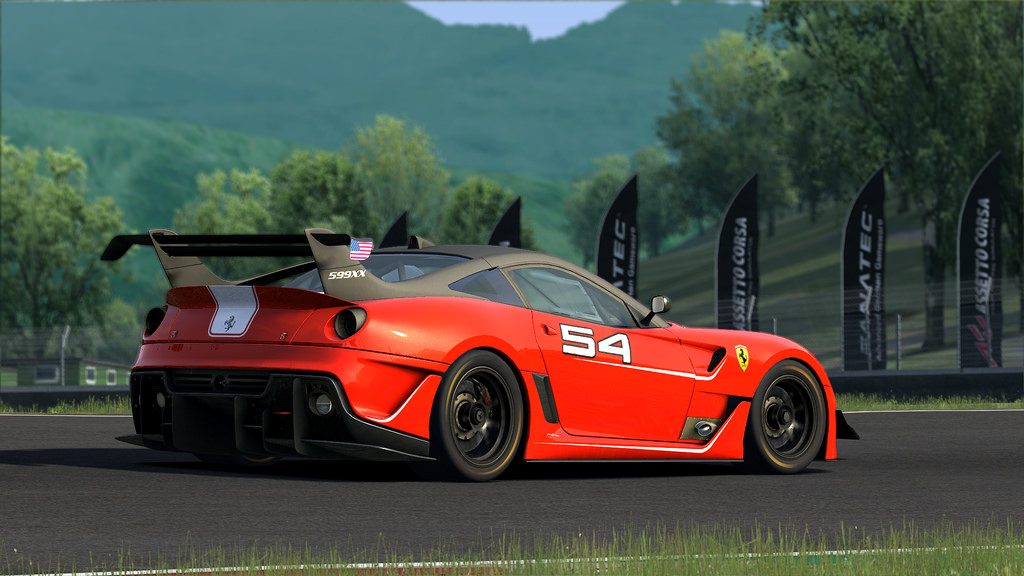
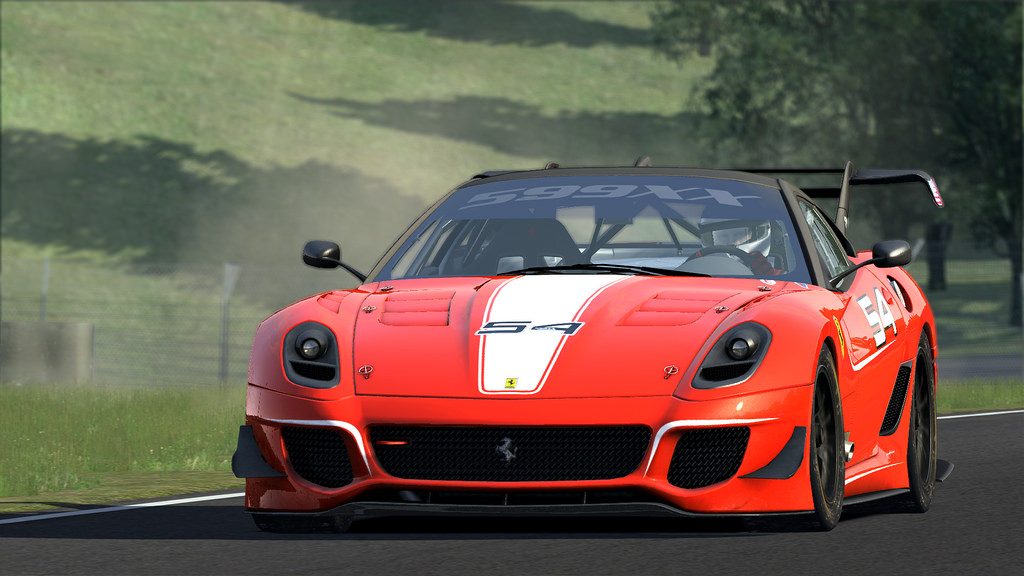
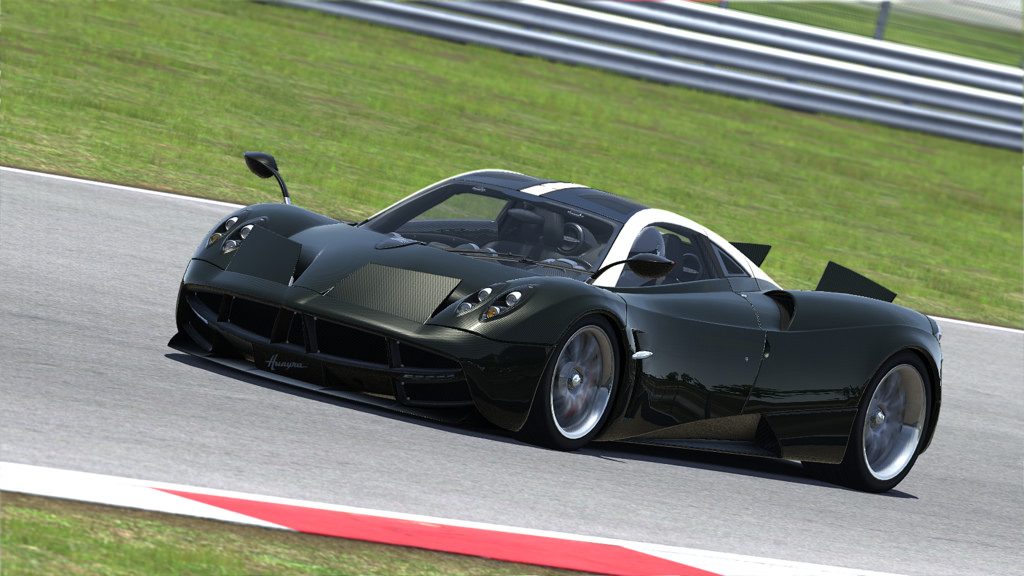
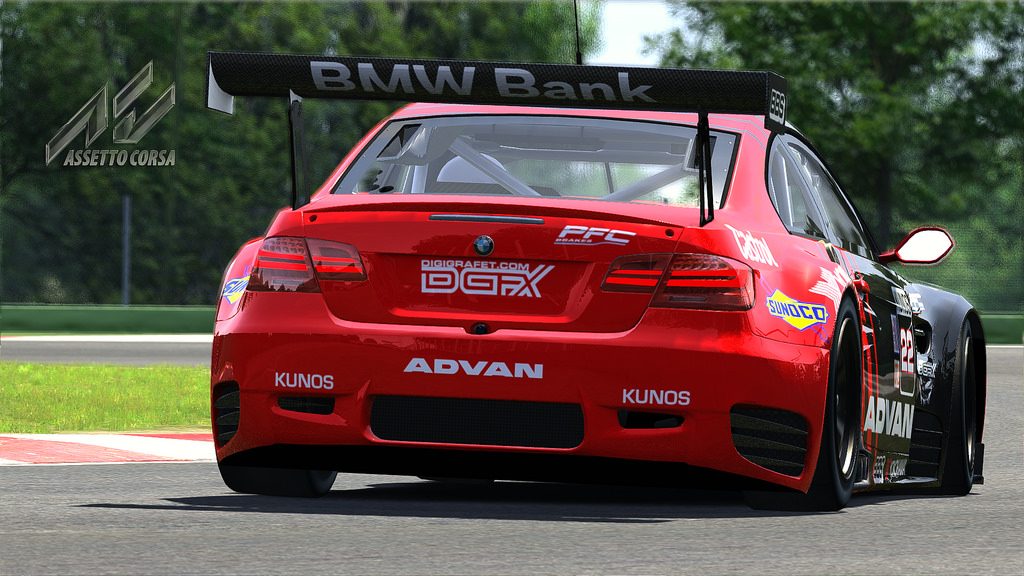
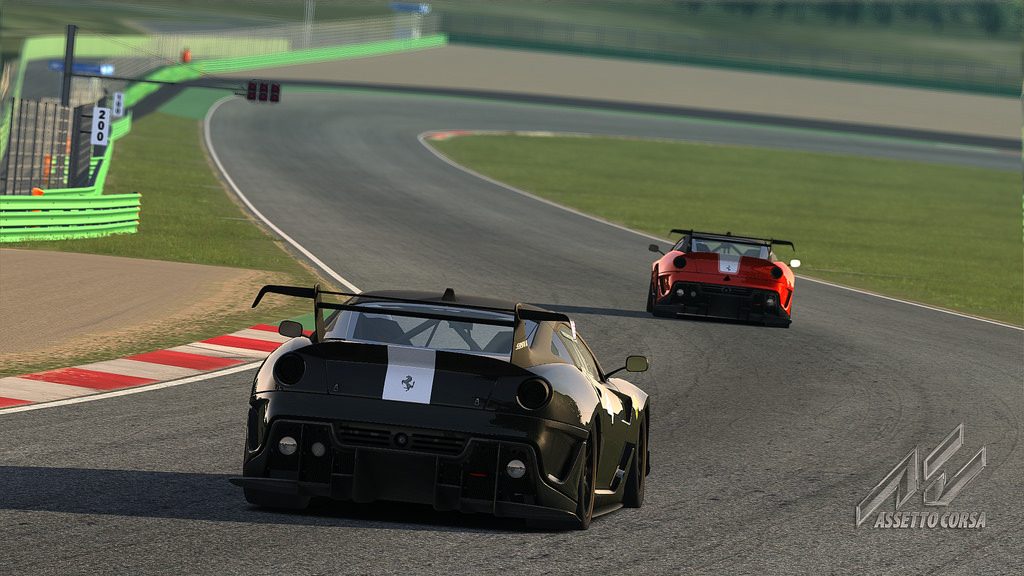
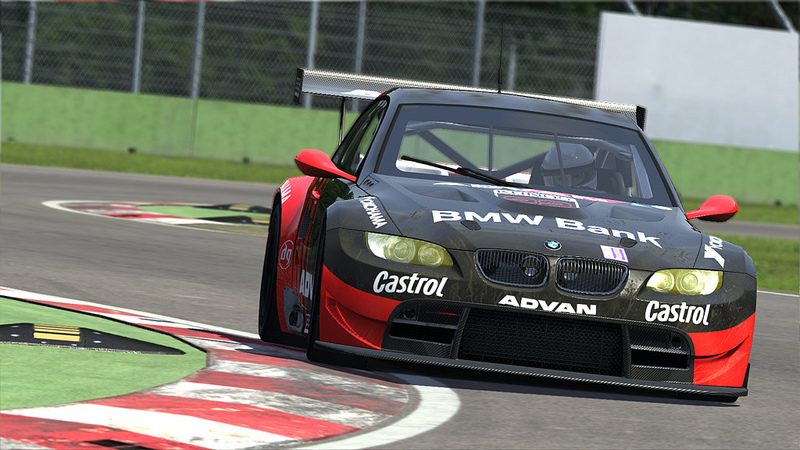
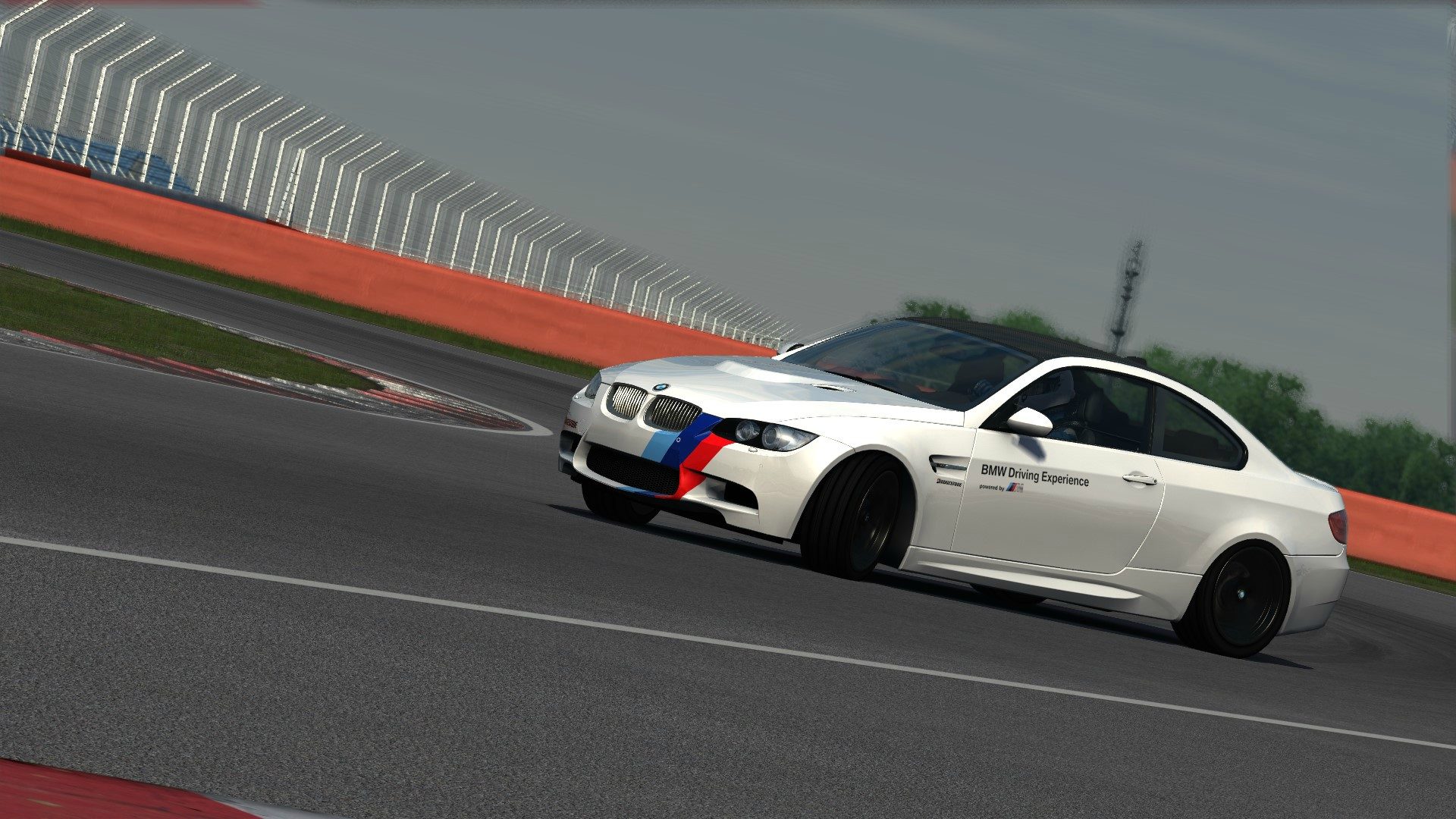
My god these pictures all look amazingly real! The lighting is excellent in this game. Are you guys using any special photo filters or effects in photoshop or anything or does the in game graphics really look this good?
 
Damn it ! the game looks so good :) can you buy the early access on steam?
 
Have you tried this >

In-game settings:

1- Turn off HDR and Motion Blur (both options are causing that blurry aspect);
2- Set Anisostropic Filtering to 2x (it's VERY resource intensive on this game, don't know why);
3- Set Shadows to High and AA to 4x;
4- Turn off Vertical Sync (use NVIDIA Inspector's one instead);
5- Turn off "Lock Onboard Camera to Horizon";
6- Set Cubemap Resolution to Low (very resource intensive) and Faces per Frame to 6 (for real-time car reflections);

http://steamcommunity.com/app/244210/discussions/0/666825525296642878/
You just saved my life...
I can't thank you enough...but thanks anyway!

About AF - it's so demanding in this game or about any new (dx11) game?
Maybe it has something to do with deferred rendering?
I'm playing on overclocked HD4600 (i5-4670k@3.8ghz, 1550mhz GPU and 2200mhz low-latency ram).

Shadows, SSAO and resolution and AA are most demanding, but I always thought that AF is almost free on PC since very, very long time ago.

Also how do I know if it's memory bandwidth bottleneck or pure GPU power bottleneck?

(Oh God - sorry for off-topic guys! I just tried settings and they magically worked)
 
That is literally ridiculously good!

Shame it's not real though lol...one day!
 
Back