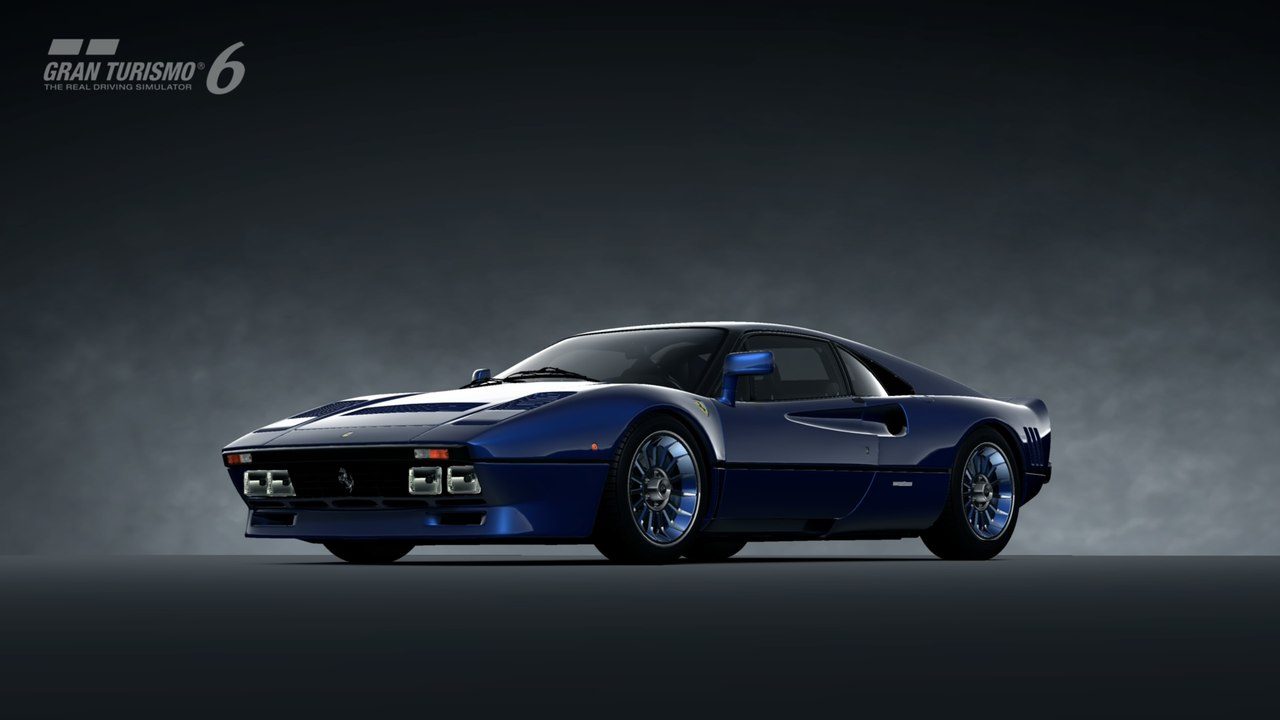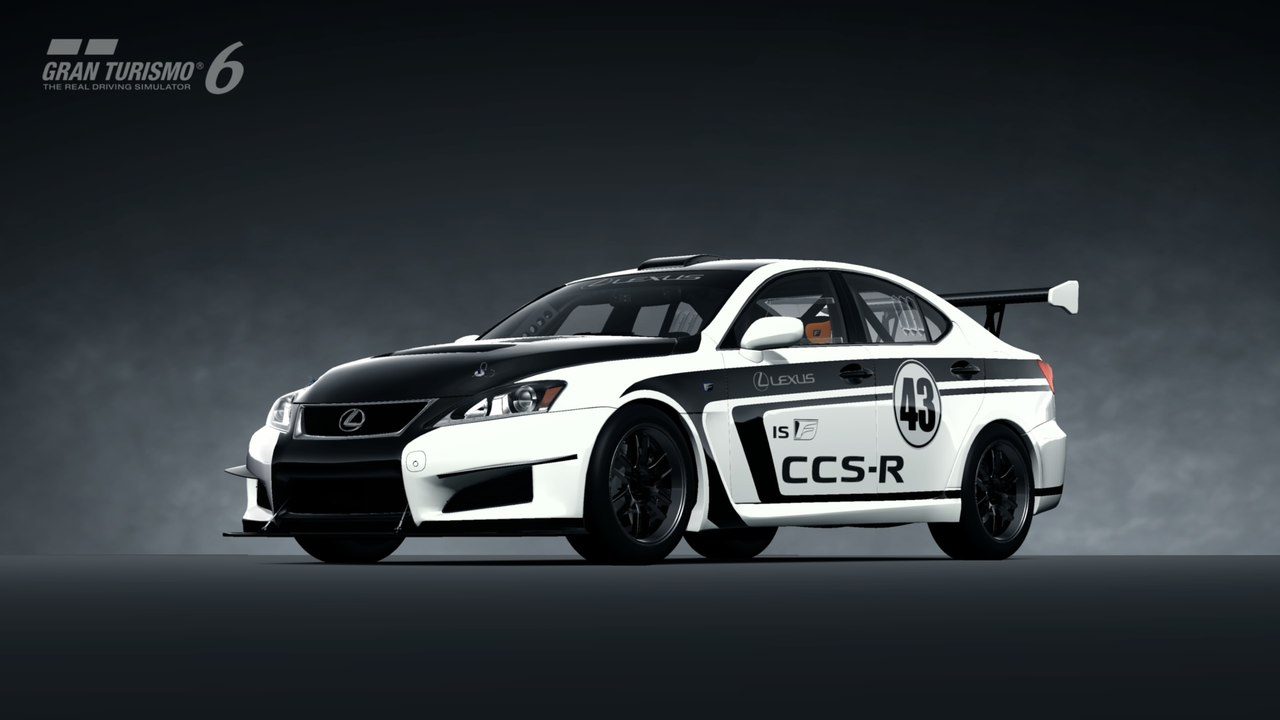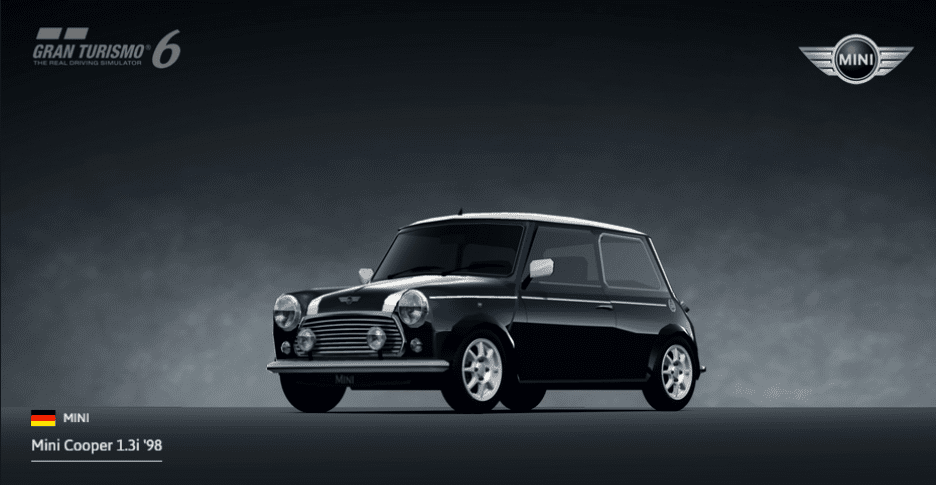
A new amazing way of photographing your car (1.14)

  • Thread starter Thread starter Dionisiy
  • 534 comments
  • 84,534 views
Messages
477
Russian Federation
Russia, Moscow
Messages
Dionisiy
GT6 -> Community -> My Page -> Favourite Car (Add your car)
PC -> http://eu.gran-turismo.com/ -> Community -> My Page -> Favourite Car -> Save photo
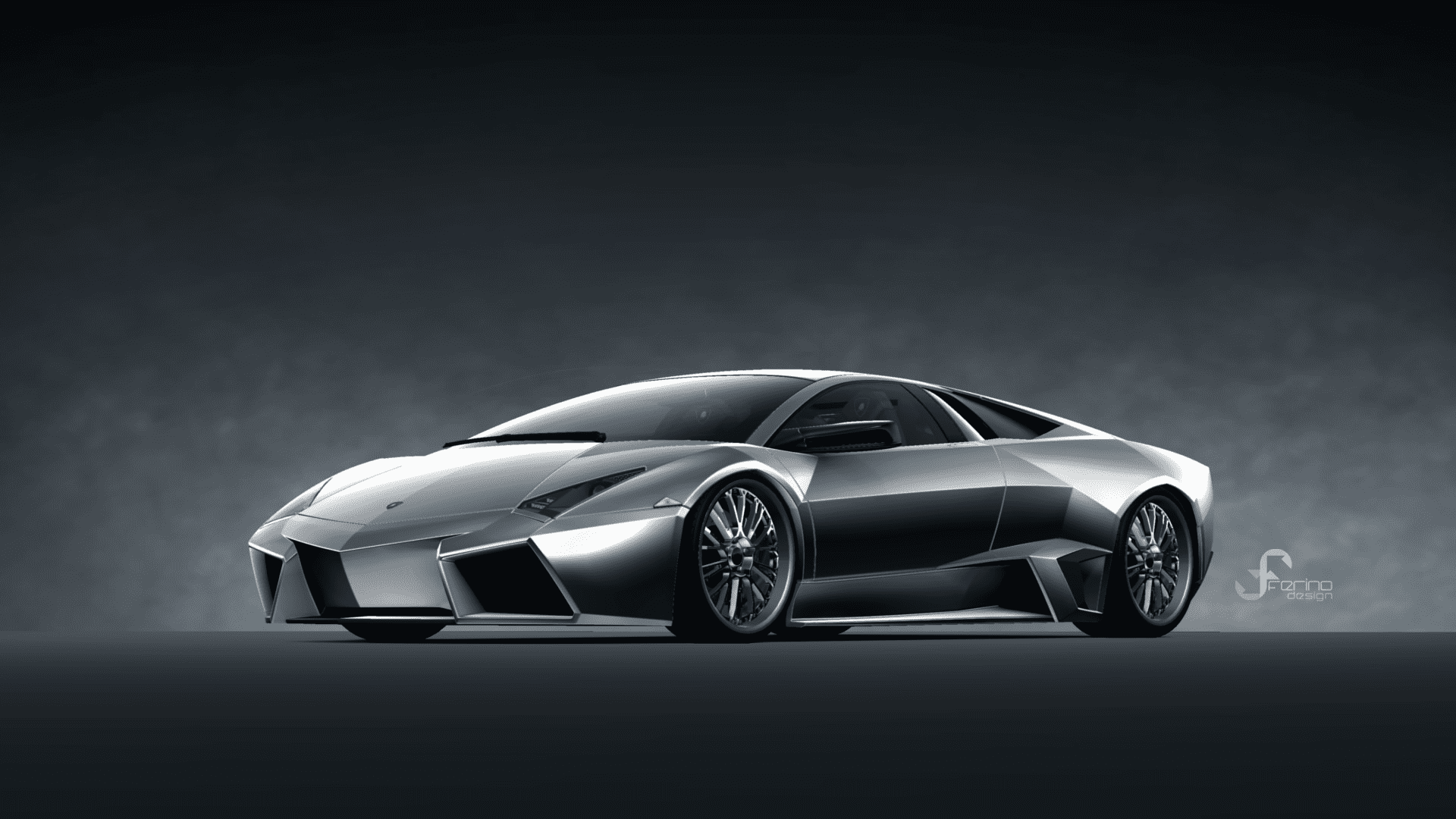
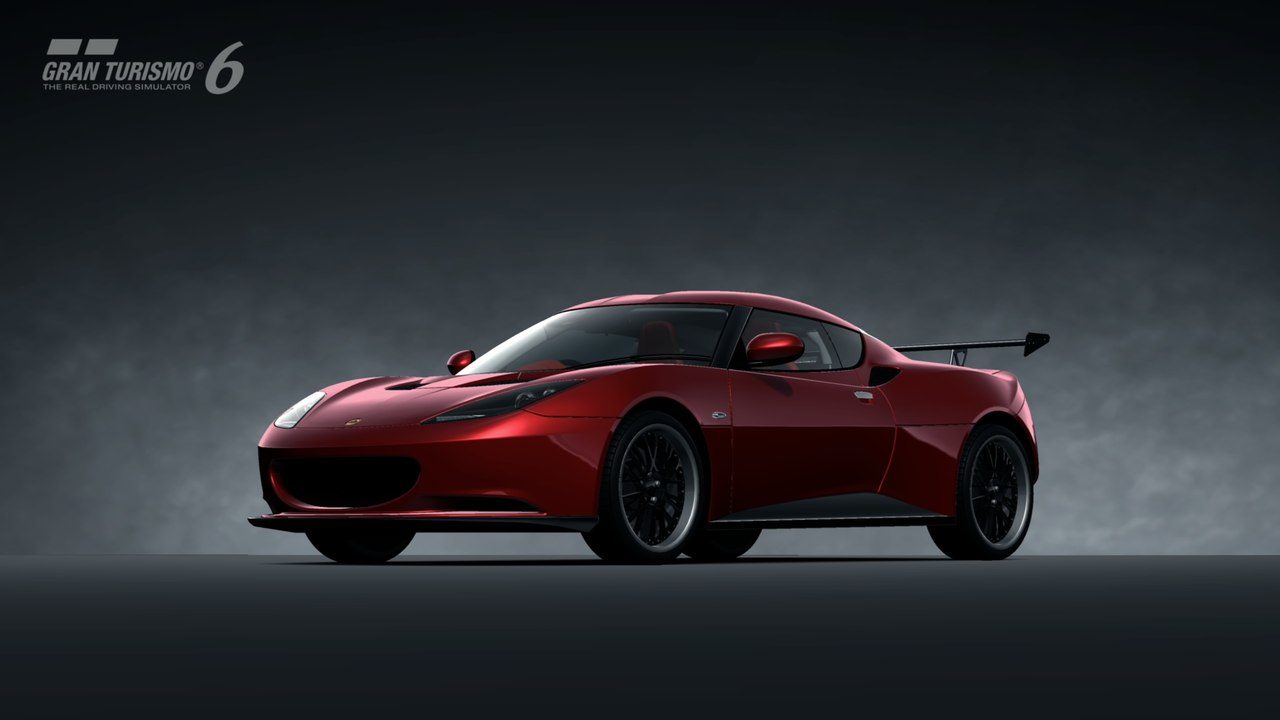
15642241498_6ff1b93d9c_o.png


L1xax8vUZlk.jpg


J_1BQBHTnPg.jpg


DuIVSK9fEdQ.jpg
 
Last edited:
Great find!


:D
 
Probably going to play with this for an hour. Really cool. 👍
 
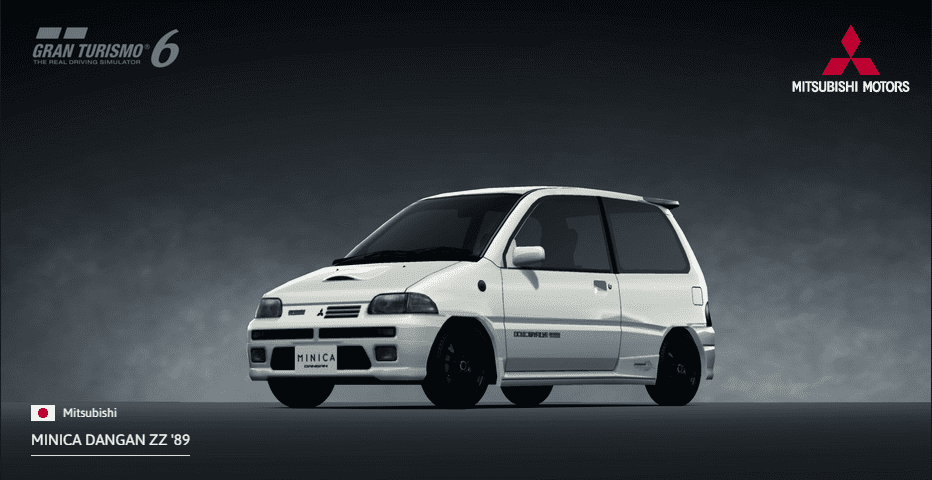
Looks like you can do Standard cars as well. Just uploaded my old Mini Cooper 1.3i and my Mitsubishi Minica Dangan.

Proof? :confused:
 
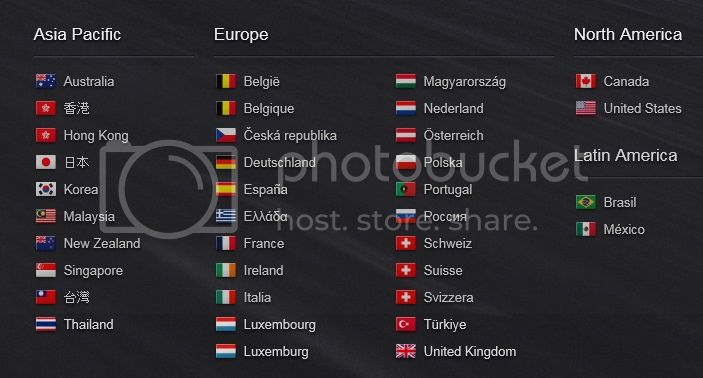
I went there and was met with these options;


countries_zpsb376a85e.jpg~original


What can you do if your country hasn't been made available?

United Kingdom or United States will do ;)
 
How could u guys save the pics? i'm using mac>>google chrome any way better then screenshot ?
 
How could u guys save the pics? i'm using mac>>google chrome any way better then screenshot ?
I didn't save it, just right click and then "view background image" and then link it here using the image button. If you wanna save it then just right click and save it after clicking "view background image"
 
Last edited:
It say I need to update my account.. When I do it says my ID is already in use.. Yeah because that's mine.. I guess I'm doing something wrong >_<

Oh nevermind.. Logged in with the wrong email address 0:-)
 
Last edited:
It say I need to update my account.. When I do it says my ID is already in use.. Yeah because that's mine.. I guess I'm doing something wrong >_<
You are trying to register instead of logging in
 
Yeah, I can't figure out how to save my images. I don't see a save option anywhere under "favorite cars".
 
Guys and ladies, please try this (Google Chrome):

1 - Click image
Screenshot_2.jpg

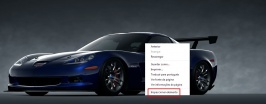
2 - After open, click "Inspect element"
Screenshot_3.jpg

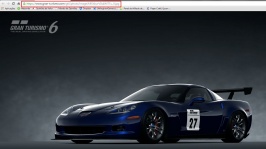
3 - Once it opens, you can see the image adress
Screenshot_1.jpg

4- Copy adress and paste in another window and save
Screenshot_4.jpg

Example:
MlStlxurV8uIWiTTu_0.jpg

​
Hope it helps. :)
 
Last edited:
@cbarbosa Thanks, that should help quite a bit. Though, I'll have to try it later. I have to go to work in a couple minutes.
 
Back