Assetto Corsa PC Mods General DiscussionPC 

  • Thread starter Thread starter daan
  • 157,620 comments
  • 51,508,741 views
1 hour to dl Zwartkops.
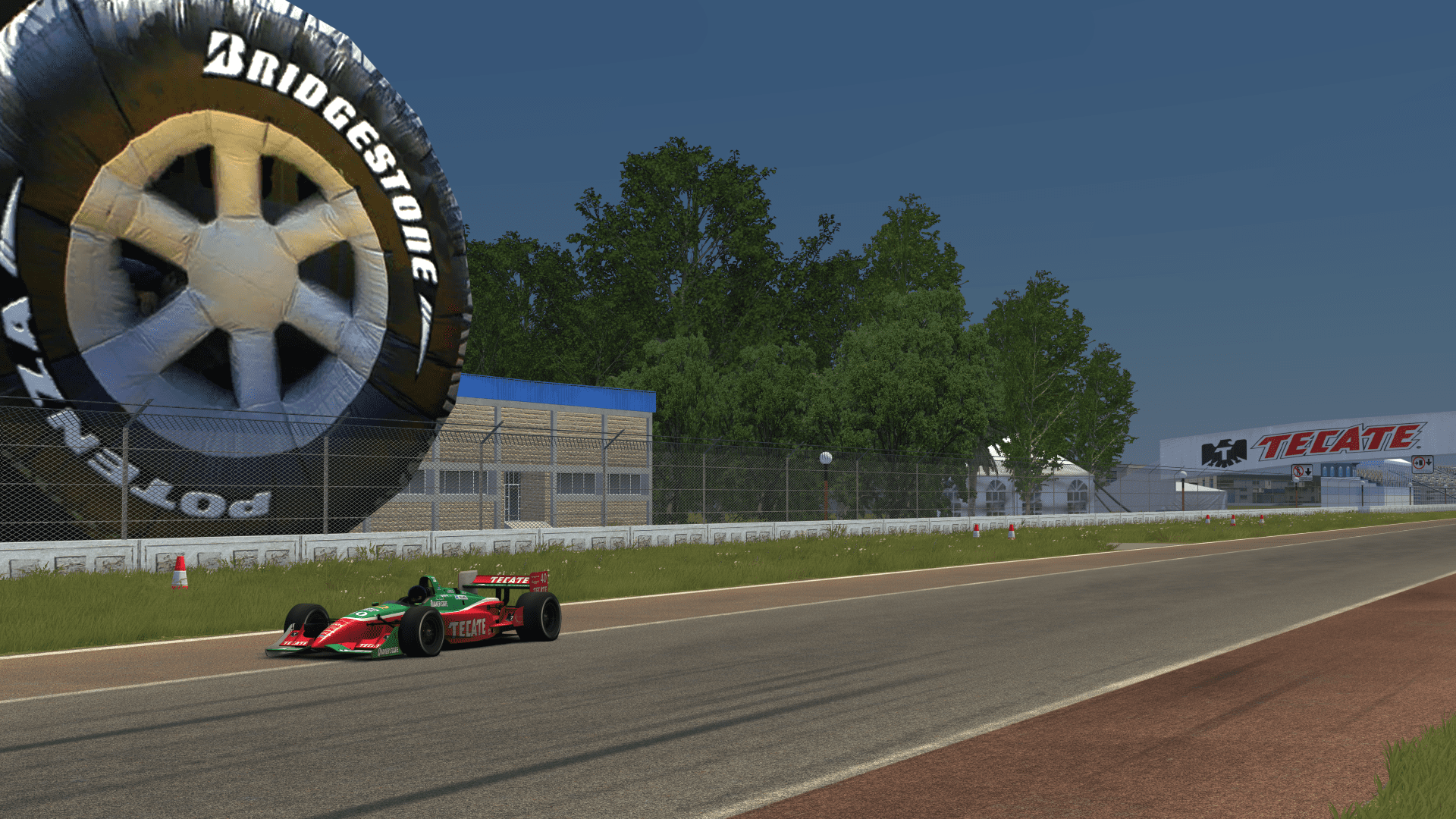
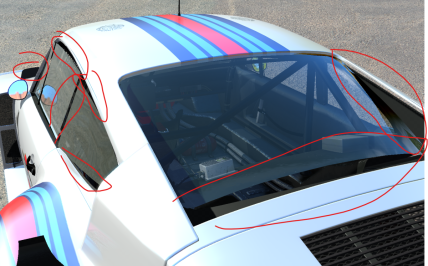
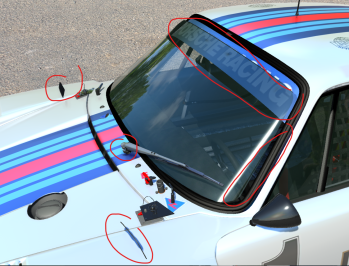
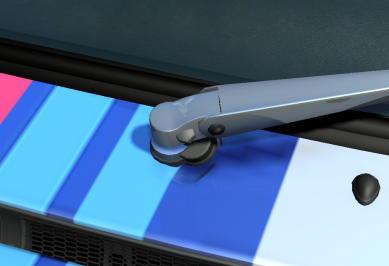
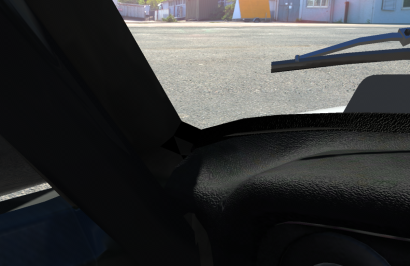
...but well worth the wait. What a fantastic track to test the wipers for the Fusca D3s on.

Fusca D3 HC2 Pack, DL: http://assetto-db.com/car/etc_fusca_d3_hc2_1600 (thanks @Jodurson for digging this one out)
CSP Wipers: https://www.mediafire.com/file/oloaavlt76r2334/etc_fusca_d3_pack.zip/file

1657394909969.png
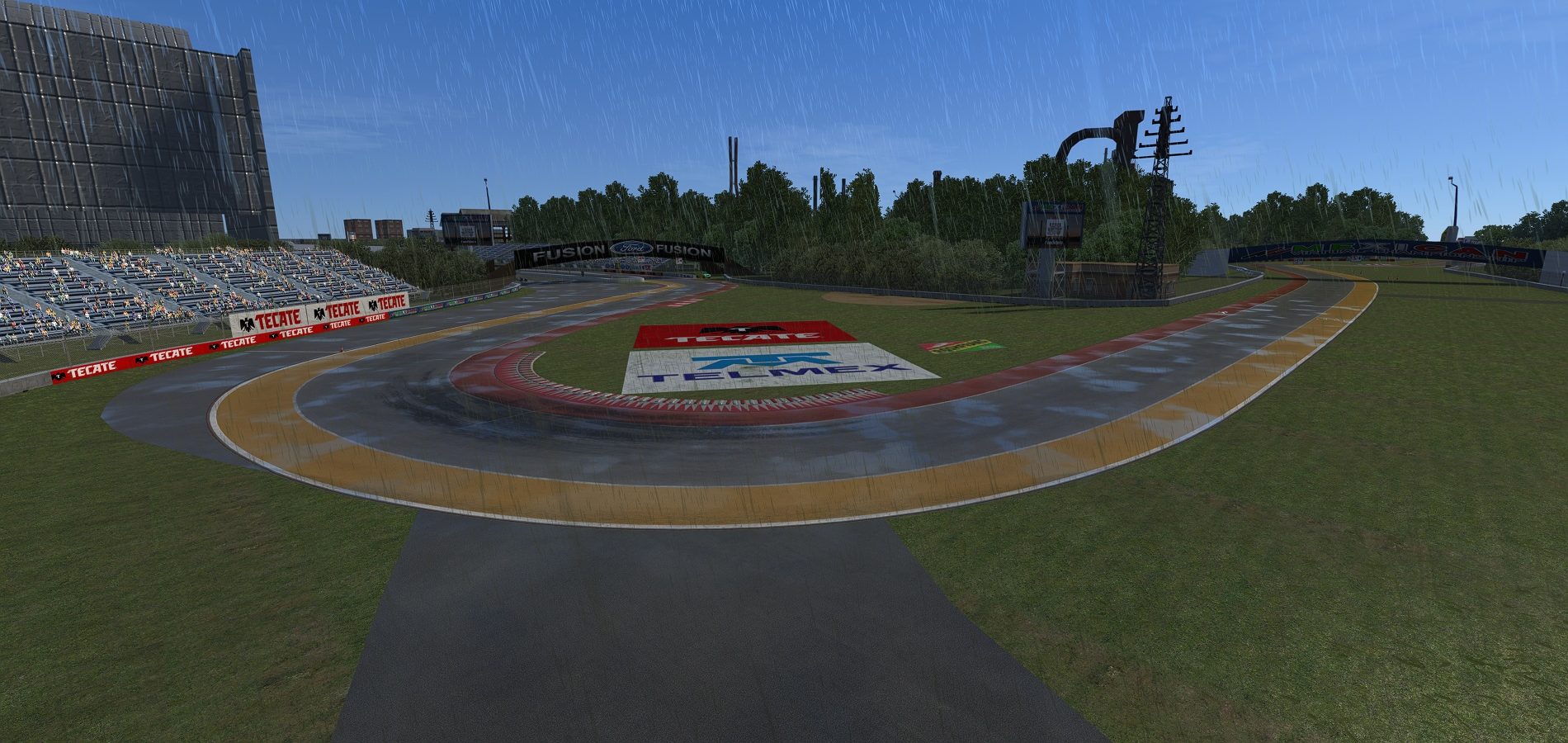
One thing to criticize about the track is its RainFX config, too much standing water on the sand for my taste, but what do I know about sand on the other half of the world.
 
Last edited:
Hello dear friends. I've been having a very annoying problem with mods that have been recently released.

I am getting an error while loading the game.

GPU failed; might be overclocked too much, or overheated.

I tried many things that came to my mind but couldn't find a solution. Different csp versions don't work. My graphics card for this car is rx6700xt. Vehicles are loaded on one or two tracks, but this error always occurs on other tracks. A little help would be great. Good evening.

 
Anybody? with a solution?
According to the error message, CM downloaded something that‘s not a valid JSON, which means CM can‘t parse the data to display the list of AO patches available in the github repo. Must be something on the server/API side, nothing we can do.
 
Last edited:
...but well worth the wait. What a fantastic track to test the wipers for the Fusca D3s on.

Fusca D3 HC2 Pack, DL: http://assetto-db.com/car/etc_fusca_d3_hc2_1600
CSP Wipers: https://www.mediafire.com/file/oloaavlt76r2334/etc_fusca_d3_pack.zip/file

View attachment 1170955
One thing to criticize about the track is its RainFX config, too much standing water on the sand for my taste, but what do I know about sand on the other half of the world.
Many, thx @El Locho for all your wiper configs!!! :)
I don´t mean it for bad, but there is an error with etc_fusca_d3_hc1_1800_step1, the ini isn´t in extension folder, but in car folder.
You have just to move the ext_config.wipers.ini into extension folder. :)
 
Last edited:
Hey guys, I've got yet another strange one:
I am aware that the MNBA 911 (992) GT3 is better in basically every way, but just out of curiosity: Does someone have the "original" exmods version on which this one is based?
 
Uli
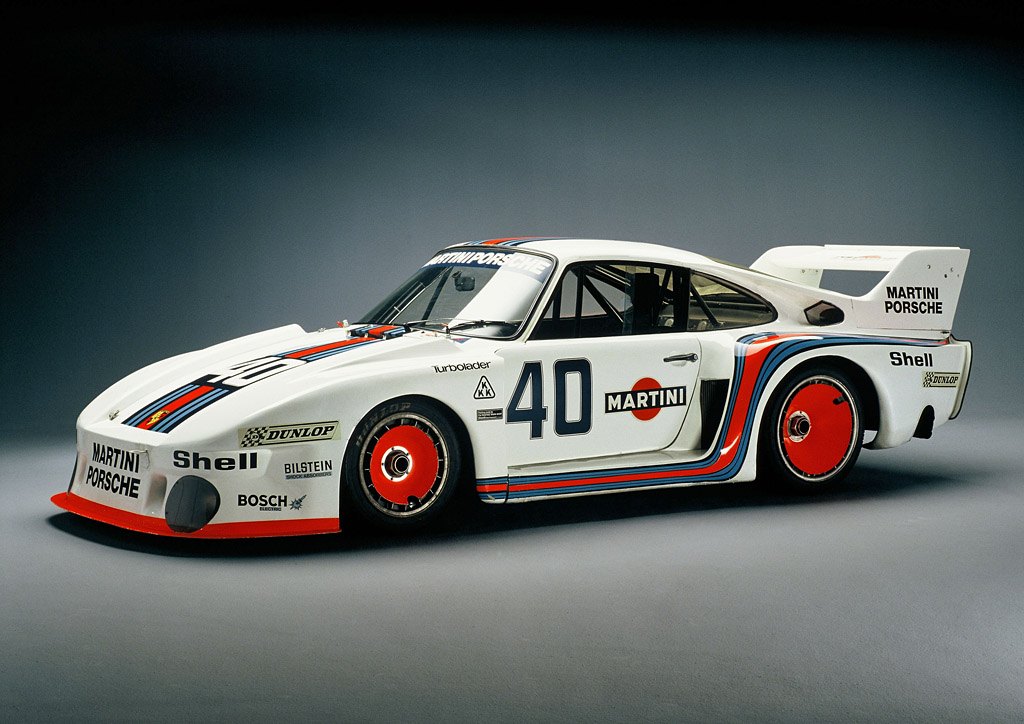
I have a comment on the Porsche 935/77...... This Porsche was also known as the Porsche 935 "baby". That was the factory Porsche with a 1.4 liter engine and a single turbo... with around 380 hp and a 5-speed gearbox. This Porsche was used in the DRM! And after the correction of the basic mod...some characteristic parts have been lost...too bad..

Yes, but the baby had a side exhaust in the back bumper. this body was also used in the div 1 class. And the le mans spec had the 2.9. so it's period correct a little bit.
 
Many, thx @El Locho for all your wiper configs!!! :)
I don´t mean it for bad, but there is an error with etc_fusca_d3_hc1_1800_step1, the ini isn´t in extension folder, but in car folder.
You have just to move the ext_config.wipers.ini into extension folder. :)
thanks, will fix it asap.

Edit: fixed
 
Last edited:
Interesting, and it has some "mod potential." The styling and design has some Taycan vibes.


Yeah we need this car. & i didn't know that they came back.

Just watch as they made a new BTTF movie with this car.
 
Last edited:
Really just sitting here wondering why Racedepartment decided to throttle their download speeds.

I want to die.
Data point to add to the understanding. I'm within an hour or two of the UK/Western Europe timezone. RD download speeds here in the morning between 06:00 -ish and midday -ish, are as fast as they ever were. Afternoon, evening to midnight are like watching paint dry.
 
Hello dear friends. I've been having a very annoying problem with mods that have been recently released.

I am getting an error while loading the game.

GPU failed; might be overclocked too much, or overheated.

I tried many things that came to my mind but couldn't find a solution. Different csp versions don't work. My graphics card for this car is rx6700xt. Vehicles are loaded on one or two tracks, but this error always occurs on other tracks. A little help would be great. Good evening.
Try to set the maximum fps to the maximum Hz your monitor can take for ex 60 or 75. I gain a lot by doing this and also I downvolted my GPU which is a rtx3060 so I think yours will do this better than overclock that for me for AC is absolutely useless
 
Hello dear friends. I've been having a very annoying problem with mods that have been recently released.

I am getting an error while loading the game.

GPU failed; might be overclocked too much, or overheated.

I tried many things that came to my mind but couldn't find a solution. Different csp versions don't work. My graphics card for this car is rx6700xt. Vehicles are loaded on one or two tracks, but this error always occurs on other tracks. A little help would be great. Good evening.
Google Assetto corsa and FTH.

In fact, here.
Respectfully, ignore what berganzio said.
He's correct , but in this case it's a CSP issue.

 
Last edited:
According to the error message, CM downloaded something that‘s not a valid JSON, which means CM can‘t parse the data to display the list of AO patches available in the github repo. Must be something on the server/API side, nothing we can do.
Thank you for information. I was concerned that I did sth. but a day ago everything was fine, therefore I was worried.

But what I understand from your comment that this isn't caused by me, right? It's the servers (CM) which supposed to get info from the server.
 
Dear friends, thank you for your answers. I think I found the solution to the problem. amd adrenaline version updated. Version 22.6.1 causes this problem. Version 22.5.1 seems to have fixed the problem now
 
Thank you for information. I was concerned that I did sth. but a day ago everything was fine, therefore I was worried.

But what I understand from your comment that this isn't caused by me, right? It's the servers (CM) which supposed to get info from the server.
It was just a cloudflare outage - literally nothing to worry about and it's all sorted now anyway

Normally I'd think you are being cynical, but I've noticed a lot more adverts popping up on Race Dept recently. Maybe connected, maybe not...
As for this if you moan about it on the RD forums, they will do 3 things. Blame the traffic, or your ISP or your internet for being slow.
Because we are actually living in the 90s and we all use modems to download things on the internet
But it's definitely not anything to do with their servers lol
 
Last edited:
Hi guys, a quick question

I've noticed that in drszones.ini file there's also the detection point.

For what reason it exists? There's a way I missed to make the drs usage realistic both for me and the AI?

Thank you.
 
Last edited:
Pessio does it again. What a great car to drive from one of the best eras of motorsport.
Looks gorgeous especially inside for us VR users while being well optimised for performance.

Just in case you haven't tried it yet


* apologies to the engine as I over rev it in the opening scene trying to control the camera and my heavy right foot :)
 
showroom question

Hi guys!
I changed the wheels on a old Ford.
The car won't show up in the AC showroom or start in game... does anyone know what is the solution? Thanks!


https://www.mediafire.com/file/xz9d541d0rpwd2s/ford_coupe_1940_test.zip/file
Works fine on my end. CM often gives that error if it is running into the trademark memory problem that it suffers from. Just close and reopen and it should work fine. If you do any serious editing of cars in CM, you need to get used to regularly restarting the program.
 
Sharing a mod? Host it on GTPlanet Downloads. Free, public hosting for files up to 10GB in size.
Back