True that ! As I've never done anything that consumes time for AC I'm a bit stranger to that feeling. Maybe I should start modding then I'll get it !Not really interested in your view, sometimes you should just be happy and appreciate the work and time we all put in to give everyone the best possible content available at the time, and it's free


Just ending my race, testing 3 old style Bathurst tracks that btw are going directly to the garbage bin, nothing here at the new 2.5-1 version. Try to upgrade to the last version, or delete and going back to the last working version.anyone else got yet more issues with CM?
click "showroom".....nothing
click "drive".........immediate "race cancelled"
click on the steam icon on my computer and nothing happens............cant open it with "run as administrator" either.
tried closing steam in task manager and doing a system restart which doesn't do anything.
any suggestions?


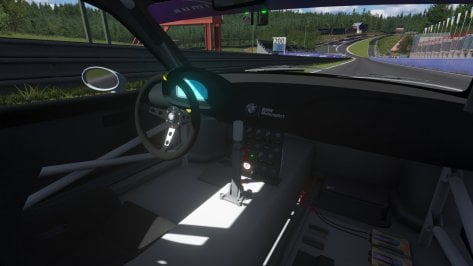
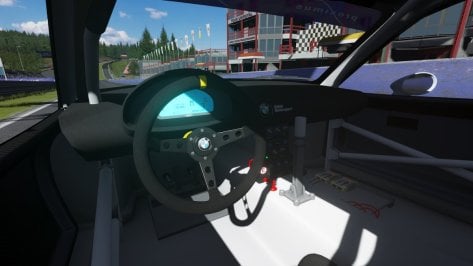
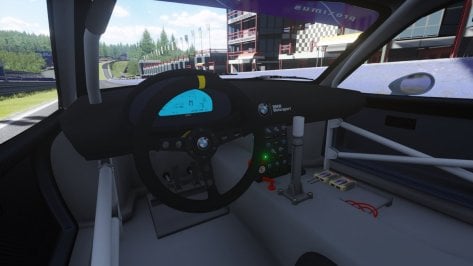
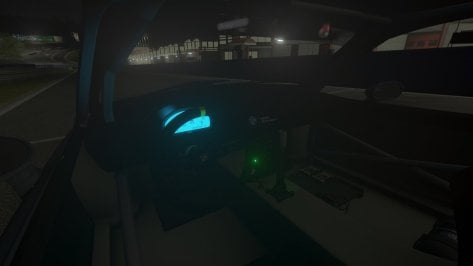
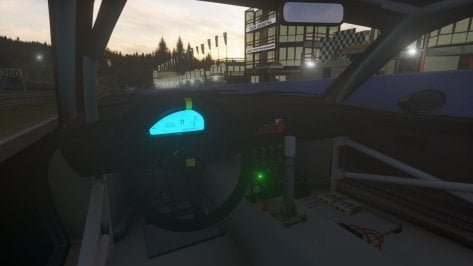
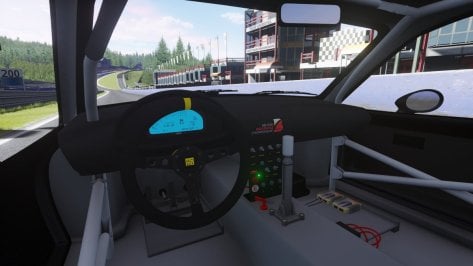
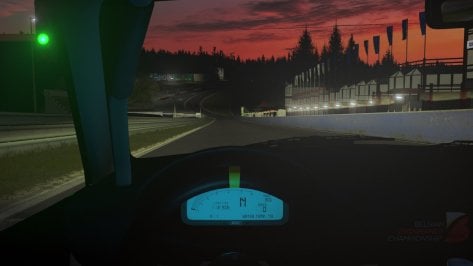

i just installed the new CSP patch which didnt change anything, the real issue here is steam i am guessing because steam wont even open on my pc that will cause AC to not work even though i have the box checked so i should be able to run the game with no internetJust ending my race, testing 3 old style Bathurst tracks that btw are going directly to the garbage bin, nothing here at the new 2.5-1 version. Try to upgrade to the last version, or delete and going back to the last working version.
Guess its maybe another unnecessary conflicting adjustment in the to complex CM, that have to be unchecked.


Honestly don't stress about it and appreciate your reply.True that ! As I've never done anything that consumes time for AC I'm a bit stranger to that feeling. Maybe I should start modding then I'll get it !
Bah, it's ok. I'm sorry. Will never, ever happen again, pinky promise !
As the great poet Ricky from Trailer Parks Boy once said it's all water under the fridge
(I've always been appreciative of your contribution, though - but if one remark that has nothing to do with the quality of your work got you all worked up like that, what's it gonna be when someone actually criticises your work ? Jeez I don't wanna be that guy)
Maybe not usefully, but before I did start, I noticed Steam was updating.i just installed the new CSP patch which didnt change anything, the real issue here is steam i am guessing because steam wont even open on my pc that will cause AC to not work even though i have the box checked so i should be able to run the game with no internet
steam is running in task manager but i cannot access it, its like the icon is just dead or something
worked absolutely fine yesterday i havent changed or touched anything........
thanks to all who have replied and let me no its just a "me" issue.
what they say here i guess is ok to do?? i want to try and uninstall and re-install
will this be ok to do without a complete Bork?
View attachment 1389109
i'm pretty sure i seen this aswell earlier when i restarted my PC, its running in task manager but the icon is dead and so is any in game action.......very weird.Maybe not usefully, but before I did start, I noticed Steam was updating.


Are you saying you cant kill the process in task manager?i just installed the new CSP patch which didnt change anything, the real issue here is steam i am guessing because steam wont even open on my pc that will cause AC to not work even though i have the box checked so i should be able to run the game with no internet
steam is running in task manager but i cannot access it, its like the icon is just dead or something
worked absolutely fine yesterday i havent changed or touched anything........
thanks to all who have replied and let me no its just a "me" issue.
what they say here i guess is ok to do?? i want to try and uninstall and re-install
will this be ok to do without a complete Bork?
View attachment 1389109
Not sure if this will helpJust ending my race, testing 3 old style Bathurst tracks that btw are going directly to the garbage bin, nothing here at the new 2.5-1 version. Try to upgrade to the last version, or delete and going back to the last working version.
Guess its maybe another unnecessary conflicting adjustment in the to complex CM, that have to be unchecked.


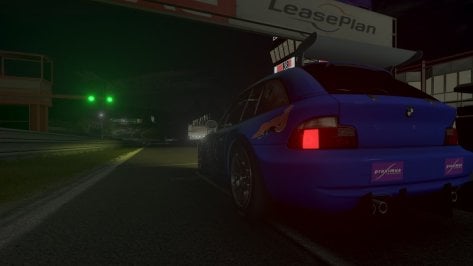
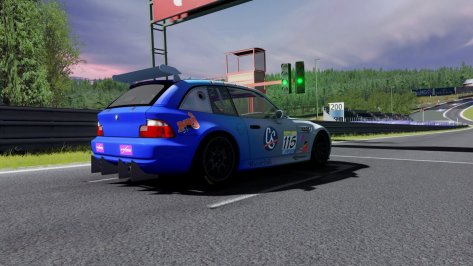
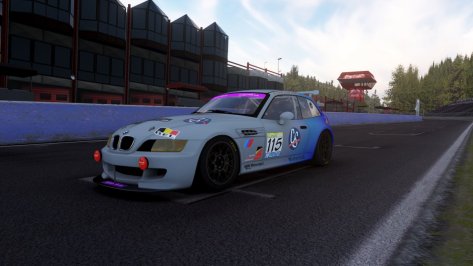
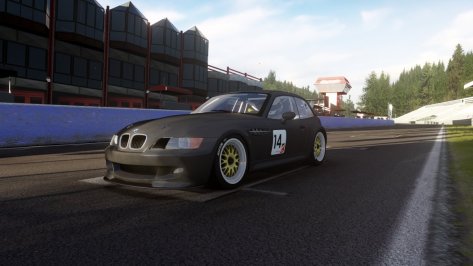
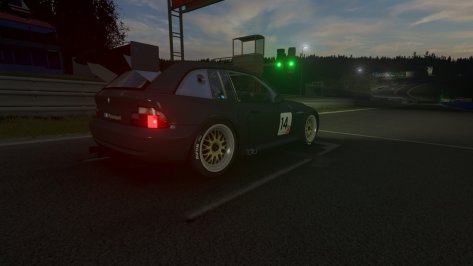
To throw onto the bug pile, Seems like the Brembo logo is prioritized over rim blur, and the locking nut should probably rotate with the wheel? Never really paid much attention to them irl so idk if they should lolBMW Z3 COUPE' - FIA GT AND BELCAR GTR
So, this is version 0.5 of the Z3. It's not over yet, still missing:
1) Seat belts
2) Some adjustments to the meshes
3) General optimization
4) Physics adjustments
The original mod is that of BEM and I integrated it with new 3D parts and physics interpreted from GTR2. The exceptions are:
1) Calipers and discs (Kunos)
2) Tire model (Kunos)
3) Steering ratios (Kunos)
As for the physics, as I said before, it's all from GTR2 with some tweaks (engine and aero). The aerodynamic part (only the lut files, not the wings themselves) is what I have used so far on the TVR. Does this mean that the two cars are aerodynamically the same? No, but the TVR will practically be redone and its aerodynamic part is more compliant with the z3, so I reused it (so yes, spoiler, the tvr will be redone and optimized).
The differences between the GTR and the FIA GT are:
1) Aerodinamycs (slightly more pronounced at the rear of the GTR and slightly less invasive on the FIA GT)
2) The FIA GT has less acceleration while maintaining the maximum speed (I boosted it a bit, on GTR2 it doesn't exceed 230 per hour)
3) Both are very focused on the front and tend to understeer, as I read online. The FIA GT tends to lose the rear more easily than the GTR
The brakes lock, I know. Once you have found the right braking threshold and if they have been brought to temperature, in theory it should brake adequately (braking can be managed in the setup).
PROBLEMS ALREADY KNOWN:
1) The windshield wipers do not work on the FIA GT
2) The FIA GT skin is not accurate
3) The brakes doesn't glow yet (I have to configure the csp brakes as best as possible)
4) Not all lights are optimized (I switched from gamma to LCS and changed PPfilter, so hopefully I'm not destroying anyone's corneas LOL)
5) Seat belts are still missing (I'm looking for an effective way to create them without resorting to bezier curves)
6) Sound needs further improvement
EXTRA A (FIA GT ONLY) --> Additional front lights (since I always call them "endu lights" I decided to make it a brand LOL)
EXTRA B (BOTH VERSIONS) --> Rear fog lights
DOWNLOAD --> https://mega.nz/file/6lRngZJR#PuFHLoqF5E9a0ssYGwjzl_oFjylVTewu1ZBnnP-LyA4
IMPORTANT NOTE: The mod is not finished and I ask you not to reupload it elsewhere, simply use the link I provide. If something is wrong just let me know.
Added to the bug list 😎To throw onto the bug pile, Seems like the Brembo logo is prioritized over rim blur, and the locking nut should probably rotate with the wheel? Never really paid much attention to them irl so idk if they should lol
View attachment 1389119
No i can kill the process in task manager its just the icon that doesnt respond thats either just trying to open it or "run as administrator" neither works.Are you saying you cant kill the process in task manager?
suggest reboot your system, remove steam from starting with windows and reboot to normal mode first.
I will try and re-install steam first as i would imagine this is the issue but if not i will start from scratchNot sure if this will help
I have noticed over time installing new updates and mods I start loosing FPS which effects overall quality and sometimes textures upon race start are slightly delayed, have aslo had yellow screens where nothing works.
When this happens I do a complete reinstall, delete all files in Documents/AssettoCorsa
Also delete all files relateded to content manager, Assetto root folder and Users/***/Appdata/local/content manager
Delete CSP and Pure versions completely
Basically start from scatch again.
Do keep basic back up files that I need such as wheel settings, controler settings and chase cam files.
Reinstall everything works like a dream, FPS maxed, textures and cars load quick


Yes, the same here!anyone else got yet more issues with CM?... click "drive".........immediate "race cancelled"...
oh so its not just me then.........the plot thickens Sherlock Holmes.Yes, the same here!
@Quikslvr asked privately if we had had the same problem and discovered that the cause was possibly one of the latest Steam updates. He told us that the solution was to reinstall Steam.
Remember that before doing anything, you must save the "steamapps" folder in a safe place to restore it after having reinstalled Steam, so as not to lose any mods, settings, or anything that you have accumulated over the years...

Naaah, thanks to Quikslvr, who is the one who found out where the problem was.... thanks Peri i will re install and move the steamapps folder first, if i loose all these mods i may end up in jail tonight
i'm about to dive in and start sweating..........Naaah, thanks to Quikslvr, who the one who found out where the problem was.
And don't let it happen to you like me, that I reinstalled the "steamaps" folder in the wrong place and when I opened Assetto again, I got the vanilla version and thought I had lost all the mods hoarded for years...
For a moment, I stayed like this...
View attachment 1389129
Beautiful stuff, wasn't difficult to delete my other version.Donington Park 2018 Mod
This is an updated version of the test mod I put out a few days ago. Because of the number of changes, it got difficult to do it as a mod to the original track. I made it a standalone track so as not to fool with the original version. All credit for the track goes to the original author Brun. It will come up as Donington Park 2023 in your track list, but the year is not indicative of how the track is represented. I just needed some way to recognize which track was which. You can edit the ui files and give it whatever name you want.
Please let me know of any problems or suggestions so I can try and make it better.
Donington Park 2023
Changes from past version:
-- Added original author's name and version number to the track ui files.
-- Made the 40 pit layouts from Paprika work with my changes.
-- Added geo tags to the ui files.
-- Animated all of the flags that were not animated. I'm not real happy with the new flags, but at least they are animated. I wanted flags that were attached to the pole and did not arc in heavy winds, but I couldn't figure out how to make them. Plus they have an odd shading. In some directions, they are very bright and in other directions they are darker. Most likely a fault in the way I made them from lack of knowledge. If I ever find a way to fix these issues, I will update the flags.
-- Some tweaks to the night lighting and also enabled the lights to turn on when it rains.
-- Incorporated my grass changes directly into the kn5 file so it would be easier for people to make their own track skins.
-- Little tweaks to the ai sidelines to keep them off the raised kerbs. If you use a 3rd party ai already, then you may not need this.
-- Re-made the starting position file for the 40 pit GP layout from Paprika. Thanks to @Quikslvr for pointing it out to me. It must have been created for online use because he had the cars lined up in a position of the road that wasn't part of the track. This caused the ai cars in the back not to move at the start. It's not perfect and the tail end cars take some time to get moving, but at least they move now.
-- Fixed blurry Paddock area texture
-- Added semaphore lighting to start lights
One thing I still want to do is find a way to bring back the mow lines that the real track has. I've got some ideas on a way to do it, but I didn't want to hold up the release just for that.
View attachment 1286295
thanks to @Quikslvr and yourself (and everyone else who replied)Naaah, thanks to Quikslvr, who the one who found out where the problem was.
And don't let it happen to you like me, that I reinstalled the "steamaps" folder in the wrong place and when I opened Assetto again, I got the vanilla version and thought I had lost all the mods hoarded for years...
For a moment, I stayed like this...
View attachment 1389129

Agreed! I literally just finished driving the F1 2011 mod around there. Great track, with a great ai line too.Beautiful stuff, wasn't difficult to delete my other version.
did you compress the game files (CM/Win10 compress)?im pretty confused right now......it was just installed..........how can i not have enough space?
yeh i compressed all files using the tool in CMdid you compress the game files (CM/Win10 compress)?
If so then yes that is why you dont have enough space.
... oh hang on!...
i'm at a loss here. i have a 142g compressed in "steamapps" but i cant do anything with it, with this storage used up i cannot install AC there isnt anything else on my computer i can remove. I cant 7-zip the "steamapps" folder as it will take 10 hours to compress and i cannot upload it to either mega or sharemodsView attachment 1389147
(Every time I have to make a change of this type I lose years of life, of the nerves I go through...)
Bufff, I had not thought about the detail of the capacity of the hard drive... In my case I have 2Tb of which I have a little more than half free, so I have had no problems...... i have a 142g compressed in "steamapps" but i cant do anything with it, with this storage used up i cannot install AC there isnt anything else on my computer i can remove...
yeh its a case of things becoming uncompressed e.t.c i literally did not give it a second thoughtBufff, I had not thought about the detail of the capacity of the hard drive... In my case I have 2Tb of which I have a little more than half free, so I have had no problems...
I'm not an expert on these issues, but logically, everything points to what you mention; before, you had everything compressed, including Assetto vanilla mods. When trying to install now Assetto from scratch (uncompressed), I guess you don't have enough space...
Can't get an external drive to save the "steamapps" folder, install vanilla Assetto, compress it and reinstall "steamapps" then?

Couldn't resist and went for it.