This is not a bug but an "undocumented feature"After the update the AI behave weird in some races (at least) at Circuit de la Sarthe.
Circuit de la Sarthe: Hypercar Parade: All AI cars stays in the middle of the track:
View attachment 1563471
Power Pack: A Celebration of Sarthe, 24h Le Mans Track: All AI cars stays always in the right lane:
View attachment 1563485
After Tertre Rouge the AI used to drive in the left lane, not on the right side like they do now.
View attachment 1563483
Same here down towards Indianapolis they used to stay in the left lane like I do here.


I hope not.This is not a bug but an "undocumented feature"


AI splines change from time to time. I recall that they didn't used to head to the centre of the track going down towards Lago Maggiore's bowl, and then one update they started doing that.I hope not.
If you "know" where AI drivers will be it makes it easier....I hope not.
Too easy now and I thought the point with the Power Pack and Sophy 3.0 was better AI, not all AI on a string... IMO it was perfect before this update.If you "know" where AI drivers will be it makes it easier....


You may have connections issuesLiveries have issues after 1.71. Or is it just me. First i had random occasion where livery didnt load on track, then the editor stopped randomly showing new stickers on car. Few times the editor jumped out without saving. Now since yesterday I cant put a downloaded livery on a car - it is forever stuck at "downloading".
Havent had any other issues outside gt7, but maybe I look in to that.You may have connections issues


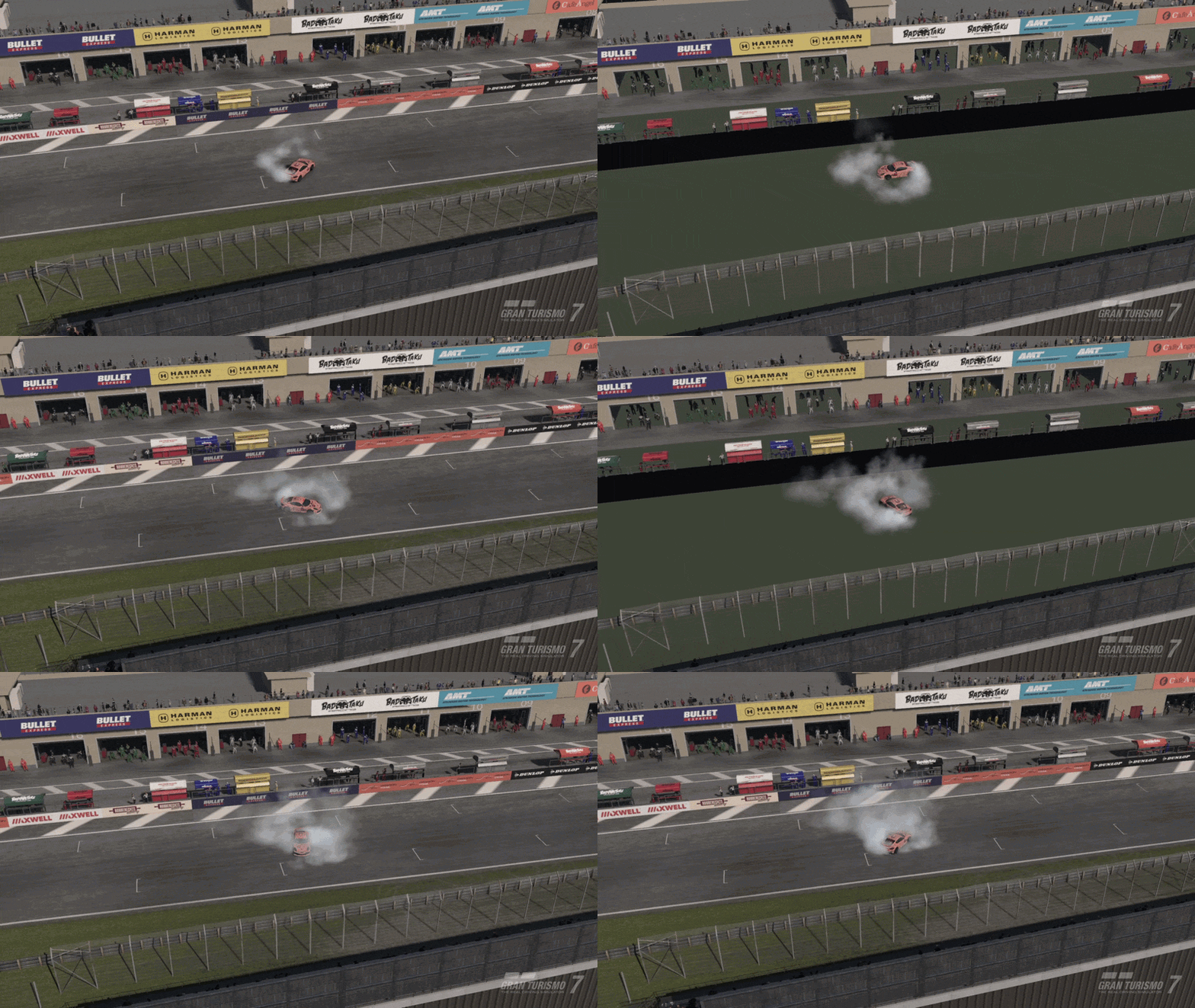
Connection issue...A funny little glitch at Dragon Trail Gardens Reverse (PS4)


Ghost Reset Delay Since the Spec IV Update (PS5)
Since the Spec IV update, I and many others have noticed an annoying issue with the ghost in Gran Turismo 7 on PS5.
When the ghost is supposed to reset to its designated position, there is a delay of approximately three seconds before it actually resets. This is quite irritating, especially during time trials, as the ghost does not return to its correct position immediately.
This issue started occurring after the Spec IV update.
Is anyone else experiencing this issue? Hopefully, it can be investigated and fixed in a future update.
I have about a 3-4 second delay (very irritating) when returning to the world map after the update on my PS5. A couple of other people posted the same issue. I looked and the running man misses a step or two but does not freeze. The issue is probably slightly worse on the PS4 Pro. I do not think there is anything that can be done except waiting for a possible fix in the next update.Reposting here since my separate post I originally created had zero visibility:
I've been playing Gran Turismo 7 for more than 2 years now on my PS4 Pro, which has been upgraded with a 1TB internal SSD.
Prior to update v1.72 I never experienced any issues, but after installing Part I of the Spec IV update, I noticed that whenever I go back to the main world map hub from any of the in-game pavilions, the game freezes/stutters for 5-7 seconds; I can tell there's an issue because the 'running man' from the Daily Workout on the top bar stops running and freezes in place.
My console is connected to the Internet via Ethernet cable (300Mbps fiber Internet connection), and I run my console on 'boost mode' with the resolution locked at 1080p since I don't have any 4k capable TV's/monitors.
The only other games installed besides GT7 are GT Sport, My First Gran Turismo, Marvel Rivals and Mortal Kombat 11 (almost 500GB of free storage left).
Already tested with 'boost mode' disabled, did a cold boot (left the console unplugged from the power for 2 minutes in order to clear the cache), cleaned up the database (database rebuild), disabled the intro movie, cleared up the in-game network cache, and the problem still persists.
Game is fully downloaded and installed on my main storage (1TB internal SSD, I play the physical disc version of the game), and it's the latest version (update v1.72), so no pending game updates. Console is also on the latest system version (v14.00).
I'm at a loss for ideas here and I really do not want to reinstall a 132+GB game, especially because I don't want to lose my replays and photos from Showcase.
Is this just me or is this a well known issue? It seems to me this might be an optimization problem, bad data loading/sync or bad network handshake with the game servers. Has a similar issue been reported post-update v1.72?
Thanks in advance for any help/tips.
I'm sorry you're dealing with a similar issue on PS5, at least I'm not alone. Yeah the "running man" animation stops playing and it remains frozen for 5-7 seconds and the overworld is stuck on a black screen for that long too.I have about a 3-4 second delay (very irritating) when returning to the world map after the update on my PS5. A couple of other people posted the same issue. I looked and the running man misses a step or two but does not freeze. The issue is probably slightly worse on the PS4 Pro. I do not think there is anything that can be done except waiting for a possible fix in the next update.
I'm gonna give this guide a try, although I don't expect it to fix the freezing/stuttering because I genuinely don't think my network is the root source of this issue; I'm sure it was triggered by the update, fingers crossed that PD releases an optimization patch/fix soon.May i suggest looking here: