
let's see those desktops (rev 2.0)

  • Thread starter Thread starter space
  • 6,010 comments
  • 155,774 views
Status
Not open for further replies.
:cool: .
 

Attachments

  • big.jpg
    big.jpg
    50 KB · Views: 142
HOLY CRAP WHAT KIND OF MONITOR IS THAT?!?!?!

-Vash
 
It's actually a Black Cicero 17" CRT monitor, but for some reason it let's me goto 1600x1200 at times. It just randomly sometimes displays that in my Setting's area, and usually 1280x1024 is there. I'd like to keep it at 1600x1200.

Also, the default size is 1280x1024 on paper.
 
hmmm, i mght be able to make mine that big.

-Vash
 
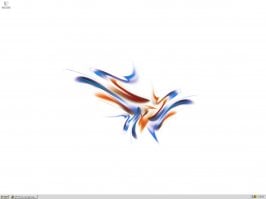
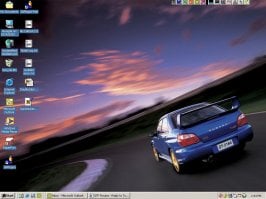
My latest at school.
 

Attachments

  • untitled-1.jpg
    untitled-1.jpg
    97.5 KB · Views: 116
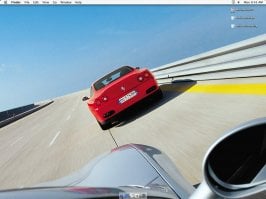
My other desktop at school.
 

Attachments

  • untitled-1.jpg
    untitled-1.jpg
    96 KB · Views: 100
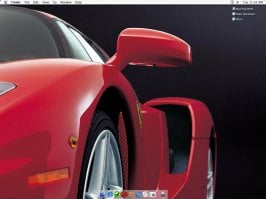
And my new one at home.
 

Attachments

  • 313213.jpg
    313213.jpg
    71.3 KB · Views: 98
I got webshots so it changes daily. Yesterday it was this:
 

Attachments

  • img_9159 s.jpg
    img_9159 s.jpg
    80.3 KB · Views: 88
Originally posted by Slick6
My latest at school.

Hand it over.

I cant take screenshot, my new keyboard doesnt prnt screen.
 
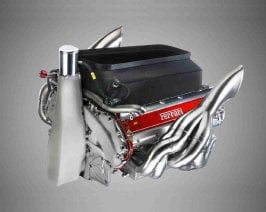
May I ask, what the hell is that?
 
:odd: read it... it says... g.. u..n..d..a..m.
 
Link me to that wallpaper please! :D
 
my desktop hasnt changed, only the pic--
carreragt10.jpg
 
Are those neon rod lights there?
 
Way better resolution on my desktop...
 

Attachments

  • 2244605-nopassnd.jpg
    2244605-nopassnd.jpg
    38.5 KB · Views: 86
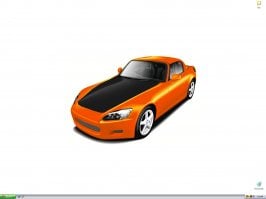
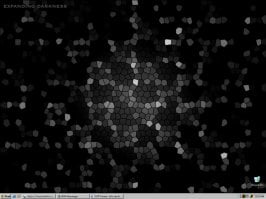
My latest.
 

Attachments

  • untitled-1.jpg
    untitled-1.jpg
    52.3 KB · Views: 80
Ah, here we go. Finally got the different things on the different monitors thing worked out. Now I have a fancy widescreen picture split evenly over them. The icons(Firefox, Music, Imageready, Paint) are actually on the top right corner of the left monitor.
 
Status
Not open for further replies.
Back