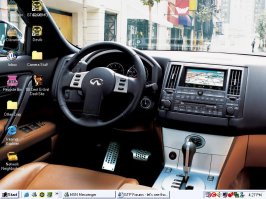
Now all you need to do is split the start menu across both screens.Originally posted by Burnout
Ah, here we go. Finally got the different things on the different monitors thing worked out. Now I have a fancy widescreen picture split evenly over them. The icons(Firefox, Music, Imageready, Paint) are actually on the top right corner of the left monitor.


Originally posted by Burnout
Ah, here we go. Finally got the different things on the different monitors thing worked out. Now I have a fancy widescreen picture split evenly over them. The icons(Firefox, Music, Imageready, Paint) are actually on the top right corner of the left monitor.
 nice! 👍
Originally posted by Shannon


Originally posted by SupraFly
Burnout, how you do that?


Find either two yourresolution x yourresolution and stick them together to make one picture(ie., my resolution is 1024x768 on both monitors so I would have 2048x768) or find a picture that is already made for a widescreen, like I did. When you have your dual monitors all set up go into display properties, go into desktop, and find the picture you want, then select the position as 'Tile', apply.Originally posted by SupraFly
Burnout, how you do that?
http://www.deviantart.com/view/4605812/Originally posted by sUn
Can I please have a link to that Winamp skin?







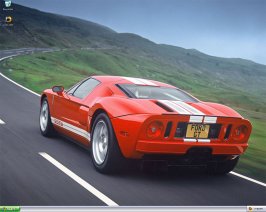




 I thought that logo was familiar!