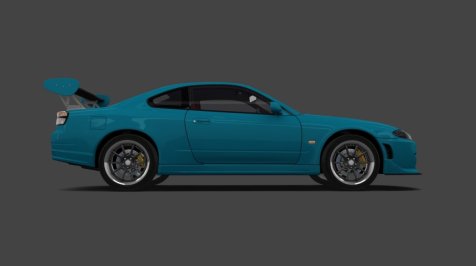
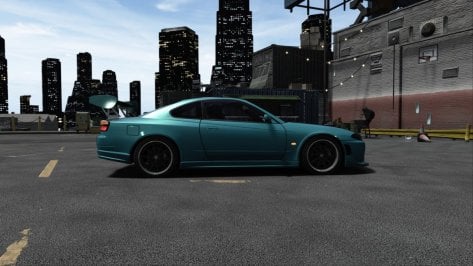
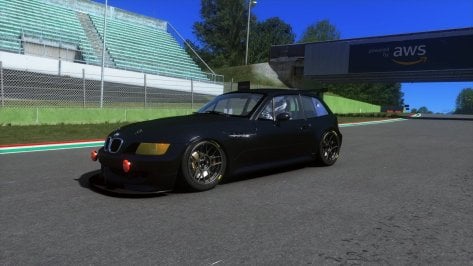
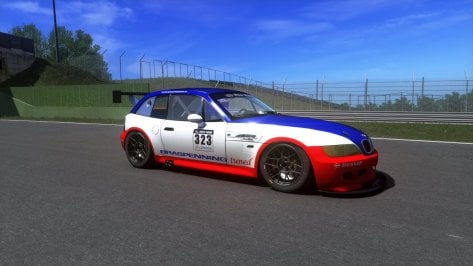
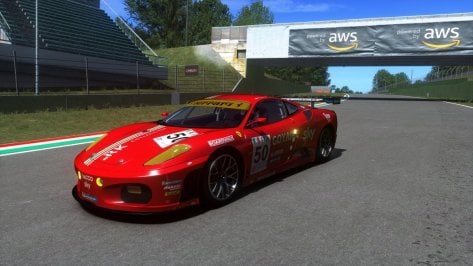
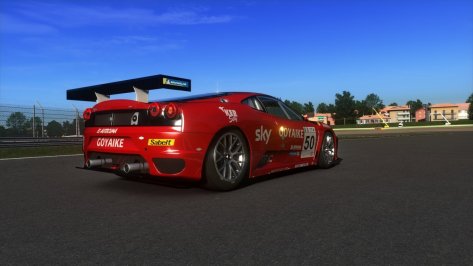
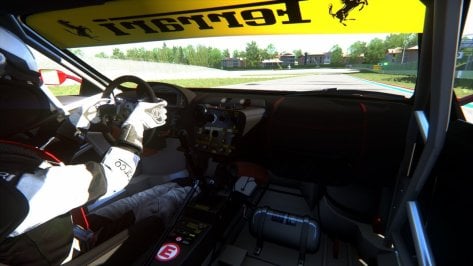
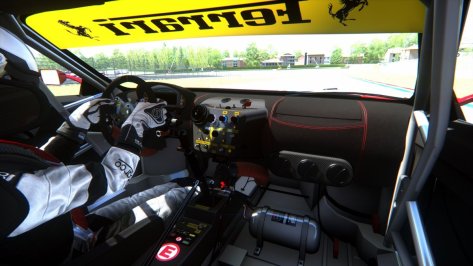
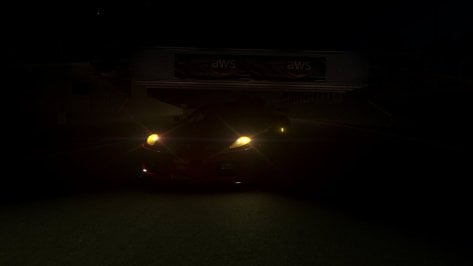
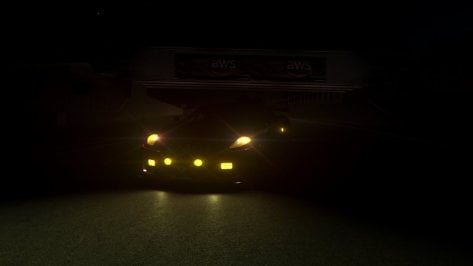
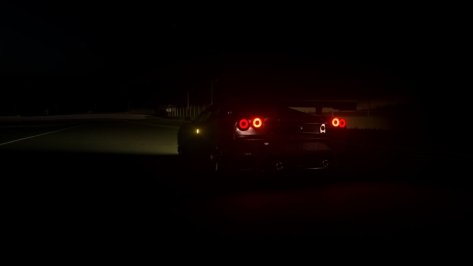
In Content Manager's showroom used for previews, the data hasn't been read and applied yet.
In game, of course, it always has. That's the visual difference.
CM has a handy checkbox in the Car tab of the parameter panel (second from right, single car), under Wheels, labelled "Align using data". Checking this box will apply the car's data to the 3D-model in the showroom. Annnnd right below that is a button to "Update model". CM will make a backup of the KN5 and rewrite it with the effects of the data.acd applied. Be careful here. I always make a independent copy of the unmolested KN5 before doing this. Belts and braces.
One more thing to do. Doing this can often mess up the shadows around the car, so again, CM has a button, this time in the main tab of the parameters panel (first from left, left arrow icon). Under "Tools", you'll find "Update amient shadow". Click, and an "Ambient shadow" panel opens, with a bunch of settings which allow you to control HOW to update. Choose your poison

I've always accepted the defaults with reasonable results. 2/3 down is the button, again "Update ambient shadow" which really does it.