- 2,428

- England
- Lewis_Hamilton_
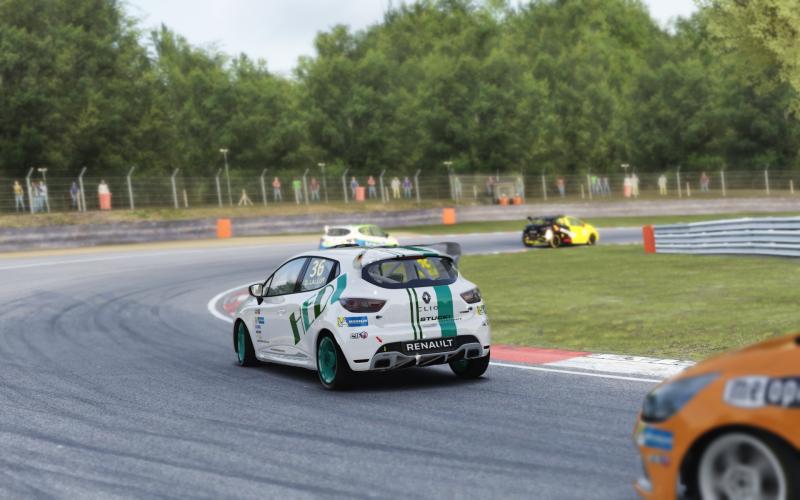
I gave up with the AI traffic spawner and just created a bunch of cars dedicated for traffic in track day mode. I tweaked each vehicle individually one by one each time I saw one I wanted to use, but I'd suggest maybe trying the following if you know what vehicles you want already, it shouldn't take too long but it will use up HDD space...
- Use AC Car Tuner to duplicate all the cars, vans and trucks you want to use for AI traffic.
- Give them a "traffic" tag in CM so that you can filter them easily.
- Pick one of the cars with very low BHP, change the values in it's ai.ini file to, e.g [GEARS] UP=3200 DOWN=1300
- Copy this ai.ini and the power.lut file, and paste it into all the vehicles you want as traffic.
- Go to track day mode, set AI speed to 100% and adjust aggressiveness (overtakes) setting to your taste.
If vehicles are too slow, copy-paste a faster power.lut file. If cars are too quick, just chuck a bit of ballast on them or knock the AI speed down before you enter the track and save the preset for next time.
- Use AC Car Tuner to duplicate all the cars, vans and trucks you want to use for AI traffic.
- Give them a "traffic" tag in CM so that you can filter them easily.
- Pick one of the cars with very low BHP, change the values in it's ai.ini file to, e.g [GEARS] UP=3200 DOWN=1300
- Copy this ai.ini and the power.lut file, and paste it into all the vehicles you want as traffic.
- Go to track day mode, set AI speed to 100% and adjust aggressiveness (overtakes) setting to your taste.
If vehicles are too slow, copy-paste a faster power.lut file. If cars are too quick, just chuck a bit of ballast on them or knock the AI speed down before you enter the track and save the preset for next time.