Assetto Corsa PC Mods General DiscussionPC 

  • Thread starter Thread starter daan
  • 157,709 comments
  • 51,780,407 views
question, is there a "car" that only shows me the driver model? i wanna create a driver suit but i dont know another way to see the driver than sitting in the car

and also i have several suit.dds files but ingame they wont work because in most cases its 2016_suit_diff.dds or so. but can i make it work with just the suit.dds?
(remove the .txt so u can the dds file) just saying, lol)
 

Attachments

question, is there a "car" that only shows me the driver model? i wanna create a driver suit but i dont know another way to see the driver than sitting in the car
I did exactly that but there is an easier way.Set the driver to movable and drag him out of the car(with the drag handles) as far as you need.(switch is next to the one to show driver in the showroom.)You can then turn movable back off to get the drag handles out of the way.
You might need to rotate the view a smidge for the drag handles to show up.
 
Last edited:
https://www.overtake.gg/downloads/invisible-pit-box-the-red-pit-indicator.72755/

Invisible pitbox.Makes the big red pit markers go away.(Just an empty kn5)
Screenshot 2024-10-15 195827.jpg
 
I did exactly that but there is an easier way.Set the driver to movable and drag him out of the car(with the drag handles) as far as you need.(switch is next to the one to show driver in the showroom.)You can then turn movable back off to get the drag handles out of the way.
You might need to rotate the view a smidge for the drag handles to show up.
thanks and is there also a way to find out which driver model a certain car uses?
and do we have templates for the suits? i went threw my textures folders and found some but they are already branded with kunos and wanna use non kunos branded
 
Last edited:
I was wondering if someone could help me with fixing this car that I'm modifying because I'm having a lot of issues with it. The first issue that I'm having is that there is a black line that goes from the rear to the front after importing the AO map. The second issue I'm having is that when I put a new body kit on the car, the front bumper is pitch black even after re-doing the AO map in blender and assigning the maps in kseditor. The third issue I'm having is that changing the color does nothing, the car just stays white.

Here's the link to the drive:

View attachment 1410637View attachment 1410639

hi and welcome!

here's the best I could do :
1733442515328.jpeg

1733442548263.jpeg

the bumper stays a bit darker (don't know how to fix that for now)...

and there's a bonus skin ;)
1733443082203.jpeg


DOWNLOAD
(First delete or move the original skins completely , then add in the ones from my archive)
:cheers:

EDIT : and Opal Frost looks better with black rim color imho:
1733443723913.jpeg

(add this file into the folder)
 
Last edited:
thanks and is there also a way to find out which driver model a certain car uses?
and do we have templates for the suits? i went threw my textures folders and found some but they are already branded with kunos and wanna use non kunos branded
You usually tell just by looking.Its in the data.acd. Unpack the data.acd(many cars already have this folder),open the data folder,and its in a file called driver3d.ini.
Content Master has all your installed driver models available to look at in content/misc./driver models.(IN CM,not your windows folders)
Pick one and open it in CMshowroom.
I think you can change driver models for an individual skin with an ext_config.ini in the skins folder.I forget how at the moment.

I used the CMshowroom generated AO for the template for a suit.Open car in CMshowroom,select drivers body and click 3 dots next to the diffuse texture/in the popup window there is an option to generate AO.

Driver yanked out of car.
L9a.jpg
 
Last edited:
You usually tell just by looking.Its in the data.acd. Unpack the data.acd(many cars already have this folder),open the data folder,and its in a file called driver3d.ini.
Content Master has all your installed driver models available to look at in content/misc./driver models.(IN CM,not your windows folders)
Pick one and open it in CMshowroom.
I think you can change driver models for an individual skin with an ext_config.ini in the skins folder.I forget how at the moment.

I used the CMshowroom generated AO for the template for a suit.Open car in CMshowroom,select drivers body and click 3 dots next to the diffuse texture/in the popup window there is an option to generate AO.
thanks, that helped a lot but noe i need a white texture of that suit because when i export it its transparent and cant really see where my "stuff" is placed

thanks, that helped a lot but noe i need a white texture of that suit because when i export it its transparent and cant really see where my "stuff" is placed
nvm, i think i found some stuff^^
 
hi and welcome!

here's the best I could do :
View attachment 1410733
View attachment 1410734
the bumper stays a bit darker (don't know how to fix that for now)...

and there's a bonus skin ;)
View attachment 1410735

DOWNLOAD
(First delete or move the original skins completely , then add in the ones from my archive)
:cheers:

EDIT : and Opal Frost looks better with black rim color imho:
View attachment 1410737
(add this file into the folder)
Thank you so much! I've spent like 3 days trying to figure this out.
 
thanks, that helped a lot but noe i need a white texture of that suit because when i export it its transparent and cant really see where my "stuff" is placed


nvm, i think i found some stuff^^
Be aware that the normals dds may look one way in CMshowroom and backwards/sideways? in the game.Its been making me crazy for awhile now.There is a photoshop action in the Assetto Corsa folder (sdk folder?) that can rotate and or flip the normals.(If the one that comes packaged with the cars kn5 is wrong,export one from CMshowroom and invert the y channel or rotate it or both...not sure yet.

If the normals dds is wrong,your suit will be raised in the AO's(diffuse) shadows and dented where it should be raised.I dont know who to blame,Kunos or CSP but the normals read wrong on many things...suits being the most messed up.(Pitman's face too...its why he looks so ugly in certain light.)
I got my suits and gloves and faces to work but it was a lot of trial and error...not sure I could even explain what I did...but they all look so much better now.

EDIT...this is the issue ticket I submitted to CSP github. https://github.com/ac-custom-shaders-patch/acc-extension-config/issues/516
 
Last edited:
Maserati GranTurismo S 2008 Public Release!!
Download: https://sharemods.com/qososka7lp5w/granturismo_s_08_101creative.zip.html
Converted From GT7
-AO inside and out
-Realistic Dashboard
-Physics By VRDRIVING AI
-CSP Settings
-Driver Animation
-Panoramic session Start config Daniel Nogal

View attachment 1410612View attachment 1410613View attachment 1410614View attachment 1410615View attachment 1410616View attachment 1410617View attachment 1410618View attachment 1410619View attachment 1410620View attachment 1410621
The AI doesn't shift up to 3rd. I tried fixing it but I'm no modder. I hope a fix for the shifts is coming.

Also, one thing about 101Creative mods in general - txDiffuse and txMaps use the same file. So custom skins look matte one their cars. Making them different fixes that.

On top of that, their recent mods AO file splits the cars body into such small pieces, it's impossible to make skins for the cars. At least this one is not like those.
 
regarding my skin creating questions, can u someone maybe post the wireframes & shadows for the 2016_suit_diff and helmet_2012?
 
shi
F1 1998 - ROUND 14 - Monza v1.1

View attachment 1403700
Conversion from rFactor.

-CSP recommended
-30 pit/start
-AI, cam

Credits & Thanks;
rFactor Track by Grand Prix Team (1998 Track Pack)
-Thank you for giving me permission

AC converted by @shi (shin956)
AI and sidelines by Thockard
logo.png and Sections file by @Fanapryde
Crowds texture by @Kniker97
some textures by kunos
Test and Feedback by @Breathe

Download (MEGA)

Enjoy.

;;;;;;;;;;;;;;;;;;;;;;;;;;;;;;;;;;;;
v1.1 changelog;

Updated AI line by Thockard. (Thanks!)
Updated ext_config.ini.
Raised the height of the trees.

F1 1998 - ROUND 14 - Monza v1.1
The link is in the quote.

v1.1 changelog;
Updated AI line by Thockard. (Thanks!)
Updated ext_config.ini.
Raised the height of the trees.
Nice little car, and thanks for the updates. Still has quite a few issues (floating lettering in front of the speedo, lots of light leakage into the cockpit through 'solid' materials etc) but as a VR driver the lo-fi steering wheel boss needed a quick update.
Very rough attempt as a quick fix, but does the job.
Before:
View attachment 1410532

After:
View attachment 1410533

(remove the .txt extension and globally replace the texture in CM Showroom, or add the DDS to the skin folders)
Thanks!
 
Ok the Porsche 993 is mine and the level it is at was only for private use. Why? Because there are objects used in this model from other modders and no permission has been sought for a public release, and as Speedstar 2000 said they can be improved. So I apologise for anyone who has identified any objects used. I made a 2000 FIA GT season set and was uploaded to our RMS group for feedback but it looks like people have modified it and shared it around without permission, which I am not happy about. I did do a Marcos in the set but I don't identify this one and mine didn't have the problems described.
and of course there is always someway that cars will get leaked. Just like what happened to us.
 
and of course there is always someway that cars will get leaked. Just like what happened to us.
No mod has ever been leaked unless the modder was hacked. The modder has always voluntarily shared the mod privately and is always surprised when it then appears publicly on the internet.
The leaker is therefore the original modder.
There's only one way to ensure that a mod never goes public, and that's to keep it totally private in the first place.

And ALL paymods will quickly be shared freely, that's just a universal truth of the modern age.
 
Last edited:
Hi all, does anyone know if there is a better AI for the Varano circuit? The cars always get stuck at the start. Thanks in advance
 
DiRT3 - Smelter v1.20

1733495729065.png


changelog v1.10:
- added HQ texture skin and CSP updates by @Mike08

changelog v1.20:
  • fixed several mis-aligned guardrails
  • several shaders updated to PerPixel Normal Map
  • other shared adjusted
  • some holes fixed
  • modified water feature causing a bug with sidmarks/SurfacesFX
  • track surfaces.ini now complies with SurfacesFX standard, and surface frictions adjusted
  • sound added to metal bridge
  • various things you wont notice


:: DOWNLOAD v1.10::

:: DOWNLOAD v1.20 ::
DiRT3 - Smelter v1.20

changelog v1.20:
  • fixed several mis-aligned guardrails
  • several shaders updated to PerPixel Normal Map
  • other shaders adjusted
  • some holes fixed
  • modified water feature causing a bug with sidmarks/SurfacesFX
  • track surfaces.ini now complies with SurfacesFX standard, and surface frictions adjusted
  • sound added to metal bridge

:: DOWNLOAD ::
 
unpacking lod there is this file dtm_c180_carbon not this one dtm_c180_carbon.dss
the old version does not give errors
 
Last edited:
HOW TO INSTALL F1 1992-1993 LEADERBOARD:

1. Download the RAR package and extract the contents to /steamapps/common/

so that the folder F1_92_93_Leaderboard is directly in steamapps/common/assettocorsa/apps/python <- folder. Make sure you don't accidentally create /steamapps/common/assettocorsa/python/F1_92_93_Leaderboard/F1_92_93_Leaderboard double folders.

2. Install the Futura Md BT Bold Italic font. There is that font in the leaderboard package.

Make sure that font is also in the /assettocorsa/content/fonts folder. It should be if you extracted the package to your /assettocorsa folder.

2. Go to Content Manager - Content - Miscellanneous - Python Apps - And check F1_92_93_Leaderboard active

Make sure to make other leaderboards inactive.

3. Now when you start the game in practice, move your mouse pointer to the right corner to click the icon that shows all apps. Click the desired 92_93 Leaderboard app visible (three of them and HALO hud) and move them to desired areas on the screen with keeping the left mouse button pressed. Press F9 to get rid of the AC default leaderboard display.

29hnBnL.png


wCnXdNW.png


IKY9rkC.png


T5P4WwT.png


gIihZBb.png


09wLak7.png


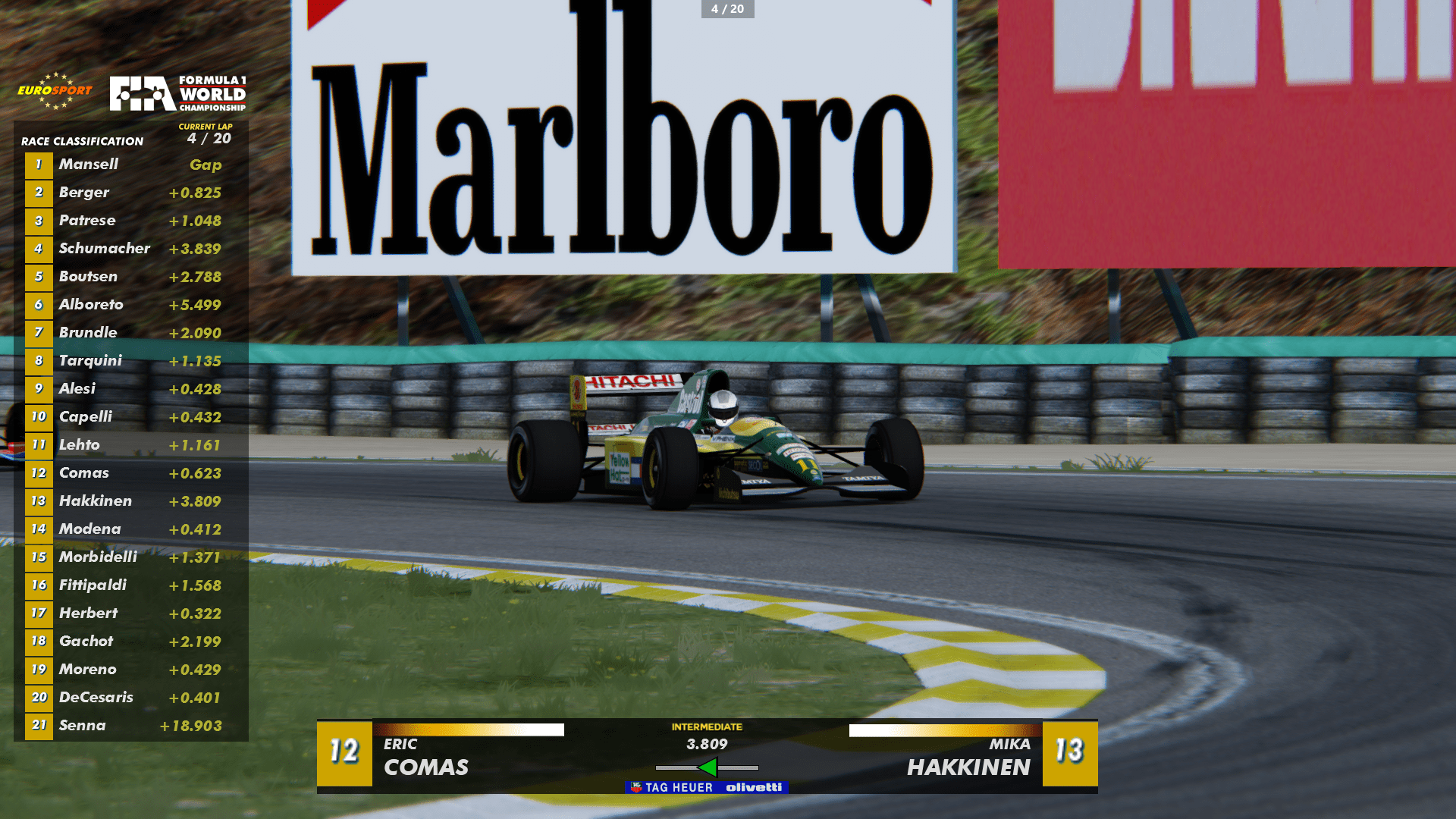
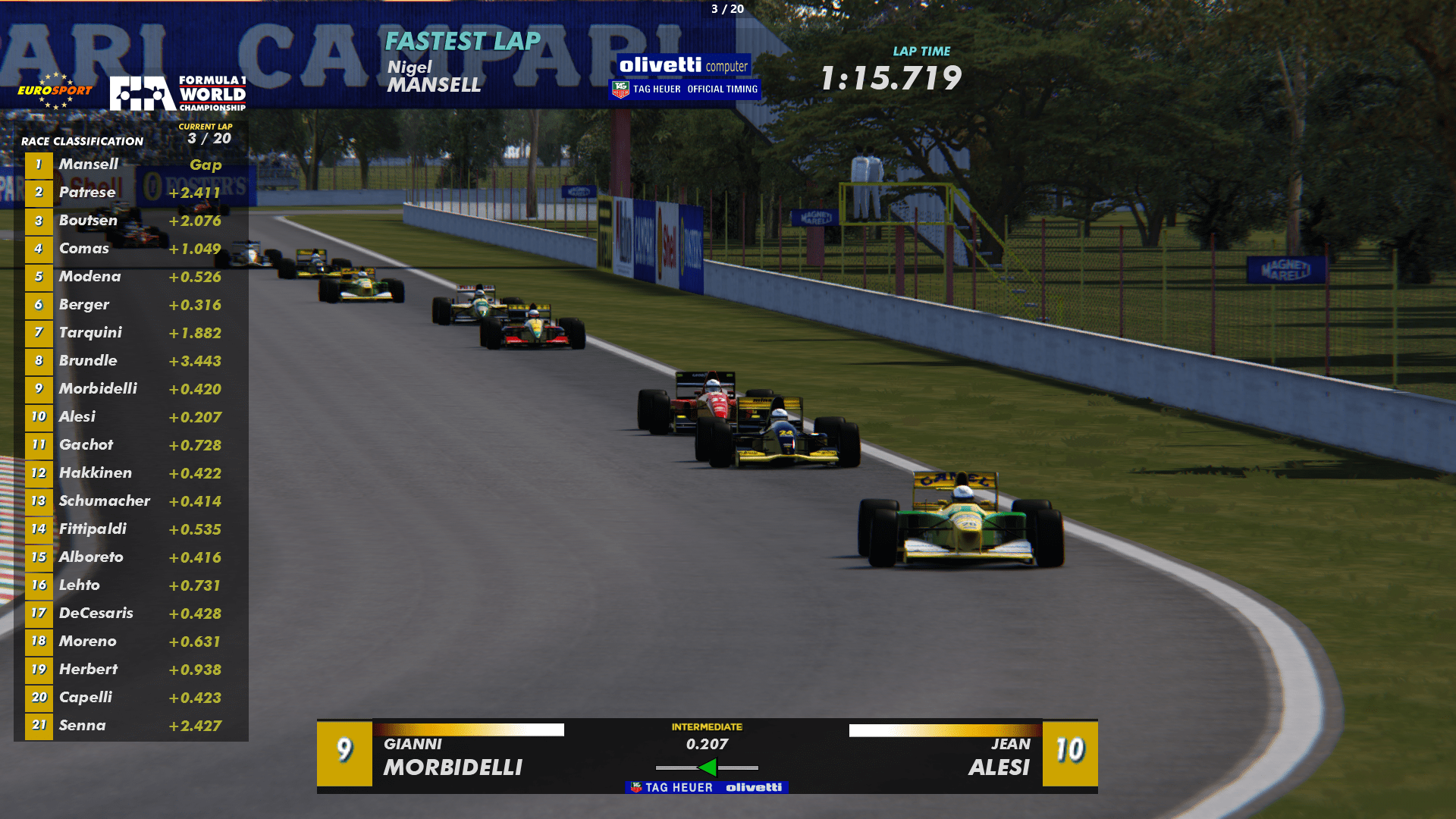
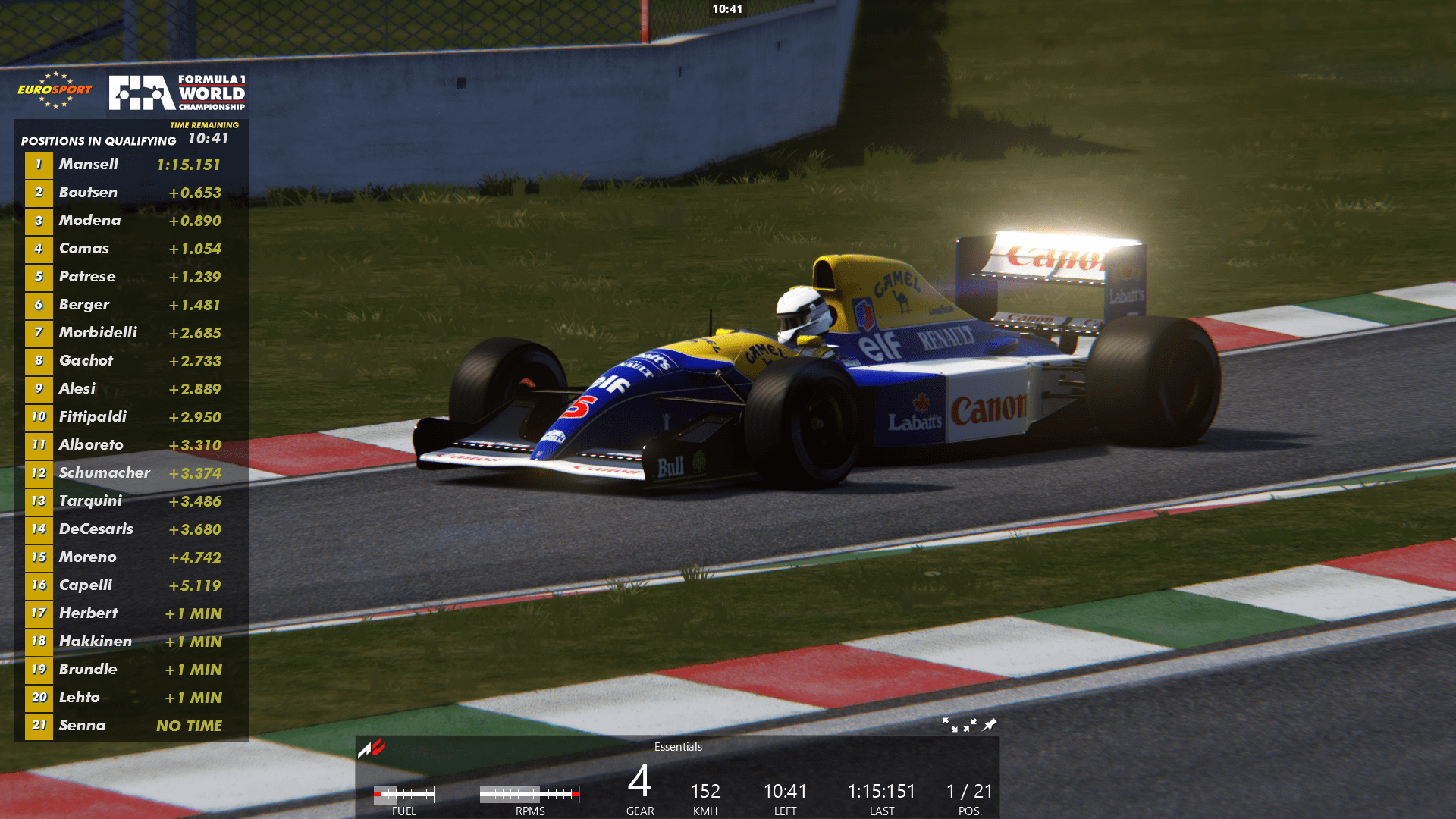
Screenshots from my 1992 Custom Championship with amazing ASR cars. If you want to try it, check out the track download links in the video description. The cars are pay mod and naturally I can't offer that download.


That season has sparks and adjusted mandatory pitting (20-25 lap races). Tracks are Shin's 1992 tracks and all layouts and schedules are 100% accurate.

These vintage F1 seasons in AC are my labour of love as I'm passionate/obsessed with classic F1. Trying to make them better and more realistic any way I can with my feeble modding skills.

DOWNLOAD LINK:
 
Last edited:
Is there a resource that shows what tracks you should get for car packs like the DRM gr5 mod or RSS GT etc.
 
Released : Metalmoro MRX Duratec P3
Author:F302
3D Model Car :Riza
Texture Update : F302 (rework)
Skins: Riza
3d work: F302
Physics: Peugeot905
Light Options via ext_config.ini: Round Lights and LED
hope u enjoy the Car
ps : send feedback ,bugs ,missing things
tested on CSP 0.2.5-preview1
PP filer PURELIFE EVO GT
have fun!
To install, move folders to "...\SteamApps\common\assettocorsa" or simply
drag'n'drop archive to Content Manager


Fix :
View attachment 1410392View attachment 1410393
Thanks for this really interesting looking mod. Unfortunately, I am getting a quota limit alert from Mega. Is it possible to upload this somewhere else? Thanks for any help!

Eh... I see That Guy at ACTK already has it... should I just use that one?
 
Last edited:
regarding my skin creating questions, can u someone maybe post the wireframes & shadows for the 2016_suit_diff and helmet_2012?
Open car in CMshowroom/show driver/click on driver suit till outlined(works only on that first page ),click 3 dots next to txDiffuse/click Calculate AO.

It will be all white but it will have sparco raised letters on it.The Normals dds is raised there as well.Photoshop them out if you dont want those sparco elements on your suit.You can raise the resolution before Calculate AO.Once rendered,save as png to use in Photoshop.(save button in the lower right corner)
 
Last edited:
Thanks for this really interesting looking mod. Unfortunately, I am getting a quota limit alert from Mega. Is it possible to upload this somewhere else? Thanks for any help!

Eh... I see That Guy at ACTK already has it... should I just use that one?
Quota limit is you have downloaded too much, use MegaBasterd to download without limits
 
Sharing a mod? Host it on GTPlanet Downloads. Free, public hosting for files up to 10GB in size.
Back