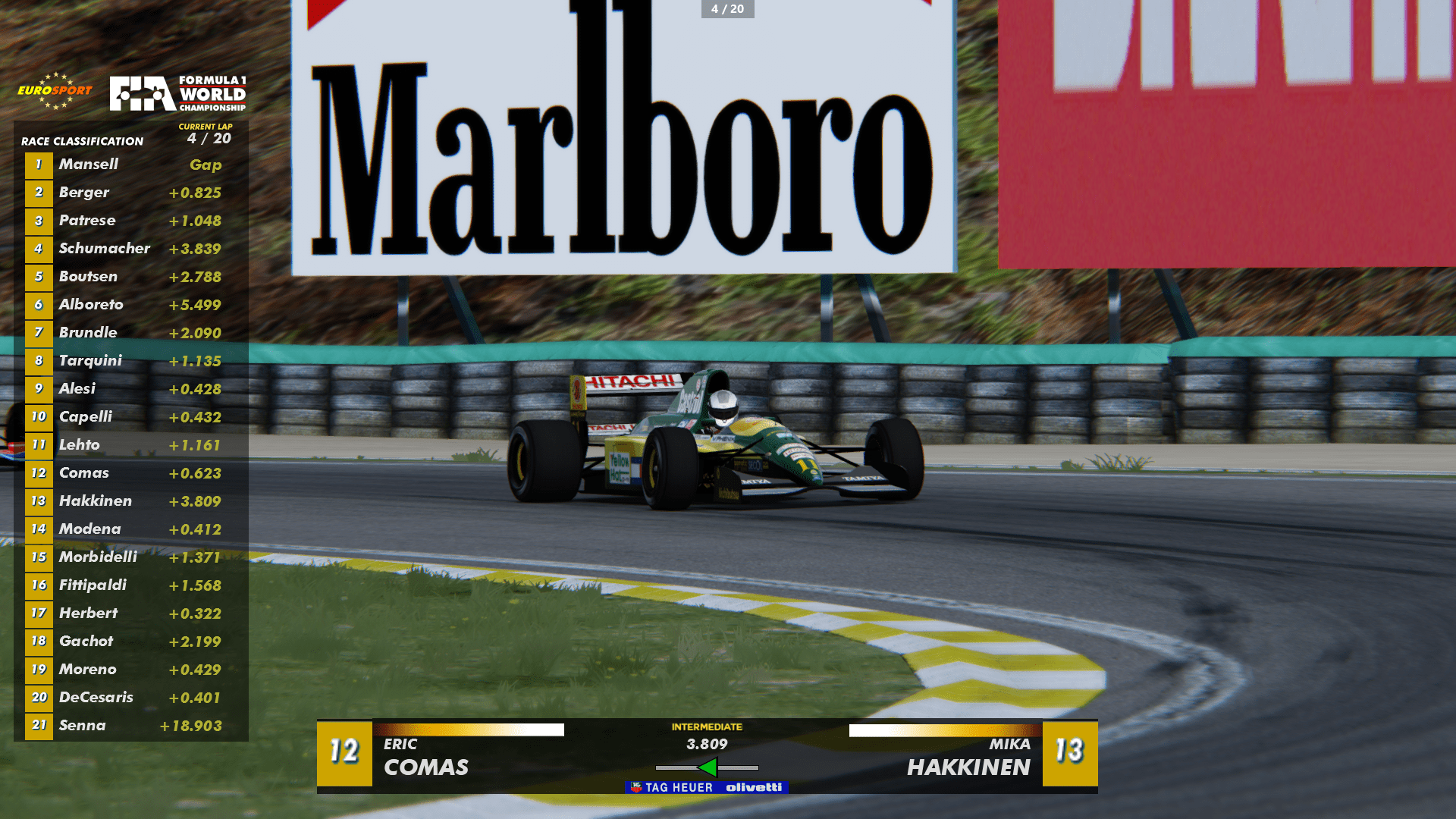
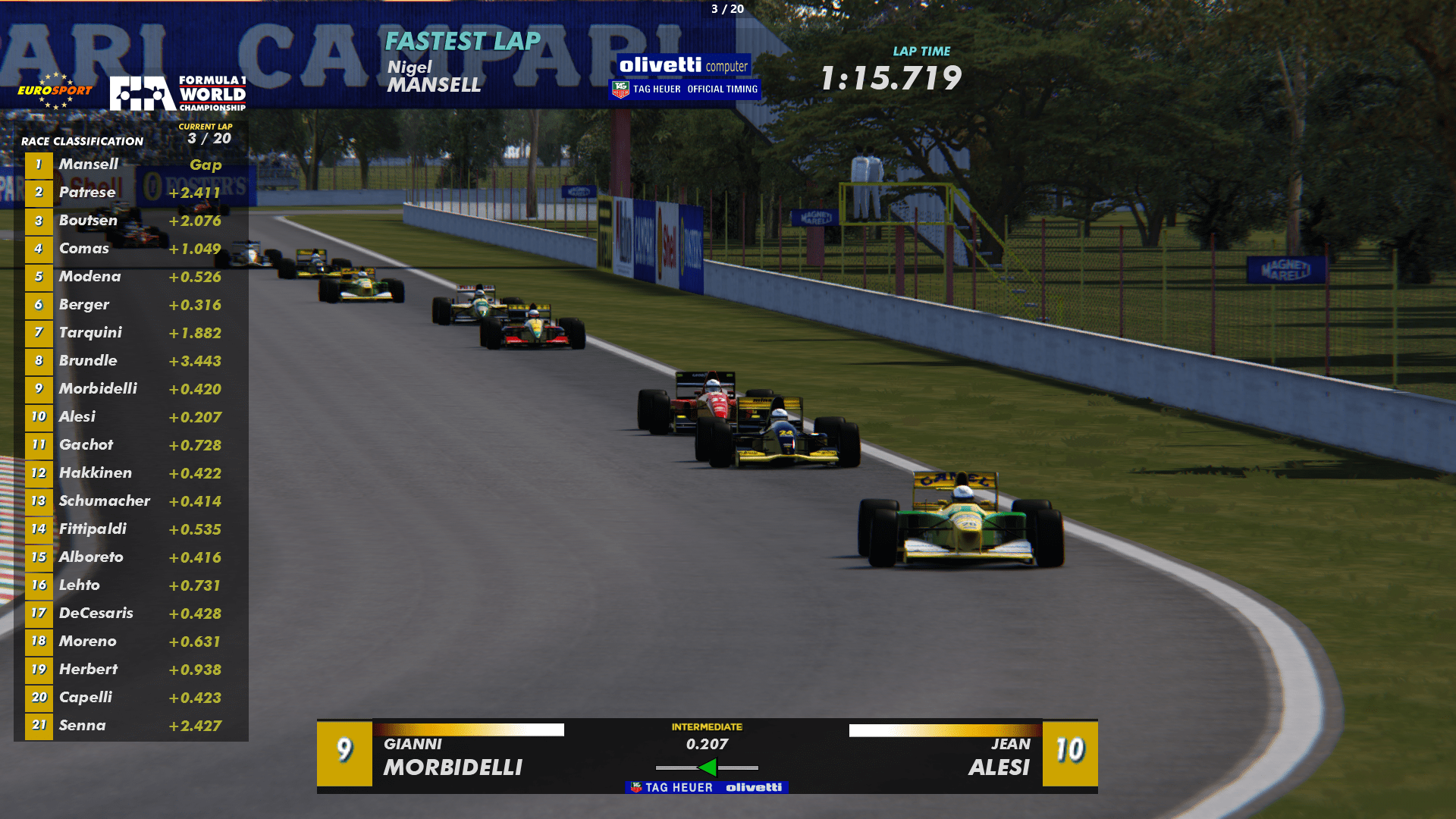
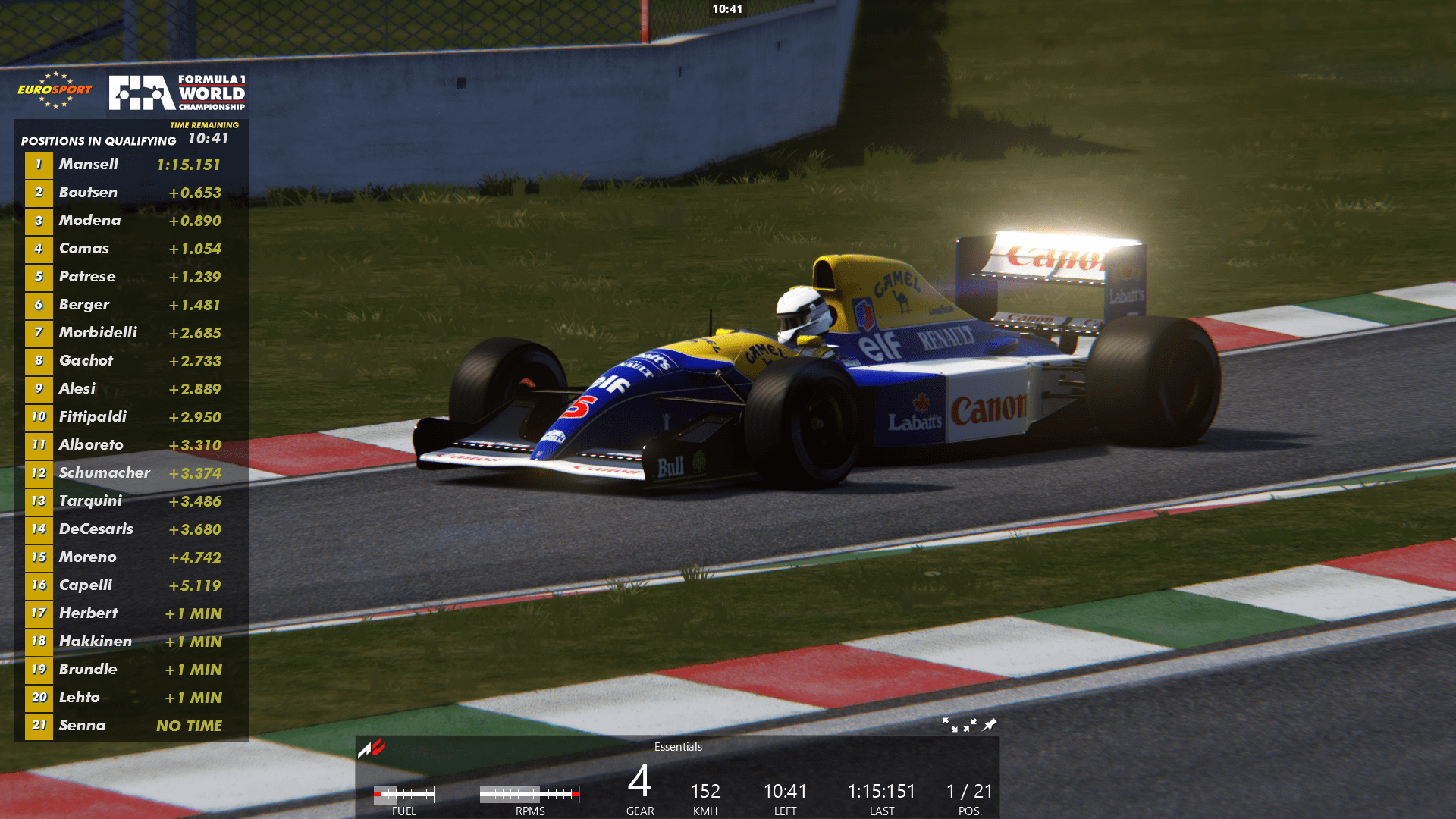
HOW TO INSTALL F1 1992-1993 LEADERBOARD:
1. Download the RAR package and extract the contents to /steamapps/common/
so that the folder F1_92_93_Leaderboard is directly in steamapps/common/assettocorsa/apps/python <- folder. Make sure you don't accidentally create /steamapps/common/assettocorsa/python/F1_92_93_Leaderboard/F1_92_93_Leaderboard double folders.
2. Install the Futura Md BT Bold Italic font. There is that font in the leaderboard package.
Make sure that font is also in the /assettocorsa/content/fonts folder. It should be if you extracted the package to your /assettocorsa folder.
2. Go to Content Manager - Content - Miscellanneous - Python Apps - And check F1_92_93_Leaderboard active
Make sure to make other leaderboards inactive.
3. Now when you start the game in practice, move your mouse pointer to the right corner to click the icon that shows all apps. Click the desired 92_93 Leaderboard app visible (three of them and HALO hud) and move them to desired areas on the screen with keeping the left mouse button pressed. Press F9 to get rid of the AC default leaderboard display.
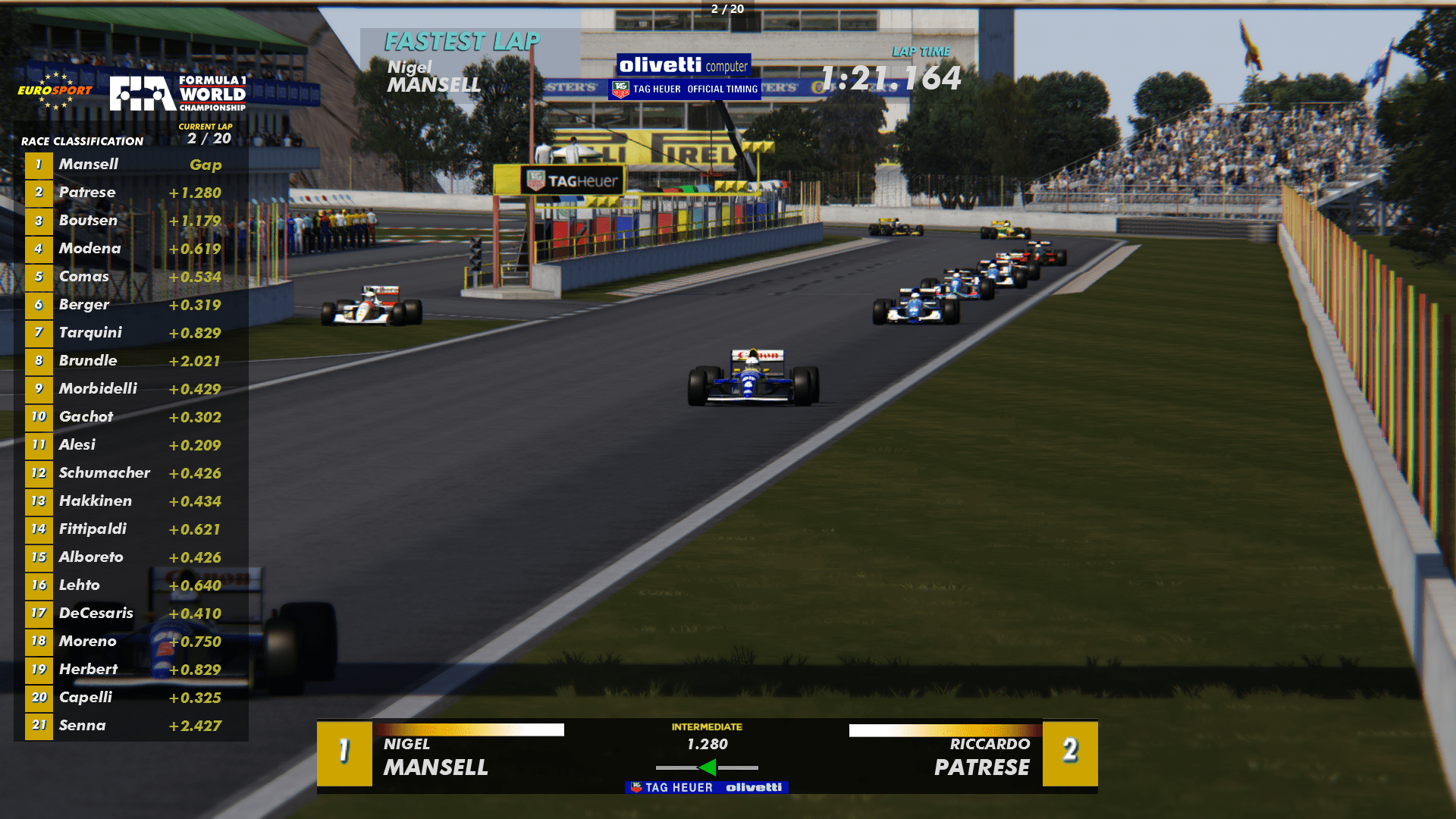
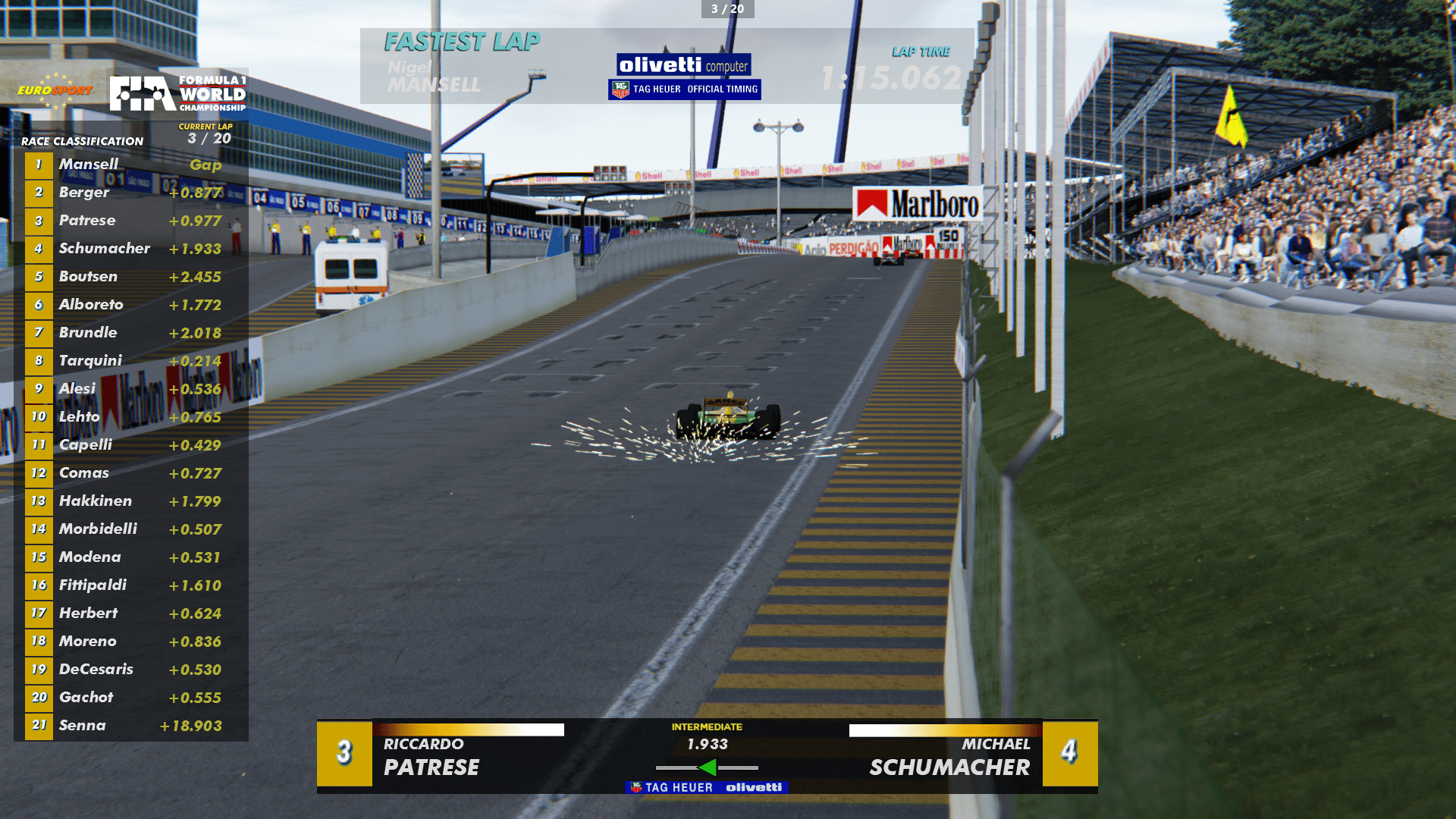
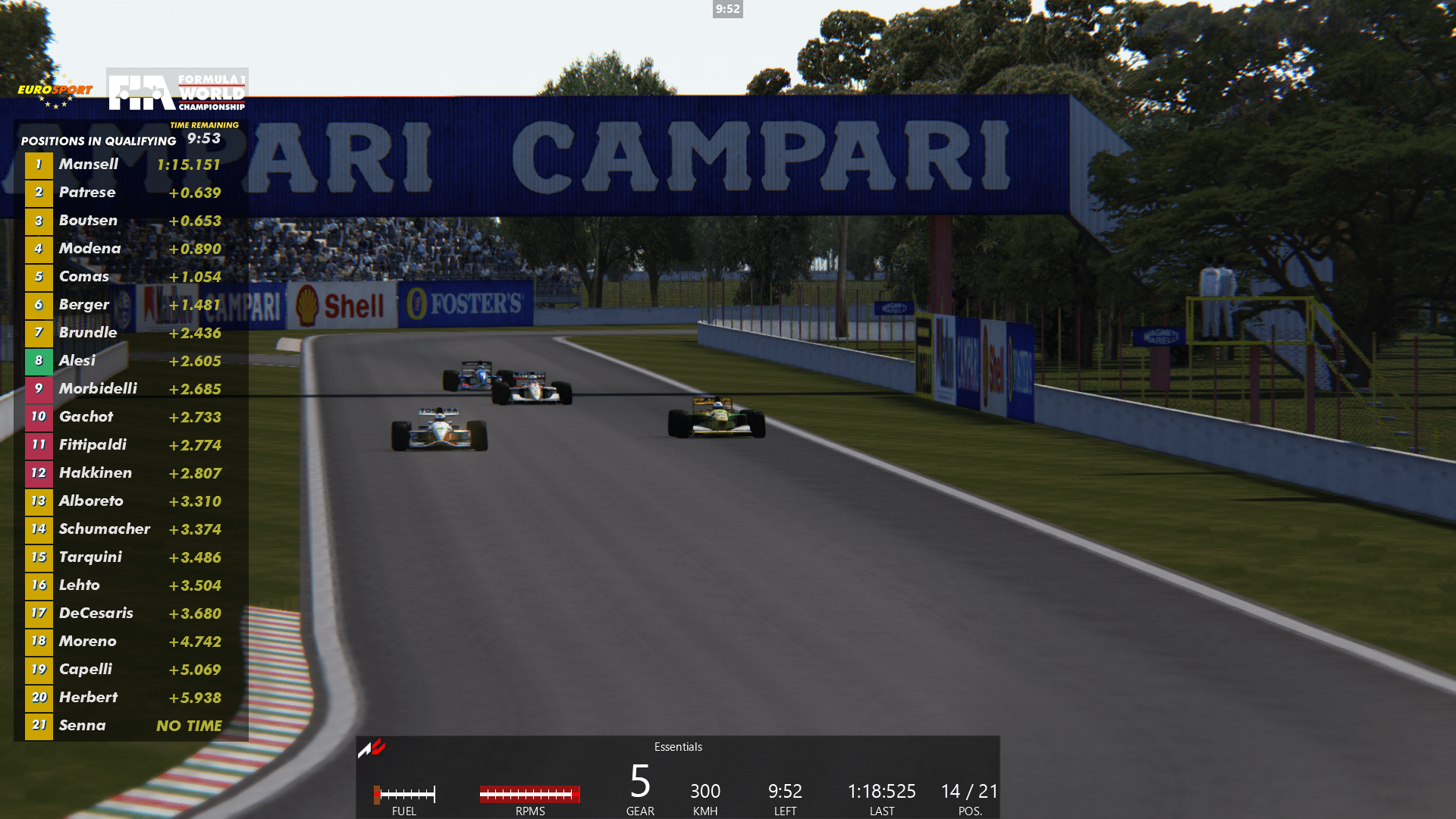
Screenshots from my 1992 Custom Championship with amazing ASR cars. If you want to try it, check out the track download links in the video description. The cars are pay mod and naturally I can't offer that download.
That season has sparks and adjusted mandatory pitting (20-25 lap races). Tracks are Shin's 1992 tracks and all layouts and schedules are 100% accurate.
These vintage F1 seasons in AC are my labour of love as I'm passionate/obsessed with classic F1. Trying to make them better and more realistic any way I can with my feeble modding skills.
DOWNLOAD LINK:
MediaFire is a simple to use free service that lets you put all your photos, documents, music, and video in a single place so you can access them anywhere and share them everywhere.
www.mediafire.com