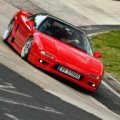
As generic as it it might be, Nordschliefe. Long enough to notice if the car has imaginary physics and long enough to notice ****tyness of a mod.Gonna start slimming down my content folder.
What's your go to car for testing trackmods?


Caterham or Ariel Atom or BAC Mono.Gonna start slimming down my content folder.
What's your go to car for testing trackmods?


Also, this Gamma vs LCS face-off where we now have to pick a side... your Instanbul updates look fantastic in Gamma, but with LCS the very first thing I noticed was oversaturated reds on the kerbs, which I'm 100% sure aren't how you want them to look.As a guy who occasionally mods tracks and some of those tracks include jumbotrons, changing the way the night and day lighting is handled and forcing track makers to have to redo the jumbotron setups is a bad idea. That means every old track with a jumbotron needs a new config and what about doing tracks moving forward. Now modders have to decide who am I modding this track for, people who use new CSP\Pure combos or people (like me) who prefer old CSP\Pure\Sol combos. If I make the jumbotrons work for people like me, they are too dark for people using newer versions.
And no, i'm not going to use the rule that everyone should be using newer versions of CSP and Pure and mod just for them. If I had to guess, I would say more people are still using older versions. Maybe not the people here, but AC users overall.


My Radical or Kunos Tatuus are generally what I use when doing my conversions and testingGonna start slimming down my content folder.
What's your go to car for testing trackmods?


any update on this?if you send me a link to the car mod, I will attempt to create a paint like this ...
here a quick attempt of mine to create such paint like in the pic but on another car mod (but it must be fine-tuned to the specific car mod you want it on)
View attachment 1418634


I have learned a valuable lesson here, and will be checking my default BIOS settings to make sure there isn't any overclocking, overvolting or any other shenanigans going on. I have a very powerful system, so I don't even need to be overclocking anything, but it was setup that way from the manufacturer. Thank you for the info.@Haunebu52
You should undervolt your Intel CPU.
I also had a 9900K that was scrapped due to high temperatures. I undervolted my current 14900K. At 5800 MHz, I have a maximum temperature of 60 degrees in AC and 70 degrees in Prime 95.
Here is a good explanation:
I was in the same situation, my BIOS were from mid-2023 when I bought the system and never thought there would be any problems. I did quite a lot of damage to the CPU running the default settings and playing games. I don't know if you built the system or bought it, but I would look into maybe trying to file a claim if you can. It would suck if your CPU eventually failed but it was too late to get a replacement.Thanks again for the heads-up.
I updated my MB BIOS this morning after reading up about how necessary it is. My last BIOS was from mid-2023, so I'm wondering what damage might have been done in the meantime.
The update process wasn't entirely straightforward because of the usual ambiguity involved in navigating user-unfriendly menus to download the correct BIOS then actually update it in the BIOS.
These types of things are always expected to be done by casual luddites but always seem aimed at power users, and the potential for disaster always seems high.
Mine twice took a butt-clenchingly long time to update various firmware on first reboot, then booted straight to the BIOS again on the first 'clean' boot.
Here we go, I thought... but all seems OK now.
First, when using a new PPF make sure you set pure to default, then check the PP filters config and adjust it to your likings. I would recommend you try NVRealism or GarryReal as next ones. Especially GarryReal (I would recommend v1.13) as it has some pre-defined values you may choose from instead of moving sliders. I will never go back to Gamma since Peter eventually has stopped the development for it IIRC.Also, this Gamma vs LCS face-off where we now have to pick a side... your Instanbul updates look fantastic in Gamma, but with LCS the very first thing I noticed was oversaturated reds on the kerbs, which I'm 100% sure aren't how you want them to look.
LCS power users: should I be using a different PPF or something to avoid adjusting every single track config (not that it's a realistic option)? PureVR has stood me in good stead.... until now.
This is like a whole new twist on choice paralysis, but with goofy results.
Edit: tried C13AEGIS PPF.
Why is it so damn dark?


Ouch, Garryreal in VR? it's the most FPS consuming ppf on my long list. Also, it's the only one that does a proper job in LCS, i have to admit (but i never managed to make it work on old tracks).First, when using a new PPF make sure you set pure to default, then check the PP filters config and adjust it to your likings. I would recommend you try NVRealism or GarryReal as next ones. Especially GarryReal (I would recommend v1.13) as it has some pre-defined values you may choose from instead of moving sliders. I will never go back to Gamma since Peter eventually has stopped the development for it IIRC.
F302, Nice work there! need more VGTS in AC including EV ones as there are currently none in AC

F
F302, Nice work there! need more VGTS in AC including EV ones as there are currently none in AC


Hi,Hi.
Thanks for your answer.
It's not checked.
I tried it - with and without - no difference.
I'll keep looking. Hope I find it.
Thx Rob


Thanks for creating the ai line.I've made a basic ai line +csv + Pitline and modified the ui_track.json.
You can download it here : https://www.mediafire.com/file/nw6mdet6as2w47e/Silverstone_1990.rar/file
There are issues with the ac_start and ac_pit slots. So currently, it is not possible to make a race with more than 2 cars. You can use the practice mode to drive or the race mod with only 2 cars to make camera tests.


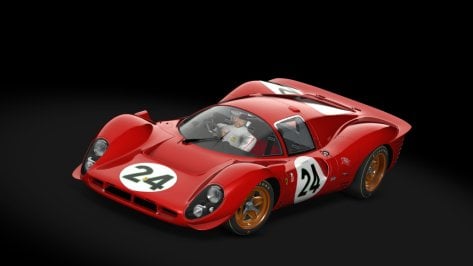

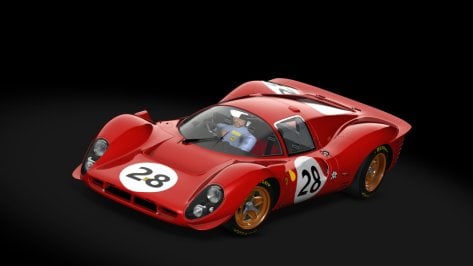
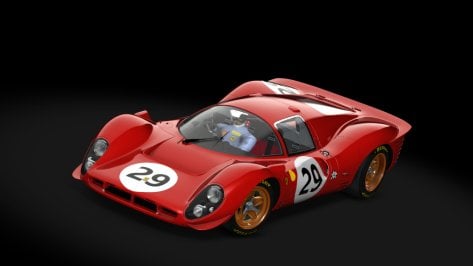
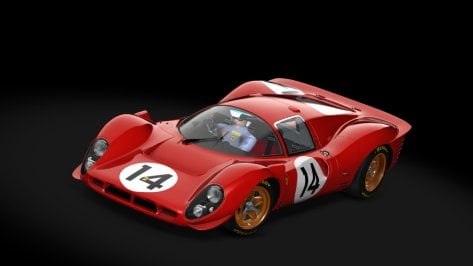
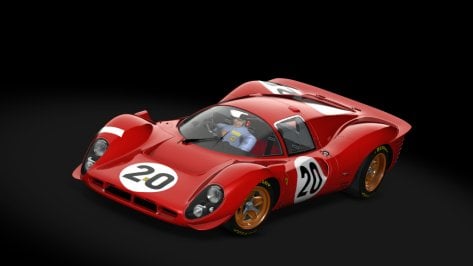

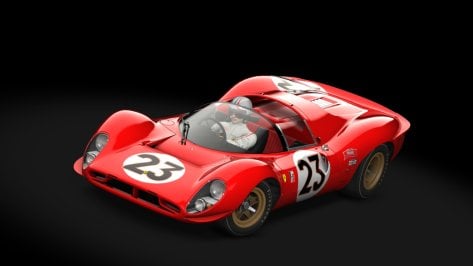

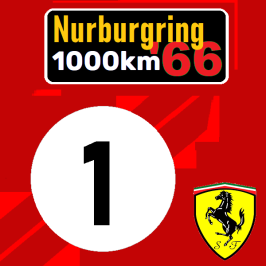

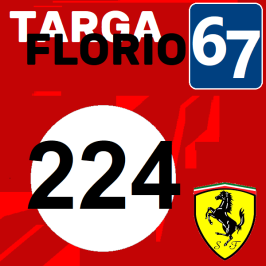
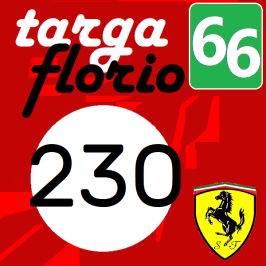
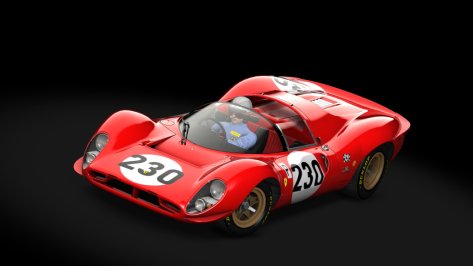
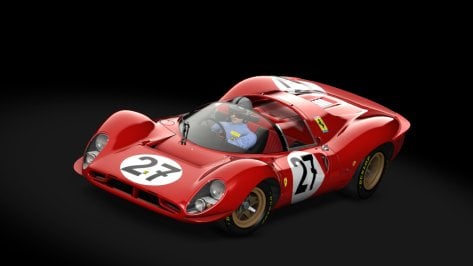
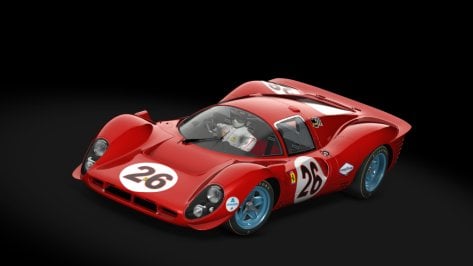
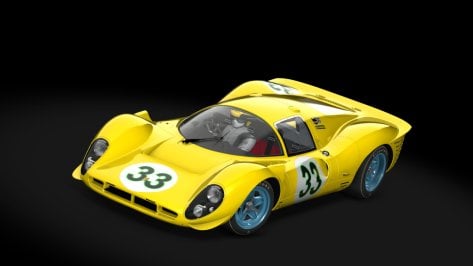
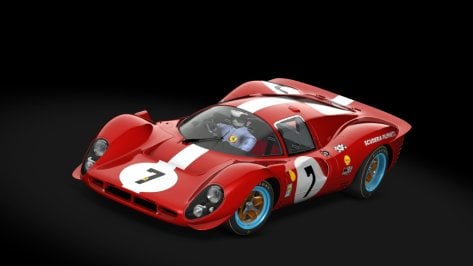
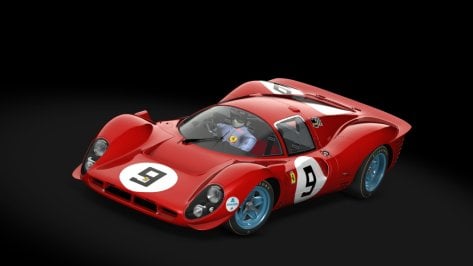
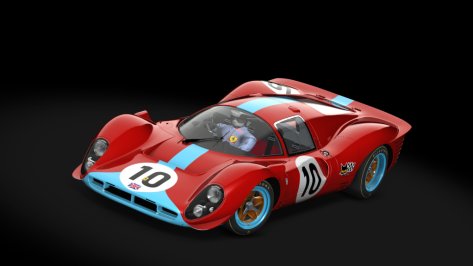
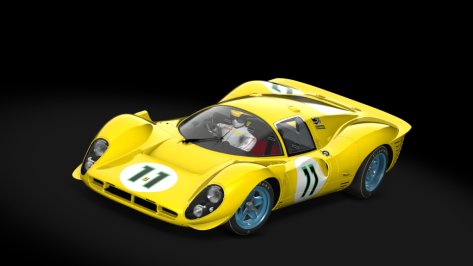
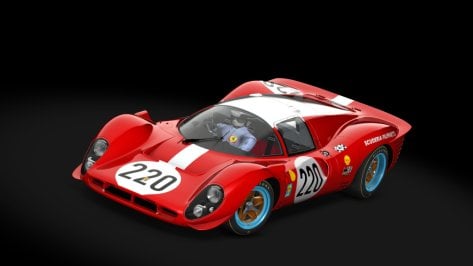

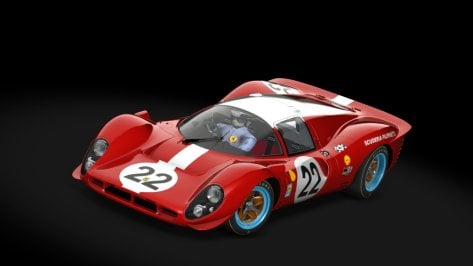

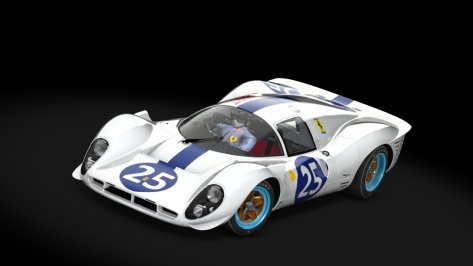
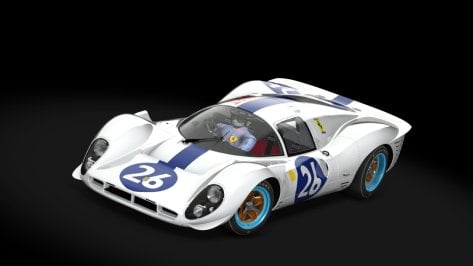
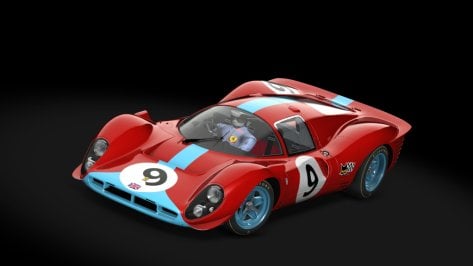





Did he made a typo or the link you provided is old AF??512MHM74
MediaFire is a simple to use free service that lets you put all your photos, documents, music, and video in a single place so you can access them anywhere and share them everywhere.www.mediafire.com
Ferrari 512M Spyder Can-Am 1974 with Helmet and Tyres etc.
for Legions (Thank you) new car https://perendinator.blogspot.com/2025/01/ferrari-512m-spyder-version-20250112.html
View attachment 1421230
View attachment 1421229
View attachment 1421227
View attachment 1421224View attachment 1421225View attachment 1421223View attachment 1421221View attachment 1421222View attachment 1421220
View attachment 1421231


Just use the ones included with pure, the paid ppfs are all trash, you have to adjust them, so whats the point of buying them? pure is perfect, you just adjust the ppfs that come with it to your liking.Also, this Gamma vs LCS face-off where we now have to pick a side... your Instanbul updates look fantastic in Gamma, but with LCS the very first thing I noticed was oversaturated reds on the kerbs, which I'm 100% sure aren't how you want them to look.
LCS power users: should I be using a different PPF or something to avoid adjusting every single track config (not that it's a realistic option)? PureVR has stood me in good stead.... until now.
This is like a whole new twist on choice paralysis, but with goofy results.
Edit: tried C13AEGIS PPF.
Why is it so damn dark?
I have at times just use Paint.net to reduce the size and resave.Any tips for manually reducing file sizes for car skins? Most of the RD releases for the Porsche (both the LMh and the GTD) are in an absurd 8K format that no one in the world needs - especially me, who runs the game at a peasant's 1440p.
This of course means that individual skins can be hundreds of megabytes, which is ludicrous. I did a size analysis of my content folder and there are quite a few folders with crazy high file sizes - but skins I've sorted and added drivers to, which I want to keep.
And yes, I do use Compactor to compress my entire content folder. The fact I'm still scrounging for space should tell you what kind of absurd car/track numbers I have regardless.
Thanks to anyone who may know.


I like mk1 as well. The problem with that car is, that brakes are *****. They never heat up. Same for AI. Change the values in brakes.ini to heat up earlier and stay hot. I used rss formula 70s values and copied them over and it will help you and the ai. Also another thing you can do if ai cars are overshooting corners is to reduce the value of brake hint in ai.ini. It goes from 0 to 1. Higher the value less carefully the ai takes the corner. Sor reduce this for about 0.1 or 0.05. Mind you, it will slow the laps down a bit for the ai in the process. But this is very effective for cars with wild ai. Bazza's Ferrari 250 lm is another one, that has this value way to high for example.Question for the brave : i've done some AI versions of the Lotus 49, Ferrari 312 67 (both Kunos) and a random Honda RA300 i had on my SDD.
Now i've always raced with the Heat mk1 from Pessio, but with a little power boost that thing keep on sliding, and therefore it's ruining the race for the whole grid. If i wanted to add more grip or at least make it less snappy what parameters should i tweak in the tyre model? There's a bunch of parameters such as rolling resistance, friction limit angle, angular inertia...
Ai is panicking when it enters a corner too fast, making it dangerously swing left and right. I replaced the whole tyres.ini with the lotus 49's one and it's now riding at proper pace but it's a bit of a bummer.
Related, if i want to share the AI cars, as they are either Kunos or paid mods, how do you do the "rooting" thing i've seen in the WSC TZ2 for example? Like, i would share the data.acd and not any of the original kn5 files, as the game would have to get them from the regular file folder. Don't know if i'm clear here.
Anyway, on the Sergio Loro Watkin glens 60s, it gives me chills to run at 1.04 at 11th place and still fight to overtake a freaking 312.
Let me know if you want the files anyway

I updated the link on the listingHi, does anyone have a link to the Glendale Raceway Pits Extension from 21 to 24 pits from Foxeway? His link doesn't work.
Thanks for the link and your AC tracks listing page!I updated the link on the listing
I have edited the ai.ini already, and there's no better values than the Pessio's original ones, no matter what i do, it's worse😅.I like mk1 as well. The problem with that car is, that brakes are *****. They never heat up. Same for AI. Change the values in brakes.ini to heat up earlier and stay hot. I used rss formula 70s values and copied them over and it will help you and the ai. Also another thing you can do if ai cars are overshooting corners is to reduce the value of brake hint in ai.ini. It goes from 0 to 1. Higher the value less carefully the ai takes the corner. Sor reduce this for about 0.1 or 0.05. Mind you, it will slow the laps down a bit for the ai in the process. But this is very effective for cars with wild ai. Bazza's Ferrari 250 lm is another one, that has this value way to high for example.


Photoshop ? I do it all the time. Open a 4k doc, copy paste the 8k file, resize save and voilà !Any tips for manually reducing file sizes for car skins? Most of the RD releases for the Porsche (both the LMh and the GTD) are in an absurd 8K format that no one in the world needs - especially me, who runs the game at a peasant's 1440p.
This of course means that individual skins can be hundreds of megabytes, which is ludicrous. I did a size analysis of my content folder and there are quite a few folders with crazy high file sizes - but skins I've sorted and added drivers to, which I want to keep.
And yes, I do use Compactor to compress my entire content folder. The fact I'm still scrounging for space should tell you what kind of absurd car/track numbers I have regardless.
Thanks to anyone who may know.
Do it. The car went from undrivable, to one of my favorite vintage cars. I can look what values I have set so the Heat is perfectly bop-ed with other cars. As it was in real life, fast as hell, but little less agile in the corners. But still competitive.I have edited the ai.ini already, and there's no better values than the Pessio's original ones, no matter what i do, it's worse😅.
But the brakes modification is a great idea, i'm gonna try that!
Any noticeable quality loss or errors in the simple downscale that you've noticed?Photoshop ? I do it all the time. Open a 4k doc, copy paste the 8k file, resize save and voilà !