Very nice, thank you! It's good to see more of the rolling countryside with your longer distance angles.
Is it just my setup or do there appear to be quick double cuts at the end of some of the camera shots?


I'm on 144 since half an hour ago...The update is from 14 days ago. Why am I just getting this. Hmm.
I'll be happy when I don;t have to "alt-tab" close every other session for some reason or another. I guess part of that is my own doing though working on broken things and making wacked out wrong configs.


Thanks! Sounds just what I'm looking for. It's currently just loading the skins but it's taking as while as there are quite a few...@Masscot , enter Update previews > Options. Select the style you want, click the "update all previews" button.
That will switch the used style as the default, until you repeat the process with a different one.




Ah, sorry - I thought you meant in Content -> Tools (where you do the bulk updating of all car previews.@Masscot , enter Update previews > Options. Select the style you want, click the "update all previews" button.
That will switch the used style as the default, until you repeat the process with a different one.


need help for import not exportHow do you made that export? Seems not been made correctly.


Where did you create the preview? It could be that you just saved a cm showroom preset instead of a preview preset
Have you tried over "Update previews" > "Options" and then save there the preset?

What in the options is set currently determines the previews. Simply deleting is not enough, you have to change the preset in the options too


Nope, I've never seen that window. Maybe I need to reinstall CM?So you don't get that window next to the preview at all? Then it's not normal tbh, because usually pops directly there
View attachment 916633
Very fast, nearly the same lap times as the Manthey tuned 911 GT2 RS MR (that is supposed to be much more powerful)...v5 update to Forceful's 991.2 GT3RS (Requires CSP 1.51 or above)
In 'update previews -> presets', yes. But 'update previews -> options' just opens a window with the scene in it that I can manipulate with the mouse (zoom, pan, rotate etc).

Yes, I tried that as well, but thanks. This is the screen that appears (the view/perspective/fish-eye lens was just introduced when I was zooming it in and out):Instead of pressing presets, press options ctrl+shift+p.
Nope - I get the image of the car, but no menu alongside it (as you can see from my image above). I don't think I've ever seen that menu, it doesn't look familiar.^^ Or right click Update previews (or the little arrow) then left click Options. You should see a window like this:
(with SIZE - CAMERA - CAR - QUALITY - SCENE - LIGHTS - HDR - ...)
View attachment 916683

The settings are not hidden on a different monitor by any chance? Probably not but I've had this happen before.Yes, I tried that as well, but thanks. This is the screen that appears (the view/perspective/fish-eye lens was just introduced when I was zooming it in and out):
(it's headed 'Previews Parameters' with the FPS noted alongside)
View attachment 916682

That was my thought too - I wonder if it is getting sent to the Rift, as that's the only second display connected now?The settings are not hidden on a different monitor by any chance? Probably not but I've had this happen before.
Strange, I always had this window. I remember that in the beginning the settings window was seperated from the preview image, but after a while it got attached to it. Moving the image also moves the settings window. So - normally - it should not be hidden behind something else.Nope - I get the image of the car, but no menu alongside it (as you can see from my image above). I don't think I've ever seen that menu, it doesn't look familiar.


Ah, sorry - I thought you meant in Content -> Tools (where you do the bulk updating of all car previews.
In the normal Content -> Cars page, pressing Update Previews -> Options just opens a window showing the actual scene. There's no dialogue box at all.
Wondering if it's a setting in CM>appearance>interface
Very possible, hope it works!That was my thought too - I wonder if it is getting sent to the Rift, as that's the only second display connected now?
My amp used to be recognised as a display device when it was connected by HDMI (because Windows and Nvidia are run by chimps) but it's now connected by optical.
Very weird.
Tomorrow I'll try opening the options with the Rift unplugged.

U sure its not the gauge glass thats reflecting? maybe try reducing fresnel max level..Very fast, nearly the same lap times as the Manthey tuned 911 GT2 RS MR (that is supposed to be much more powerful)...
One thing though, the gauges reflect the road, which is pretty disturbing.
Any easy way to fix that ?


Never thought I'd say this, but that's one cool Gremlin you got there.Yeah, I meant this button:
View attachment 916690
I've never used content-tools for updating previews. Mainly because different size of cars generally require different preview cam distances.
Yes, I should gave specified, it seems to be the glass...U sure its not the gauge glass thats reflecting? maybe try reducing fresnel max level..


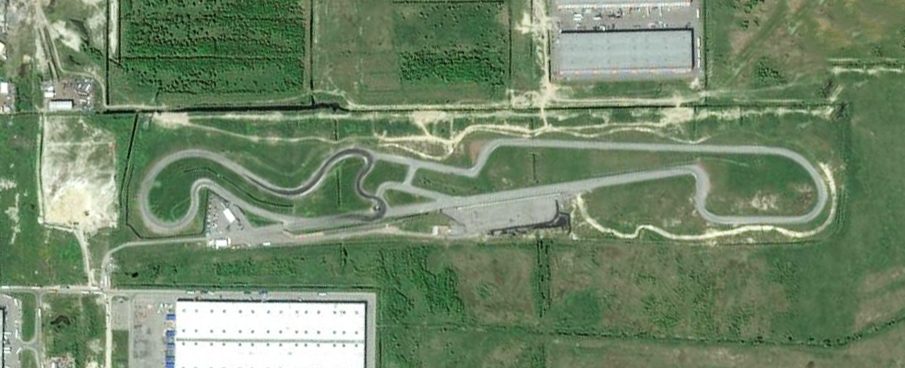
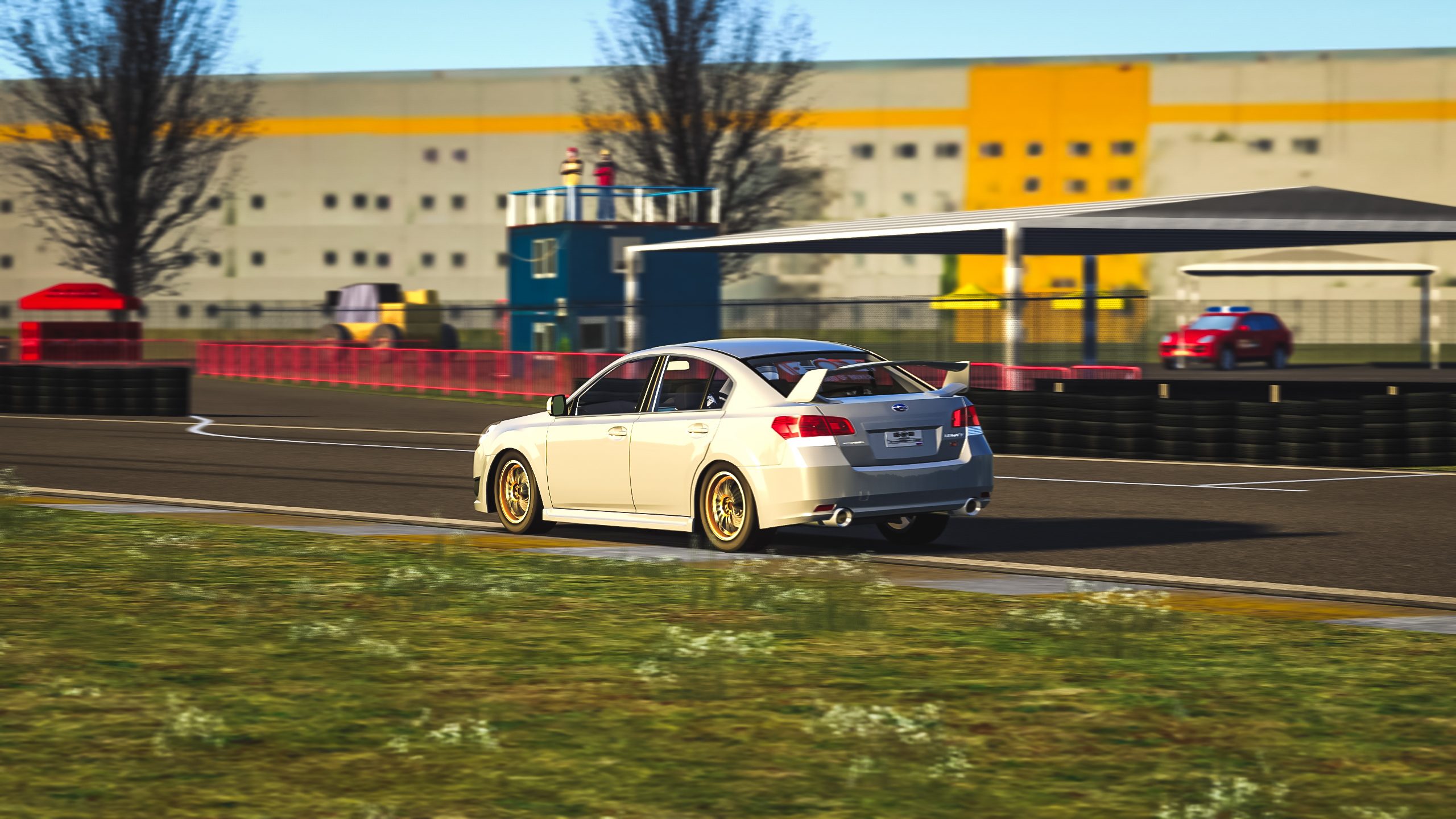
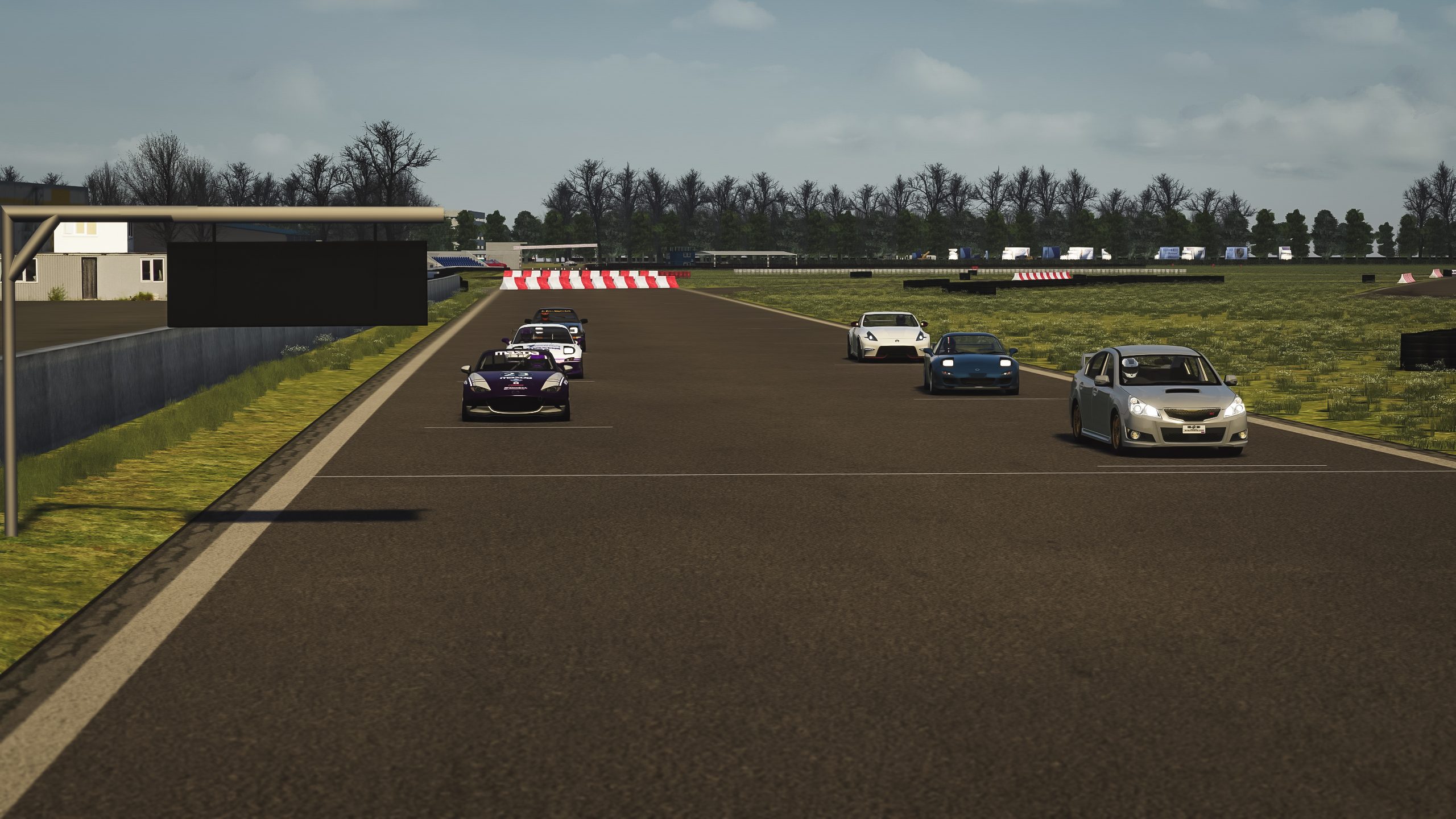
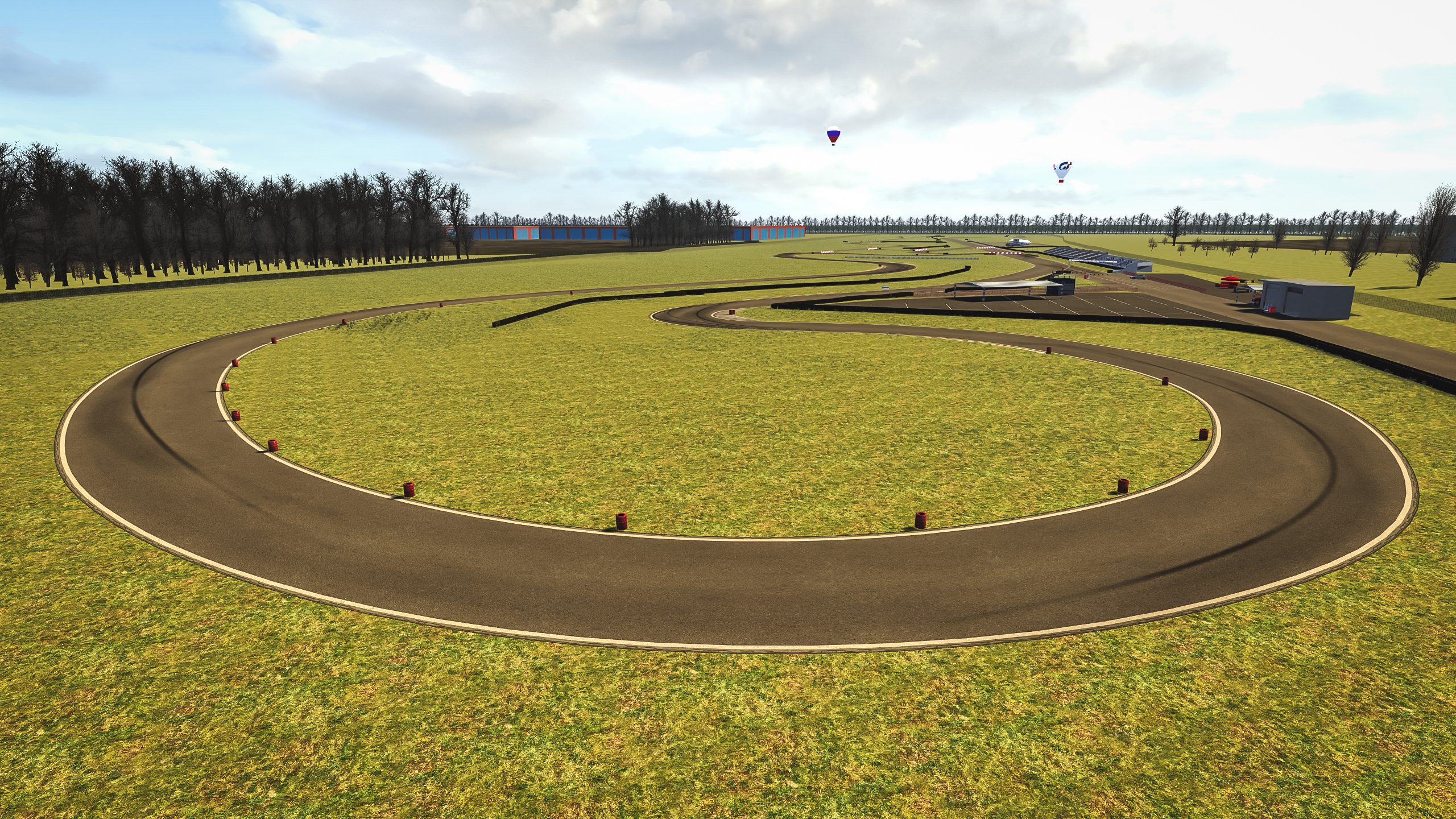
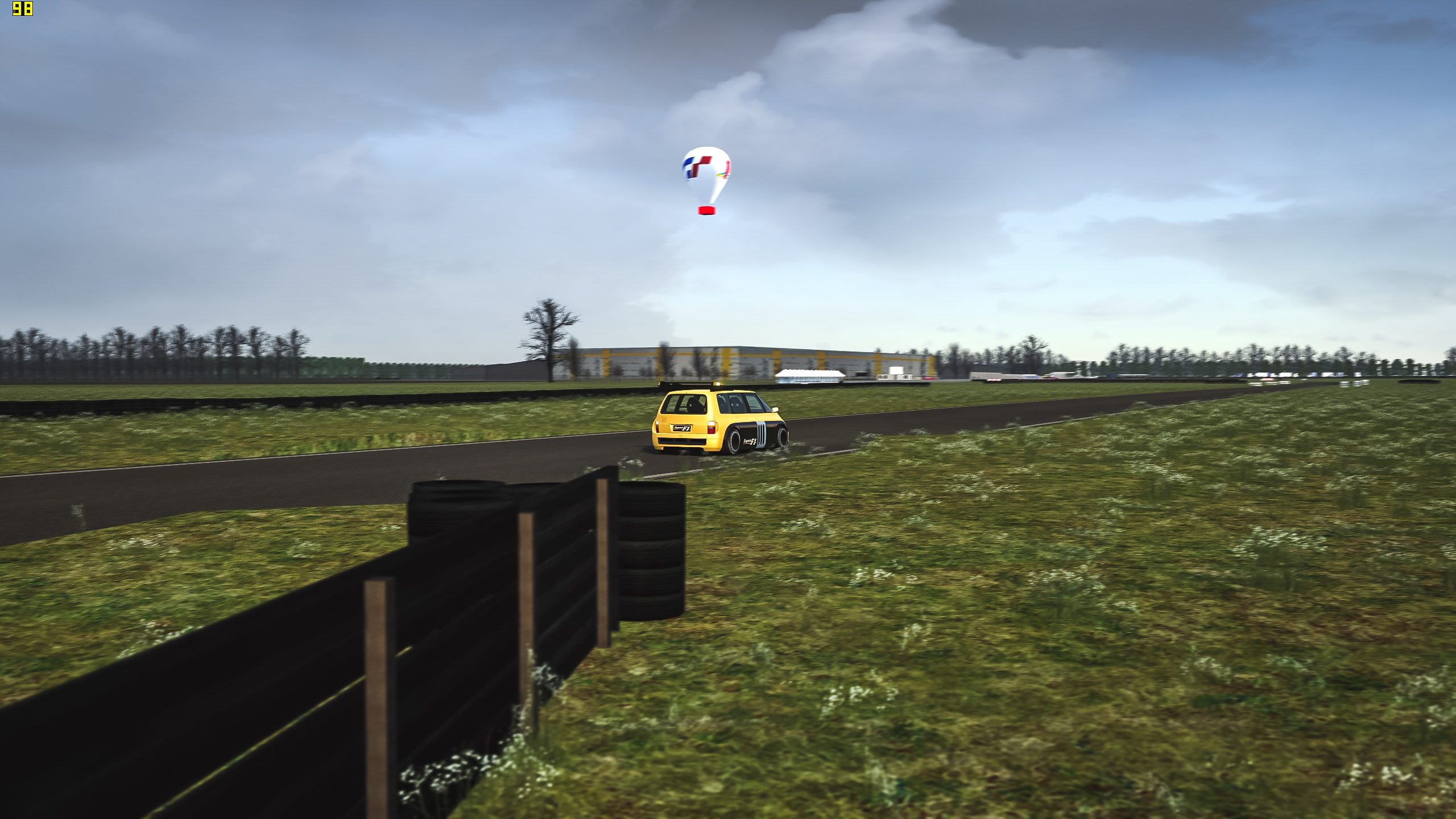
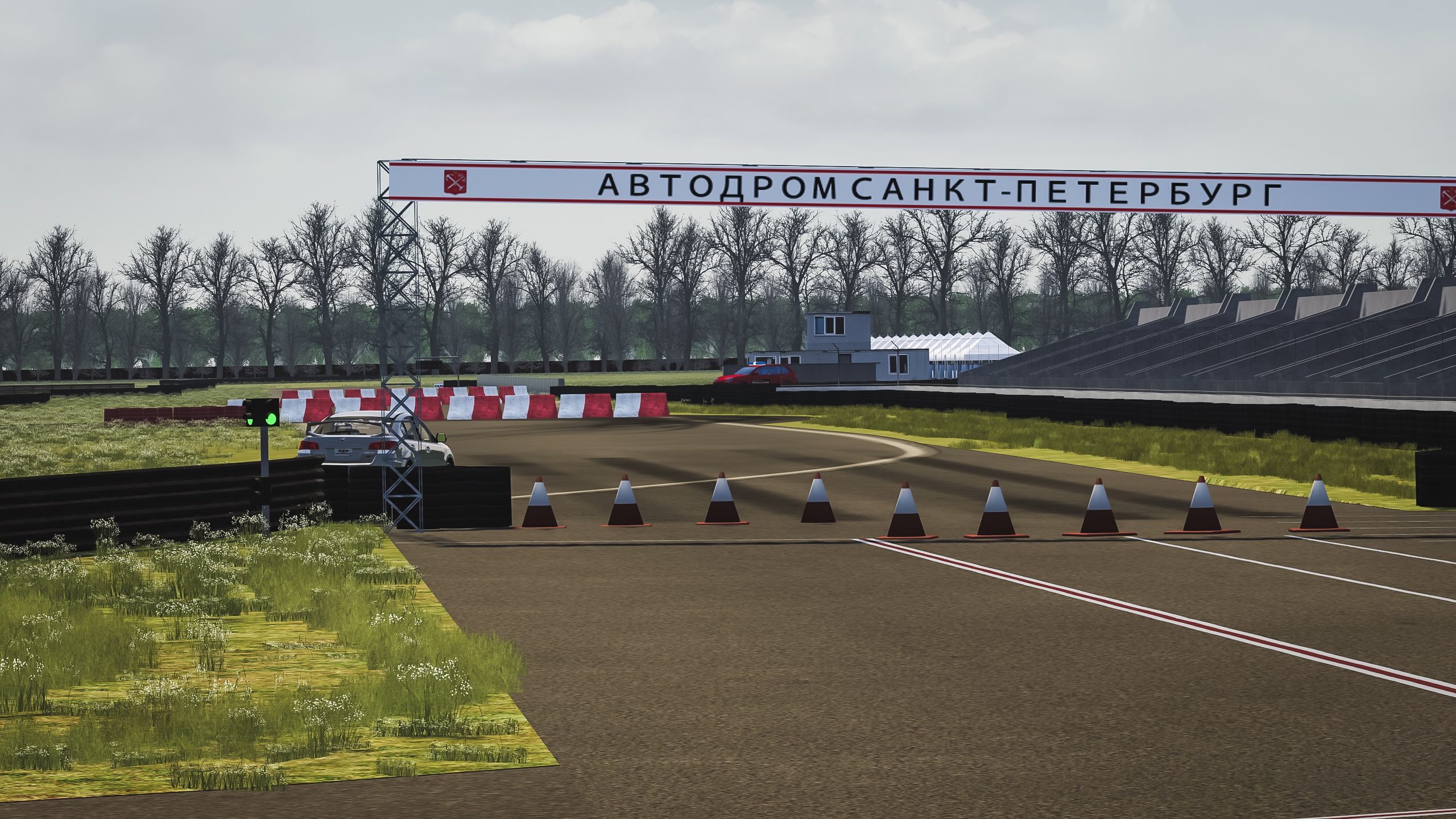
Guys, here is track made from Zero.
Local track in Saint-Petersburg, Russia. Hosts time-attack and other races.
I made 4 configurations, two long (3100m) and two short versions (1300 m)
has track cameras
no AI
Video of long version
Video of short version
Direct Download link
GTSUPREME link with support

Boy, you guys sure are on a roll with the cameras! Thanks for that! I have a couple of tracks here that I think are a bit neglected and could do with some of your expertise:
California Coast
- Has great potential. Needs a graphical overhaul, though. Especially the "patchy" grass and rock elements and the water texture.
- LINK: https://easyupload.io/4tjw58
Circuito Vasco Sameiro
- Straight gMotor2 port. Not bad but not brilliant either. This one could do with a better replay camera.
- LINK: https://easyupload.io/4lktj3
Many thanks in advance.
Disregard my post if I'm (unknowingly) out-of-order.
Thank you, would be great if someone can make AiThanks Tony,
I used to watch all Russian Touring Cars races. TCR, 1600 Junior, 1600 senior, 2000, any a few more with lots of KIAs and VWs, amongst other makers. Always nice intense races and nice tracks. I have a few Russian, Ukraine and maybe somemore. I can be wrong tho with something, as usual, lol.
Now we only need the superb job of Liquidsman AI feature and I'm good to go.
 im only race for time attack, so .

Hi, I live 1.7 km from itMy local home track is Zmeinka.