- 776

- England
Bingo! That did it. Thanks! Now what do I edit in ext_config.ini I wonder?
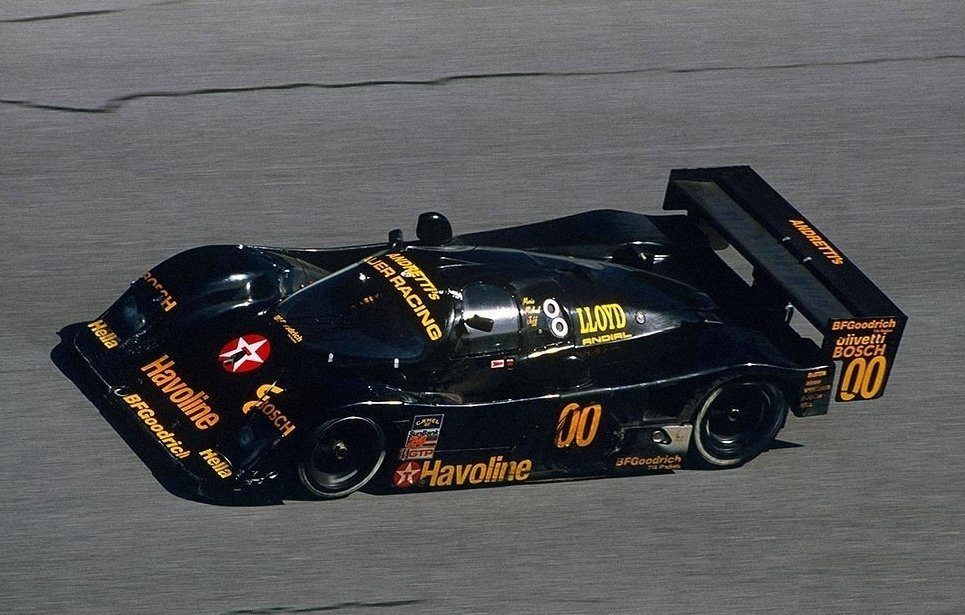
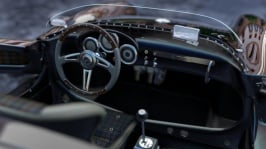
EDIT: so I have edited out the line [INCLUDE: common/materials_interior.ini] and all is good. What am I losing by doing this exactly? It all looks fine inside the car now.
You have removed any csp feature from the car, like pbr or extra lights. I wouldn't do that but that's your choice as the car is intended to look the right way in game with those features on.
The showroom can't load csp features as it doesn't use the in game engine but its own engine. Look at the cars in game, not in showroom
My advice was just to identify the culprit for Tim's issue, not remove CSP features. I still can't get to the PC for a while, but now you know what the cause is, you can easily override any of those settings by now adding an ext_config.ini into your new skin folder. If I remember correctly, in this file you only need to add a couple of lines that tells CSP not to change the offending materials. Restore the original extension\ext_config.ini and create a new one in your skins folder. Experiment with which materials you have changed against what the original config changes. It's definitely possible this way to override specific material settings or amend them to you own liking per skin, but sorry I can't be of any more help at the moment. Give me a shout later if you can't manage to figure it out.