- 2,431

- Sherbrooke, Québec, Tabarnak!


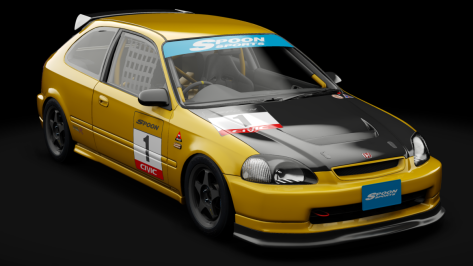
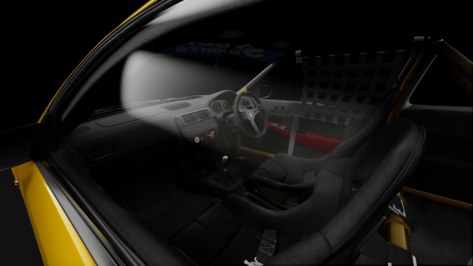
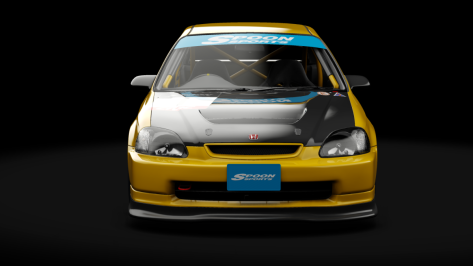
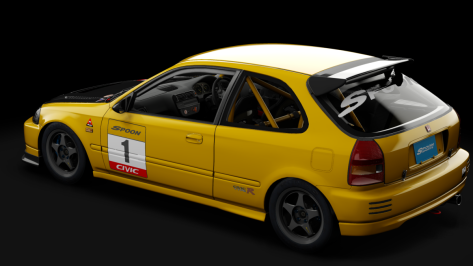
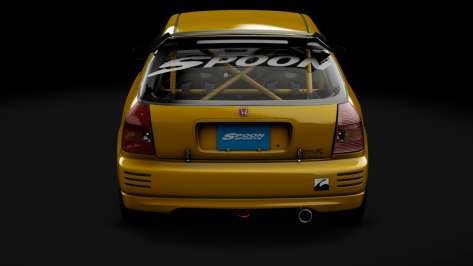
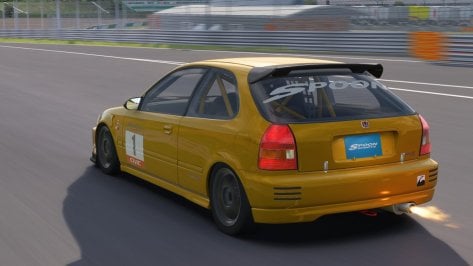
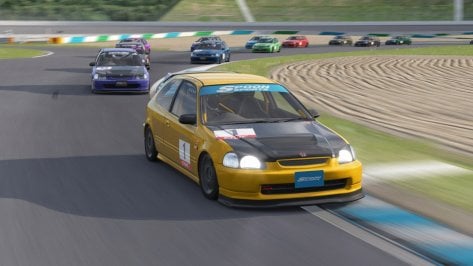


Absolutely, in fact I think it will be one of the few cars (if not the only one) that I will keep despite being physically terrible and I will look at it every day in the showroom for at least 75 hours straight


You make me hesitate to go back doing race skins...Honda Civic type R (EK9) Touring Public Release!!
Download: https://sharemods.com/46vdvuxn6ynu/civic_ek9_touring_1.0_101creative.zip.html
Converted From GT7
-AO inside and out
-Realistic Dashboard
-Physics
-CSP Settings
-Driver Animation by Mascot
-Panoramic session Start config Daniel Nogal
-Beta testing and help ,@norms,@Mascot,and others
View attachment 1341510View attachment 1341511View attachment 1341512View attachment 1341513View attachment 1341514View attachment 1341515View attachment 1341516


Thank you very much, I appreciate you!I too got ill at first ... you really gotta ease into it , and start slowly with for example just 10 minute sessions w alot of time in between (you need to get your 'VR legs' as they say).
I definitely recommend starting with the lock to horizon option, and refrain from tracks that have too much elevation changes or banks (eg no 30's Golden Age Sitges by Sergio Loro or Eiger Nordwand).
Also very important that you keep a steady fps !! (any drops in fps - stutters or whatnot will make you sick)
So that is why best to put to 72HZ for example and have it smooth, rather then 90Hz but have the occasional drop in frames.
Also , always keep ASW turned off !
and I also put on FOV limiter (I use 0.75; 0.6) , to gain a lot of headroom to always guarantee a steady frame rate
View attachment 1341278
So what this does is render only .75% horizontal image , and 60% vertically, giving your GPU less work and you the added immersion of seemingly having a helmet on! (win-win)
this for the Quest (3) ... but I guess other headsets have similar options and would benefit equally
But once you are there (having the VR legs and you have a good setup), it is absolute bliss and no way you will ever want to go pancake again!
(all the people that stick to their triples gave up early and are missing out big time... plain and simple)
Nah , seriously , I can totally understand if some ppl just can't or don't want to go through that initial phase of getting some motion sickness ... but I personnally am glad I endured it!
talking about nausia , looking at this GIF for over 2 seconds gives me more motion sickness then driving for an hour in VR on Everest for example


It suffers the dreaded "No Shadowed White Line Syndrome"... 🙀FYI , still free for 2 more days : https://www.patreon.com/posts/giveaway-1999-f-99750737...
[SHADER_REPLACEMENT_...]
ACTIVE=1
DESCRIPTION= shadows cast on white lines
MATERIALS= *name of line material*
BLEND_MODE = ALPHA_TEST
IS_TRANSPARENT = 0
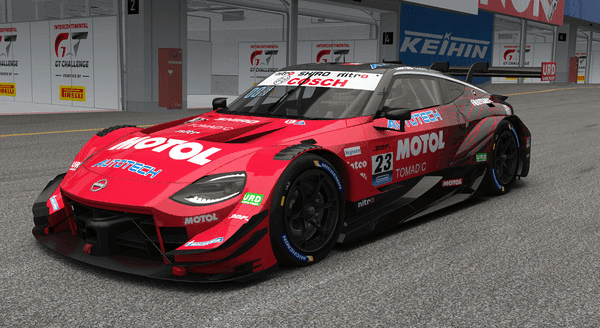
 unitedracingdesign.sellfy.store


Oh this one looks beautiful... it needs AI you say? 👀Calder Park Raceway, Melbourne.
Free download
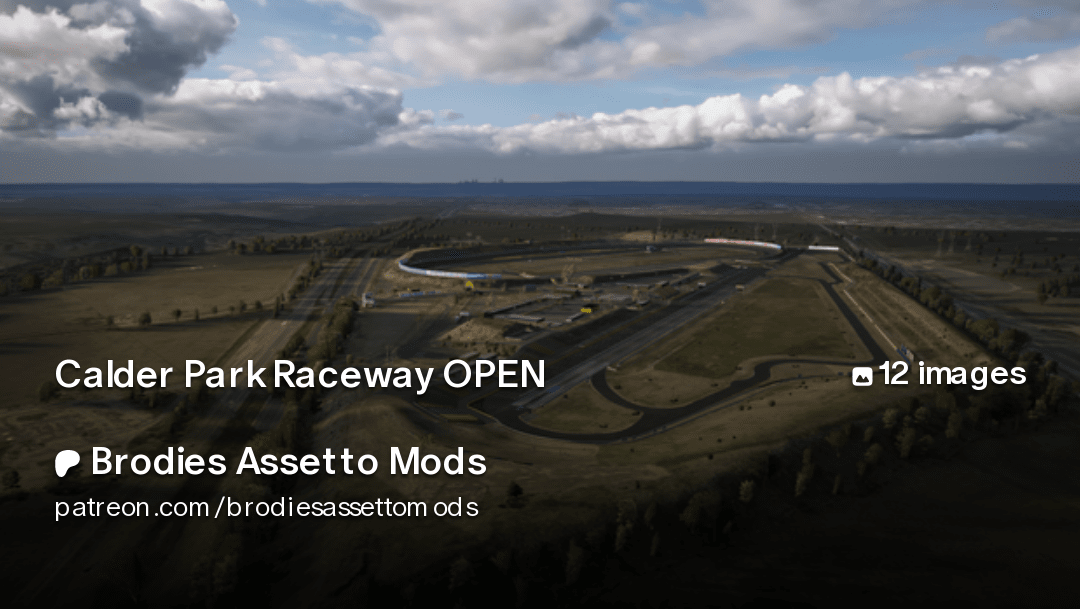
Calder Park Raceway OPEN | Brodies Assetto Mods
Get more from Brodies Assetto Mods on Patreonwww.patreon.com
View attachment 1341409
If anyone is in touch with this Brodie chap, some cones to delineate the different routes would be nice.
And AI needs a lot of work.
And hot lap starts are too close to the timing gate.
Link updated with two small changes.This an update to my mod for Legion's Lime Rock Mountain. It was one of the first track's I ever tried to edit so the mod really wasn't that good. Since then i've learned a lot so I tried to make the mod better. It's still not great, but better than before. For the record, this is not supposed to be a period accurate mod. It's more of a 'what if' had the track existed today.
Lime Rock Mountain v3.0
Additional credits besides what's listed above:
AI tweaks and fixes to the terrain from @cammel
Sections file from @Fanapryde
Cable fix from @Masscot
Thanks to @Quikslvr , @Perico Lospa and @Fanapryde for testing and feedback.
There is a boat load of changes, but i'm only going to mention a handful because they are important.
-- I made changes to a bunch of objects. Some I made myself, some were borrowed from rt_lime_rock_park. I did not get permission to use the objects because honestly, I don't know who's involved in that team to ask. If it becomes a problem and they ask, I will pull the mod immediately.
-- The tree objects on this track are terrible and very hard to work with. I would love to replace all the trees with Y trees, but I have no clue where to even begin to do something like that for as many tree objects as this track has. So you will have to live with some goofy looking trees and trunks in some spots. Maybe some day i'll learn how to replace them all.
-- I added a raceday layout that is not really true to life. The real Lime Rock Park doesn't have grandstands as far as I could see in pictures, but the track seemed empty when I ran a race so I made a second layout with added grandstands so it didn't feel so empty.
-- You can use the track without any of the track skins enabled and it will be fine. The Grass skins are self explanatory as to what they do. The Trees skin just changes a couple of the tree textures. The Seasonal skins will change the trees too look like they should for the time of year.
As always, please let me know of any problems so I can try and fix them.


Try setting glare to maximum.So I've just realized that pretty much all brake lights in my game are extremely hard to see.
Tested with the RSS Lanzo V2, the URD Bayro EGT, and the VRC Touring cars.
It's almost like they're a texture change, the brake lights emit no actual light at all. I thought they were broken on the EGT until I got into the back of an AI car and saw that it was just extremely difficult to see.
Latest Pure, latest CSP preview. Tested at Mosport at night with all three cars.
Is there a fix for this? I looked through the Pure Config app and found nothing.
Cheers to anyone who may know.


You should watch his WRC vids. Insane.wow, check this video of Formula RSS 1986 V6 for AC, and the driving skills this guy shows with it...


link cars here : https://assettocorsamods.io/has someone maybe seen some 2011 dtm skins for the 2011 urd maures dtm?
Whoops, forgot to post relevant video settings. All post-processing is set to Maximum. First port of call with headlights and such, from what I understand.Try setting glare to maximum.

Can't help you there but just got hyped seeing the car I owned when I was young. There are a few versions available, but none of them is 100 % correct. Are you modeling one ?

Is this real life or a game from 2014?
Any feedback on what to adjust to make it look more realistic is appreciated!
Set quality to 1080p for best visual fidelity, keep in mind YT reduced the quality of the source video.
o no , yet another site to monitor daily for new cars...link cars here : https://assettocorsamods.io/






for starters, loose the map display in the upper right corner! (anything that you don't see irl, so all HUD must be off in order to trick your brain it is real... )
Have you tried other ppfilters?Whoops, forgot to post relevant video settings. All post-processing is set to Maximum. First port of call with headlights and such, from what I understand.
I'm going to have a dig through CSP settings tomorrow.

If it's the same problem I had, there's a tick box somewhere in the settings (can check when I'm home later if you can't find it) called something like "extract car state properly” - turning that off cured my stutters!After some time in a race, I get these odd performance dips where the frame rate doesn't drop, but the animation stutters temporarily. Seems to happen most often in slow speed sharp turns and\or with multiple cars in the scene. It does not happen with older versions of CSP so I imagine it's some new option in CM\CSP but there's so many options to go through that I don't know where to begin.

You mean "Extrapolate car state properly" under "CSP/General Patch Settings/Physics Experiments"?T
If it's the same problem I had, there's a tick box somewhere in the settings (can check when I'm home later if you can't find it) called something like "extract car state properly” - turning that off cured my stutters!


Which Potrero is it ?Is there a solution to disable the lights being always on at Potrero ? I have a beefy machine but they still kill my FPS for some reason lol (only happens witn AC...)
Rainmaker's. Average 72 FPS alone (!) and 120 on other tracks - and no problems whatsoever when racing at night in other sims (AMS2 is more than fine) but night lighting in AC makes my system crawl for some reasonWhich Potrero is it ?
Lights are fine on my system with nptc364 v4.2 (110 fps AVG on my humble triple screen setup)