andrevr
Premium
- 1,000

- South Africa
PROPER looking forward to this 👏 👏
PROPER looking forward to this 👏 👏


Not counting Nuzzi's which is recent history, basic racing rules missing in a racing simulator, Kunos never had them in and so will CSP. Since 2014 people are racing this thing in a broken fashion or just online. Or hotlapping. Or not racing at all. Or not driving at all.It is a secret weapon. I used maybe 25-30 zones in my DC Street Circuit AI - similar numbers for the few other projects I'm working on (too lazy/busy to finish...)
Even the best modders out there, like JohnR and LilSki, don't use it enough. It can dramatically improve AI racing.
Now if only Ilja would focus less on gravel/Rally and more on AI behaviors...





Lotus Type 23 Cosworth skins 23
that's enough skins for now, there are already 40 of them.
I also updated the link to the car itself, all 40 skins are included there.
View attachment 1381126
View attachment 1381127
File on MEGA
mega.nz


Hi !It wouldn't hurt having at least some info about what those different engine maps are, though...


Thank you, I am not a professional skinner, in fact, skins for Lotus 23 are my first full-fledged work, before that I made only 3 skins for Porsche 356 Speedster.Very good designs mate, thank you for all the work you have done.


Does anyone know, if there are skins for this version?Released : Nissan Pennzoil Nismo GT-R '99
Author:F302
3D Model: Polyphony Digital
Texture Update : F302 (rework)
Skins: F302 (Body Mapping)
3d work:F302
hope u enjoy the Car
ps : send feedback ,bugs ,missing things
tested on CSP 0.1.80-preview115
PP filer GT_Sport 1.4
knowing bugs: shift animation
have fun!
To install, move folders to "...\SteamApps\common\assettocorsa" or simply
drag'n'drop archive to Content Manager.
Download: https://www.mediafire.com/file/36gmnruhyzn0vhz/f302_nissan_r34_gt500.zip/file
View attachment 1308533View attachment 1308534

@MikeontheMic 3D templates in photoshop works as 2D ones, with the difference that they can provide live result on the 3D model.Anyone have some recommended tutorials for 3D Skinning on Photoshop for AC? I've created a ton of 2D skins so I am very familiar, but since RSS releases 3D templates for their cars, this is probably a good time to learn since it feels like I'm playing the guessing game a lot of the time with the 2D
I'm converting a full grid of custom F4 cars I made from their old Mygale to their 2024 and the mapping is much more complicated than it used to be lol

Yes. There's one. AND, it's the 1999 championship-winning car 🤪Does anyone know, if there are skins for this version?
Thanks, I like each and everyone of them.Lotus Type 23 Cosworth skins 23
that's enough skins for now, there are already 40 of them.
I also updated the link to the car itself, all 40 skins are included there.
View attachment 1381126
View attachment 1381127
File on MEGA


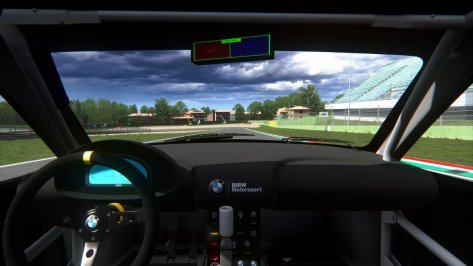
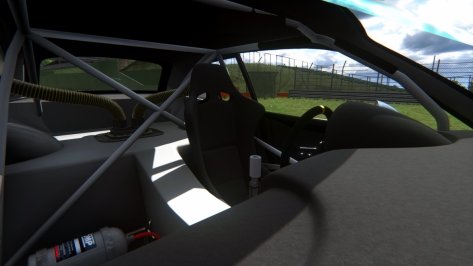
@shi posted a fix few months ago, search in the forum, you'll find it easierHi everyone.
I’m facing to a visual issue with the 1998 Mclaren MP4/13 made by Virtual Simulazioni and updated by Ponz.
It appears when using AC alone or with Content Manager and CSP.
When the camera is far from the car, the driver head is not correctly positioned (looking to the ground) :
View attachment 1381233
Then when the car is close enough to the camera, the driver model is updated and you can see the helmet correctly positioned.
View attachment 1381234
In content manager, the car preview picture shows the same problem.
Using the CM_showroom , I moved the driver vertically to understand its positioning.
Default one :
View attachment 1381235
Comparison with the F2004 by Kunos:
View attachment 1381236
Comparison with the F399:
View attachment 1381237
The default driver is not good, his head is really looking to the ground.
I know there is a solution to correct it with Content manager by deactivating the option “limit some things if there are a lot of cars” in the Content Manager menu : Custom Shaders Patch/General settings/CPU optimization.
This solution works but it‘s kind of a workaround, not totally satisfying.
Do you guys know how to correct or replace this default driver?
Some ineffective tests I've made below :
First, modifying the choice of the driver model in the “driver3d.ini” file does not change anything. I tried with several driver models, the result was always the same.
Secondly, I tried to modify the use of lods by changing the camera distances in the “lods.ini” file, to force the use of the most detailed lod, but it still changed nothing.
Thanks for your help!


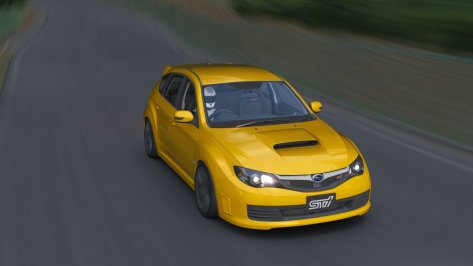
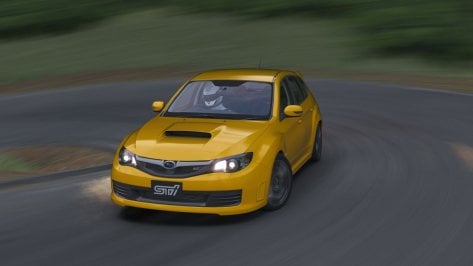
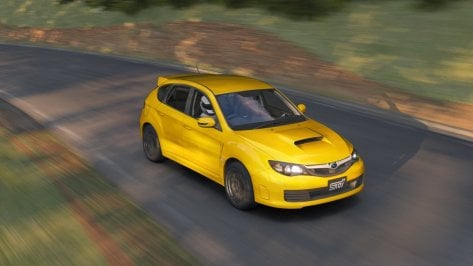
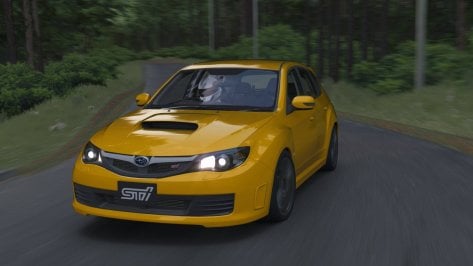
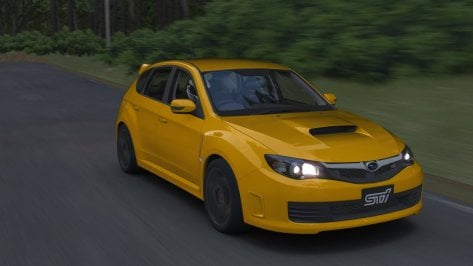

you can adjust the flame position in CM, what i have done before lets say there is 4 flames coming out and i want only 1, i take the full .ini file (with 1 exhaust flame from another car) and then change the position in CM showroom.Work is going much faster than I thought (I attach some screens as usual). But there's a problem: the GTR and the M have the exhausts in two different positions. Is there a way to manage the flames in relation to the location of the exhaust? I mean I would like them to come out only where the exhaust is, based on the version. It would be a shame to have to remove them
Thank you, I'm glad to hear it.Thanks, I like each and everyone of them.
No problem, the forum exist also to ask and be helped if possibleThank you. I found the post. I should have thought asking to him before...


You can move the flames position in the showroom. just select the flames in the showroom menu and press "T", then you can move the flames to the position you want. then you can save the new moved position points.Work is going much faster than I thought (I attach some screens as usual). But there's a problem: the GTR and the M have the exhausts in two different positions. Is there a way to manage the flames in relation to the location of the exhaust? I mean I would like them to come out only where the exhaust is, based on the version. It would be a shame to have to remove them

has someone here a rain fx for the melbourne tracks?

And I'm here, changing their position in data files on xyz axis, on just pure guess, until it's correct.You can move the flames position in the showroom. just select the flames in the showroom menu and press "T", then you can move the flames to the position you want. then you can save the new moved position points.
Edit: just saw maximeerkat already answered the same😅
Thanks! Welp there goes that idea lol. ****** that Adobe is doing this, just Adobe being Adobe I guess@MikeontheMic 3D templates in photoshop works as 2D ones, with the difference that they can provide live result on the 3D model.
Be aware that on newer version of Photoshop 3Dsupport is discontinued because Adobe wants you to use their "new", separately paid even on the full plan, tool called Substance (Stager, Painter, Sampler and Designer).
This is a 100% true info since in real life i'm a brand and graphic designer and i use Adobe stuff on daily basis and i pay the, expensive license, every month for the joy of my bank account


No link of said update?Hi, a Jidé update is available. Thank you all for your feedback which allowed me to improve this mod!
View attachment 1381244


Just a heads-up, we have an update to Brno scheduled in the next few days, including:Automotodrom Brno extensive overhaul v2.0
View attachment 1380342
Masaryk Circuit - Brno, Czech Republic https://www.automotodrombrno.cz/en/
Note: skins created for any pre-v2.0 versions may no longer work correctly.
Track originally ported from Race '07 (SimBin Studios) by Sneer/Malagoli.
V2.0 overhaul August 2024:
- Complete texture rework by ClimaxF1, including new trees
- Start line position corrected; start lights/clock/lap counter/session timer added; new billboard models added; new sponsors added; animated jumbotrons added.
- Camera-facing spectators and animated flag-waving spectators added.
- Marshals, TV vans, recovery trucks, camera cranes and cameramen added.
- Crowd and pitlane audio added.
- Physical road mesh and groove added; sausage kerbs and green runoffs added.
- Redundant treewalls removed; floating trees fixed; new trees planted.
- CSP animated flags added to pit buildings and grandstands.
- Animated helicopters, blimp, hot-air balloons, and distant airliners added.
- Night lighting and basic RainFX added.
- New AI line created; sections added; loading logo added.
- Various textures and shader values revised; various normals fixed; various new textures created; various models fixed.
Thanks to all contributors - this was a real team effort:
Sneer, Rafael Malagoli, Inori, Sliderman, Mascot, Shi, Pugsang, RMi, leBluem, macko68, Gunnar333, mteam, and ClimaxF1.
No link of said update?
 www.overtake.gg