- 196

- United Kingdom
Does anyone know if there's a replacement to AC Simple Championship Tracker by MK-SG? There's a issue with team view I reported a few weeks ago, and it seems that they're no longer active.
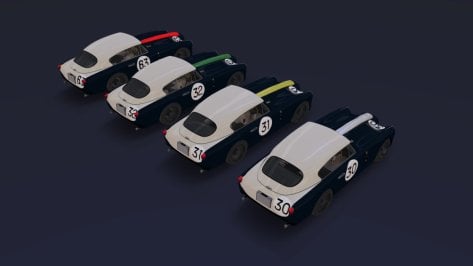
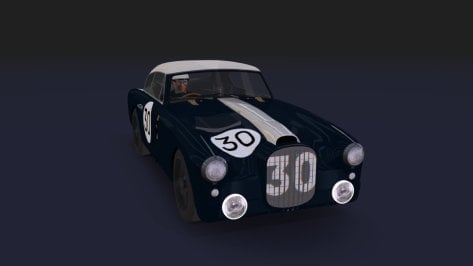
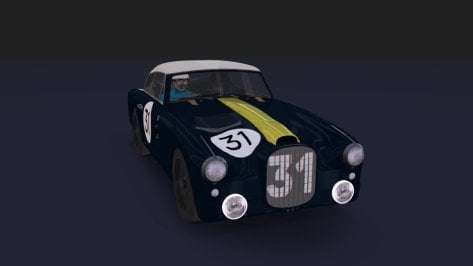
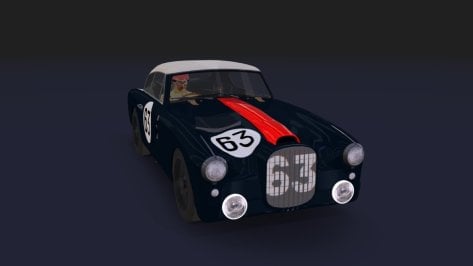
May I ask for an updated link (@MS6Driver)?Release: DTM 2003 Audi ABT TT-R (FREE)
View attachment 1365738
View attachment 1365739
View attachment 1365740
View attachment 1365741
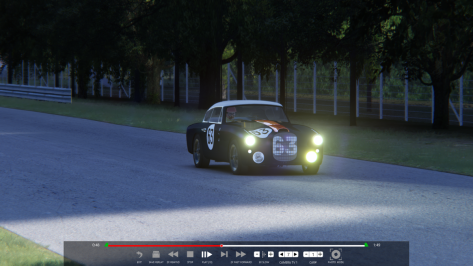
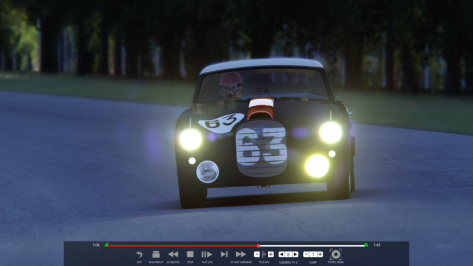
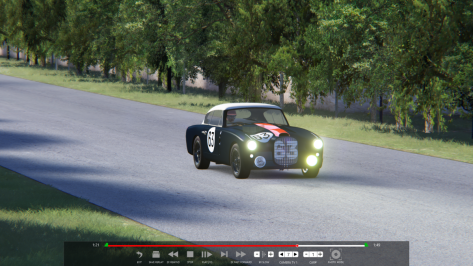
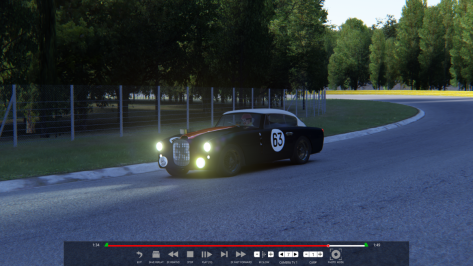
Heres the 1.0 release of the DTM 2003 Audi ABT TT-R.
Includes all 2003 season skins.
Physics by @MS6Driver / Me.
BOP'd to match the Mercedes 2003 DTM car.
Last car of the pack, the 2003 Opel Astra is still being woked on.
Enjoy
They have multiple free tracks available-I'm looking for some feedback from this fantastic community about a modder that I stumbled across (All Along The Racetrack) on Patreon. Are these tracks any good?
I have a similar problem. I have followed all instructions (but I have installed other showrooms, is not the first), but this is what I obtain...Mine looks worse and not a clue as to why: From CM // miscellaneous // SHOWROOMS (running CSP 0.2.11)
View attachment 1462111
Normal to see the showroom like that for this one, but it should generate correctly when you make the preview provided you have the option selected to use CSP for preview generation.I have a similar problem. I have followed all instructions (but I have installed other showrooms, is not the first), but this is what I obtain...
View attachment 1463045
Any ideas?
P.S.: the car is not encrypted, it happens with all cars.
If you are the "owner" of this site, you should put the "DOWNLOAD" button in another color so its easier to find, even tho its always at the same spot!
See quote under to get the corrected preset 👇I have a similar problem. I have followed all instructions (but I have installed other showrooms, is not the first), but this is what I obtain...
View attachment 1463045
Any ideas?
P.S.: the car is not encrypted, it happens with all cars.
I had the same issue. Try this adjusted preset, plus drop the models.ini in the TAV_moderna showroom folder.
View attachment 1462151
Thanks. It work!See quote under to get the corrected preset 👇
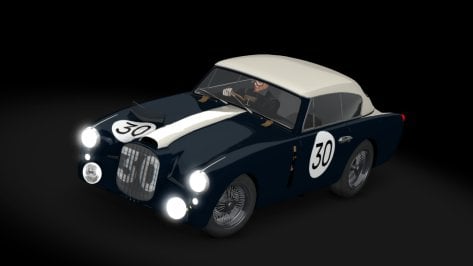
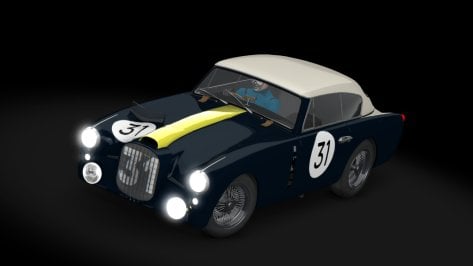
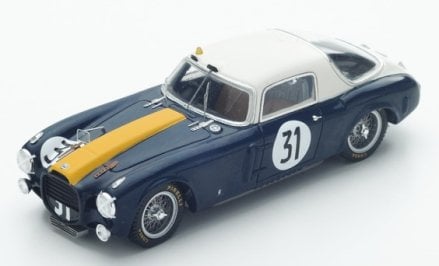
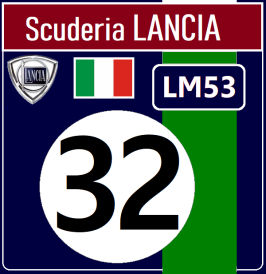
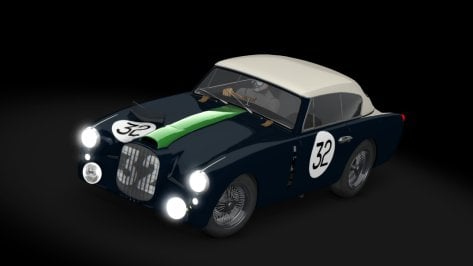
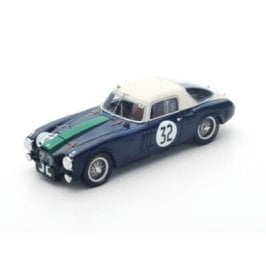
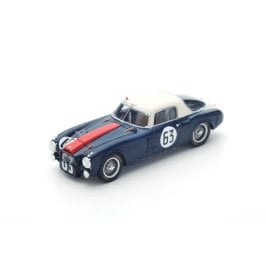
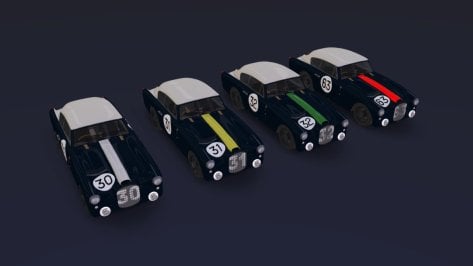
hello very good work !! when will share it ? thank in advanceFinal attempt to adapt a Lancia D20 Compressor (Le Mans 1953). I think it turned out better than the others. Later on, I will do tests on the track with other cars from the same year.
is anyone making the 1995 dtm mods?Yeah, DTM '95 and '03...
what happened to them, I thought models and skins were there or almost there then all went silent.
I intend to do a test with other cars (Le Mans 1953) on the track...to make a "BoP" suitable for the season (as I normally do with other seasons).hello very good work !! when will share it ? thank in advance
Never knew this!Yes 512 is the best setting. Tried changing it to 1024 and it was worse. That's why I said that AC has problems with anything over 512. Maybe Ilya could take a look if anything could be improved. If any of the people here is in contact with him.
I did an easy test, took out 24 of stock new RSS ferrucio's. Then changed the sound of the car in CM to the sound of some other car, I think I took chemmflummy sound, took the same 24 cars out and the frame rate improved drastically. So it is something to my logic.
Will take a look tomorrow if I can find and upload the original car. I just have a slightly modified oneMay I ask for an updated link (@MS6Driver)?
Abt's TT-R is one of my all-time favourite racing cars, but other mods are lacking.
Thank you!
Best,
Underbird II
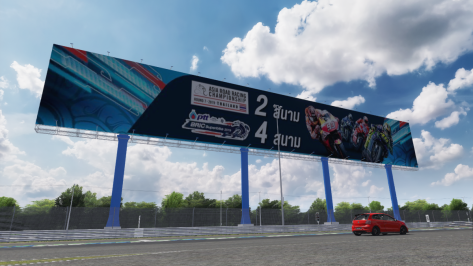
Here's what I've got:Does anyone happen to have a RainFX config for Chang International Circuit?
Author unknown, but the folder is just called 'chang'.
Ta muchly.
Try fully extending the Render Stats menu app. It shows your CPU/GPU performance, bottleneck and FPS loss.I tried lowering the values you suggested, but they didn't help..
Has anyone tried this config file?
SHADOWS_HALF_RESOLUTION =1
Both [LIGHT_...] with mesh and [LIGHT_SERIES_...] with meshes split their meshes into groups.
The basic principle is simple:
starting with zero groups, for each vertex, find nearest group.
If it’s closer than certain distance, add it to that group.
Instead, create a new group. That threshold distance can be controlled:
CLUSTER_THRESHOLD = 10 ; distance in meters
Minimal value is 1 meter. Please check how many lights are actually being created:
lower values might spawn too many lights, and all of them take time to render.
Have you tried changing the car? I occasionally get the AI slowing and stopping on some tracks in spec races using certain cars.Was giving these audio changes a spin, and I've found out that my AI on Magnificent Park now has a problem - the AI brakes in the middle of the back straight for no reason.
The only thing I've changed is the CSP version since I've worked on this (0.2.8preview, now 0.2.11preview). With the AI app open, everything looks just fine - there's no crossing of sidelines or anything out of the ordinary. Disabling the New AI Behavior extension does nothing.
Has someone else ran into this issue before? On this CSP or otherwise? I'd prefer not to have to roll back to test.
Give my AI a spin (click on my username and then Resources) if you'd like. Obviously, I didn't just brake in the middle of a long straight on my AI line lap - so something must have been broken in the background.
yes, sorry, forgot to mention. tried with the URD Oreca, the RSS NSX, and the Kunos Porsche Cup car.Have you tried changing the car? I occasionally get the AI slowing and stopping on some tracks in spec races using certain cars.
It's all part of CSP's rich tapestry.
Thanks for this, works a treat.Here's what I've got:
[RAIN_FX]
PUDDLES_MATERIALS = Material #39, Material #31, 06 - Default, 12 - Default, Material #668, Material #32, 02 - Default, Material #924, Material #36
SOAKING_MATERIALS = Material #39, Material #31, 06 - Default, Material #668, 03 - Default, Material #36, Material #924, Material #36
SMOOTH_MATERIALS = Material #696, Material #667, 12 - Default
ROUGH_MATERIALS = 03 - Default, 13 - Default
LINES_MATERIALS = Material #668
STREAM_EDGE_... = -463.42, 14.48, -8.21, -440.05, 14.55, 3.28
STREAM_EDGE_... = 546.19, 5.86, 53.46, 550.09, 5.92, 30.59
STREAM_EDGE_... = -84.15, 12.3, -42.73, -81.34, 12.14
STREAM_EDGE_... = -363.69, 12.11, 173.43, -373.86, 12.05, 194.28
STREAM_EDGE_... = 54.84, 12.14, 55.59, 52.53, 12.16, 72.89
STREAM_EDGE_... = -245.87, 12.5, 288.91, -246.11, 12.52, 265.67

May I ask for an updated link (@MS6Driver)?
Abt's TT-R is one of my all-time favourite racing cars, but other mods are lacking.
Thank you!
Best,
Underbird II
Na, sorry then, if there would be any error, you would see a red dot. Also LUA fps breaker is only on the CPU side if error are happen.Hi Peter, I opened it in one of the moments when I have the fps collapse but I don't know how to interpret, I took a screenshot.
View attachment 1463019
@Perico Lospa
For those who wanted to know, I play at 1440p with fairly high settings despite a 3070ti graphics card, practice mode, only one car, I go from day with 120 fps and if I set night it becomes 15fps.
@MeltFire
I tried lowering the values you suggested, but they didn't help..
Has anyone tried this config file?
At least two laps around the Track are required to create an AI line.Was giving these audio changes a spin, and I've found out that my AI on Magnificent Park now has a problem - the AI brakes in the middle of the back straight for no reason.
The only thing I've changed is the CSP version since I've worked on this (0.2.8preview, now 0.2.11preview). With the AI app open, everything looks just fine - there's no crossing of sidelines or anything out of the ordinary. Disabling the New AI Behavior extension does nothing.
Has someone else ran into this issue before? On this CSP or otherwise? I'd prefer not to have to roll back to test.
Give my AI a spin (click on my username and then Resources) if you'd like. Obviously, I didn't just brake in the middle of a long straight on my AI line lap - so something must have been broken in the background.
I do understand this, not sure what you mean. I never just do one lap, it takes many to get the line right, especially if I don't know the track.At least two laps around the Track are required to create an AI line.
Starting in Hotlap mode and making one lap is not enough to complete the AI.
(Sorry if you already understand this.)