Assetto Corsa PC Mods General DiscussionPC 

  • Thread starter Thread starter daan
  • 155,507 comments
  • 49,530,288 views
Hello everyone on the Assetto Corsa forum.
I apologize for taking up space with such a basic question.
How do I use this file (mercedes_190_evo2.kn5.vao-patch.txt)?
I would be grateful if someone could explain.
Remove the .txt and put the file into the car´s main folder. Also, make sure the car´s folder name is not in capital letters, otherwise CM does not register any driven distance.
 
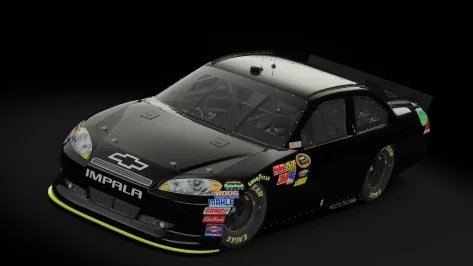
If these are the same cars I think of they're squished lol , had to resize them in Blender so they'd look on par with the GT5 CoT that was released this month

__custom_showroom_1779532699.webp


(left : resized - centre : GT5 CoT - right : base model)
 
no no those are the SRC cars - Totally different model from me.
Unfortunate we have to release the same car, ive been working on this for months and i bet he worked hard for it too.


I'm curious tho - where did you find the Gen 5 CoT?
 
Last edited:
no no those are the SRC cars - Totally different model from me.
Unfortunate we have to release the same car, ive been working on this for months and i bet he worked hard for it too.


I'm curious tho - where did you find the Gen 5 CoT?
It's on Loganmanex's discord and it was ported by MacedoSTI
 

Attachments

  • preview_jpg.webp
    preview_jpg.webp
    35.4 KB · Views: 1
Good afternoon everyone!

Does anyone have this Barrichello's Stock Car? The link is not working.


It's this one I think. The 2017 version of the car:


Link does not work, but you can download it from here:


But i personaly like 2019 car better:

 
Last edited:
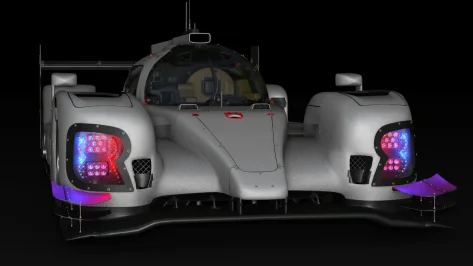
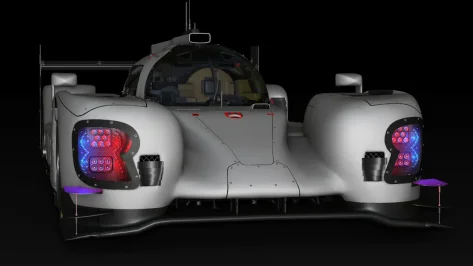
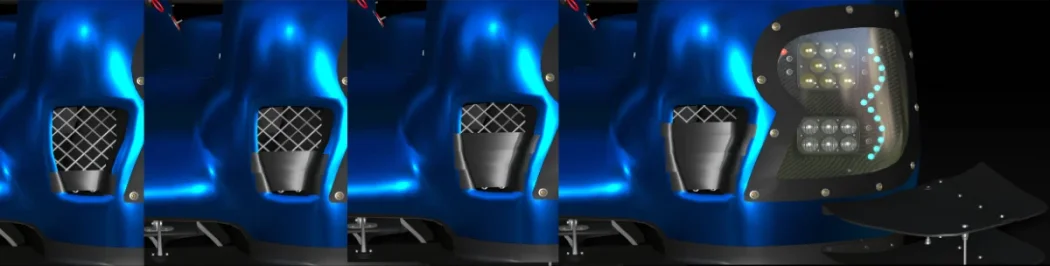
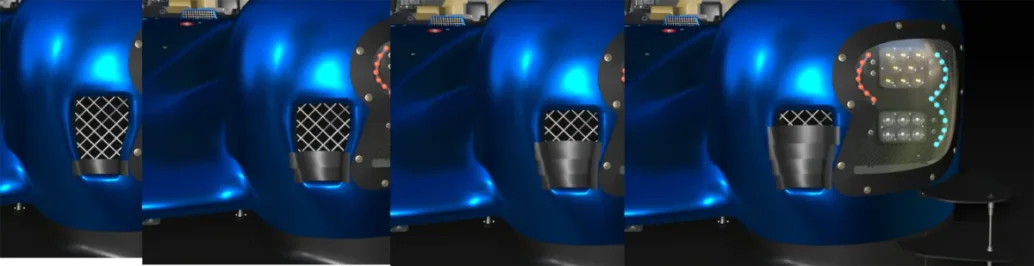
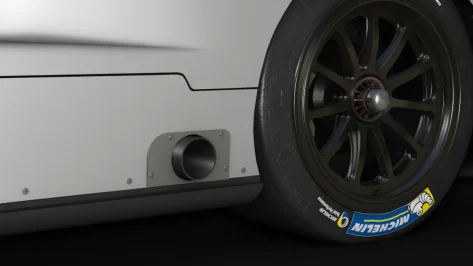
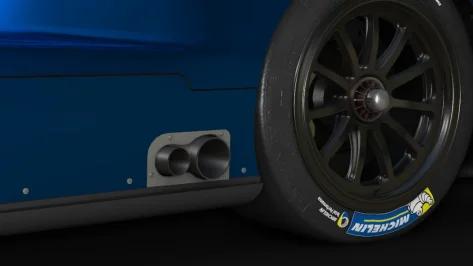
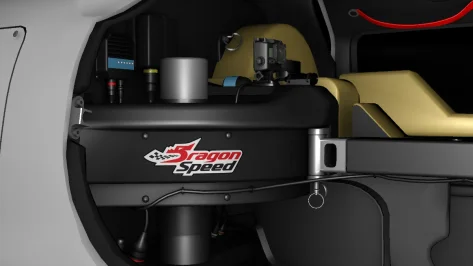
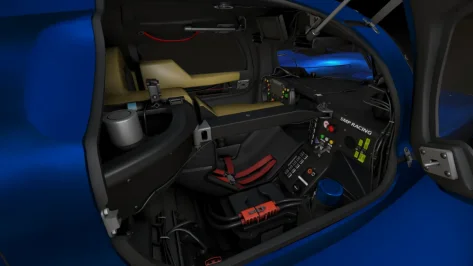
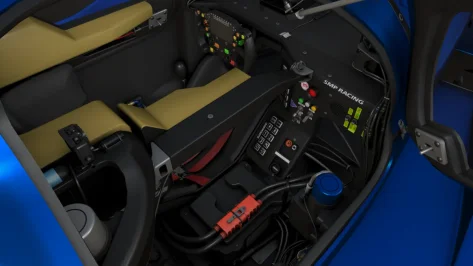
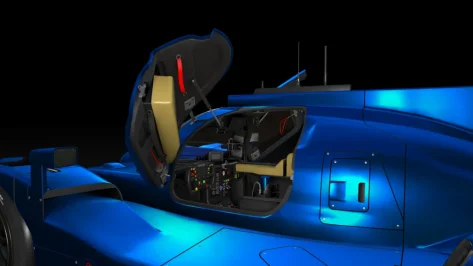
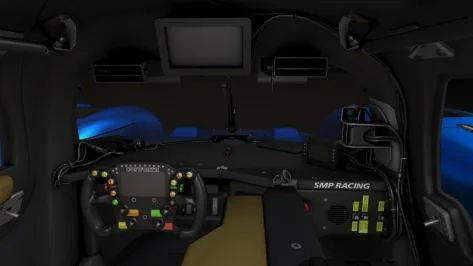
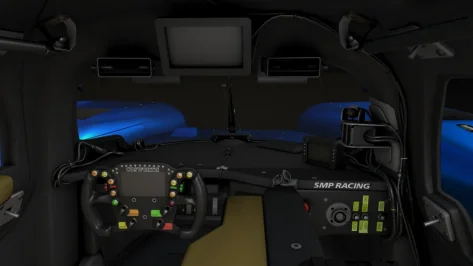
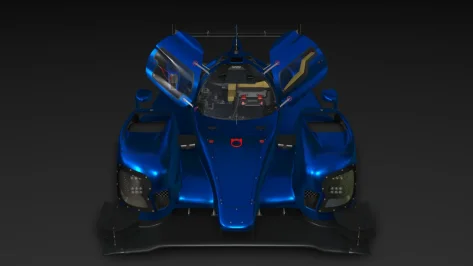
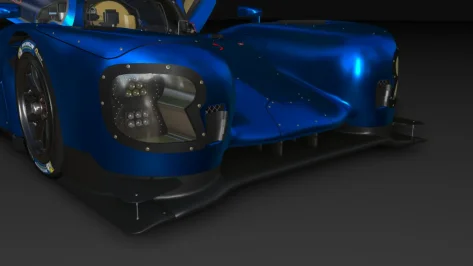
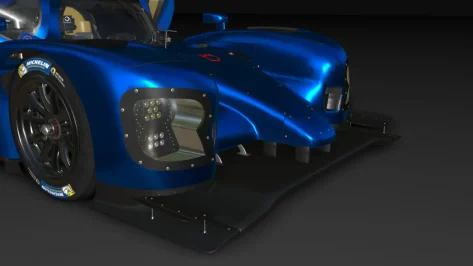
Update on BR ENGINEERING BR1 for AC. Cockpit model is done, and some other things like Gibson exhaust, brake duct tape, few changes on high and low downforce aero kits. No textures for now, maybe i will do it in June, need a bit of rest, but i will post something in June for sure.
cockpit1.webp


Higher resolution images https://flic.kr/s/aHBqjCVq13
 

Attachments

  • HD.webp
    HD.webp
    50.2 KB · Views: 1
  • LD.webp
    LD.webp
    39.7 KB · Views: 1
  • RearBrakes.webp
    RearBrakes.webp
    20.5 KB · Views: 1
  • HDBrakes.webp
    HDBrakes.webp
    32.6 KB · Views: 1
  • LDBrakes.webp
    LDBrakes.webp
    31 KB · Views: 1
  • Gibson.webp
    Gibson.webp
    33.2 KB · Views: 1
  • AER.webp
    AER.webp
    33.3 KB · Views: 1
  • DS.webp
    DS.webp
    37.4 KB · Views: 1
  • LDC.webp
    LDC.webp
    33.5 KB · Views: 1
  • HDC.webp
    HDC.webp
    32.8 KB · Views: 1
  • cockpit4.webp
    cockpit4.webp
    41.4 KB · Views: 1
  • cockpit3.webp
    cockpit3.webp
    50.1 KB · Views: 1
  • cockpit2.webp
    cockpit2.webp
    43.2 KB · Views: 1
question, can i somehow have 2 copies of ac on diffrent directories installed and then switch between both content files for content manager?
i mean i have one drive with all my current good content i have gotten over the past years and i dont delete my sorted out „bad“ content directly. i have put it on a spare drive and sometimes i wanna check if there is some gold of them which i might need for other content
 
Last edited:
I've got pink wheels on all skins on LOD B ... ?
Here too unfortunately, thus seems not related to CM/CSP/PP, etc.
Someone with more knowledge will be able to fix this? (On this otherwise enjoyable car (with engine sound changed though).
 
Last edited:
Update on BR ENGINEERING BR1 for AC. Cockpit model is done, and some other things like Gibson exhaust, brake duct tape, few changes on high and low downforce aero kits. No textures for now, maybe i will do it in June, need a bit of rest, but i will post something in June for sure. View attachment 1541392

Higher resolution images https://flic.kr/s/aHBqjCVq13
Noticed few mistakes i did while making those images, some parts of the car are missing, and some on the wrong side, I'll fix it.
 
Bro acts like the creator couldn't fix it in no time :lol:
Really? If he is indeed capable and it really takes no time, then maybe ask Fenryr why he never fixes z-fighting on any of his extensions. All of them are littered with it, and it rather spoils the experience.
He just places new meshes and textures directly on top of existing ones, then ignores the resultant flickering.
Pyyer's track extensions all have exactly the same problem too.
 
question, can i somehow have 2 copies of ac on diffrent directories installed and then switch between both content files for content manager?
i mean i have one drive with all my current good content i have gotten over the past years and i dont delete my sorted out „bad“ content directly. i have put it on a spare drive and sometimes i wanna check if there is some gold of them which i might need for other content
You can try pressing the "Change" button near the option "Assetto Corsa folder" in "CM/Settings/Content Manager/General".
 

Hi everyone,

I'm currently working on this track, but I honestly don't know how to continue. I can't get it to work properly — it keeps throwing errors over and over again. I have the feeling that something is missing, but I can't figure out what it is.

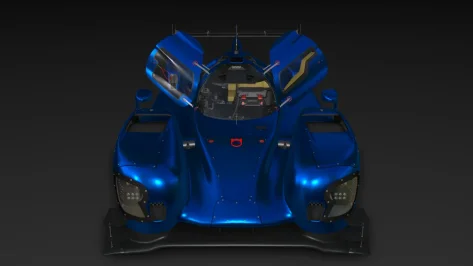
Has anyone dealt with something similar before or knows what I might be overlooking? Any help would be greatly appreciated.

Thanks
Autódromo_Ciudad_de_Concordia_(Argentina)_track_map.svg.webp
 
Last edited:
Sharing a mod? Host it on GTPlanet Downloads. Free, public hosting for files up to 10GB in size.

Latest Posts

Back