- 2,614

- MI
Great use of ellipsis!great driving lesson ...
Great use of ellipsis!great driving lesson ...


@leBluem do you happen to know of a definitive listing of shaders and their respective slots/textures? The page you linked is one of my most-used favourites when messing around with ext_configs, and I have used this page to try and work out which shaders do what (and which textures they each expect), but it seems to be an incomplete list and a lot of trial and error (on my end!).make sure you get the "slot" name right, i mean "txDetail" and such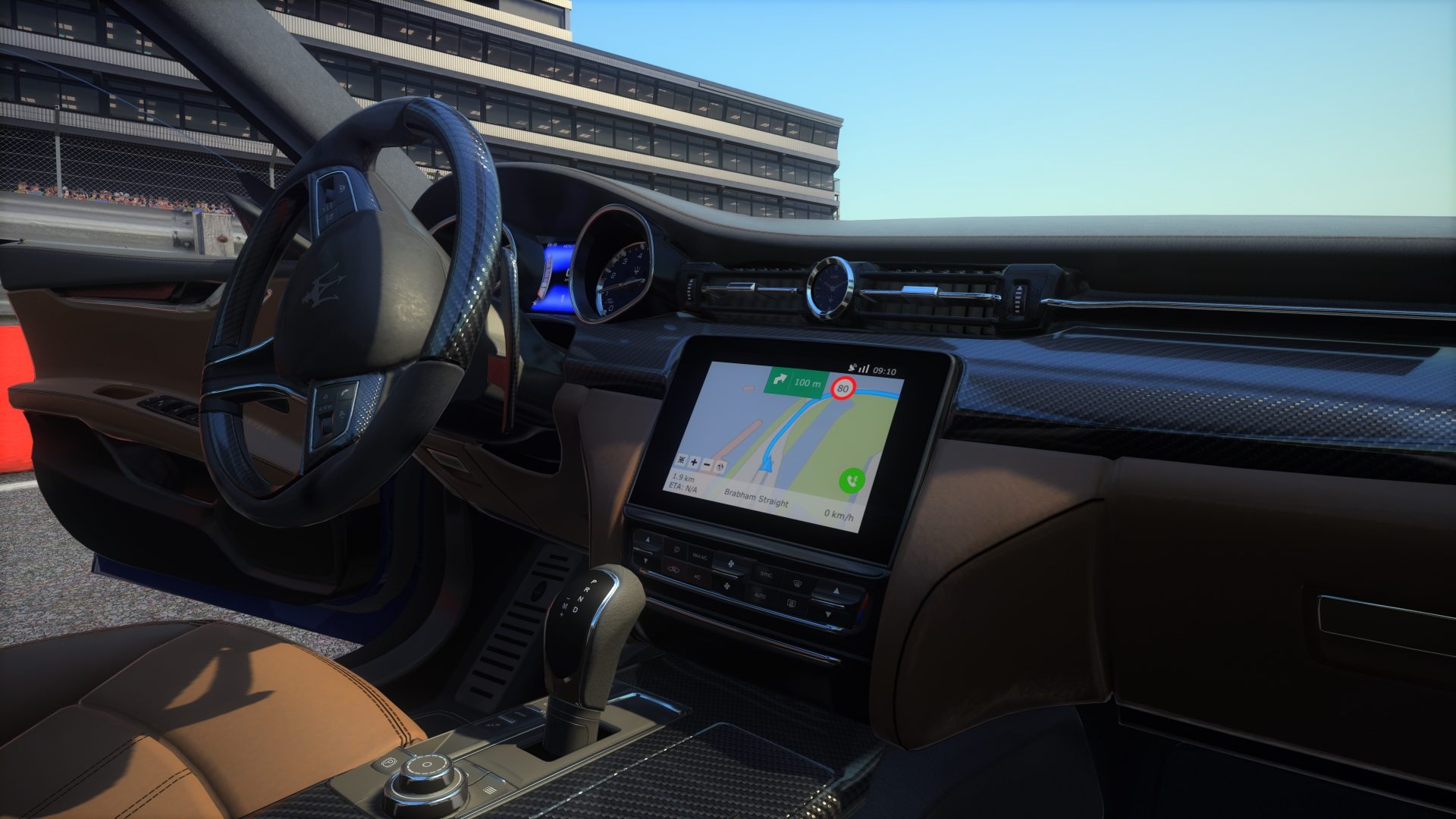
General – Shader replacements
Configuration files for Assetto Corsa Custom Shaders Patch - ac-custom-shaders-patch/acc-extension-configgithub.com
View attachment 1103395




There are no wipers on a real car too.Nice car, rain-physics too but no wipers.

Is it normal for you? I don't think...
This is the maximum power of ATCC Mazda Rx7. Same problem for all ATCC cars.
No problem for many others cars. All works good but some car has this problem. If it's a problem...


Use STRG+T, its the broken electronics.ini do disable TCI know. I saw many video on YT and all works good. It's an old problem for me with some mods but I don't know what could be the problem. All other cars works good with my setting.


THANK YOU VERY MUCH!Use STRG+T, its the broken electronics.ini do disable TC
or use this one in electronics.ini
[ABS]
SLIP_RATIO_LIMIT=0.11
CURVE=
PRESENT=1
ACTIVE=1
RATE_HZ=240
[TRACTION_CONTROL]
SLIP_RATIO_LIMIT=0.08
CURVE=traction_control.lut
PRESENT=1
ACTIVE=1
RATE_HZ=150
MIN_SPEED_KMH=25

You can try that "show pedals" app that lets you see how much throttle you've got. My calibration can sometimes go from 100% (what we call "WOT") to 80% or less, which makes the car feel like it's dragging a freight train.THANK YOU VERY MUCH!
The problem is the TC! Damn...
With TC disabled all works good!


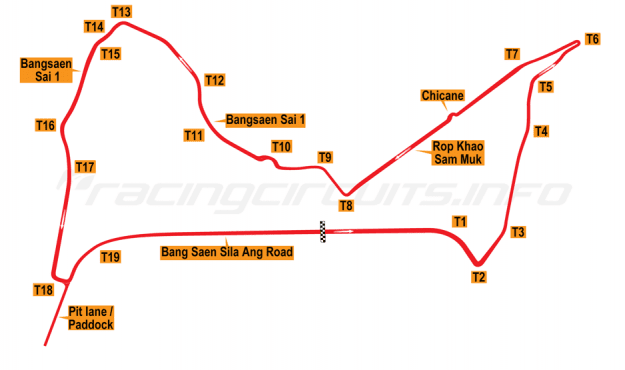
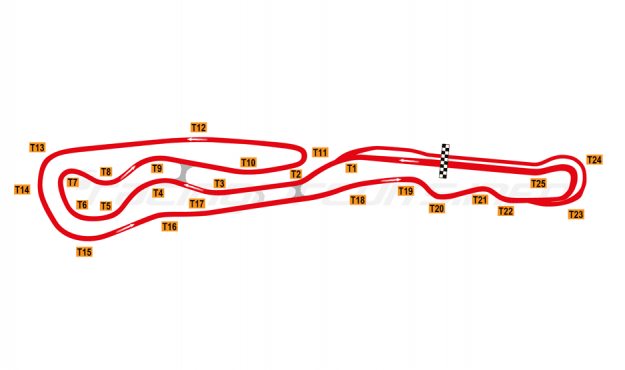

most (not best) there is: https://www.sites.google.com/site/hagn99/assettocorsa/modding/shader-values-template@leBluem do you happen to know of a definitive listing of shaders and their respective slots/textures? The page you linked is one of my most-used favourites when messing around with ext_configs, and I have used this page to try and work out which shaders do what (and which textures they each expect), but it seems to be an incomplete list and a lot of trial and error (on my end!).
Hi There, do you think it is possible to replace "world" textures in custom showroom? Not the car textures in the skin folder. I am working on a very nice showroom for us that will allow personalization if I can get the world object ("custom showroom".kn5 texture) to load personalized 3 textures. Ideally, I would like it to read the textures from the car UI folder, but it will be ok if just a static directory too.most (not best) there is: https://www.sites.google.com/site/hagn99/assettocorsa/modding/shader-values-template
but its too old to be trusted, just only use what you see on original cars/tracks


That little plate has been changed in the updated version. The guy must have read your comment...It uses the Kunos 500 Assetto Corse as a base model. It even uses the plaque in the cockpit.

😬That little plate has been changed in the updated version. The guy must have read your comment...

Touchè.There are no wipers on a real car too.

no, but like smbdy said, turn showroom into a trackHi There, do you think it is possible to replace "world" textures in custom showroom? Not the car textures in the skin folder. I am working on a very nice showroom for us that will allow personalization if I can get the world object ("custom showroom".kn5 texture) to load personalized 3 textures. Ideally, I would like it to read the textures from the car UI folder, but it will be ok if just a static directory too.
no, you cannot copy stuff already there, you only can insert (new) stuff already in place, and no physics stuffWondering if someone can help me learn something.
I've figured out from looking at different ext_config files how to hide a particular object in a .kn5, but can't seem to understand how (or even if you can) insert or replace one object with another from the same .kn5 file. I've seen it done when you reference a completely different .kn5 file to get the replacement from using the INSERT tag, but was hoping it could be done using the same .kn5 file.
Hope that makes sense and someone can give me a little push in the right direction. Thanks...
github.com


Didn't see @leBluem 's answer - sorryWondering if someone can help me learn something.
I've figured out from looking at different ext_config files how to hide a particular object in a .kn5, but can't seem to understand how (or even if you can) insert or replace one object with another from the same .kn5 file. I've seen it done when you reference a completely different .kn5 file to get the replacement from using the INSERT tag, but was hoping it could be done using the same .kn5 file.
Hope that makes sense and someone can give me a little push in the right direction. Thanks...
Thank you for the answer. So let me ask you this then, can you edit things like ksambient, ksdiffuse, etc. for meshes or only for materials. If so, is it done just like a material adjustment except instead of using the material = you use mesh = ?no, you cannot copy stuff already there, you only can insert (new) stuff already in place, and no physics stuff
edit: ok you can offset and rotate that too
General – Model replacements
Configuration files for Assetto Corsa Custom Shaders Patch - ac-custom-shaders-patch/acc-extension-config

Yes, you can do that. “MESHES=“ in place of “MATERIALS=”. Syntax is hereThank you for the answer. So let me ask you this then, can you edit things like ksambient, ksdiffuse, etc. for meshes or only for materials. If so, is it done just like a material adjustment except instead of using the material = you use mesh = ?
I guess I should explain what i'm trying to do. There is a object name on a track i'm using as a test to learn stuff that renders exceptionally dark. I got the object name and the texture it uses, but I can't adjust the texture because it is used by other things and that would throw them off. So i'm trying to figure out how to lighten up just that object\mesh.

I'll try that. I'm also going to see if I can figure out how SHADER_REPLACEMENT works and see if I can just change the assigned texture. Thanks for the help...Yes, you can do that. “MESHES=“ in place of “MATERIALS=”. Syntax is here
Different track.Is it this one pc_jingsu or is that something different