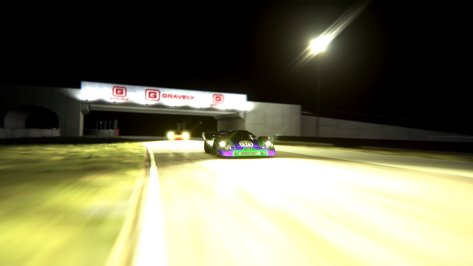
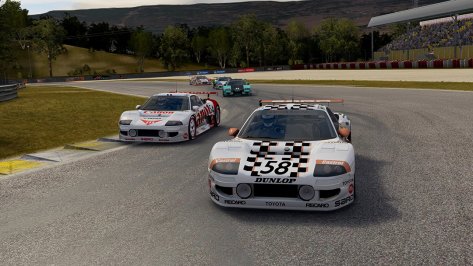
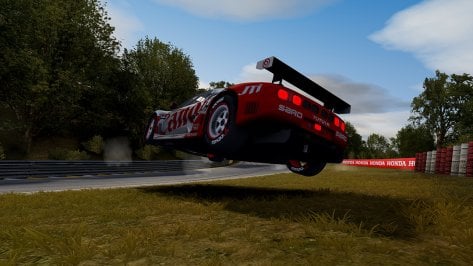
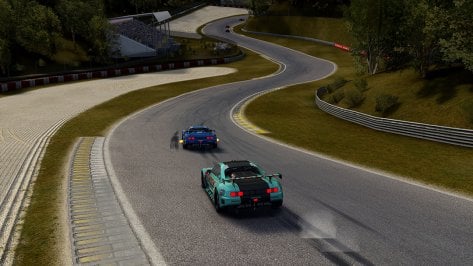
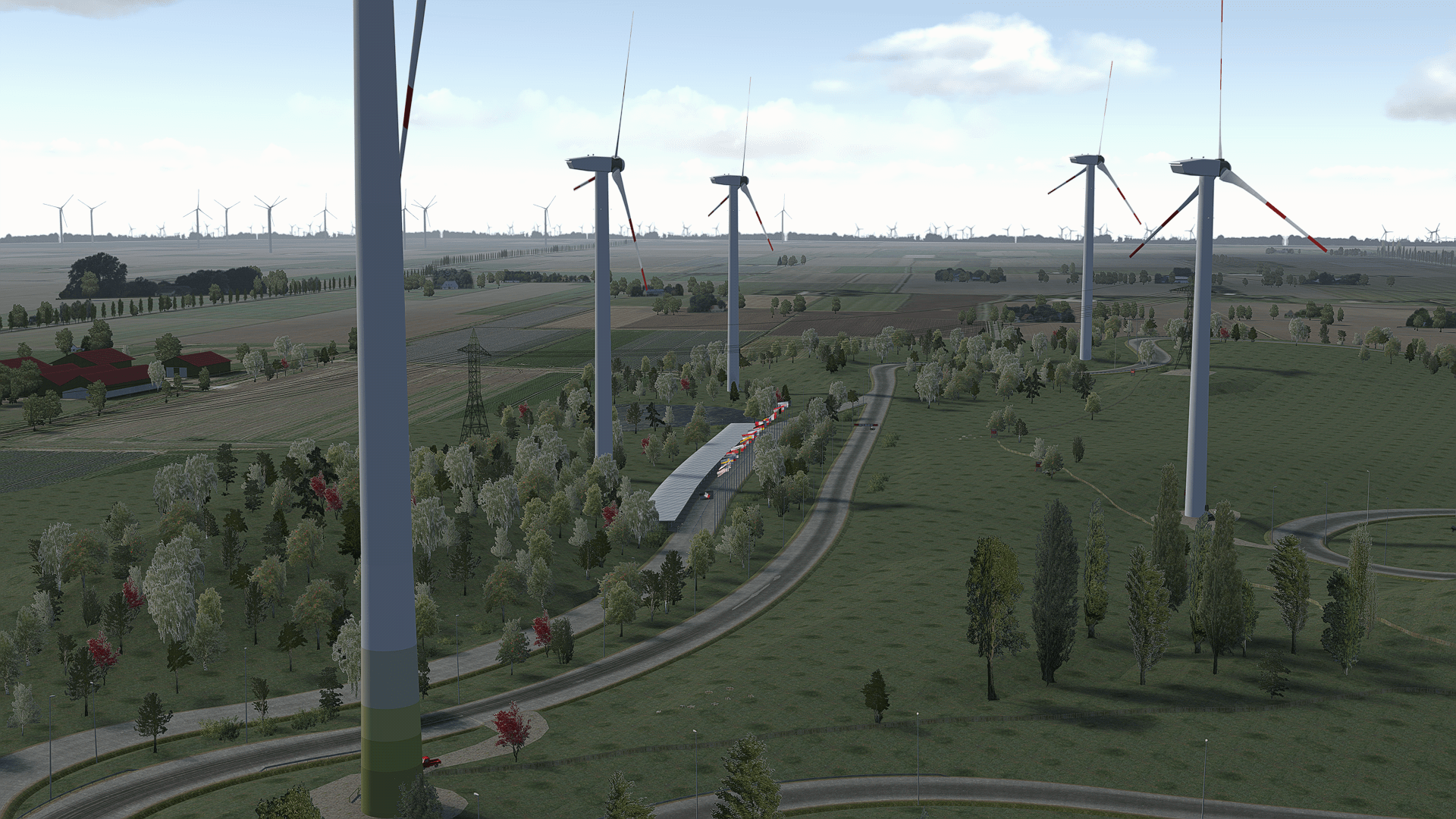
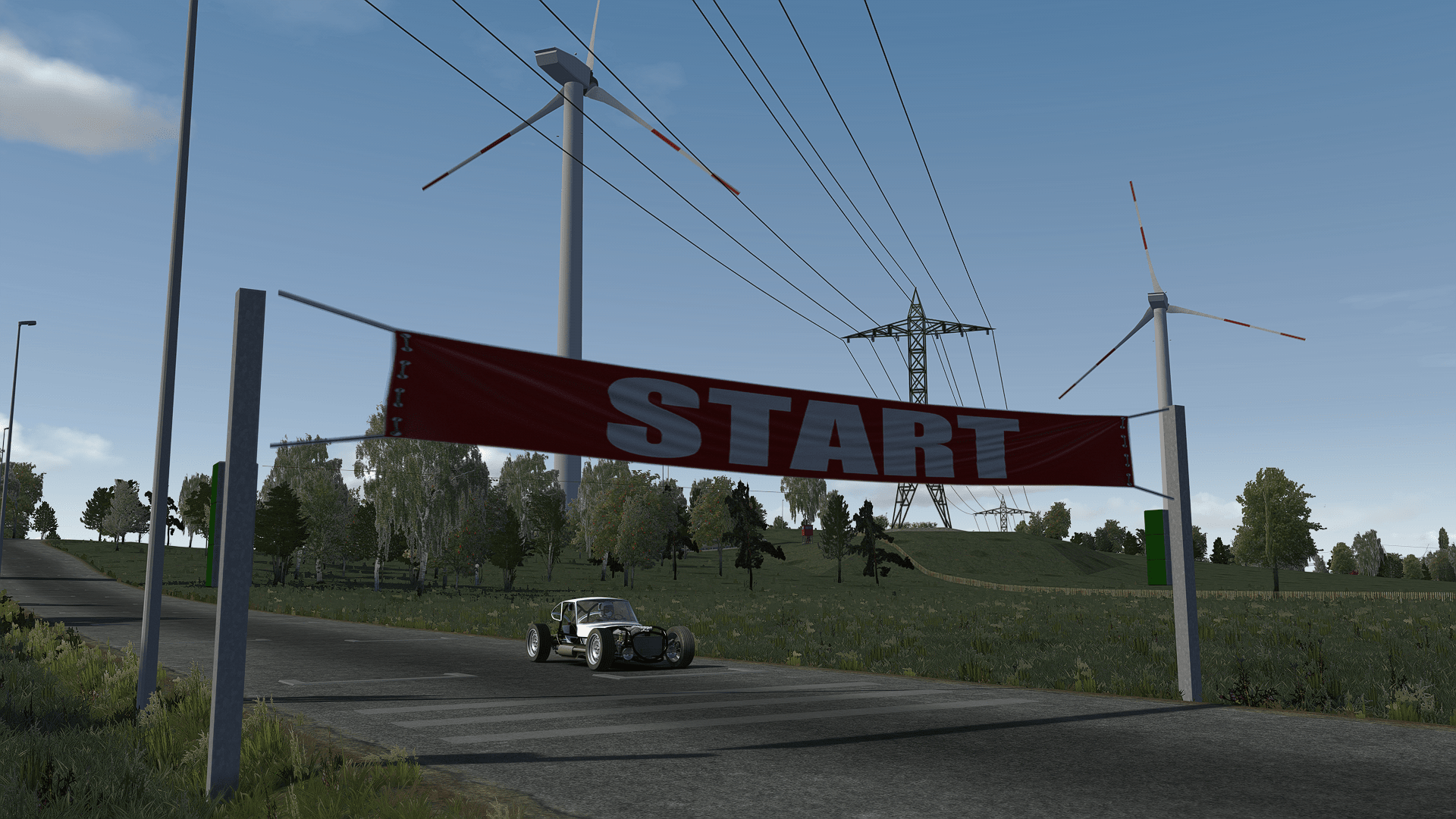
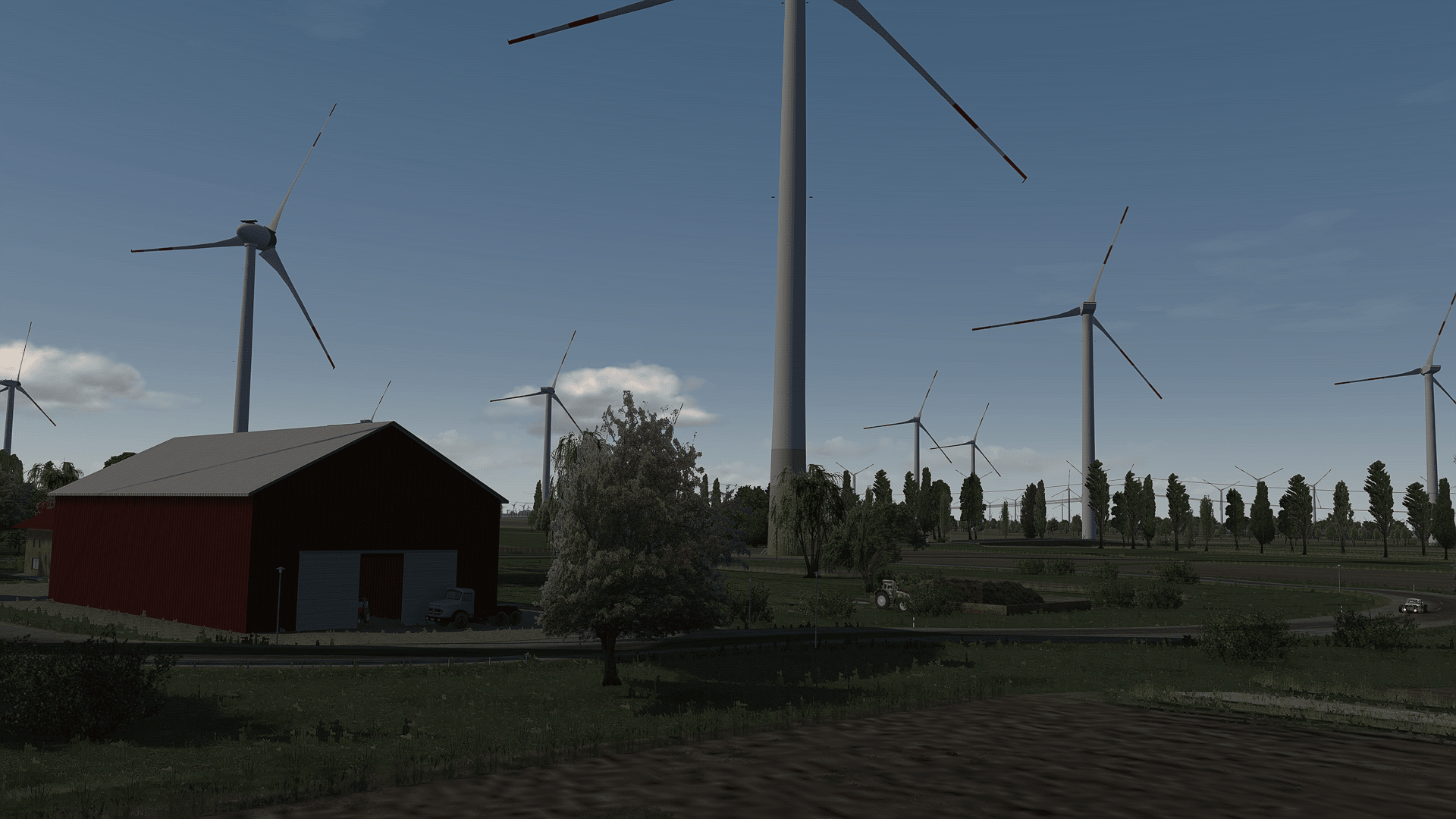
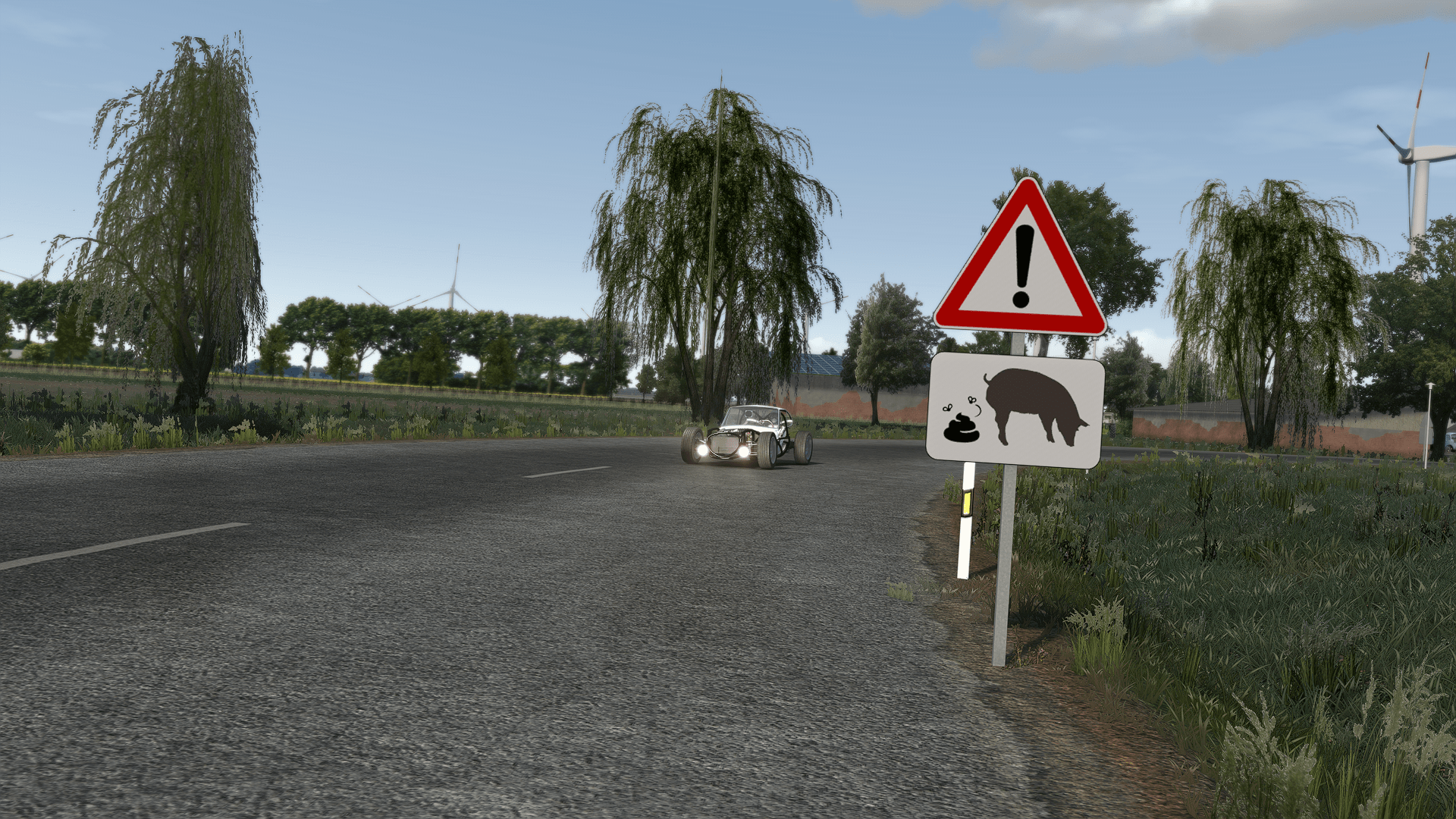
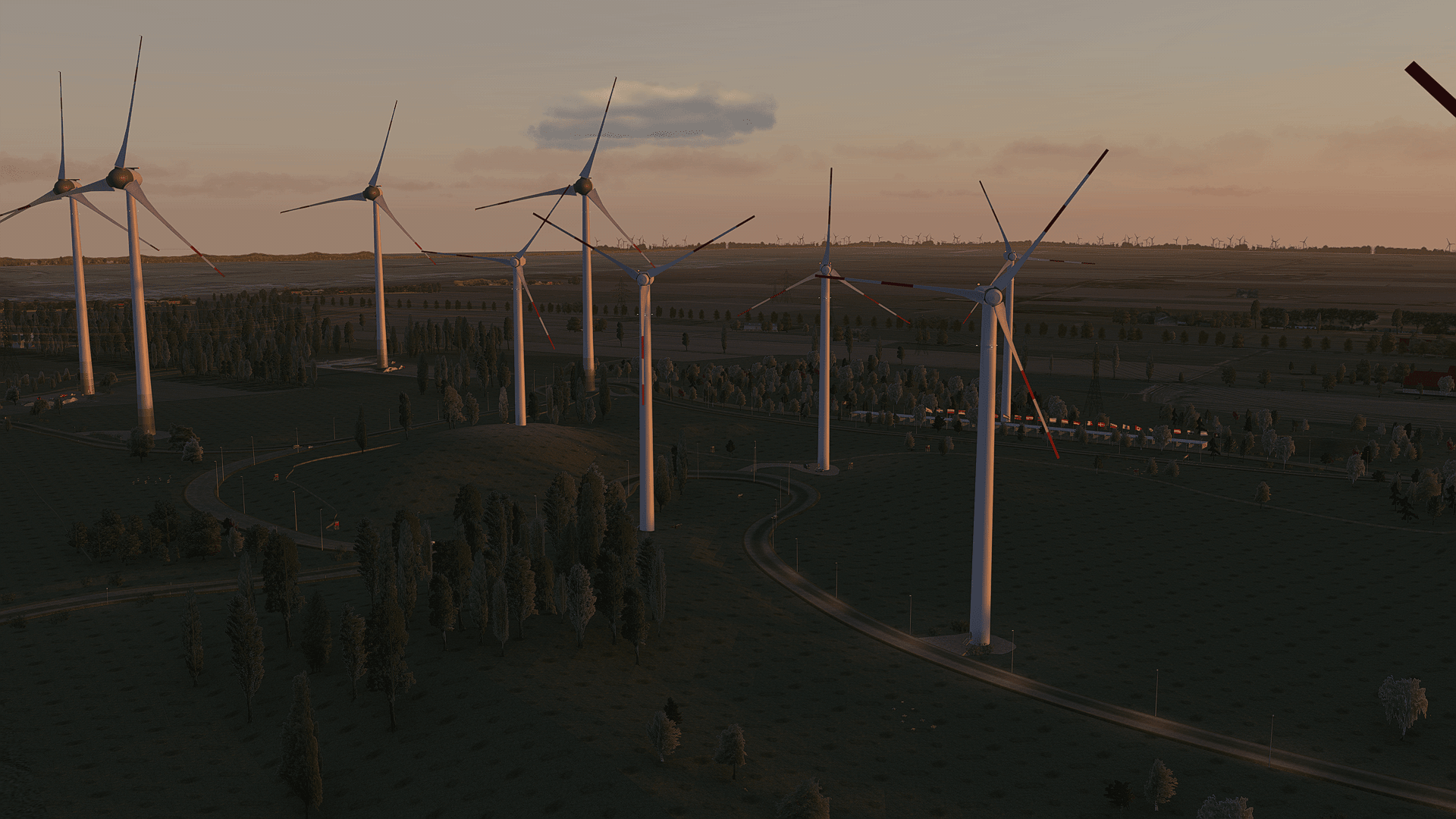
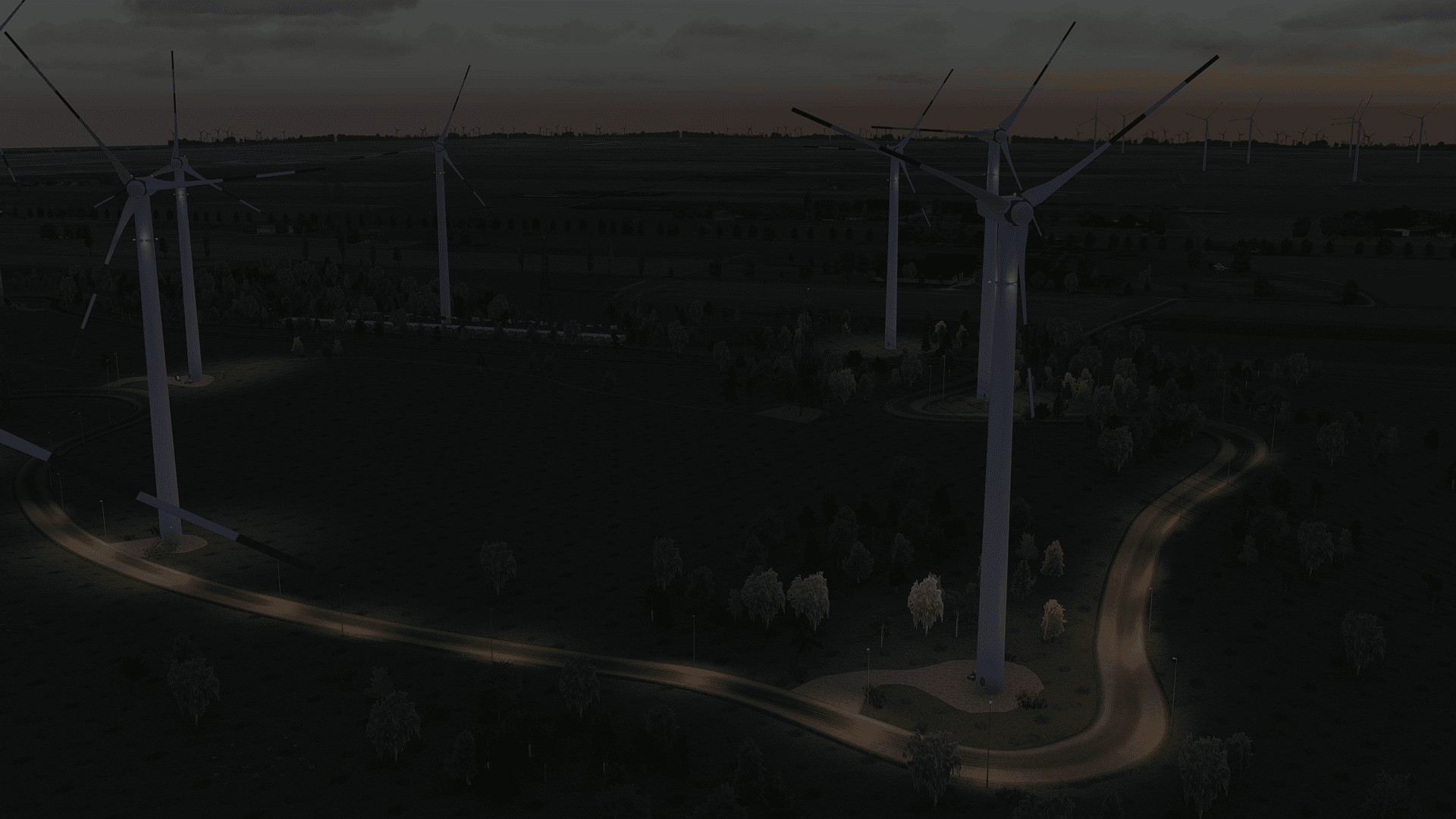
hehehe - No, I didn't use any post editing software, this is all ingame. For this picture in particular, I used the Paul_Ricard_B filter, with a little bit of glare reduction (so, the original glare of the filter would be even brighter/bigger). If you visit my Full HD Screeenshots page, you'll see the name of the file and filter used to take the picture:
View attachment 1121765
And here is another example of the same pic with the _default_bright filter:
View attachment 1121769
Visit my website for these and other screenshots in Full HD, where (as I explained) you can see the filter used to take the shot:
https://zpeed.com.br/screenshots/fullhd-jpeg
Here is my CM AC video page:
View attachment 1121766
Just be aware that these settings are for screenshots only, because it'll impact in the performance.
My YT channel also have a video explaing how to make screenshots, in this video there is no glare due to the ppfilter applied (SOL Extra):
Sure, it may have something in the CSP settings that may disturb this effect, but then I don't know what could it be.
I'm attaching all my original and variations of the Paul Ricard PPFilter for you to try.
Good luck! I'll be glad to help you to achive what you want.
Cheers