Assetto Corsa PC Mods General DiscussionPC 

  • Thread starter Thread starter daan
  • 155,548 comments
  • 49,584,366 views
Hey, guys.
I don't want any links... Just answer me if these tracks does exists for AC:

Imatra - Finland

Clermont Ferrand - France

Shah Alam - Malaysia

Johor - Malaysia

San Carlos - Venezuela

Rijeka 90s - Yugoslavia

Thanks!
 
Last edited:
Hey, guys.
I don't want any links... Just answer me if these tracks does exists for AC:

Imatra - Finland

Clermont Ferrand - France

Shah Alam - Malaysia

Johor - Malaysia

San Carlos - Venezuela

Rijeka 90s - Yugoslavia

Thanks!
YES to:

Clermont Ferrand - but you have to look for the track name "Circuit de Charade" (https://www.racingcircuits.info/europe/france/charade.html)

San Carlos

Rijeka -but you hve to look for the track name "Automotodrom Grobnik" (https://www.racingcircuits.info/europe/croatia/rijeka-grobnik.html)
 
Hey, guys.
I don't want any links... Just answer me if these tracks does exists for AC:

Imatra - Finland

Clermont Ferrand - France

Shah Alam - Malaysia

Johor - Malaysia

San Carlos - Venezuela

Rijeka 90s - Yugoslavia

Thanks!
 
1678015481895.png

from the legendary creator that already brought us Knight Rider,
another legend comes to life in our beloved AC sandbox... Airwolf!

This time (the model was released earlier but now it is flyable) the release video also
includes spoken instructions from the man himself - in Japanese - but English CC are included.

A summary of the important stuff and controls:
1) in assettocorsa\system\cfg\options.ini put AUTOFLIP_RECOVERY=0 (needed for Flight)
2) easier to control with a gamepad (or turn off FFB)
3) recommended to turn off CSP GamepadFX

EXTRA 1: start engine

GEARS regulate vertical movement:
1 go down faster
2 go down
3 HOOVER (stay on same altitude; also use this to taxi on the ground - be in this gear when starting engine)
4 go up
5 go up faster
6 make a looping (only attempt at high altitude, and go back to 5 after the loop)

ACC / BRAKE : forward or backward thrust

STEER: turn left/right (with brake pedal pressed steering will become somewhat different.)

For now the cockpit is very bad quality... hopefully someone will make a HD interior for this,
and AC will maybe one day also be considered as a nice Heli sim ;)
It makes a fun and different way to enjoy maps from the sky at least.

Thanks to Takeyoh for his love and dedication to Assetto Corsa!
 
Last edited:
View attachment 1236770
from the legendary creator that already brought us Knight Rider,
another legend comes to life in our beloved AC sandbox... Airwolf!

This time (the model was released earlier but now it is flyable) the release video also
includes spoken instructions from the man himself - in Japanese - but English CC are included.

A summary of the important stuff and controls:
1) in assettocorsa\system\cfg\options.ini put AUTOFLIP_RECOVERY=0 (needed for Flight)
2) easier to control with a gamepad (or turn off FFB)
3) recommended to turn off CSP GamepadFX

EXTRA 1: start engine

GEARS regulate vertical movement:
1 go down faster
2 go down
3 HOOVER (stay on same altitude; also use this to taxi on the ground - be in this gear when starting engine)
4 go up
5 go up faster
6 make a looping (only attempt at high altitude, and go back to 5 after the loop)

ACC / BRAKE : forward or backward thrust

STEER: turn left/right (with brake pedal pressed steering will become somewhat different.)

For now the cockpit is very bad quality... hopefully someone will make a HD interior for this,
and AC will maybe one day also be considered as a nice Heli sim ;)
It makes a fun and different way to enjoy maps from the sky at least.

Thanks to Takeyoh for his love and dedication to Assetto Corsa!

why-36471-arme-vintage-poster.jpg__960x0_q85_subsampling-2_upscale.jpg
 
Maybe somebody knows , mystery of csp or assetto no idea what is the issue

I was running the game noo problem at all , and 2 hours after , literraly after F1 gp !

I restart the game ...
and No sound ... in game ... When i start it full screen , no sound in game , ( all is set correctly because i didnot change anything between morning and afternoon ! )

If I do Alt + TAB , then sound is there !!!!

Do you know what is the problem because i don t want to re install this **** game for the 20th time due to unknown repeatable bugs !

Thank you
 
Maybe somebody knows , mystery of csp or assetto no idea what is the issue

I was running the game noo problem at all , and 2 hours after , literraly after F1 gp !

I restart the game ...
and No sound ... in game ... When i start it full screen , no sound in game , ( all is set correctly because i didnot change anything between morning and afternoon ! )

If I do Alt + TAB , then sound is there !!!!

Do you know what is the problem because i don t want to re install this **** game for the 20th time due to unknown repeatable bugs !

Thank you
Already tried rebooting PC, I guess ?
Also, if you got sound with the window minimized, that can be an order error in the sound mixer of windows.
 
omg sure, i forgot to tick extended physics. Well i tryed it
on Street tyres it drive more or less as on the rain, but surface is too constant, how to explain, still not a dynamic. Yes, it is effect from puddles, a little. The tarmac itself more feels like very cold asphalt on dry winter day, then a rain surface.

But when it came to semislicks (Which meant to be sort of Advan 050 tyres for club and time attach events), even on the speed of 70-80 it felt like a 10 kg car with 200 hp on it, just sliding as on thin ice...it made just n% reduction of grip, non more. Still not realistic at all. But yes, agree, it is a progress really. Hope it will come to better condition later on. as it said in description, it is still experimental, but not worth of real experience for now. Ilya does amazing job anyway!

Thanks but the pitlane is still got holes in it.
 

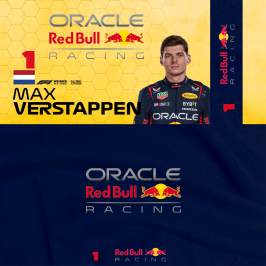
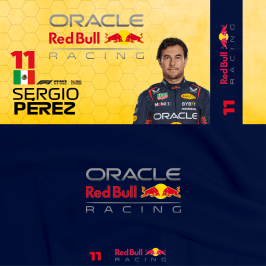
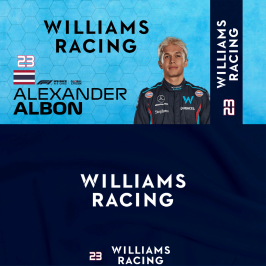
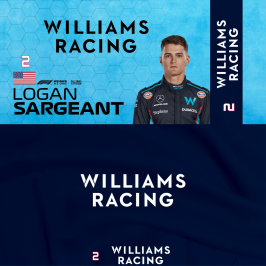
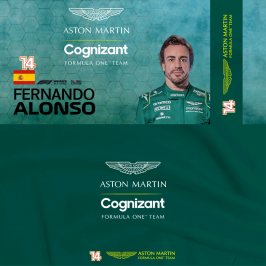
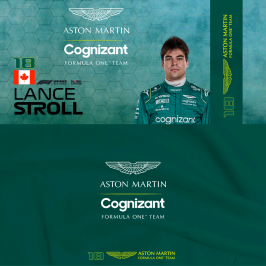
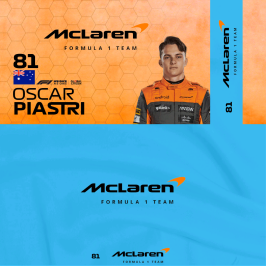
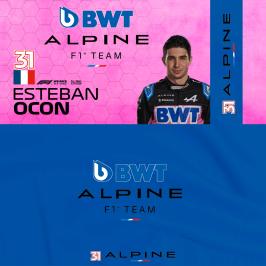
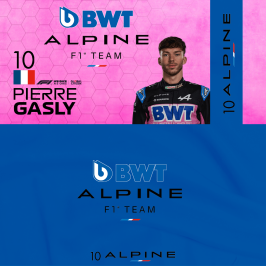
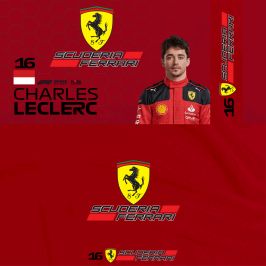
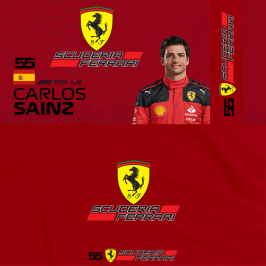
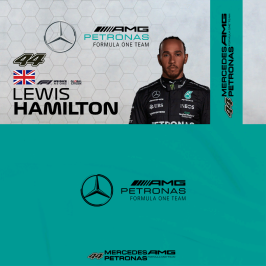
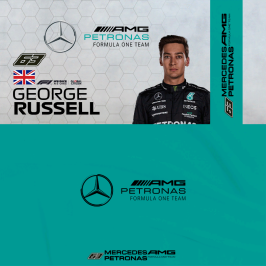
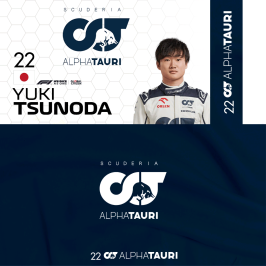
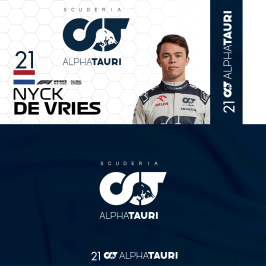
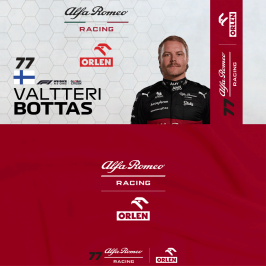
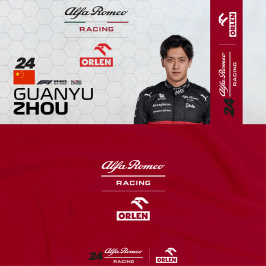
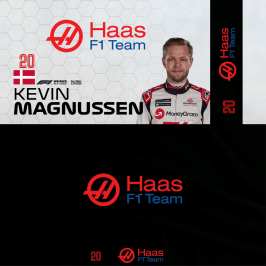
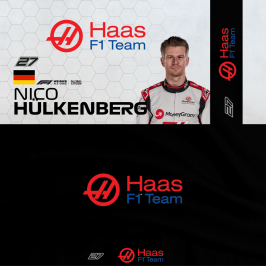
F1 2022/23 AC_Crew Pit Banners and Team Pit Wall Skins v1.23.3a​

RB18_1_23_Verstappen_ac_crew.pngRB18_11_23_Perez_ac_crew.pngFW44_23_Albon_2023_ac_crew.pngFW44_2_Seargeant_2023_ac_crew.pngAMR23_14_Alonso_ac_crew.pngAMR23_18_Stroll_ac_crew.pngMCL37_4_Norris_2023_ac_crew.pngMCL37_81_Piastri_2023_ac_crew.pngA523_31_Ocon_2023_ac_crew.pngA523_10_Gasly_ac_crew.pngSF23_16_2023_Leclerc_ac_crew.pngSF23_55_2023_Sainz_ac_crew.pngW14_44_Hamilton_2023_ac_crew.pngW14_63_Russell_2023_ac_crew.pngAT03_22_Tsunoda_2023_ac_crew.pngAT03_21_DeVries_2023_ac_crew.pngC42_77_Bottas_2023_ac_crew.pngC42_24_Zhou_2023_ac_crew.pngVF23_20_Magnussen_2023_ac_crew.pngVF23_27_Hulkenberg_2023_ac_crew.png
Edit: 05/03/23
Few names amended due to my poor typing !:scared:
All 20 Drivers added plus I have changed the DDS settings for better saturation - If you have already downloaded the previous version - please replace with this version - Apologies for any inconvenience.
RD Link: https://www.racedepartment.com/down...ew-pit-banners-and-team-pit-wall-skins.49428/

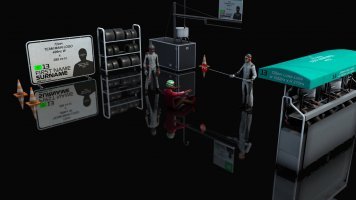
PLEASE NOTE_ These will work with any F1 Car Mod with a manual install
Once the file is in the chosen team skin - Please rename it to ac_crew.dds

DIY Version here
https://www.racedepartment.com/downloads/diy-insert-yourself-photoshop-gimp-ac_crew-template.49474/
550464-f143acbc10d2f419119d5a03475b786f.jpg
 
Last edited:
As mentioned here is the 2005 Pescarolo C60 Hybrid LMP 1. The intention was for the 2006 car which is in progress but the default GTR2 model was the 2005 so we made this one anyway. Main obvious difference is the rear wing. The main focus is the physics which is preview of the physics we will be including in our full 2006 season mod for LMP1, 2 and GT1,2.

https://mega.nz/file/PH4mwAJK#AzBybHi9M-Rh6wjE-P7uatlopT9ATLLeojP8aMQIbMk

View attachment 1077694
I know I am a long ways off since this post, but is there any other way to obtain this magnificent machine?
 
maybe a wrong installation from him (not a clean one?) i noticed that AC sometimes **** up things if not done a clean install
Good point, could be. I kind of assume everyone does clean installations of cars and tracks these days but you never know.
We certainly can't find these holes ourselves.
 
Good point, could be. I kind of assume everyone does clean installations of cars and tracks these days but you never know.
We certainly can't find these holes ourselves.
Defo a clean install, sounds like its a CSP setting of some kind if others arn't getting it, tested with different cars. Its throughout the pitlane in the fast lane about 3/4 the way across and when you just start turning at pit end when your just about to enter the track, I have had this issue with every version I have tried so far. Running the CSP patreon version, last but one..
 
Last edited:
Defo a clean install, sounds like its a CSP setting of some kind if others arn't getting it, tested with different cars. Its throughout the pitlane in the fast lane about 3/4 the way across and when you just start turning at pit end when your just about to enter the track, I have had this issue with every version I have tried so far. Running the CSP patreon version, last but one..
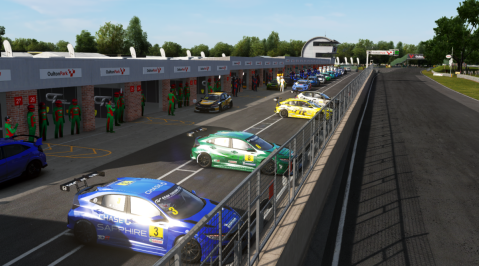
Is this what you mean ?

pitlane_acc.png


If so, check the RL images. It's really like that.

oulton_holes.png


oulton_real.png


On my side, I can't think of anything else.
 
Last edited:
Defo a clean install, sounds like its a CSP setting of some kind if others arn't getting it, tested with different cars. Its throughout the pitlane in the fast lane about 3/4 the way across and when you just start turning at pit end when your just about to enter the track, I have had this issue with every version I have tried so far. Running the CSP patreon version, last but one..
Nope, clean install mean, remove the track/car folder you are installing from relative track/folder. Unless the ext_config have the ignore other configs active, it would be a good point to check also the latest config update that you can have in the extension folder in the main AC root.

All my configs have this entry in order to avoid any conflicts with other configs
 
Sharing a mod? Host it on GTPlanet Downloads. Free, public hosting for files up to 10GB in size.
Back