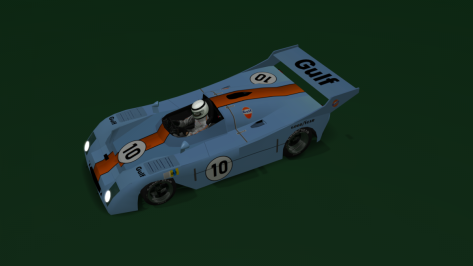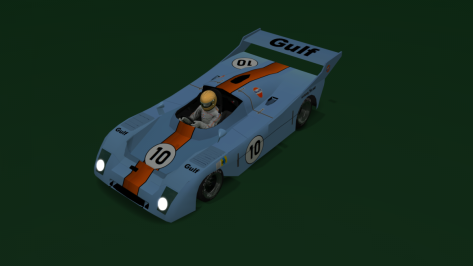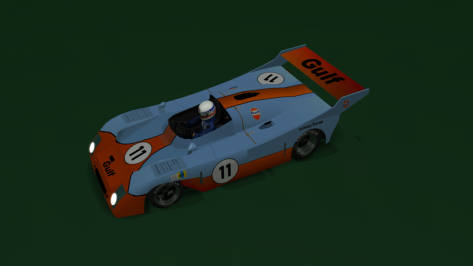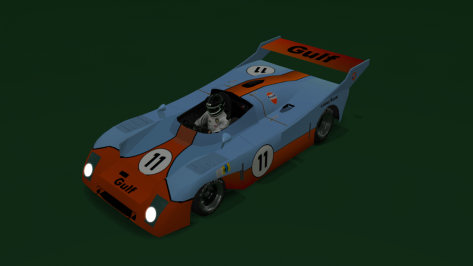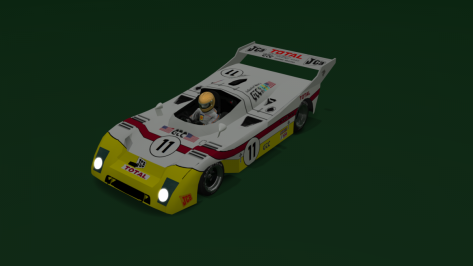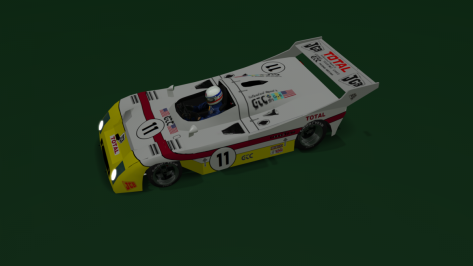
- 613

- World






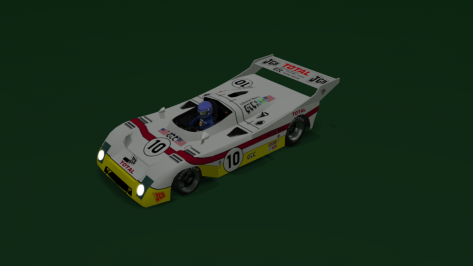
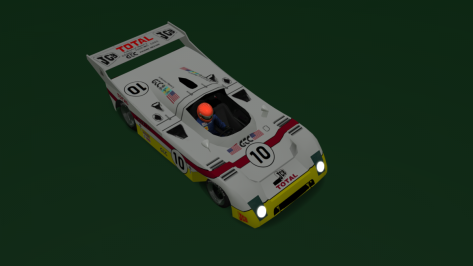
Yes, the car is encrypted because of such things: editing stuff without informing the modder himself..Nice car.
I enabled the LOCK_N=1 in drivetrai.ini (as in the real cars to prevent accidental shifting into neutral while moving) but now I can't pack data again, so I presume there's some kind of encrytion...
Maybe you could change that in data.acd ?


yes haha but its a nice pic!Note: the third pic is not indicative of the quality of the tyre walls.

Yeah, found it...Nelson Ledges v1.0
View attachment 1247704
View attachment 1247707
View attachment 1247705
features:
- 24 pit/grid
- historic American track
- CSP RainFX and goodies
- balloons and planes
- more cool things to feast the eyes and fill the mood
- an easter egg (can you find it?) (note: not a real egg)
credits:
- Original rFactor Track Build by "Goggles Pisano"
- Converted to GTR2 by "Advent57"
- conversion, cams, AI, lighting, textures, shaders, much misc by @RMi_wood
- road physical mesh, groove, tar-lines, 3d-remodeling by @pugsang
- road physical mesh, new kerbs, reference trees, TSO vehicles, 3d-tires, grass config, 3d faces fix, grid/pits by @shi
- Air-force and flag wavers by @Masscot
- sections.ini by @Fanapryde
- CSP grassFX by @SliderMan
- beta testing and feedback by @Breathe, @macko68, @norms, @leBluem and others listed above
"Car Tires Game Asset" by Agustin Honnun" (https://skfb.ly/6TBOq) licensed under Creative Commons Attribution
:: DOWNLOAD ::



cheater cheater no skunkies for you
No, no, no, I never ever cheated...cheater cheater no skunkies for you



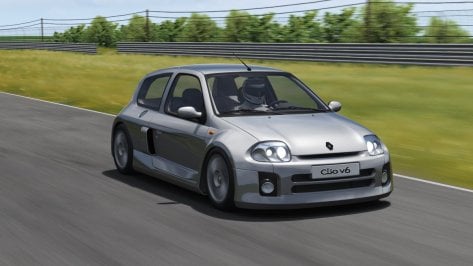
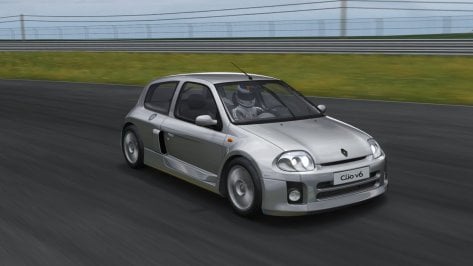
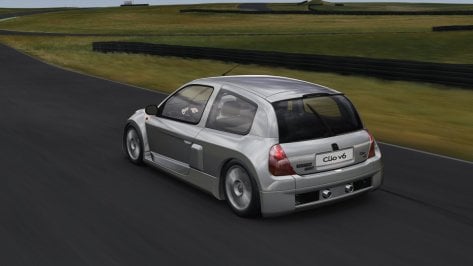
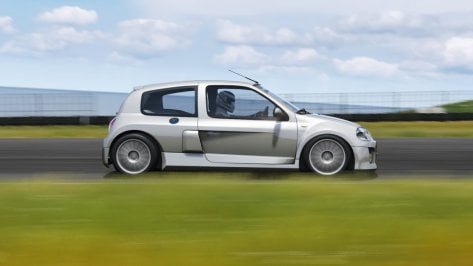
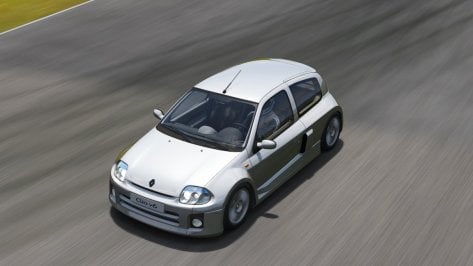
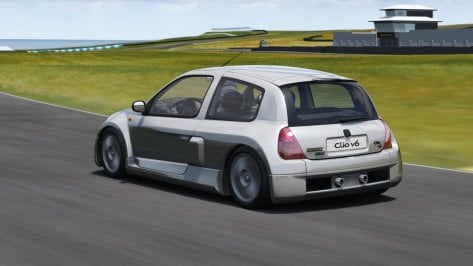
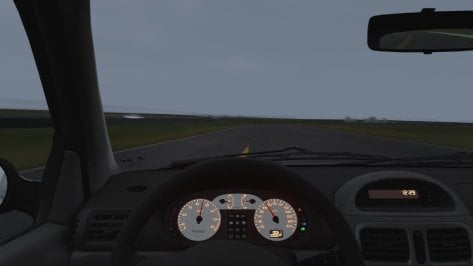
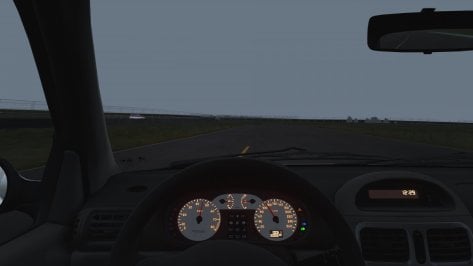
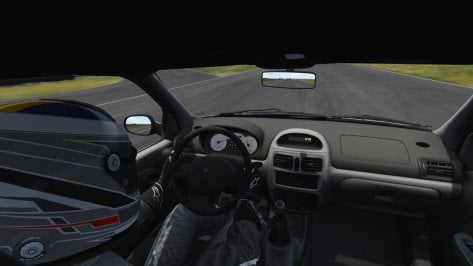


Already on my AC folder. Dropped a react on your upload on RD too.

Wow, thank you so much for your work, i like Phase One really much more!Renault Sport Clio V6 Phase I Release!!
Download: https://www.patreon.com/posts/renault-sport-v6-78458666
Converted From Gran Turismo 6 By Peter Crill,3D help By Norms
-AO inside and out
-Realistic Dashboard
-CSP Settings
-Physics by Jandrovi physics
-Driver Animation by Mascot
-Working Wipers
-Self Ligth
-Paint colors and pbr by walkinginmyshoes87
-Panoramic session Start config Daniel Nogal
-Beta testing and help ,@norms,@takum1,@Mascot,and others
View attachment 1247815View attachment 1247816View attachment 1247817View attachment 1247818View attachment 1247819View attachment 1247820View attachment 1247821View attachment 1247822View attachment 1247823


Nope, works fine here.Has anybody seen this error before with eiger. I deleted the track but it still comes up??
View attachment 1247875

Your UI folder should look like this:Has anybody seen this error before with eiger. I deleted the track but it still comes up??
View attachment 1247875


I've put in around 10-15 into it and it's brilliant. It takes an awful long time to set it up (about 3-4 hours) because there's around 70 tracks and 200 cars to download, and you need to load AC a few times to get it to create the metadata for all of the cars, but once it's going there's a lot to recommend it. History mode is great and it has 5 Daily Events to keep interest going. Also, it can recognise cars which aren't listed in the required downloads section and apply PP values and costs to them.Has anyone here tried the "assetto corsa evoluzione" mod? Is it any good?
Has anybody seen this error before with eiger. I deleted the track but it still comes up??
View attachment 1247875
Yeah I’d try reloading the track first as samdale said but if that doesn’t work try disabling the RARE app too. Not sure when but one of the recent updates creates a duplicate folder of every layout of every track you drive, not sure the purpose but that could be adding to the confusion/problems.Your UI folder should look like this:
View attachment 1247879
And your CM page should look like this:
View attachment 1247880
It looks like you may have a phantom layout in your install ("short_rare"). You might also try clicking the 'reload' button on the CM page for the track.
So for some reason the GT7 map hud was the culprit but idk why it suddenly started doing itYeah I’d try reloading the track first as samdale said but if that doesn’t work try disabling the RARE app too. Not sure when but one of the recent updates creates a duplicate folder of every layout of every track you drive, not sure the purpose but that could be adding to the confusion/problems.