- 1,172

- Belgium
sure there is a toggle ... you need to put Weather to Default instead of Pure , and then you have option to toggle LCS on or off :Haha, indeed Alesi100i. Actually, I'm wondering now if there is a way for me to use the new CSP in order to experience other improvements (not related to the feature that breaks Pure, etc.). Do you know if that LCS (I can't remember the acronym) is togglable? As in a way to deactivate it via an "Active []" checkbox so that it doesn't mess with stuff I'm already happy with. I'm assuming there are a lot of other improvements that I might be missing out on.
Also (random), I remembered you had some good BoP work you've done way back. Had a brainfart. Need to go back into our history and find your old posts.
For this NVIDIA Profile Inspector tool, I found the official site here , but download button isn't working.Guys, if anyone is using a giant 55+ inch 1080p monitor/tv, 2 feet from your face for racing...
and you have all the obvious settings for antialising set. And maybe you have no jaggies in distant stuff, BUT have jaggies in the cockpit area. This is what I've been thinking for years that because I'm on a bigas$ 1080p monitor that my antialiasing was as good as it was going to get. The other day I got a hair up my butt and decided to mess around with Nvidia Profile Inspector. These are the settings I ended up with that totally smoothed out the few little jaggies that were left in my cockpit view. Additionally, the Line Gamma settings 'might' be helping with funky looking powerlines. It seems so to me, but, anyway. That was just a bonus. I really just wanted to smooth out the jaggies in the cockpit view -- it was annoying my OCD.Hope it helps someone. Just the settings in the Antialiasing section:
View attachment 1345107
Can you pls share it? (is portable so just 1 exe file I guess, pls can you zip it and drop it in https://easyupload.io/ or something similar?)









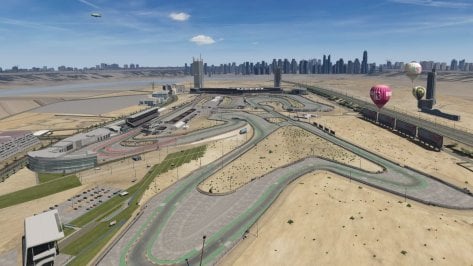
 I would try hotlapping the same car on both versions to test it out but I have a cold that's bonking my head, have any of you guys benchmarked/hotlapped the new Daytona yet?






 . Will update it later today.