- 552

- American Samoa
I swear most of the people on here are spending more time looking at how the game looks with an microscope than actually playing it lol


You beat me to it by 15min!!


And that's a bad thing, why?I swear most of the people on here are spending more time looking at how the game looks with an microscope than actually playing it lol


You should definitely keep improving the app, adding more stuff as you go such as improving start of race behavior, yellow flag/safety car behavior, side by side racing, accident ahead behavior, qualifying strategy and so on... There are apps that do those things that you could take some inspiration if you want, but having everything in a single app would be very welcome. AI is probably the worst area of Assetto Corsa nowadays, so the more AI tools we have, the better. Not sure how far you want/can go with this, but those are just some ideas to improve the app.As far I'm concerned, for Dumb AI, it is just a small service app I started for myself, out of curiosity. It is not linked with other apps and I use Tetri exploration results with his AI Whisperer to gather insights on "how AI works naturally in AC" and "what I could use to improve my tries"
The Dumb AI app runs each timeframe to check for situations where the original AI seems to be lacking something and try to propose something else by overiding the original behavior.
So far, it just has 3 functionnalities:
- try to expand blue flag behavior by trying to create better overtake opportunities for the leader that is outlapping so that it gets not stuck anymore, but also without provoking crashes or producing new bugs
- overide the "pit when raining" behavior: the original one works very well but I noticed the AI get back on track always with medium tyres compound. This is a good example where you just lack a small thing but have to rewrite the whole process to overide the original situation: from detecting track weather changes to how to make pit the AI and set its tyres to the softer compound
- propose understandable pit strategies: I'm mainly an "arcade-like offline gamer" so I like the idea to be able to simulate rules for different championships but without having to parametrize a zillion of things from scratch each time you want to race. My aim is to propose simple AI strategies that would apply automatically.
Want to have a rule where AI and you must change tyres once in the race ? let's create something that would in the end be just a button to push and the AI will compute itself a frame with small random effects to add diversity.
Want to create a very complex strategy scripted for each AI , what it should do at each lap, etc... ? let's create a json format where you could put all this information and that would be read just by pressing a different button.
I just use my app so I don't know how the Dumb AI would behave when multiple apps give concurrent advices/insights to the same AI. I didn't create a tutorial for it because I was not sure people would use it, I see it has some download but so far had no return about bugs or about new functionnality proposal etc...

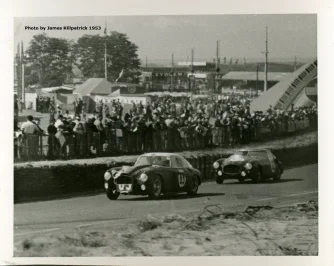
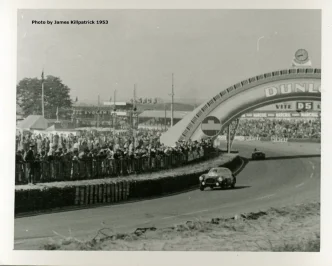
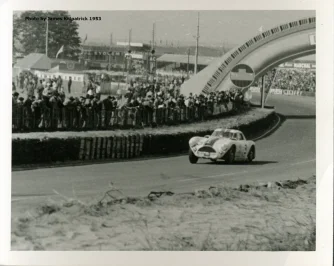
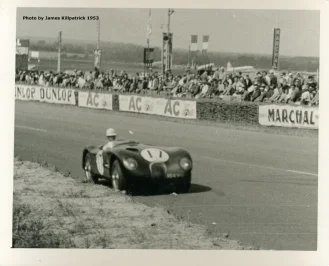
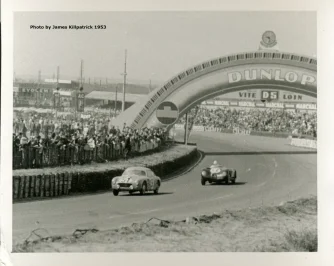
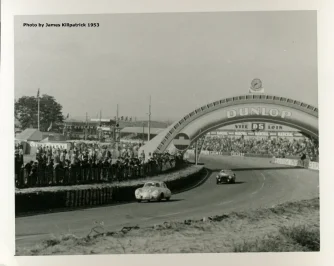


This escalated quickly and took on a life of its own. A simple adboard refresh became a much bigger overhaul with a lot of help from @shi, Nukedrop, @mteam and others.Updating/correcting my 5+ year-old adboard/texture skin for this track.
Has anyone done a good RainFX config for it?
edit: nvm, just found this: https://www.overtake.gg/downloads/aviano-circuit-enhanced-grass-fx-rain-fx-light-spectator.78727/
View attachment 1487949


Happened the same to me. Limiting the framerate to 60 FPS (or 140 depending your hardware) fixes the issue.Hi everyone, I have a question for anyone who may have had the same problem with the latest CSP updates. As soon as I hit the track, whether for practice or a race, the system slows down and I get the following message: "CPU OCCUPANCY > 99%." Does anyone know how to fix it? Thanks in advance.

I'm going to take credit for this for bringing it up in this thread, lolThis escalated quickly and took on a life of its own. A simple adboard refresh became a much bigger overhaul with a lot of help from @shi, Nukedrop, @mteam and others.
Soon™
View attachment 1489628


Is it because it appeared after upgrading to CSP0.3.0? I only resolved it by manually editing the registry to force AC to run in "High" mode.Hi everyone, I have a question for anyone who may have had the same problem with the latest CSP updates. As soon as I hit the track, whether for practice or a race, the system slows down and I get the following message: "CPU OCCUPANCY > 99%." Does anyone know how to fix it? Thanks in advance.


Are you planning to share this preview? Looks great! Is it using CSP final preview rendering?always trying to improve the previews little by littleView attachment 1489157

I swear most of the people on here are spending more time looking at how the game looks with an microscope than actually playing it lol


I swear most of the people on here are spending more time looking at how the game looks with an microscope than actually playing it lol


And Socrates says, "If you have a problem with the way the grass looks, then just don't drive in it!"


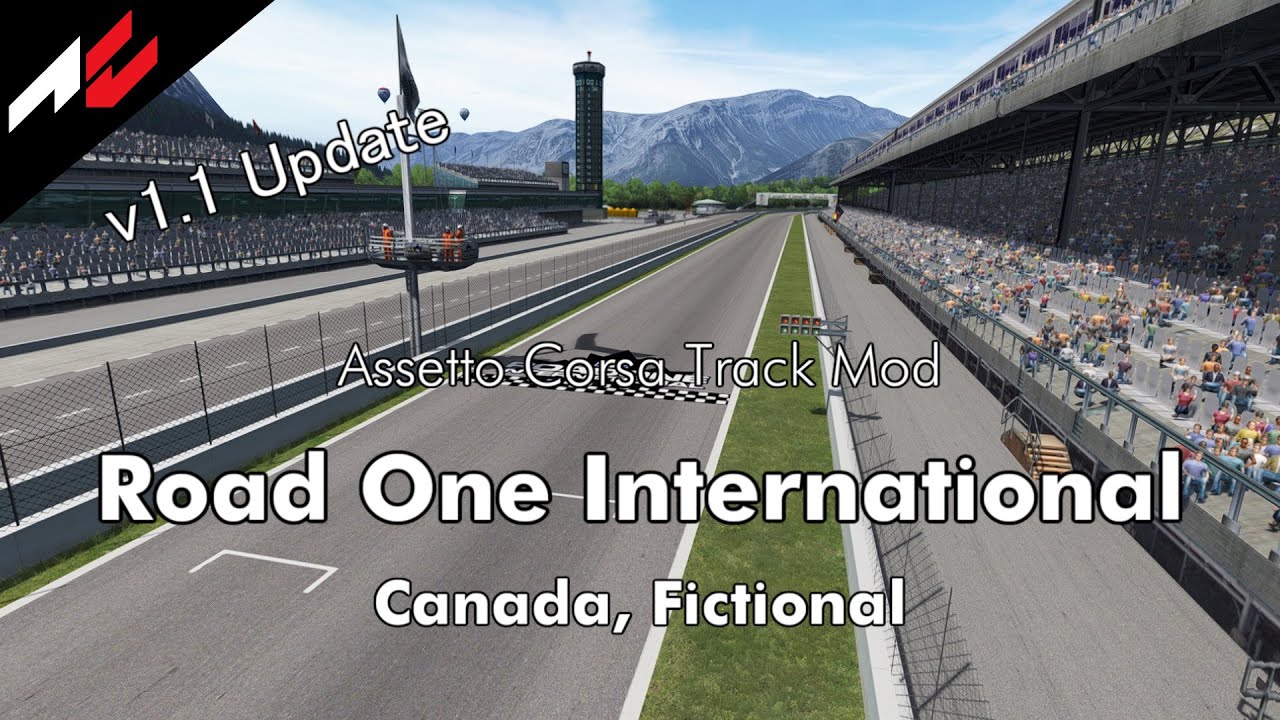
Road One International v1.3
View attachment 1253826
Converted from rFactor.
Fictional circuit in Canada.
-CSP recommended
-32 pit/start
-AI, cam
-2 layouts
-camtool
Credits & Thanks;
A fantasy track made by Alexandre Ulleri for NR2003.
Converted to GTR2 by DeHAwk.
Updated by Khan1670.
Converted and updated for rFactor by @Zwiss and Thank you for giving me permission
Converted to AC by @shin956
AI, camtool by @Viola_seven
AI (reverse layout) by @KevinK2
.lua and font by @gunnar333
Extra object placement, fence texture by @CosmiC10R
Background texture edit(v1.0), sky objects and textures by @Masscot
Background texture edit(v1.0) by @twobegreen
Some object and textures by kunos
logo.png by @Fanapryde
Background Mountain and dam by Tyrone
physics mesh by @pugsang
cam by @DaBaeda
Test and Feedback by @Breathe , @Masscot , @twobegreen , @slider666 , Jonah Hax
Tracks maps by Jonah Hax
Enjoy.
note:
If you want to remove tar lines repeatedly, go to the end of ext_config.ini and set ACTIVE to 1.
;;;;;;;;;;;;;;;;;;;;;;;;;;;;;;;;;;;;
v1.1 changelog;
-Added Background Mountain and dam by Tyrone.
-Rework Trees (Removed Treewall).
-Added physics mesh by pugsang.
-Added animated flag-waving spectators.
-chopper and balloon have been updated by Mascot.
-Smoothed out the edges of the road.
-Some textures were upscaled with AI.
-Changed the billboard texture to the one made by Mascot.
-Made it possible to select the logo texture created by Mascot as skins.
-Original billboard textures are included as skins.
-Updated preview.
v1.2 changelog;
Added AI lines and sidelines created by IMEAN to the normal layout. (Thanks!)
Fixed a hole in the grass.
Fixed flickering on billboards.
Added sand edges.
Reworked groove and skidmarks.
Updated flags.
Changed crowd textures by Kniker97. (Thanks)
A few other minor fixes.
Even when CSP settings → General Patch Settings → CPU optimizations → Chunks optimizations are set to Advanced, ground objects are no longer hidden. (Tested with CSP 0.2.12-preview1.)
v1.3 changelog;
Updated camera_facing crowds mesh and config.
Updated ext_config.ini. ( jumbo screen)
Added ‘countdown’ markers by Mascot. (Originals are in the skin folder)
Replaced fence texture from Mascot.
Seems that Socrates was an alien with 10,000 iR and didn't take into account those of us whose driving skills make us spend more time on the run-off areas than on the track... 🫤And Socrates says, "If you have a problem with the way the grass looks, then just don't drive in it!"

yes, it´s a CSP preview setting. But for now it´s not working properly for the latest CSP -.-Are you planning to share this preview? Looks great! Is it using CSP final preview rendering?
Please share it with @jac0, the gardener keeps complaining about tyre tracks and oil stains on the lawn.yes, it´s a CSP preview setting. But for now it´s not working properly for the latest CSP -.-
nevertheless I could share the preset

Yeah this time another tricky case with the latest one, but after some tweaking and fiddling you get some decent results.yes, it´s a CSP preview setting. But for now it´s not working properly for the latest CSP -.-
nevertheless I could share the preset
yes a decent result, but not the sameYeah this time another tricky case with the latest one, but after some tweaking and fiddling you get some decent results.
View attachment 1489677
 for now
Why don´t you use the live weather feature and let the things be like they are?Now that I can actually drive in wet weather without things looking like a Powerpoint presentation:
How do you set the wetness to build up realistically?
Start on a dry sunny track, some light drizzle appears, and before I even need to turn my wipers on puddles instantly appear at the side of the track. It's just not realistic at all.
Ditto on a soaking wet track with huge puddles everywhere, the sun comes out and within a few seconds the track is bone-dry. You can actually see the puddles shrinking in real time like water getting flushed down the toilet.
Is it supposed to be like this, speeded up for dramatic effect?
Looks very weird.
How come the default settings aren't more realistic?
Or am I doing something wrong and there's a tick box I missed somewhere?
(latest Pure reset to defaults, latest CSP).


Thank you, yes there is still plenty of room for improvement.You should definitely keep improving the app, adding more stuff as you go such as improving start of race behavior, yellow flag/safety car behavior, side by side racing, accident ahead behavior, qualifying strategy and so on... There are apps that do those things that you could take some inspiration if you want, but having everything in a single app would be very welcome. AI is probably the worst area of Assetto Corsa nowadays, so the more AI tools we have, the better. Not sure how far you want/can go with this, but those are just some ideas to improve the app.
Would that solve the accelerated wetting and drying though?Why don´t you use the live weather feature and let the things be like they are?

This forum has turned from a mod source to a problem solver. We used to have track and car mods daily. Now it seems like it's mostly I'm having this problem or that. Who gives a crap about what the grass looks like when your going 125 MPH. I feel alot of problems are caused by the hundreds if not thousands of different types of mods people have installed. I'm no computer expert, but there has to be conflict with so many mods.I swear most of the people on here are spending more time looking at how the game looks with an microscope than actually playing it lol
I do. And that's what makes AC great. It can be changed by those that do care and it can be left alone by those that don't. And in the end, both sides are happy.Who gives a crap about what the grass looks like when your going 125 MPH.

Hi. How do you do the manual editing of the registry please to resolve this issue. Many thanks. At the moment I reverted to 2.12.Is it because it appeared after upgrading to CSP0.3.0? I only resolved it by manually editing the registry to force AC to run in "High" mode.